
Milestone says "You don't have access"
Who can use thisMembers and Super Admins
Permission you need
View Milestone
Set by your workspace admin. If you cannot do this, ask them for access.This article is written for Member and Super Admin. Use the role switch at the top to change what the menus show.
What you see: you open Milestone and instead of your XP there is a picture and the words You don't have access.
-
This is the screen.
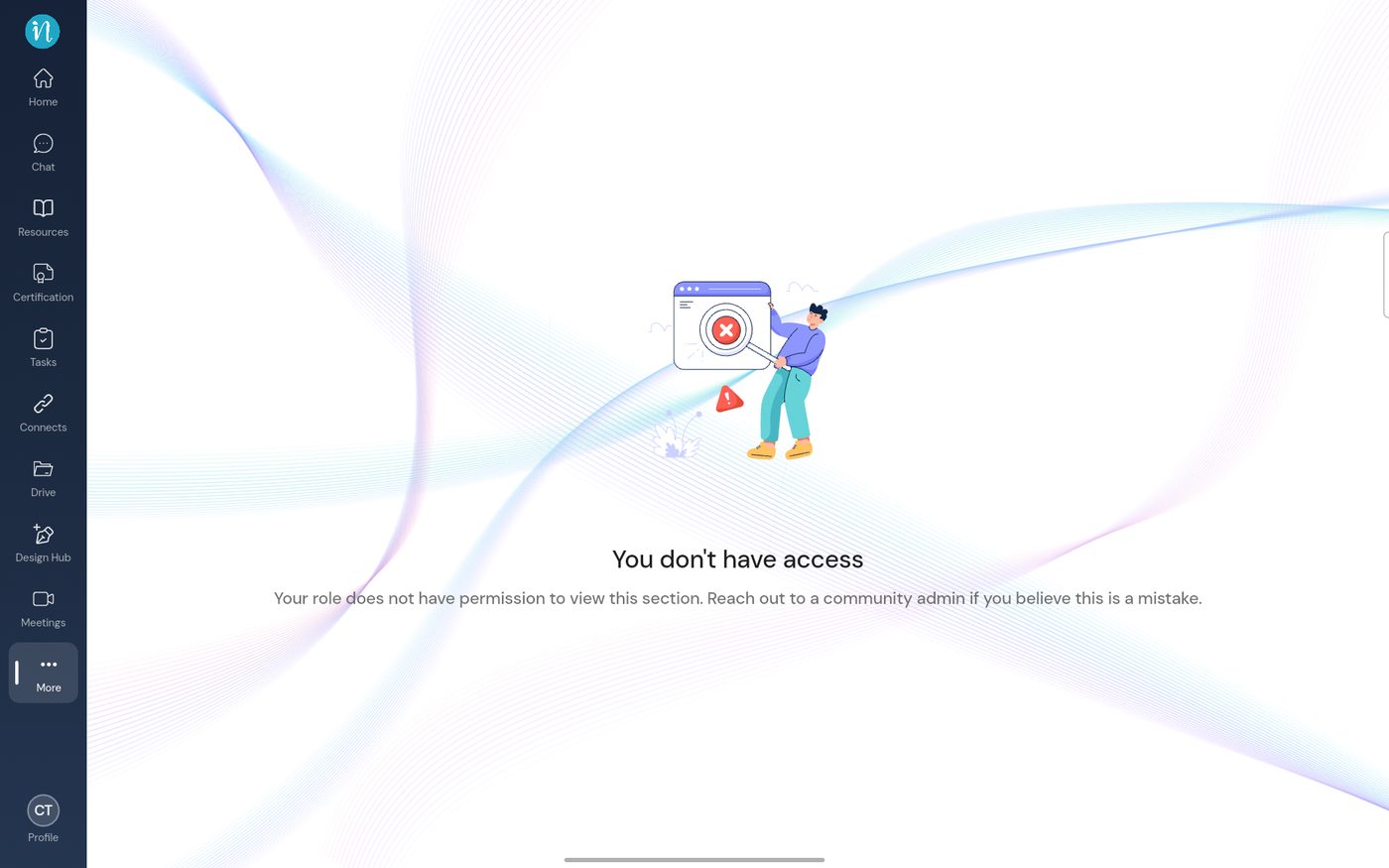
You don't have access
Why: your role does not hold the View permission for Milestone. Every role has it by default, so someone switched it off for your role.
What to do: ask a Super Admin to switch it back on (below), then close and reopen Milestone.
For Super Admins
Open Directory → Profiles, choose the profile, then Milestone.
-
Switch on View Milestone (XP, badges & ranks).
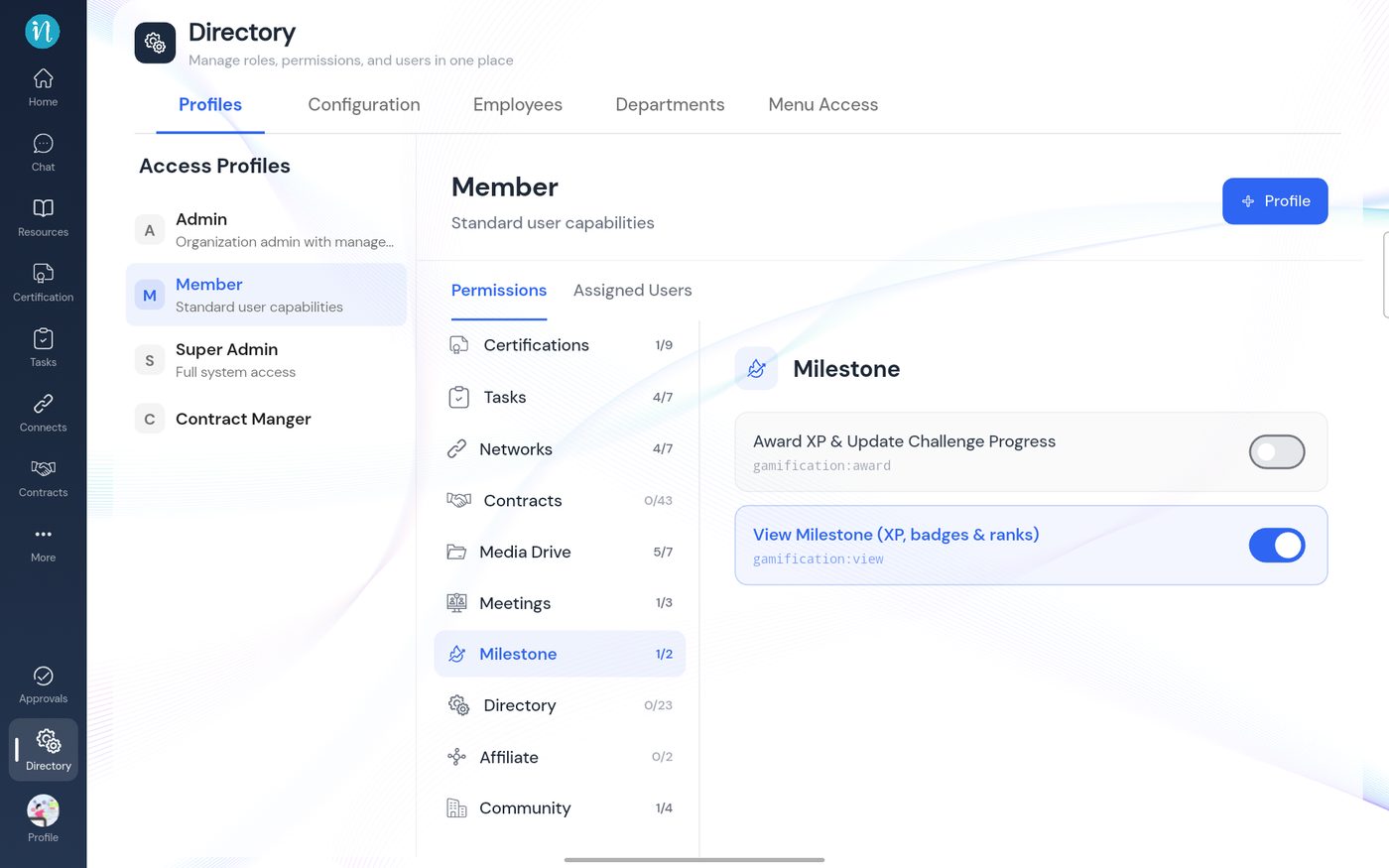
The Milestone permissions
Last updated 2026-10-23