
Approve the sign-in
Who can use thisMembers and Super Admins
This article is written for Member and Super Admin. Use the role switch at the top to change what the menus show.
After you enter your email and password, SecureID shows an Authorize Application screen. It asks you to confirm that inLynk Business Network may use your account.
-
Read the screen, then tap Approve.
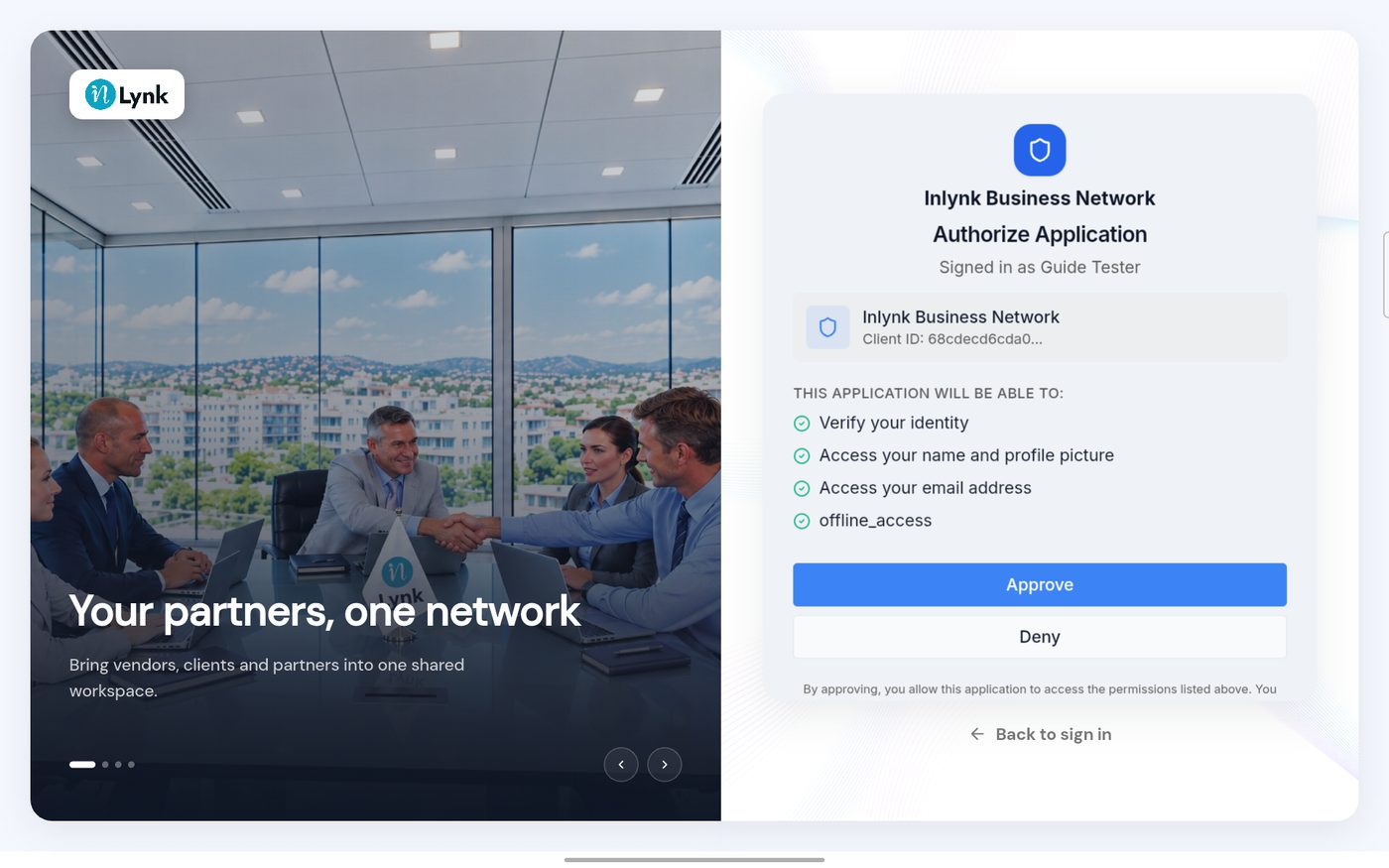
Authorize Application
Good to know
- You see this screen each time you sign in with SecureID in the app.
- Approving only gives inLynk access to your name, picture and email. It does not share your password.
Last updated 2026-10-23