
Change your password
Who can use thisMembers and Super Admins
This article is written for Member and Super Admin. Use the role switch at the top to change what the menus show.
When you know your password and want to change it, use Profile → Change Password. If you have forgotten it, see Forgot your password.
-
Tap Profile in the sidebar, then Change Password under Settings.
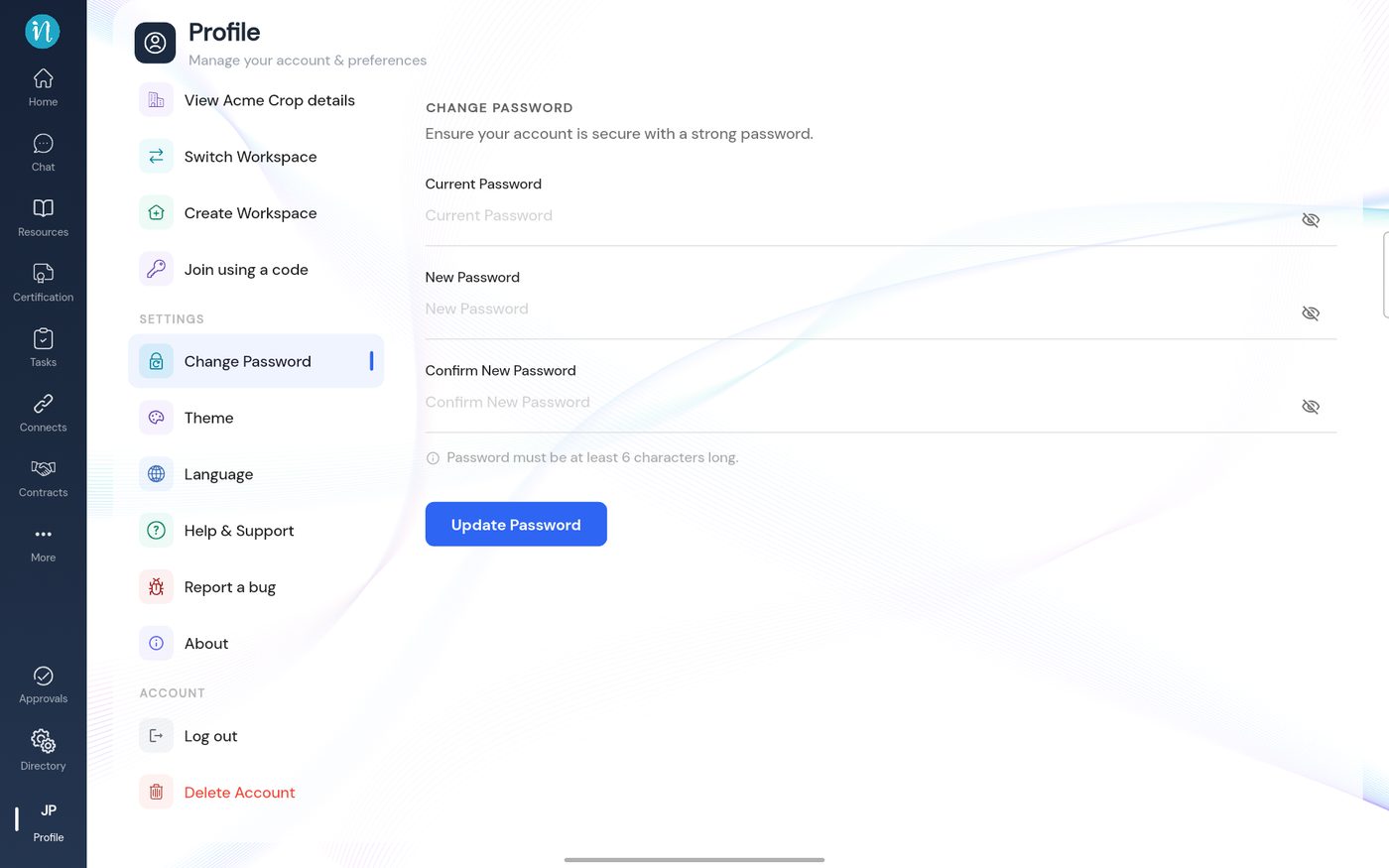
Change Password -
If the fields are empty or the new password is too short, you get an error message.
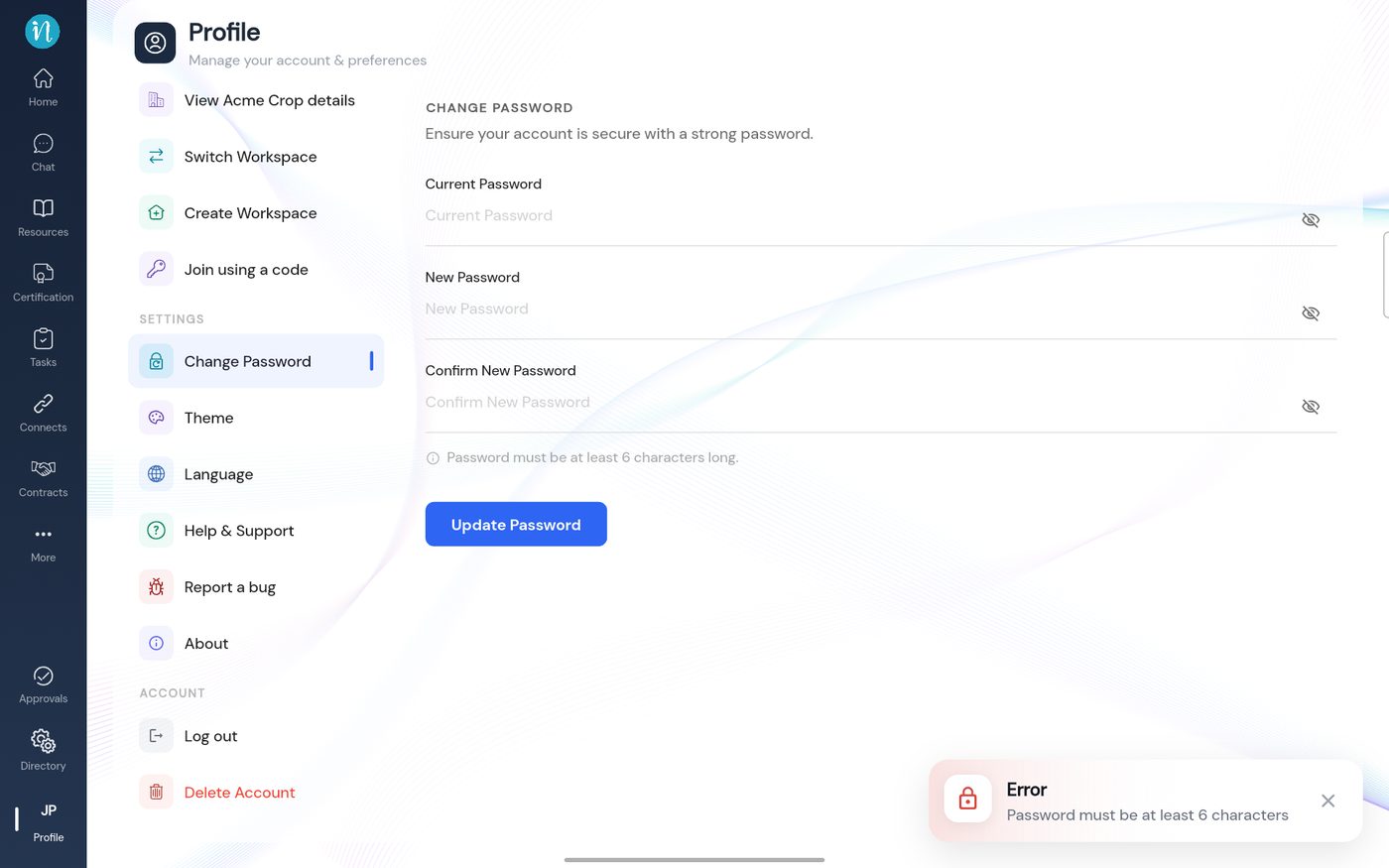
A password error
Good to know
- The forgot password reset asks for a longer password (at least 8 characters with a capital letter, a number and a special character). Choose one that meets both.
Last updated 2026-10-23