Passwords
Forgot your password
Who can use thisMembers and Super Admins
This article is written for Member and Super Admin. Use the role switch at the top to change what the menus show.
If you cannot remember your password, you can reset it yourself. SecureID emails you a six-digit code, valid for 10 minutes.
-
On the SecureID sign-in screen, tap Forgot password?.
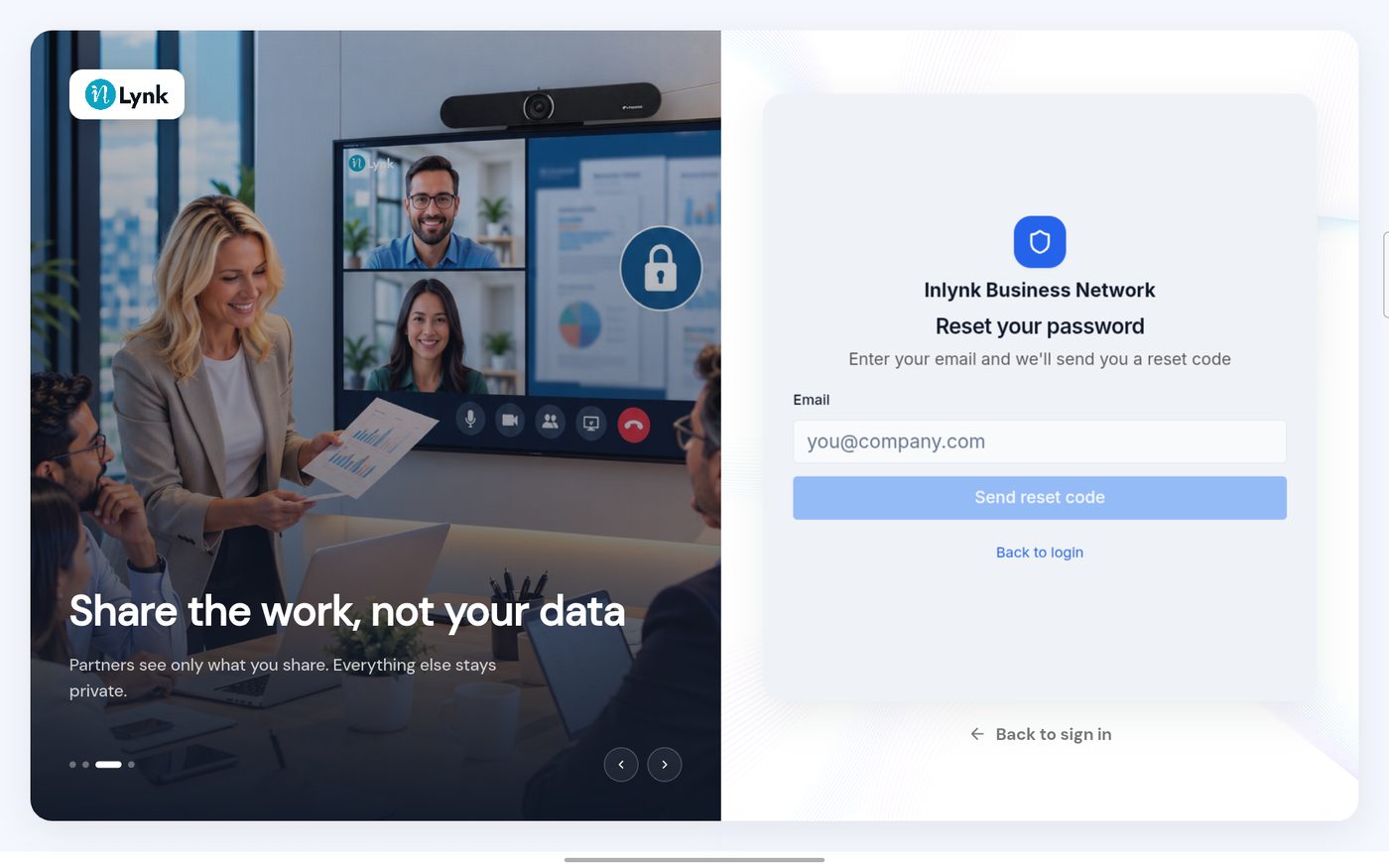 Reset your password
-
Open your inbox. An email from SecureID arrives with your code.
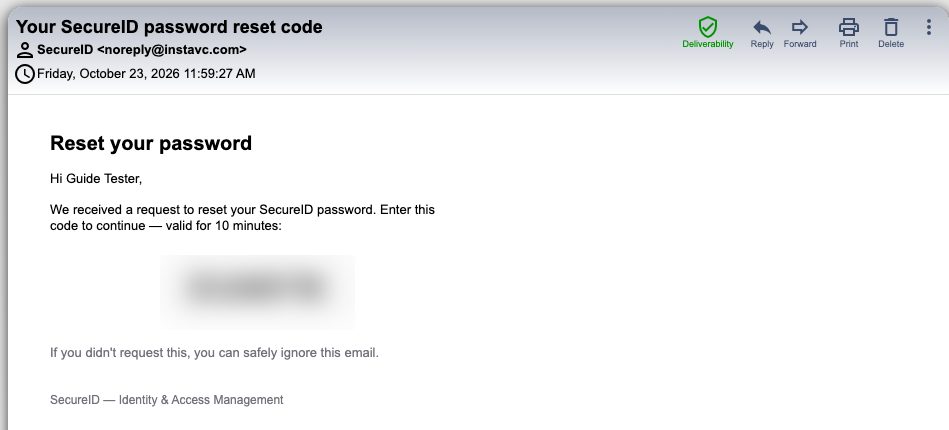 The reset email
-
Back in the app, enter the code and choose a new password.
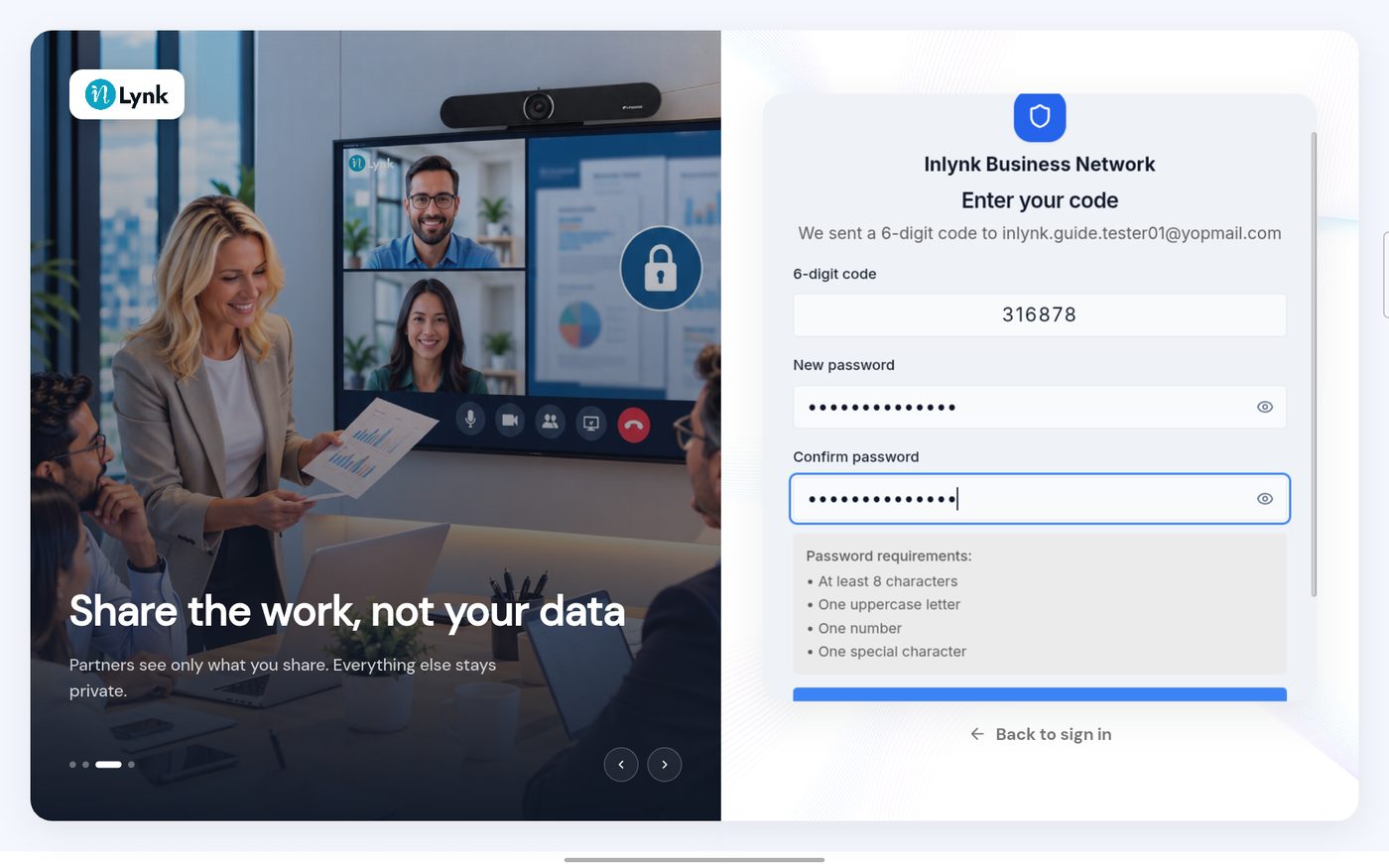 Enter your code
-
Scroll down and tap Reset password.
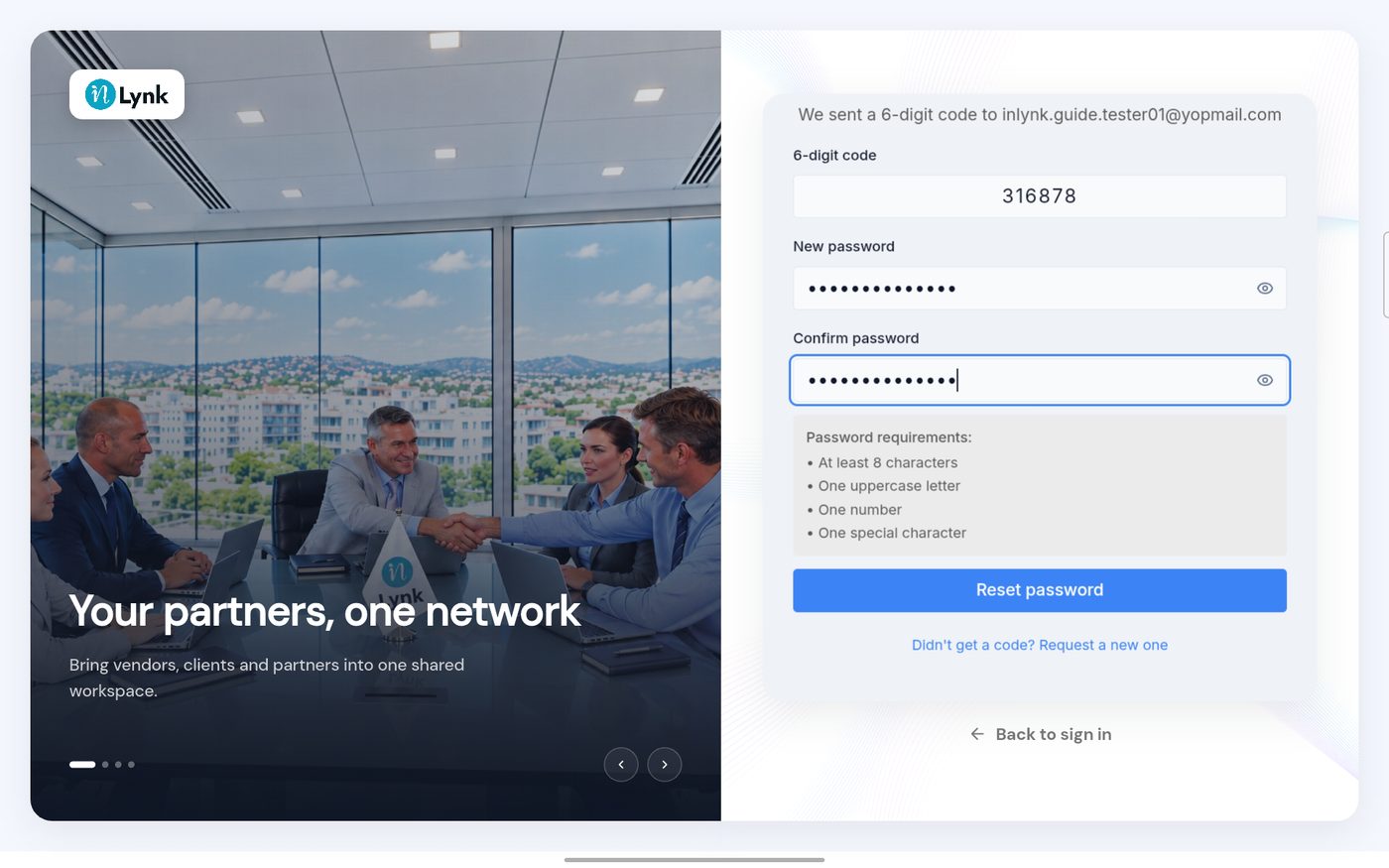 Reset password
-
A message confirms the change. You are back at the sign-in form.
 Password reset
Last updated 2026-10-23
