
Sign-in problems
Who can use thisMembers and Super Admins
This article is written for Member and Super Admin. Use the role switch at the top to change what the menus show.
"Invalid email/phone or password"
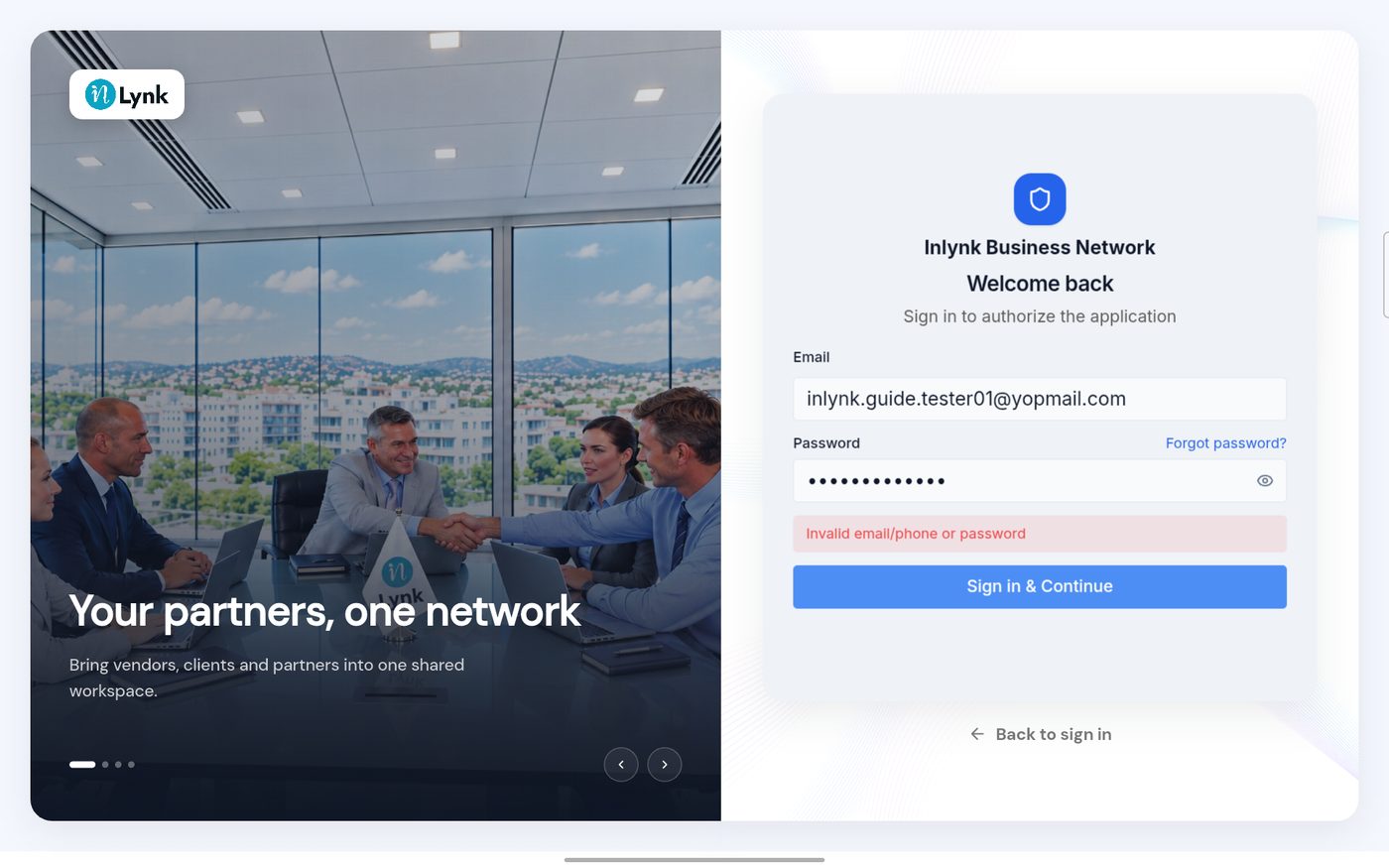
What to do 1. Check the email address for a typo. 2. Retype the password carefully, and check for a wrong capital letter. 3. If it still fails, use Forgot your password.
I can sign in, but I see no workspace content
Your account may not belong to a workspace yet, or your administrator removed you from it. Ask your administrator. See Workspaces explained.
I did not get the reset email
- Check your spam folder.
- Make sure you typed the address of your account.
- The reset code screen has a Request a new one link.
- The code is valid for 10 minutes; ask for a new one after that.
Last updated 2026-10-23