Sign out
Sign out
Who can use thisMembers and Super Admins
This article is written for Member and Super Admin. Use the role switch at the top to change what the menus show.
Sign out when you finish on a shared device, or to switch to a different account.
-
Tap Profile in the sidebar and scroll to Account. Tap Log out.
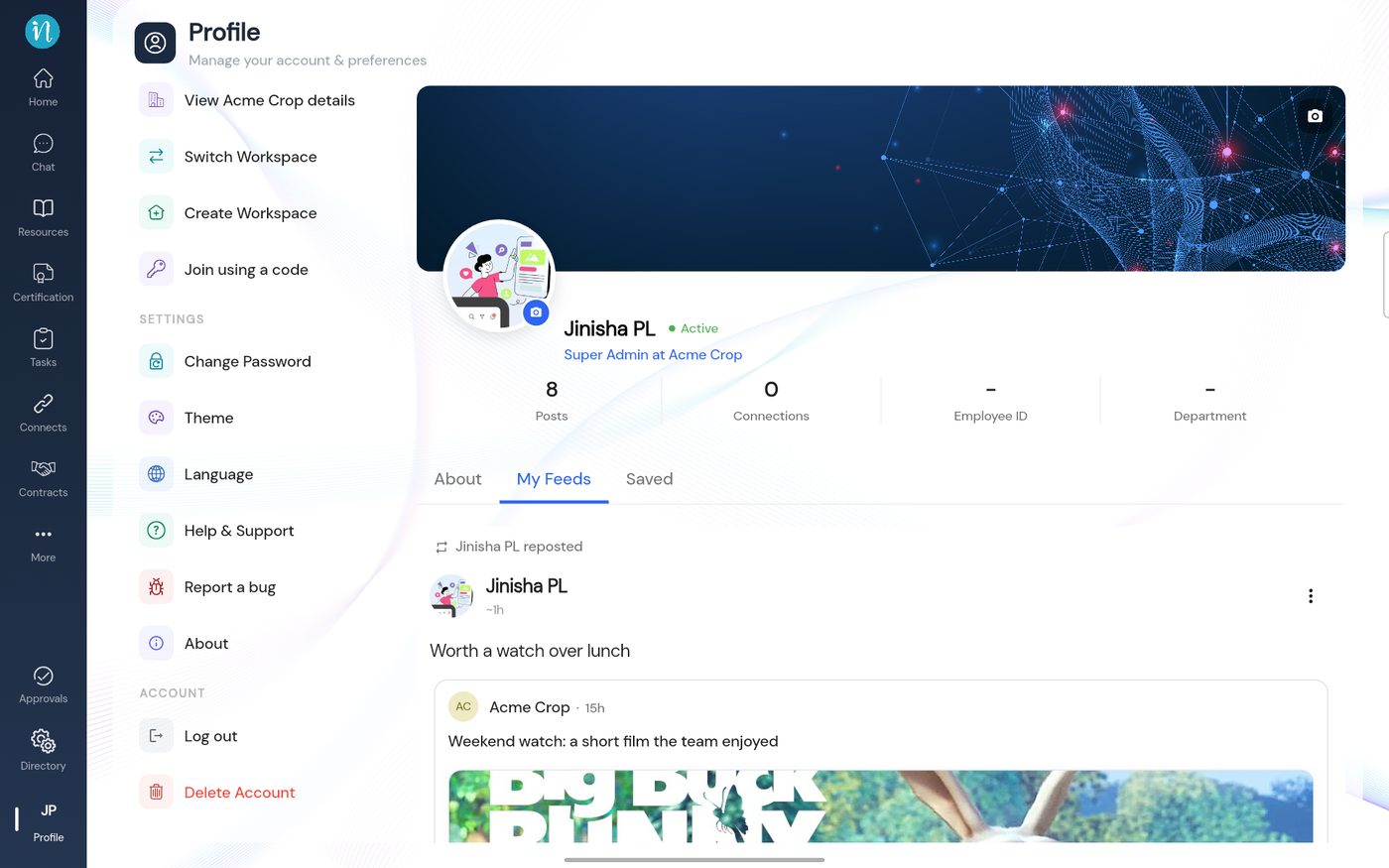 The Account section
-
Confirm in the dialog.
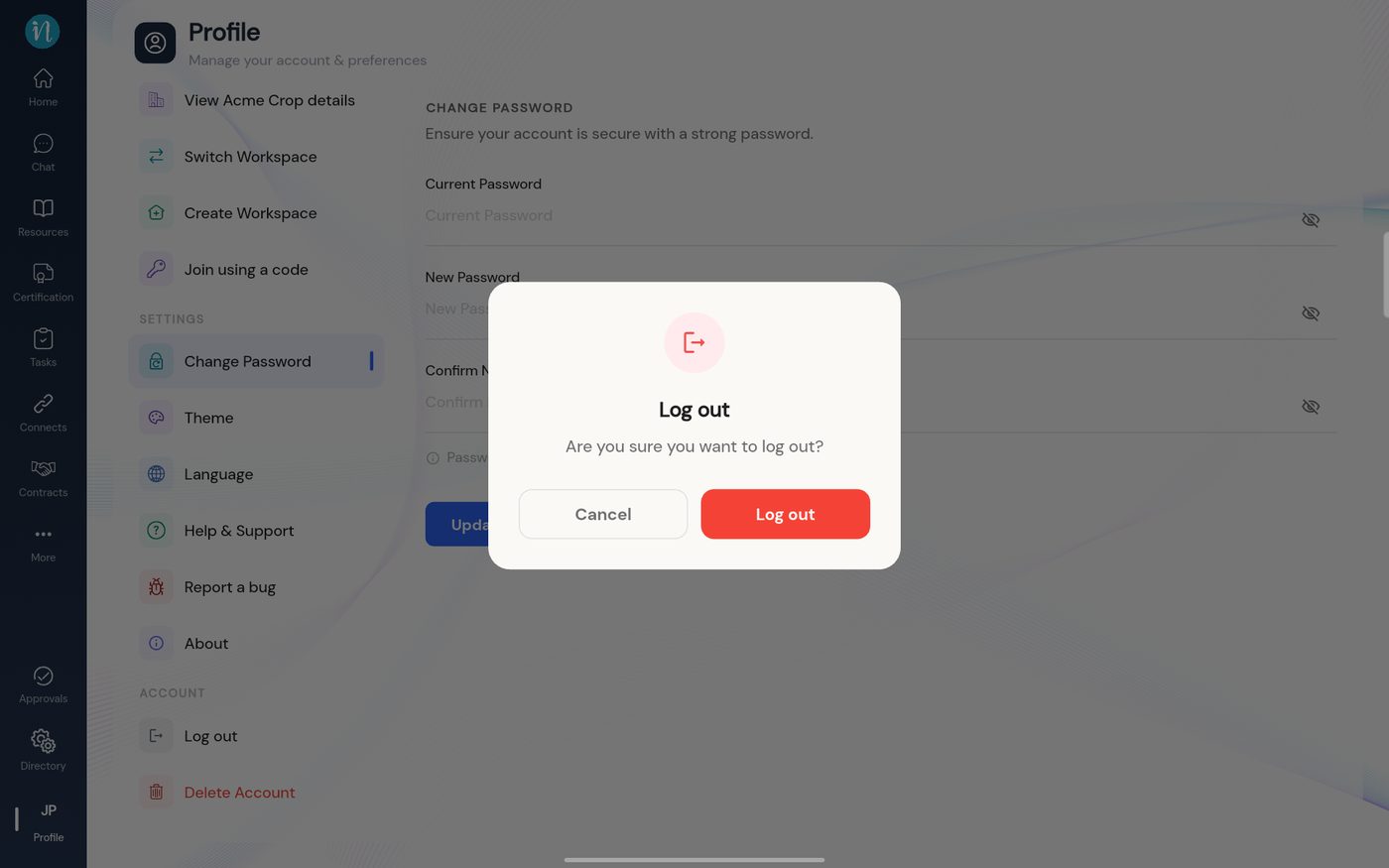 Confirm log out
-
SecureID asks how you want to sign out.
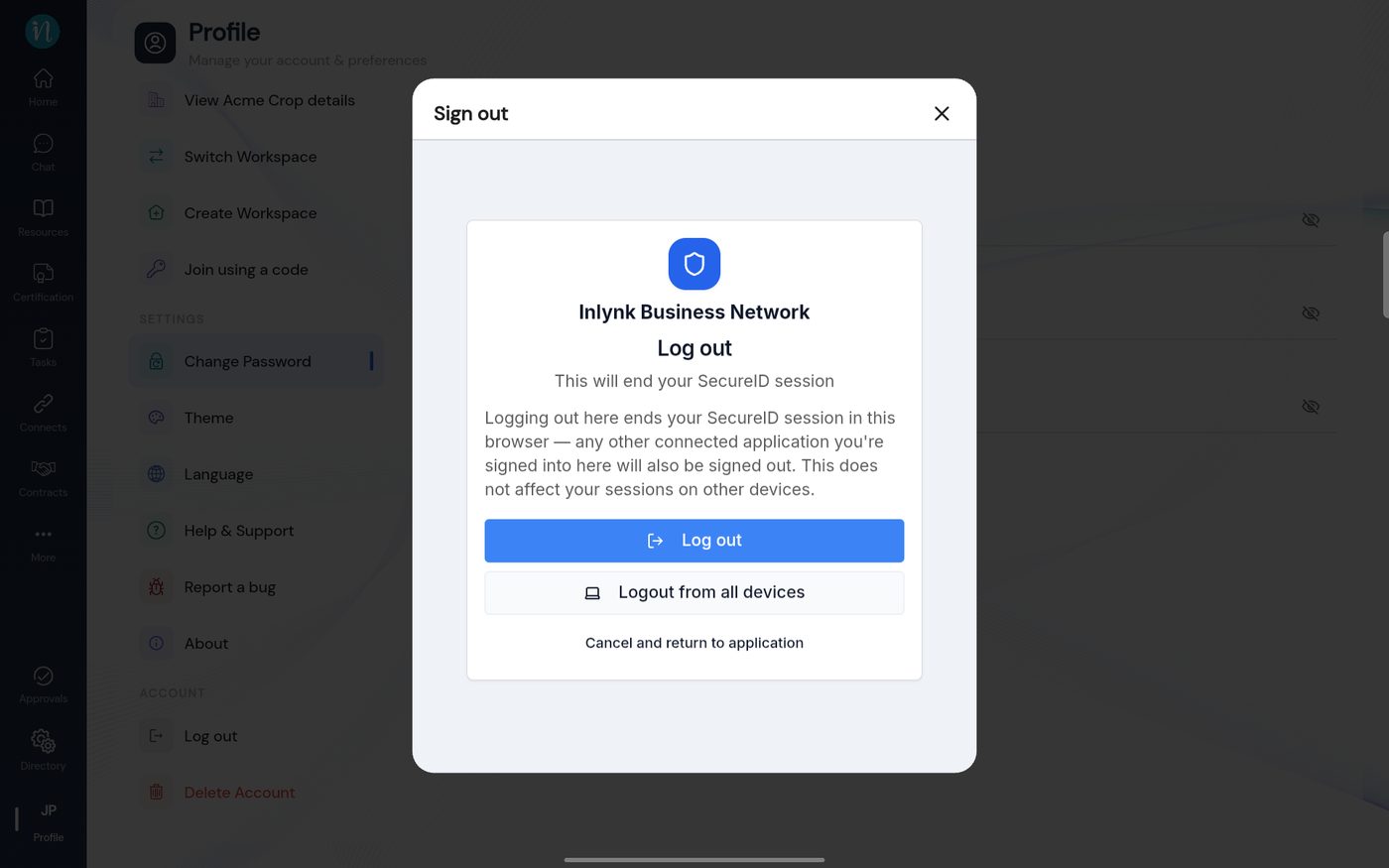 Sign out of SecureID
-
You return to the sign-in page. To use a different account, sign in again with its email and password.
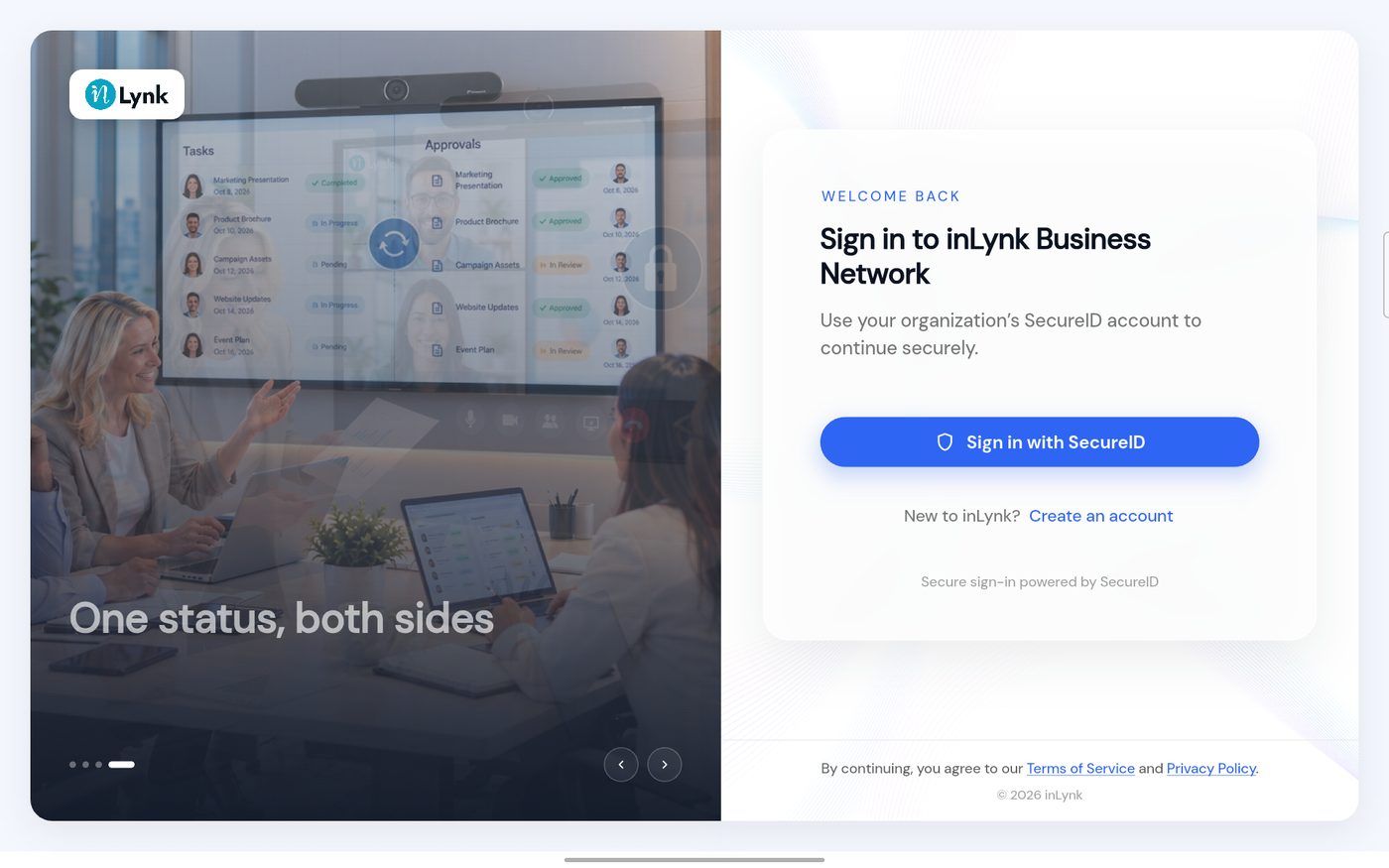 Back on the sign-in page
Last updated 2026-10-23
