
Workspaces explained
Who can use thisMembers and Super Admins
This article is written for Member and Super Admin. Use the role switch at the top to change what the menus show.
A workspace is your organisation's own space inside inLynk. Your people, files, tasks and settings all live in a workspace, and a workspace is separate from every other one. When you switch workspace, you see that workspace's content: for example, your Drive shows the files of the workspace you are in.
-
Open Profile and choose View
details . The first entry under Workspace shows the workspace you are in.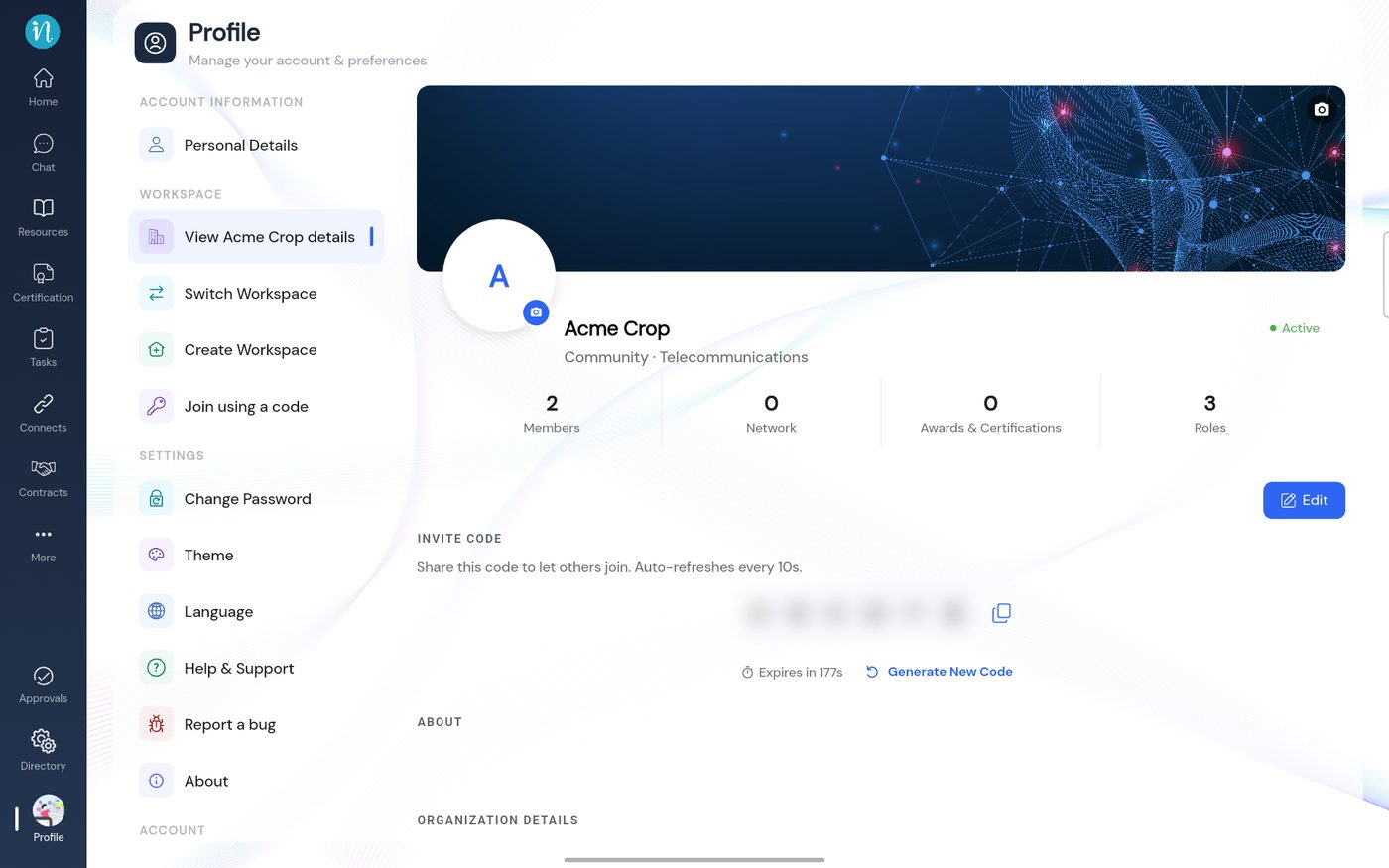
Workspace details
Good to know
- You can belong to more than one workspace. See Switch, create or join a workspace.
- The invite code is how people join with a code. Treat it like a key: share it only with the people you want to let in.
- What you can do inside a workspace depends on your role there. You can be a Member in one workspace and an administrator in another.
Last updated 2026-10-22