Schedule meetings
How to open, edit or delete a meeting
Who can use thisSuper Admins, and any role given this permission
Permissions you needView and join meetingsSchedule and start meetingsEdit, cancel and end any meeting
Set by your workspace admin. If you cannot do this, ask them for access. This article is written for Super Admin. Use the role switch at the top to change what the menus show.
Tap a meeting in the list to see everything about it. From there the organiser can edit or delete it.
-
On Meetings, tap a date with a dot, then tap the meeting. A details panel slides in.
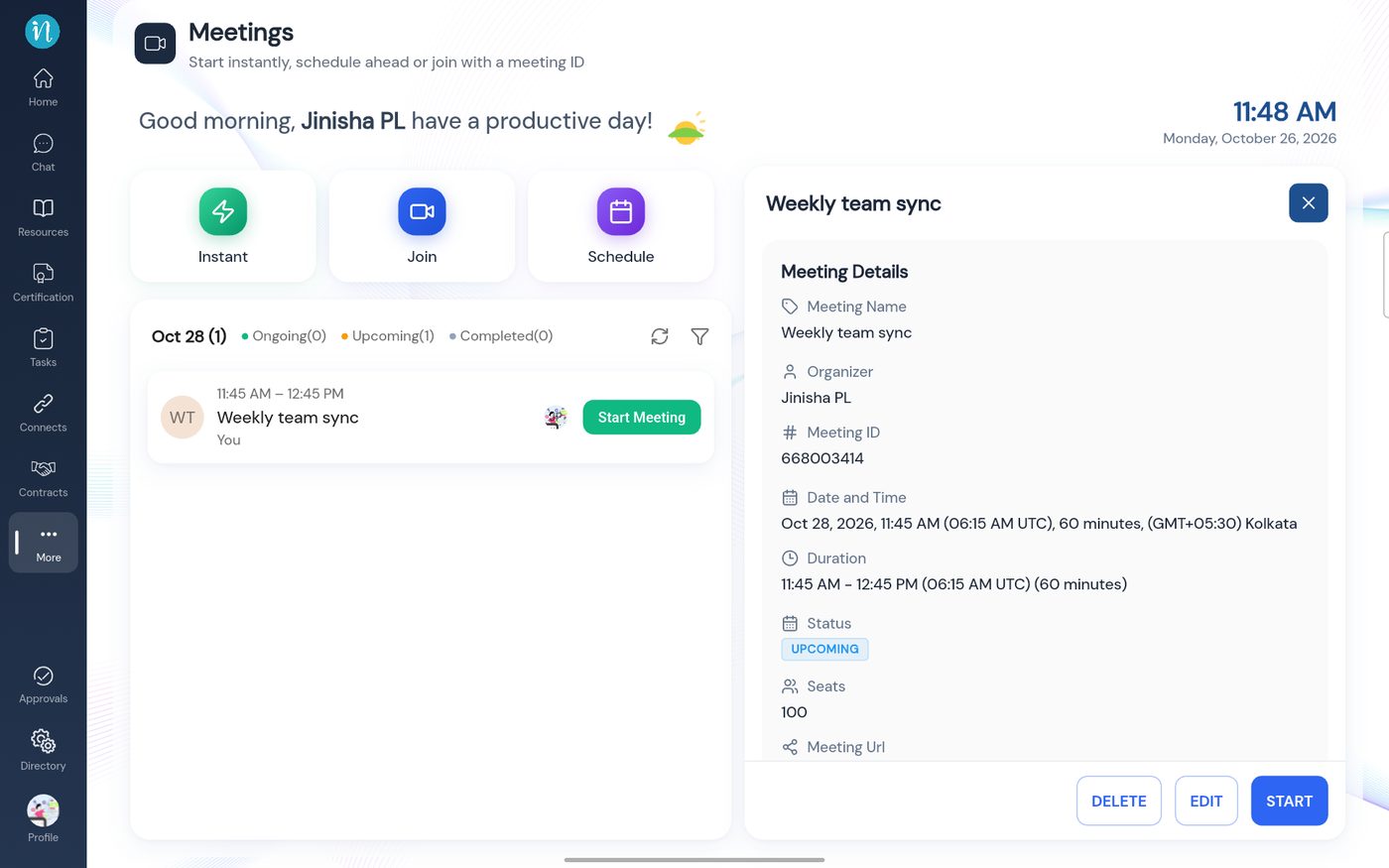 Meeting details
-
Scroll down to the meeting link and the people.
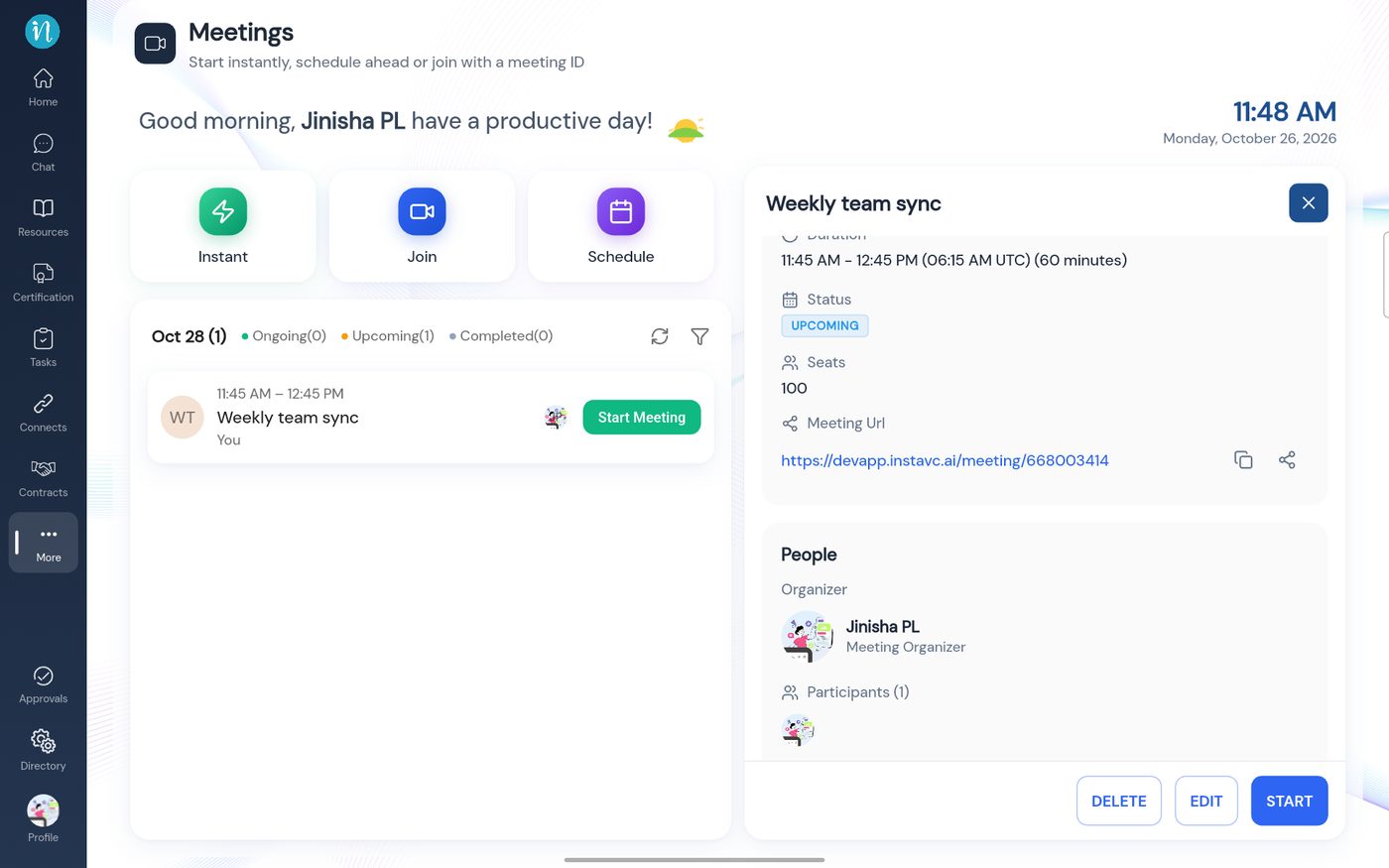 The meeting link and people
-
Scroll to the bottom for quick ways to send the invite.
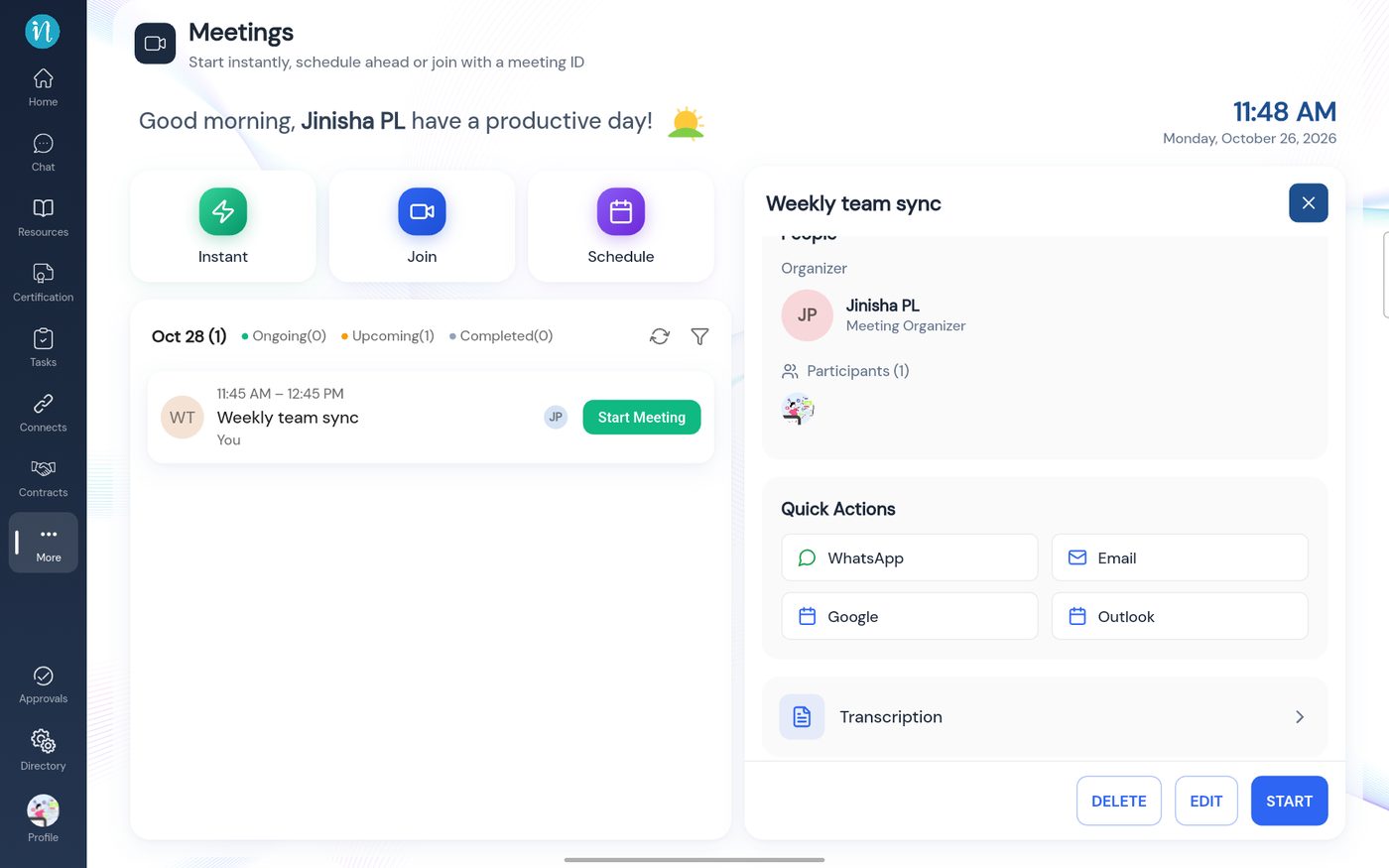 Quick actions and Transcription
-
To change it, tap Edit. The form opens with the values filled in.
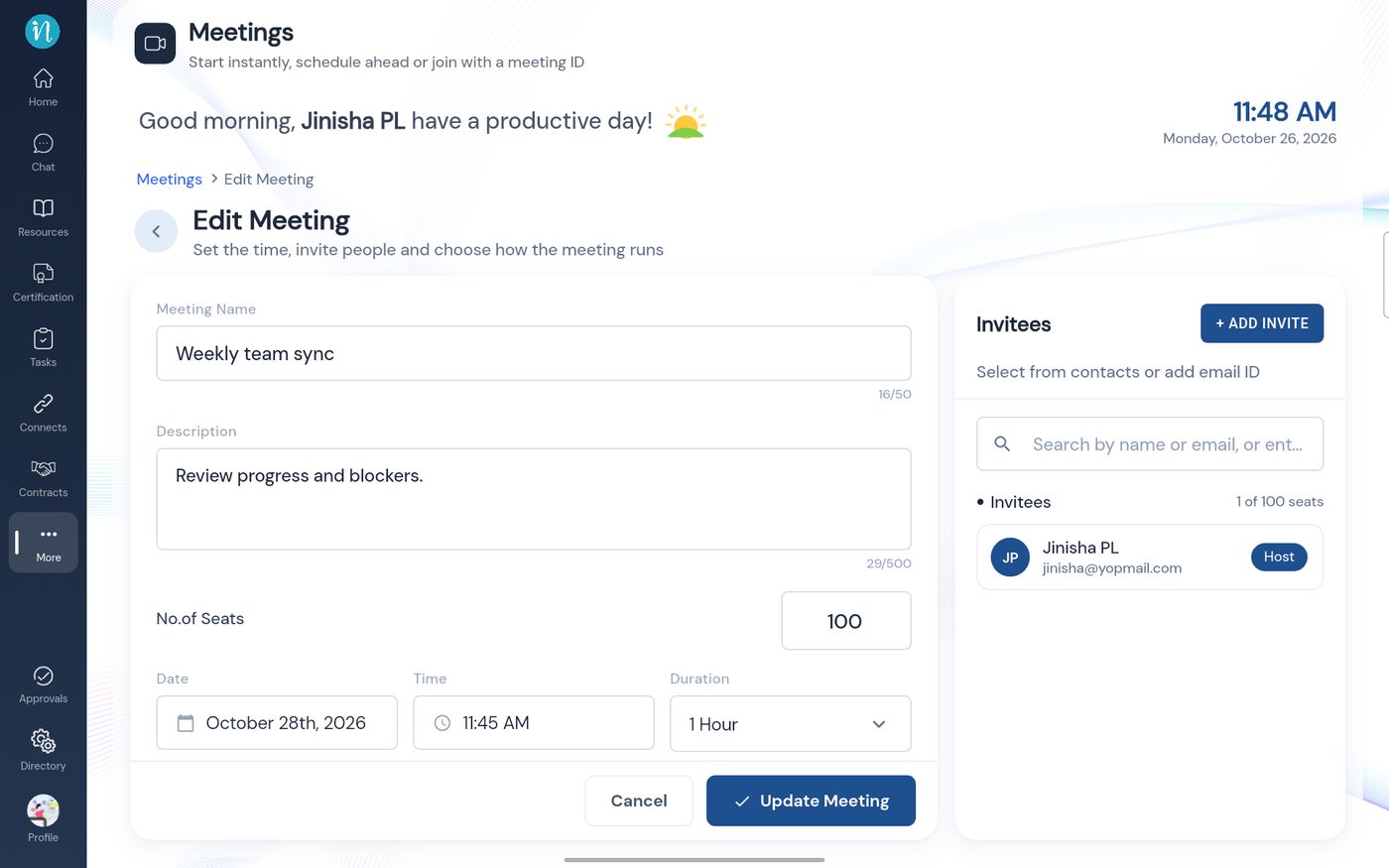 Edit Meeting
Only the person who organised a meeting can edit or delete it.
Last updated 2026-10-23
