
How to leave or end a meeting
Who can use thisMembers and Super Admins
Permission you need
View and join meetings
Set by your workspace admin. If you cannot do this, ask them for access.This article is written for Member and Super Admin. Use the role switch at the top to change what the menus show.
You can leave a meeting and let it carry on, or the person who started it can end it for everyone.
-
Tap the red phone button. A small menu opens.
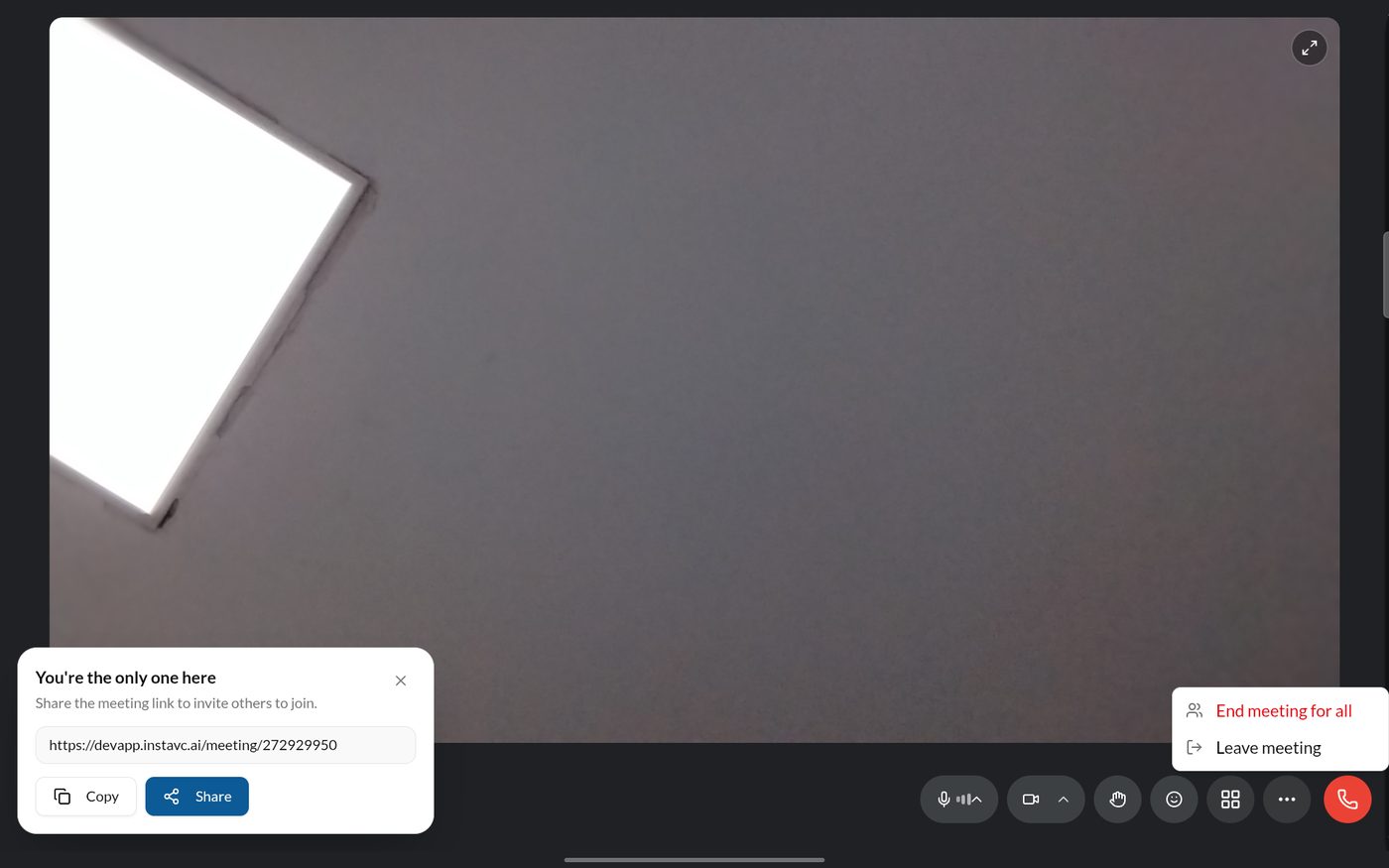
The leave menu -
If you choose End meeting for all, a panel asks you to confirm.
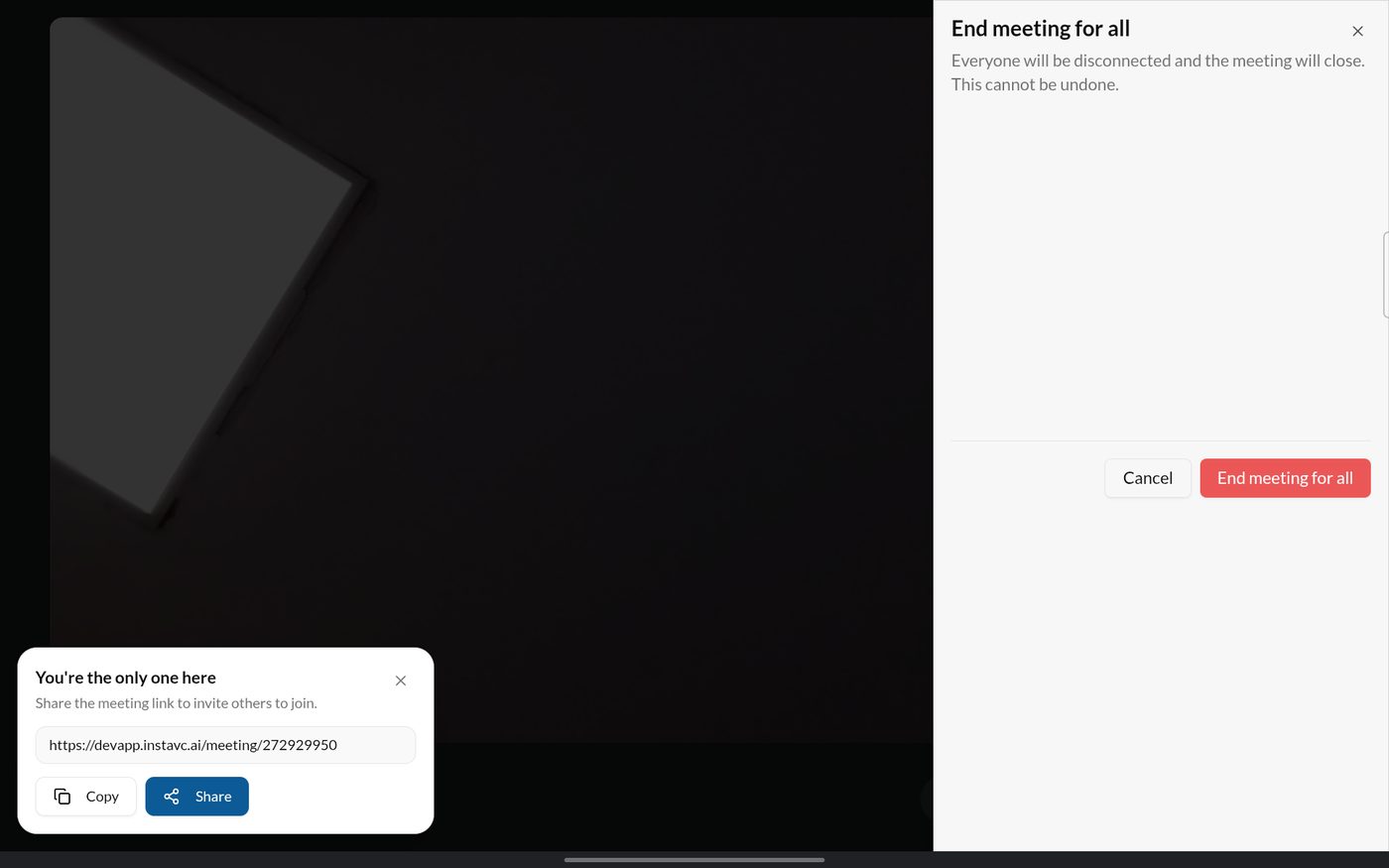
End meeting for all
Last updated 2026-10-23