
What Meetings is and a tour of the screen
Who can use thisMembers and Super Admins
Permission you need
View and join meetings
Set by your workspace admin. If you cannot do this, ask them for access.This article is written for Member and Super Admin. Use the role switch at the top to change what the menus show.
Meetings is where you start a video meeting right now, schedule one for later, or join one with its ID. The video call itself runs in InMeet, inside the app.
-
Open Meetings in the left sidebar. If you do not see it, tap More and choose Meetings.
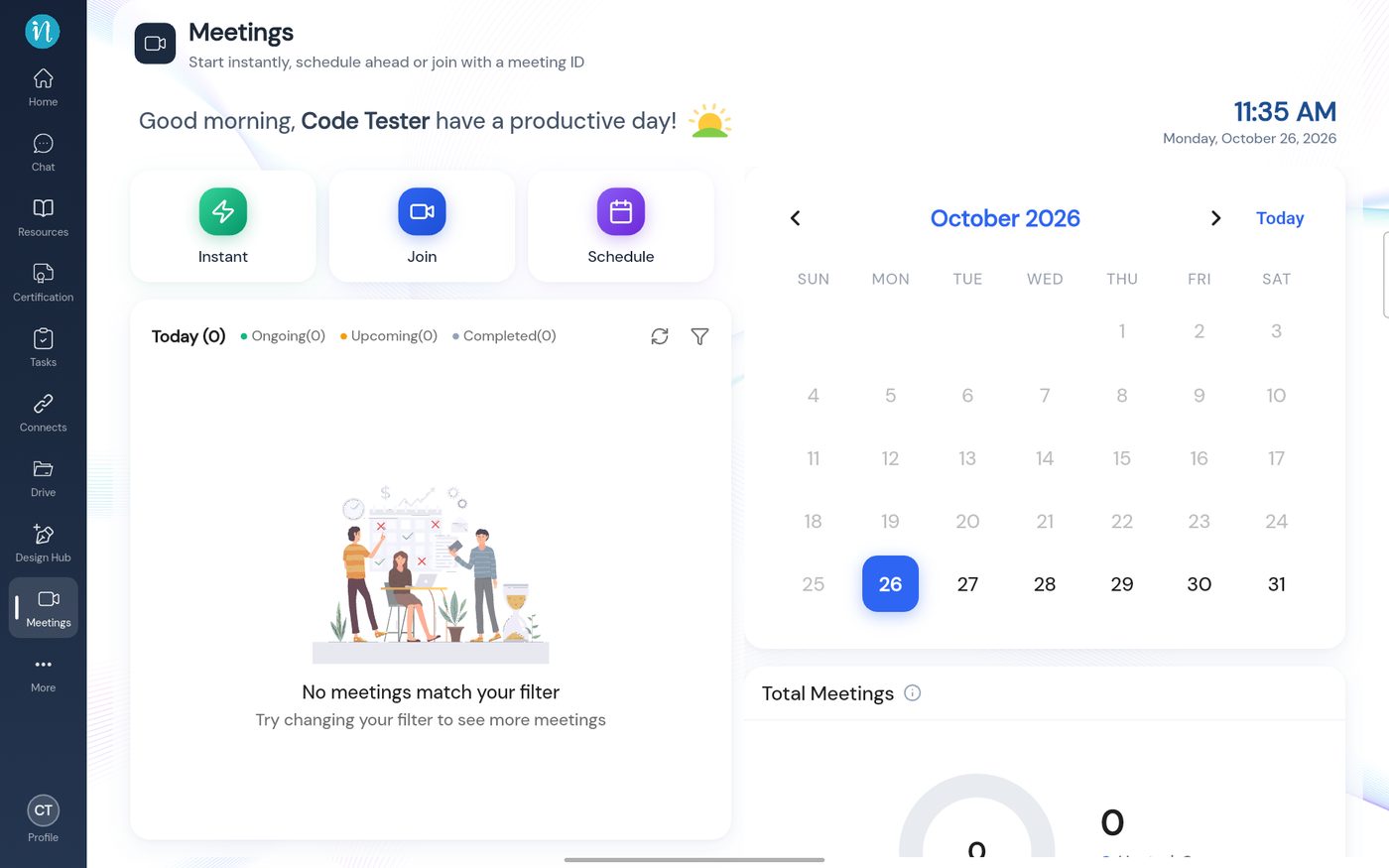
The Meetings home screen
Who can do what
- Everyone can open Meetings, see their meetings and join one.
- Admins and Super Admins can also start and schedule meetings (the Create permission).
- Only the person who organised a meeting can edit or delete it.
If you do not have the Create permission, the Instant and Schedule tiles are greyed out and do nothing when tapped. Join stays available. See I cannot schedule a meeting.
Last updated 2026-10-23