
How to start an instant meeting
Who can use thisSuper Admins, and any role given this permission
Permissions you need
View and join meetingsSchedule and start meetings
Set by your workspace admin. If you cannot do this, ask them for access.This article is written for Super Admin. Use the role switch at the top to change what the menus show.
An instant meeting starts right now. There is nothing to schedule.
Before you start: you need the Create permission for Meetings. Admins and Super Admins have it by default.
-
On Meetings, tap Instant.
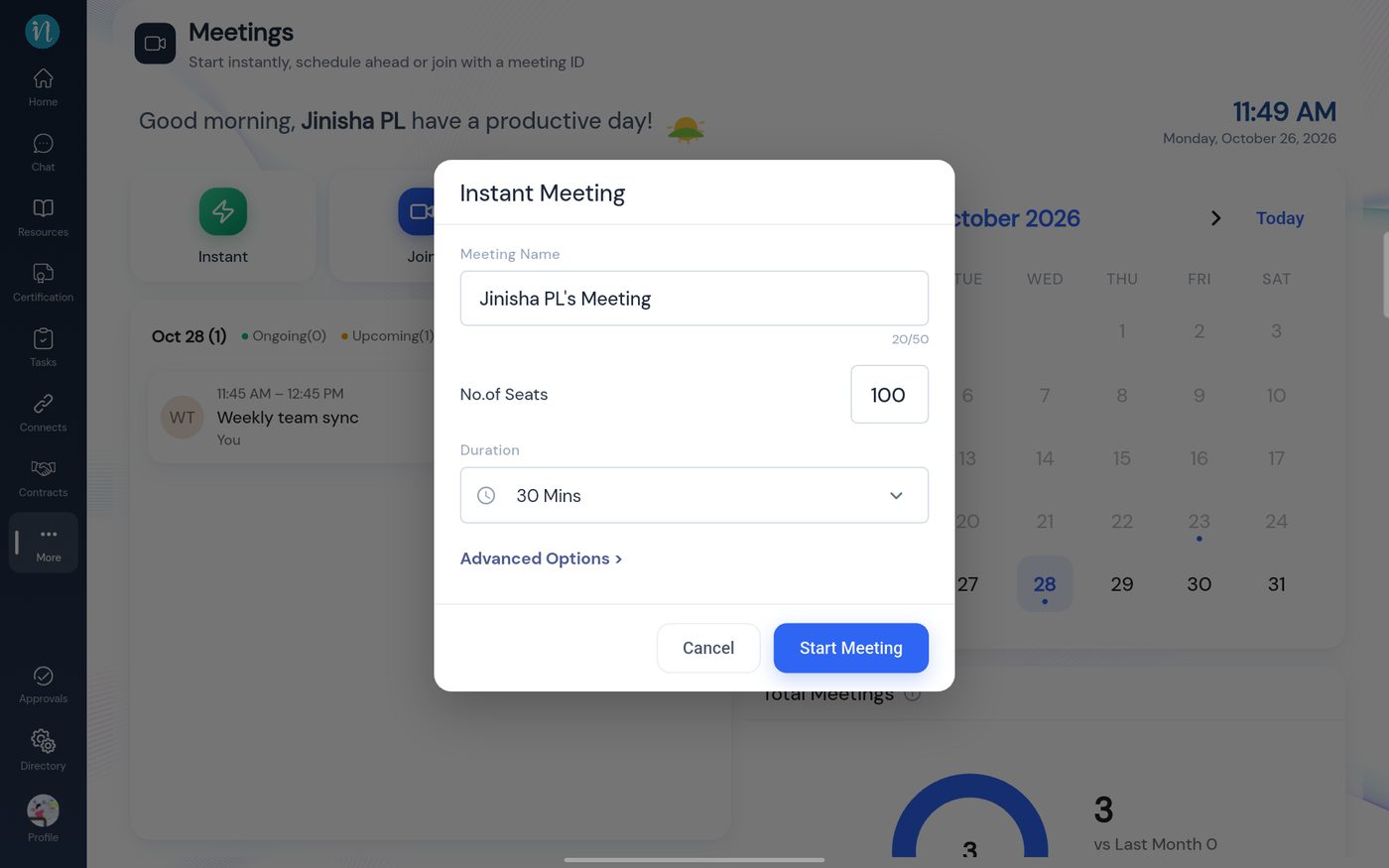
Instant Meeting -
Tap Start Meeting. The button says Starting meeting… and a Connecting to your meeting… screen follows.
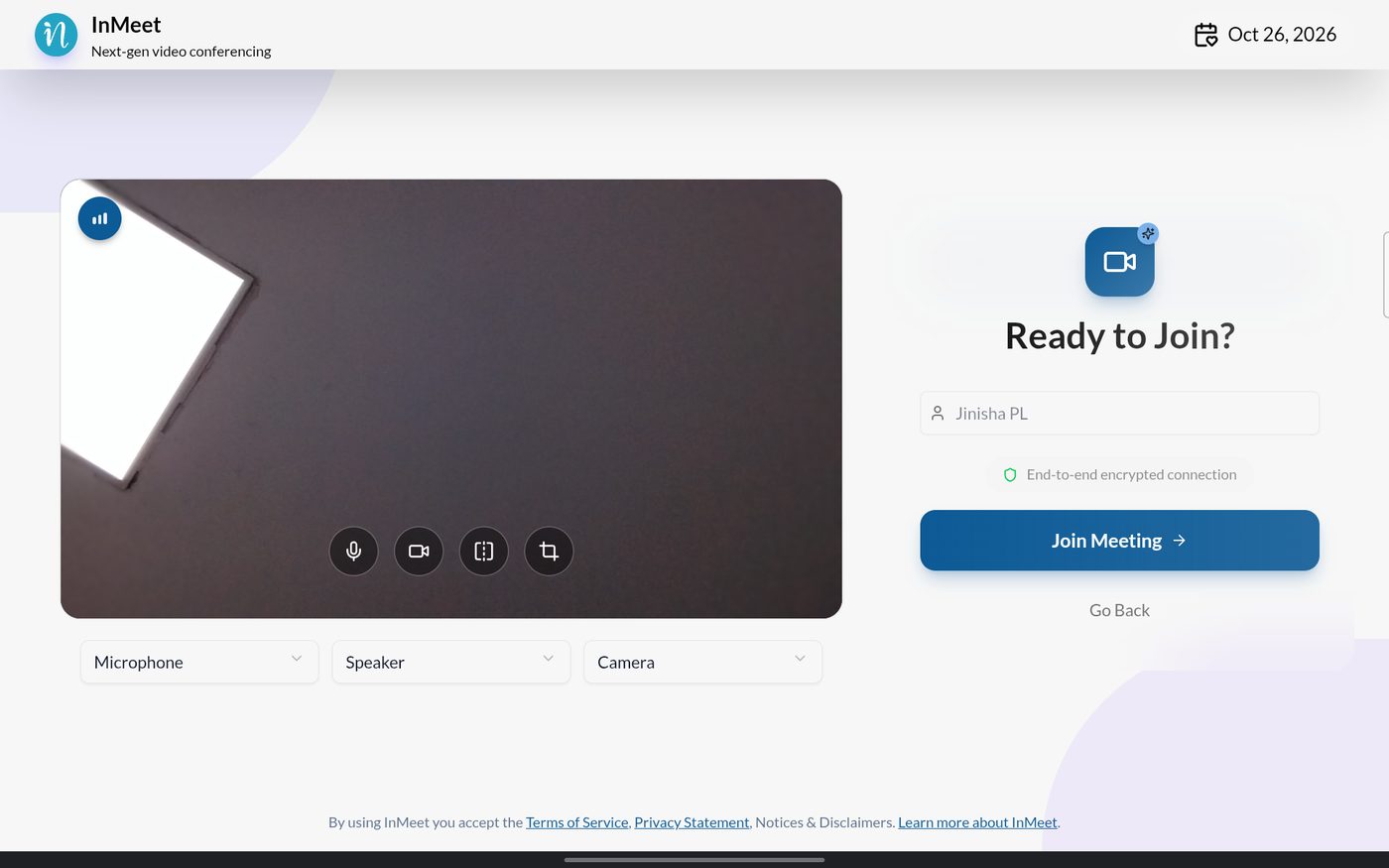
Ready to Join?
The meeting can take several seconds to load, and the screen may be blank for a moment. Wait for Ready to Join? to appear.
Last updated 2026-10-23