
Choose how to get started
Who can use thisMembers and Super Admins
This article is written for Member and Super Admin. Use the role switch at the top to change what the menus show.
After you tap Continue, the app asks what you want to do next.
-
Pick one of the three options.
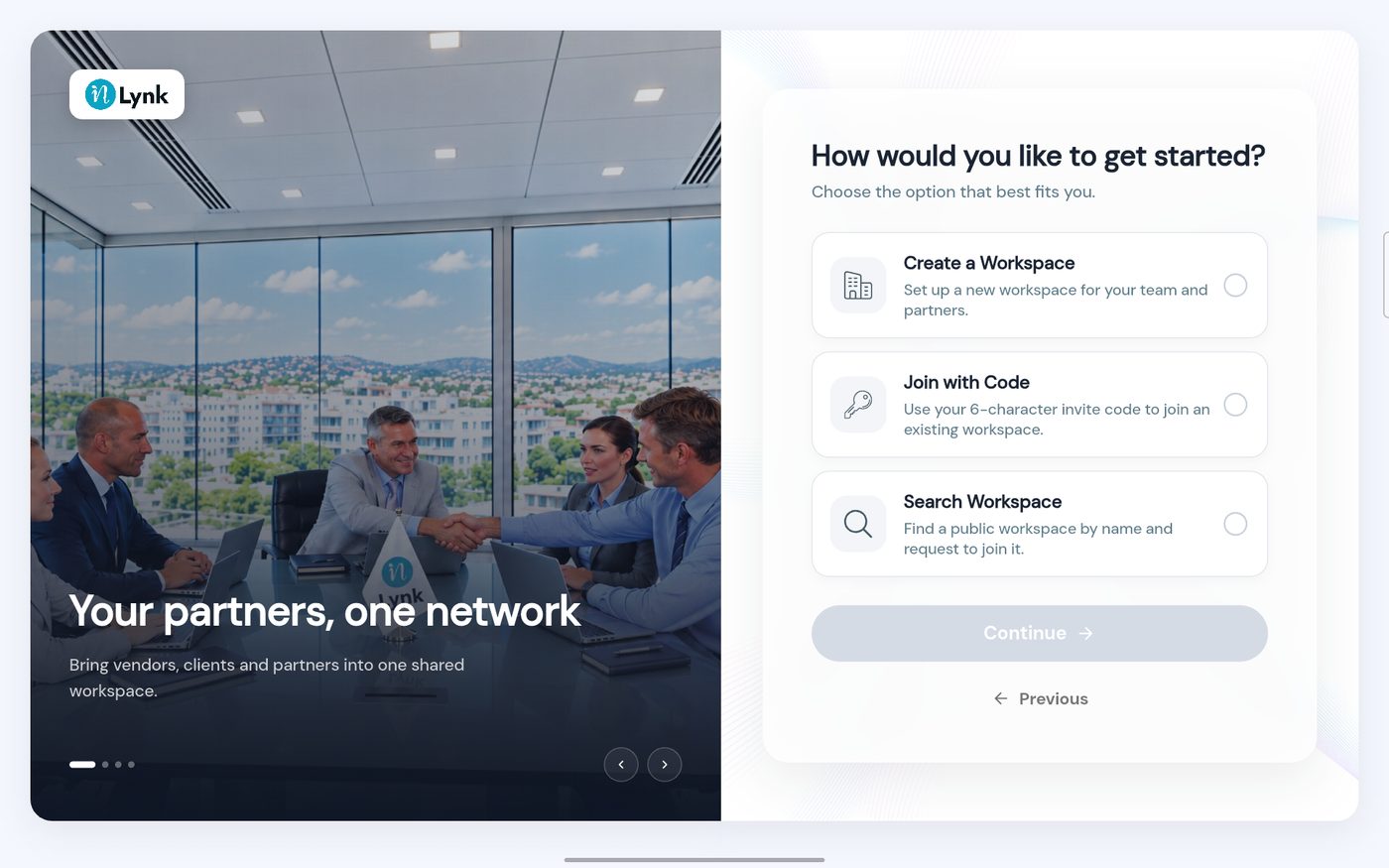
How would you like to get started?
Which one should I pick?
- You are starting your organisation's workspace – choose Create a Workspace. See Create a workspace.
- Your administrator gave you a code – choose Join with Code. See Join with a code when you sign up.
- You want to join a public workspace and have no code – choose Search Workspace. See Search for a workspace and ask to join.
Last updated 2026-10-23