Help center / Modules / Creating an account / How to create a workspace
Set up your workspace
How to create a workspace
Who can use this Members and Super Admins
This article is written for Member and Super Admin. Use the role switch at the top to change what the menus show.
A workspace is your organisation's own space in inLynk. Anything you create in it, such as people, files and tasks, belongs to that workspace. See Workspaces explained .
Choose Create a Workspace and tap Continue .
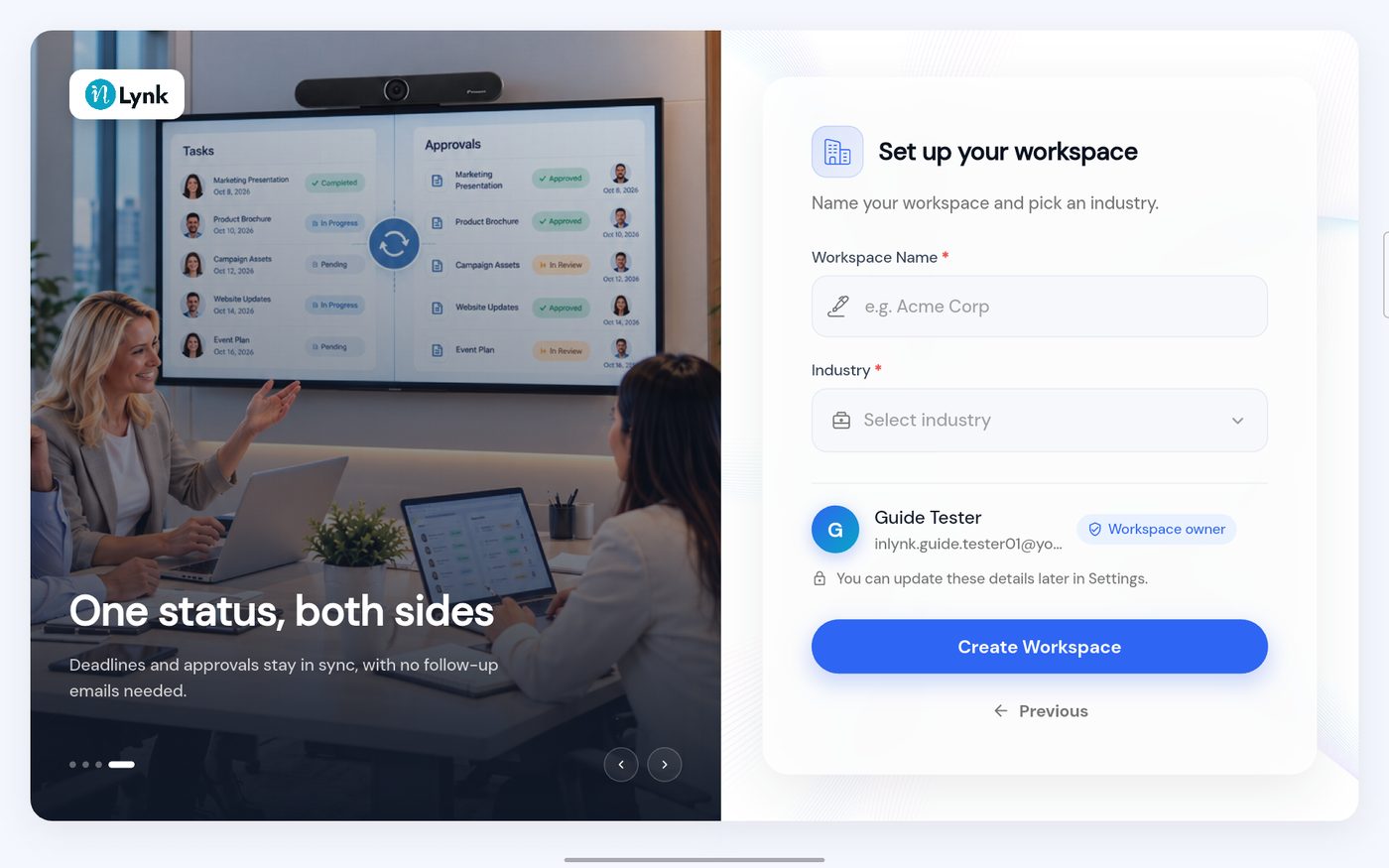
Set up your workspace On this screen
Workspace Name – required, marked with a red star.Industry – required; choose from a list.You – your name, your email and a Workspace owner label. You become the workspace's owner.A reminder – You can update these details later in Settings. Create Workspace – the blue button.Previous – goes back.
Type a name, then tap Industry to choose one.
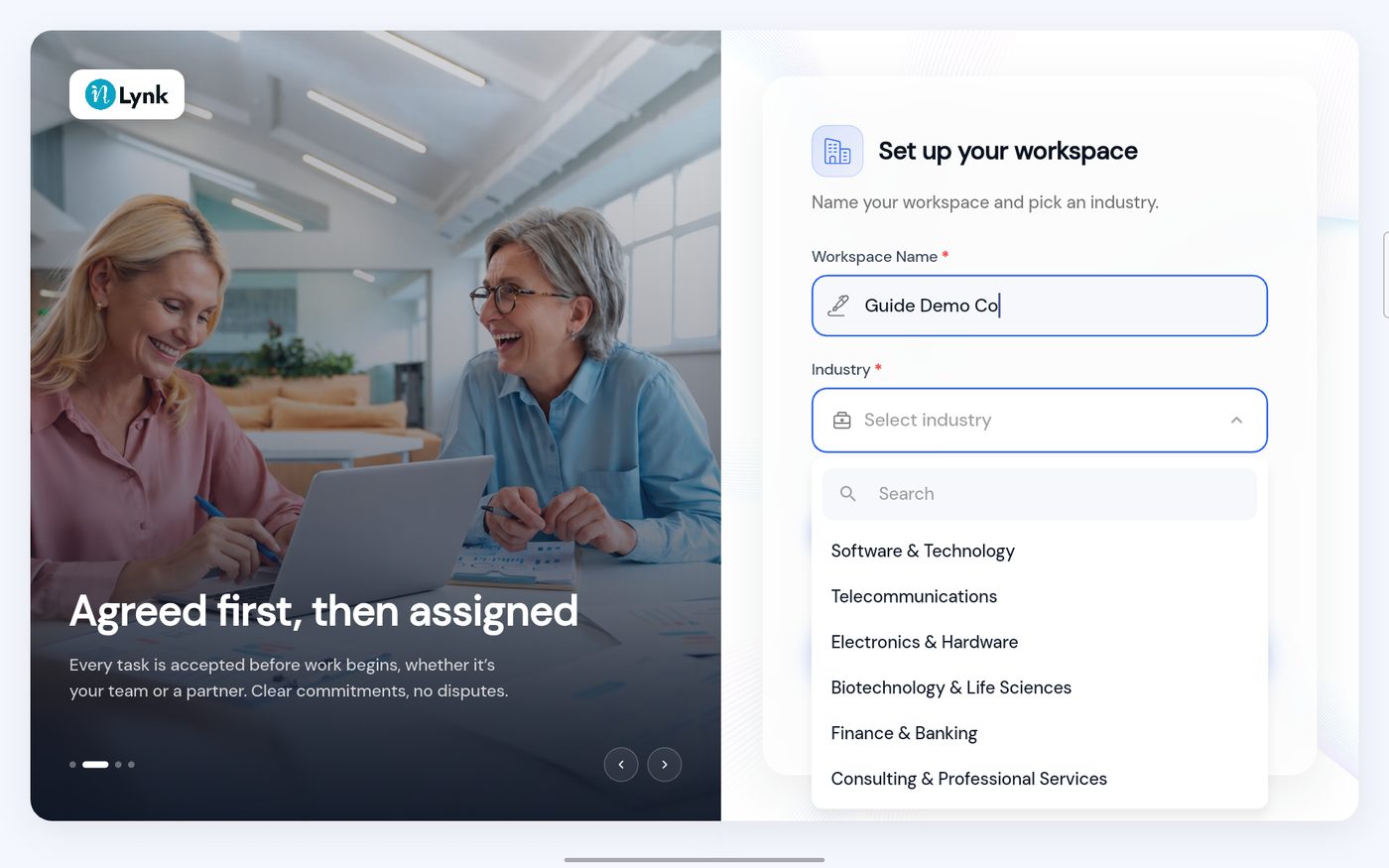
The industry list On this screen
Search box – type to find an industry fast.List – Software & Technology , Telecommunications , Electronics & Hardware , Biotechnology & Life Sciences , Finance & Banking , Consulting & Professional Services and more below.Tap one to choose it.
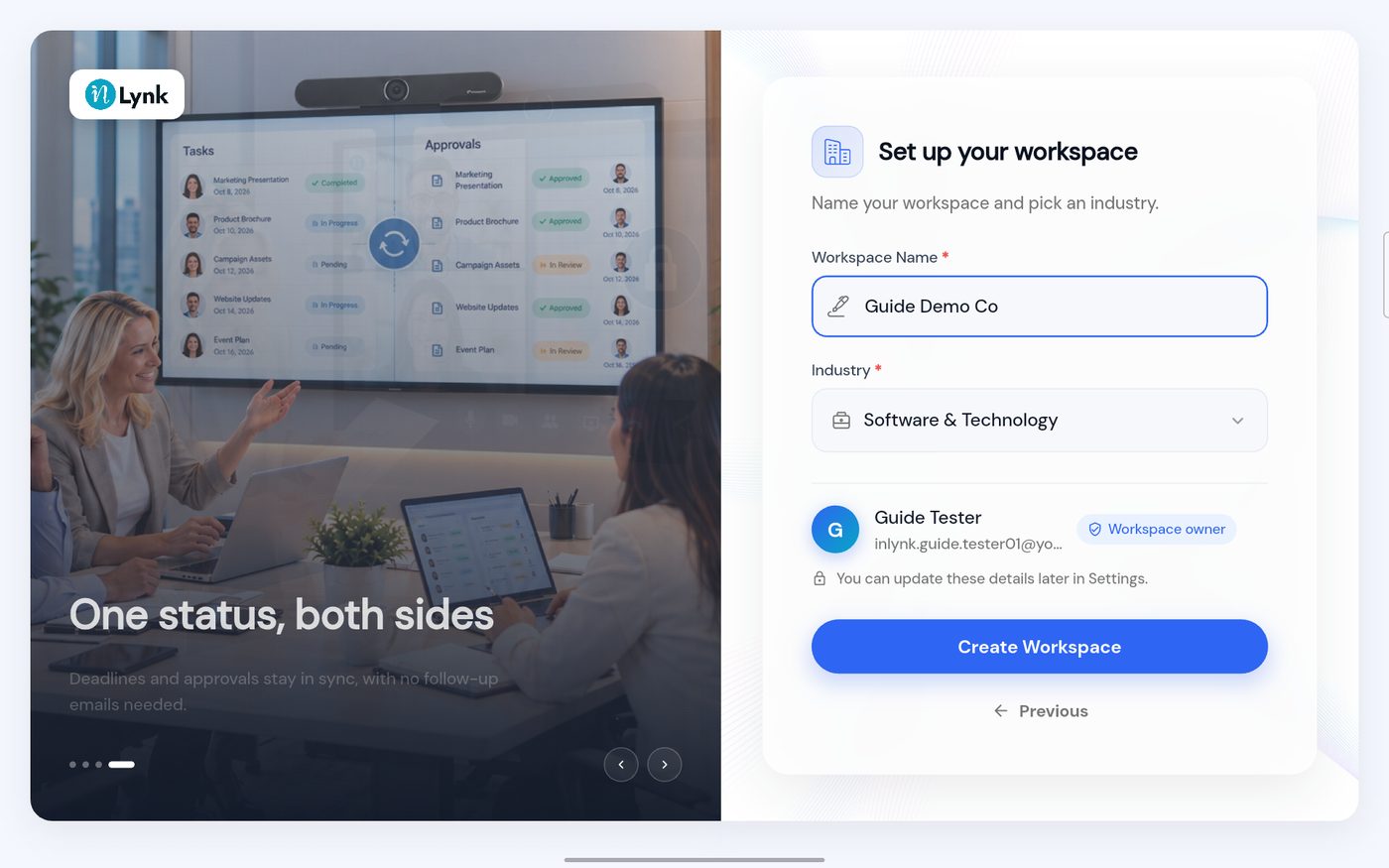
Check the details, then tap Create Workspace .
The workspace form filled in On this screen
Workspace Name – Guide Demo Co .Industry – Software & Technology .Create Workspace – blue and ready.
Last updated 2026-10-23