
After you sign up
Who can use thisMembers and Super Admins
This article is written for Member and Super Admin. Use the role switch at the top to change what the menus show.
When you sign in for the first time, you land on the Home page of your new workspace. It is empty, so it shows a short welcome.
-
Sign in and approve the sign-in.
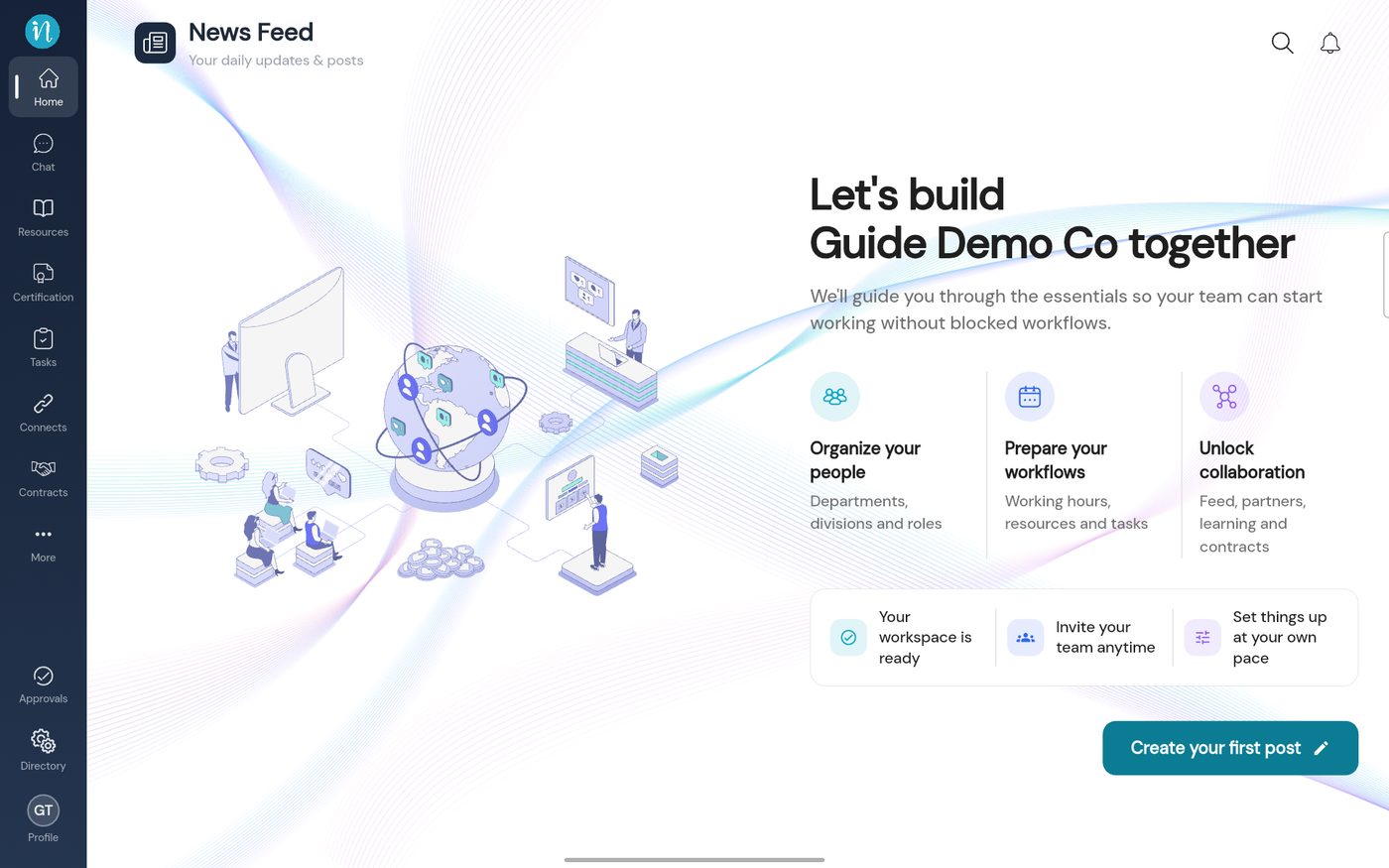
Your new workspace
What to do next
- Read Your first day in inLynk.
- Invite your team: the invite code is under Profile → View … details. See Workspaces explained.
- Set your permissions in Directory → Profiles. See Roles and permissions.
Last updated 2026-10-23