Set up your workspace
Verify your email
Who can use thisMembers and Super Admins
This article is written for Member and Super Admin. Use the role switch at the top to change what the menus show.
Before your account is created, SecureID checks that the email address is yours. It sends a six-digit code, valid for 10 minutes.
-
When the Account Verification screen appears, open your inbox.
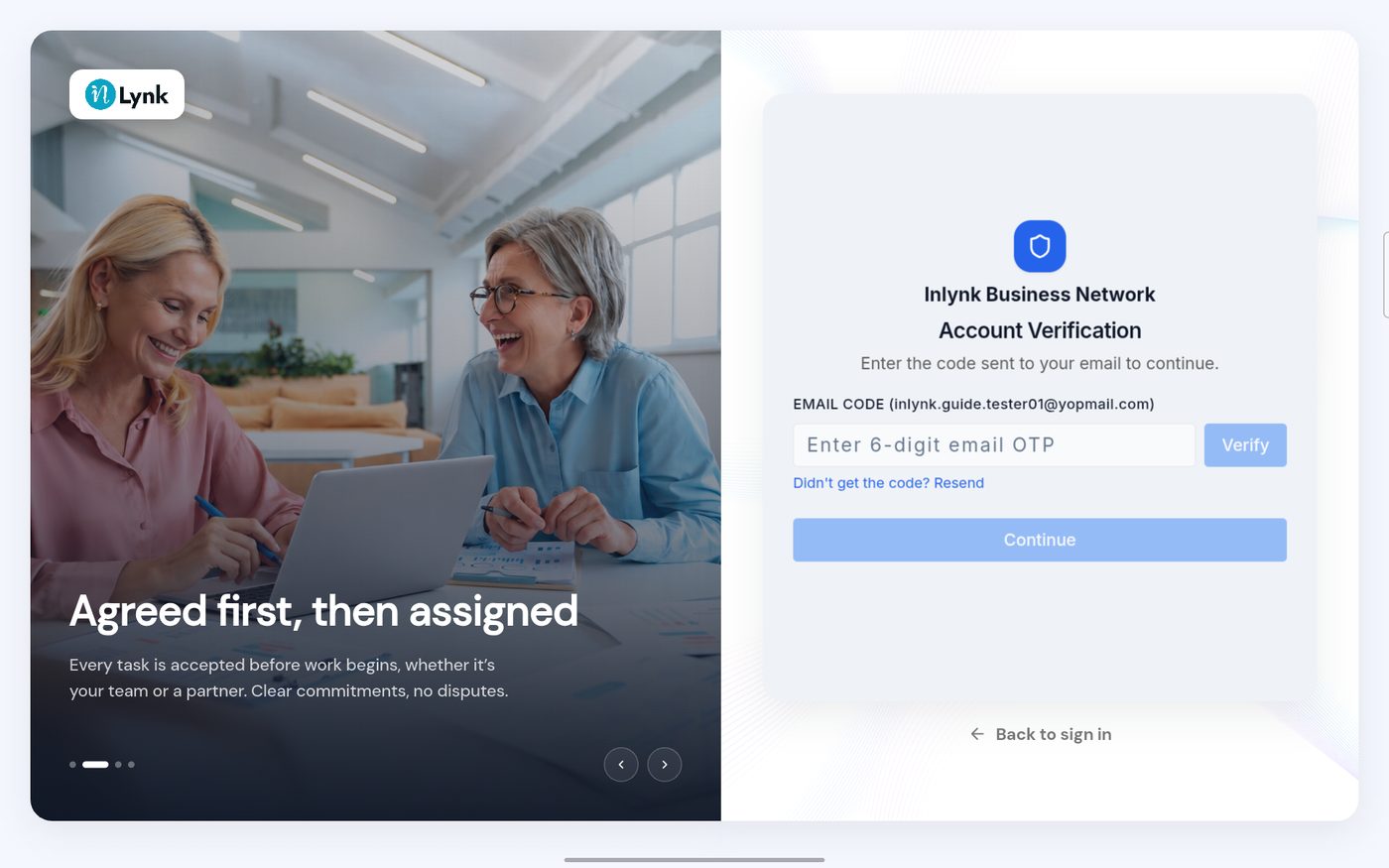 Account Verification
-
Find the email from SecureID and read the code.
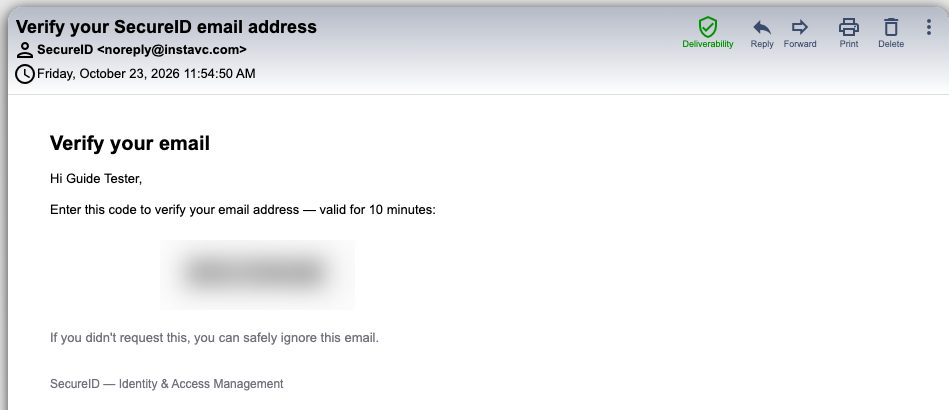 The verification email
-
Type the code and tap Verify.
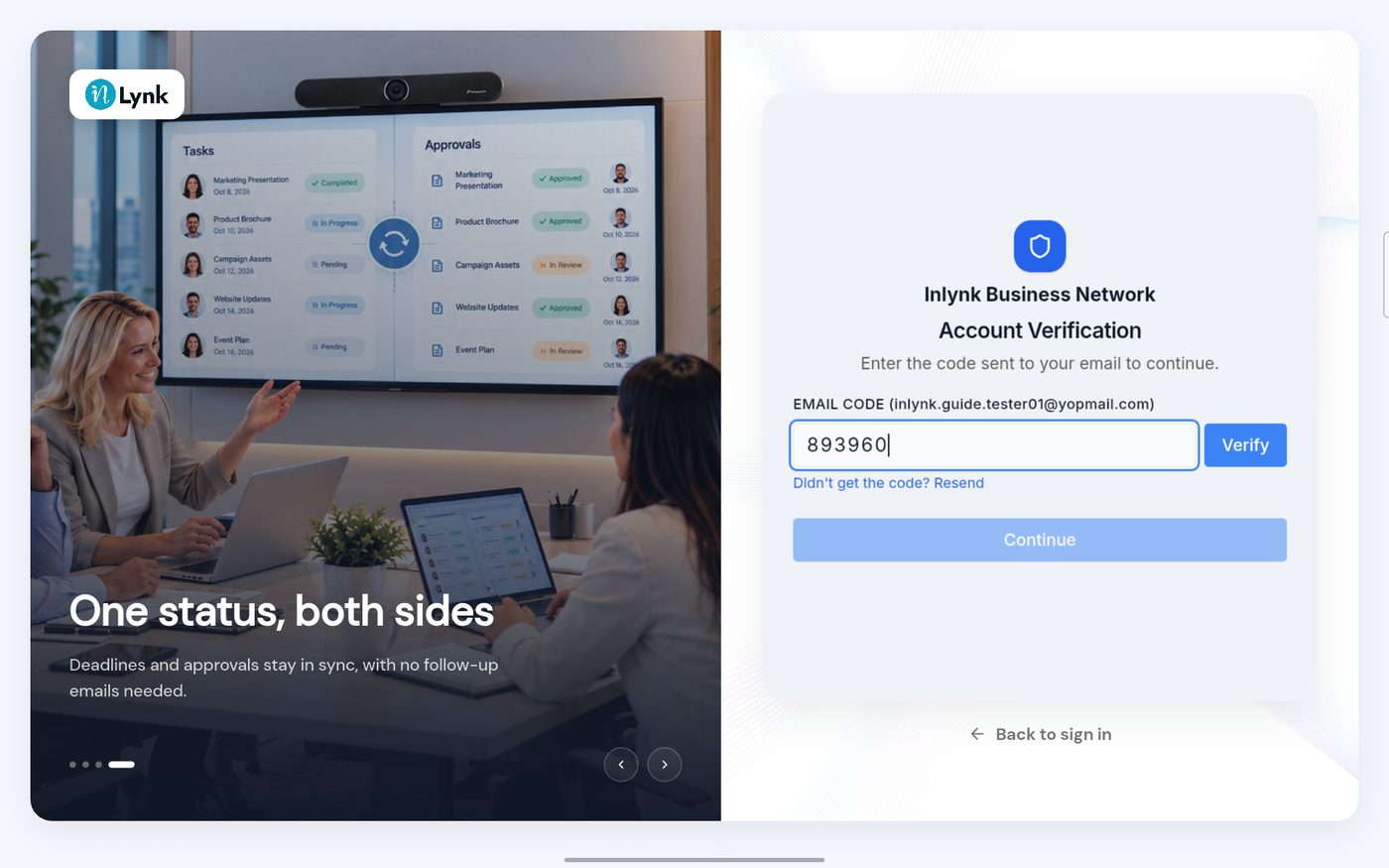 Code entered
-
When the code is right, a green message confirms it. Tap Continue.
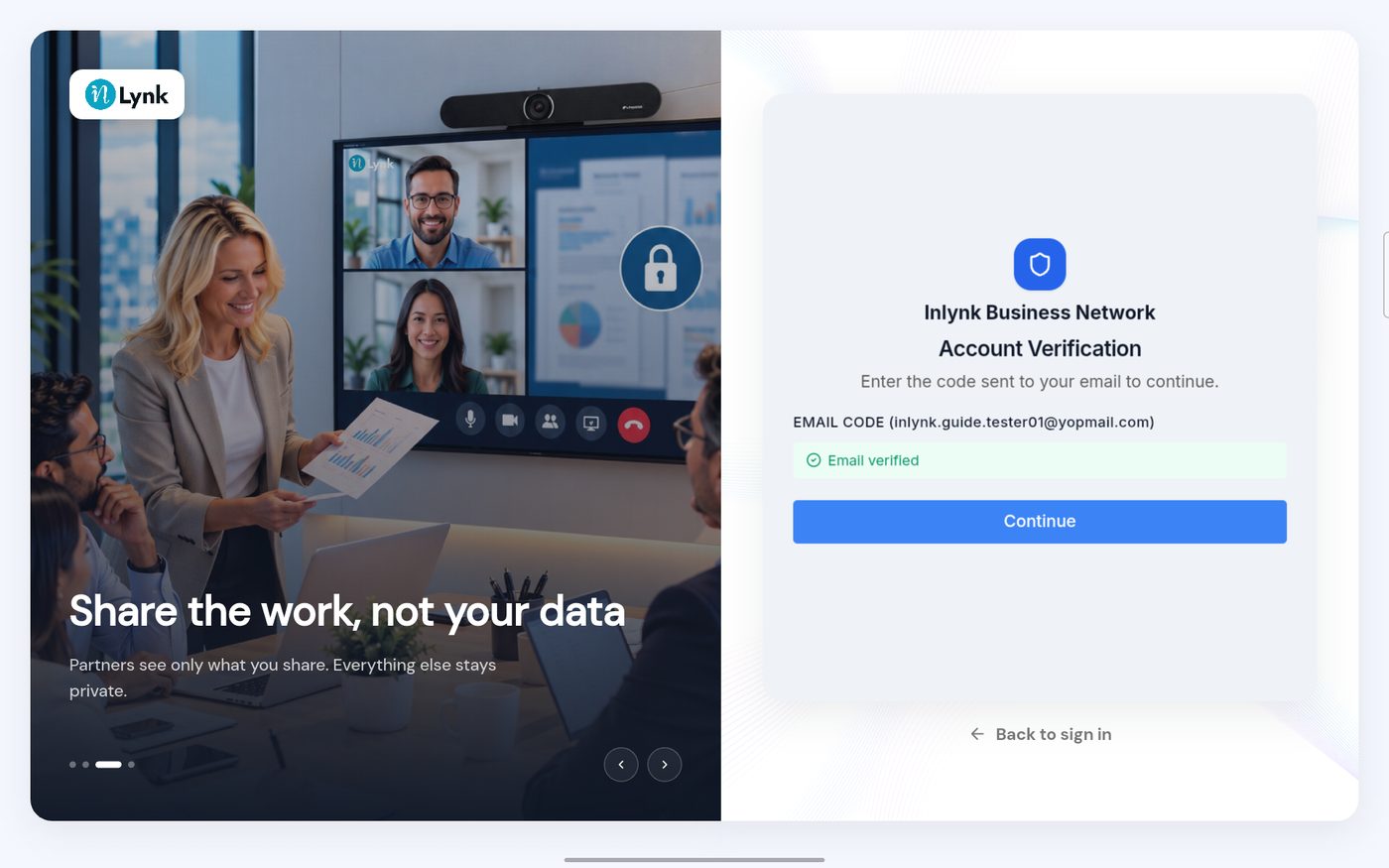 Email verified
-
The workspace is created. A last screen confirms it.
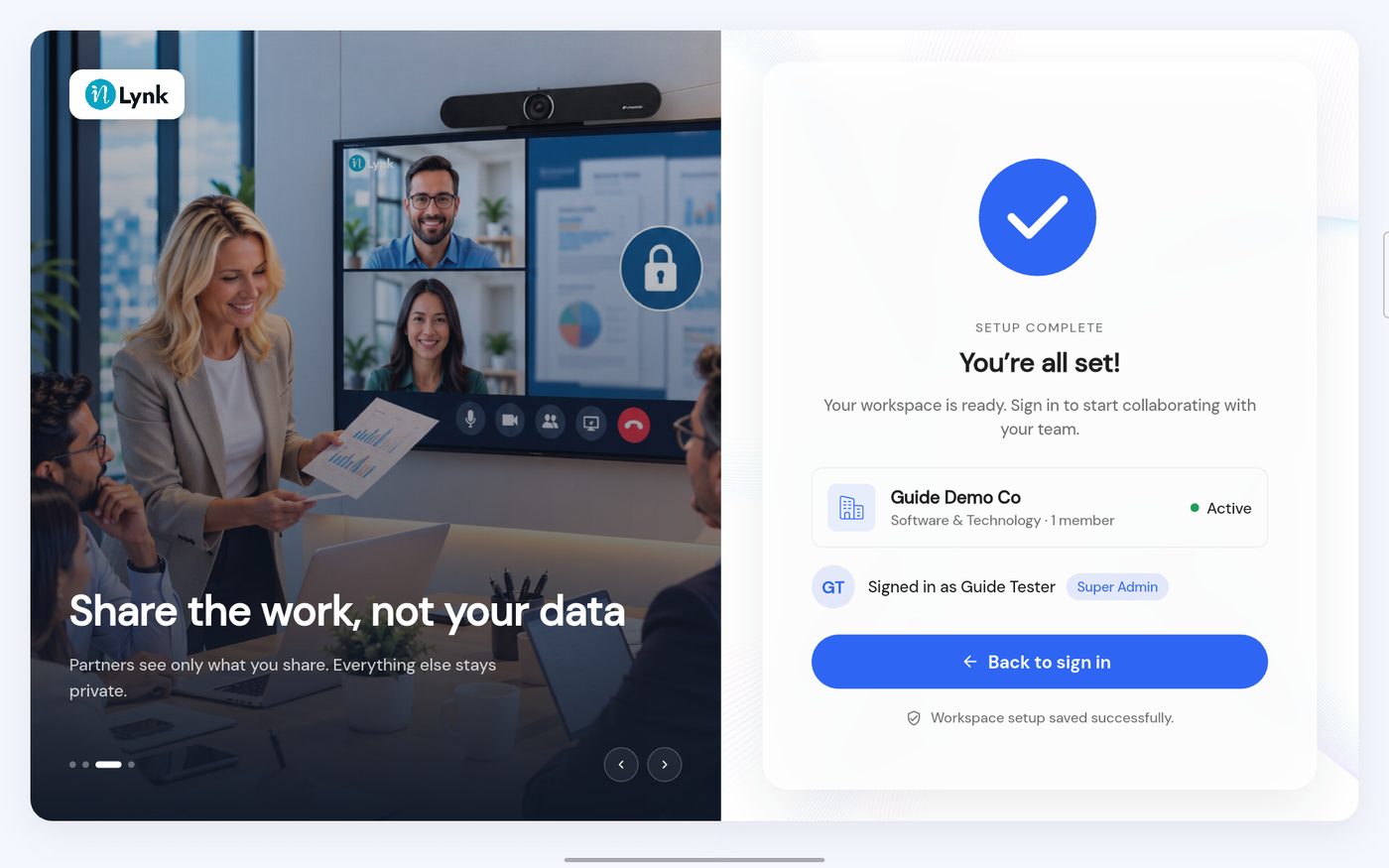 You're all set
Last updated 2026-10-23
