Settings and help
Getting help: Help & Support, Report a bug and About
Who can use thisMembers and Super Admins
This article is written for Member and Super Admin. Use the role switch at the top to change what the menus show.
Three entries under Profile → Settings help when something is unclear or not working.
Help & Support
Quick answers to common questions, grouped by module.
-
Tap Profile, then Help & Support.
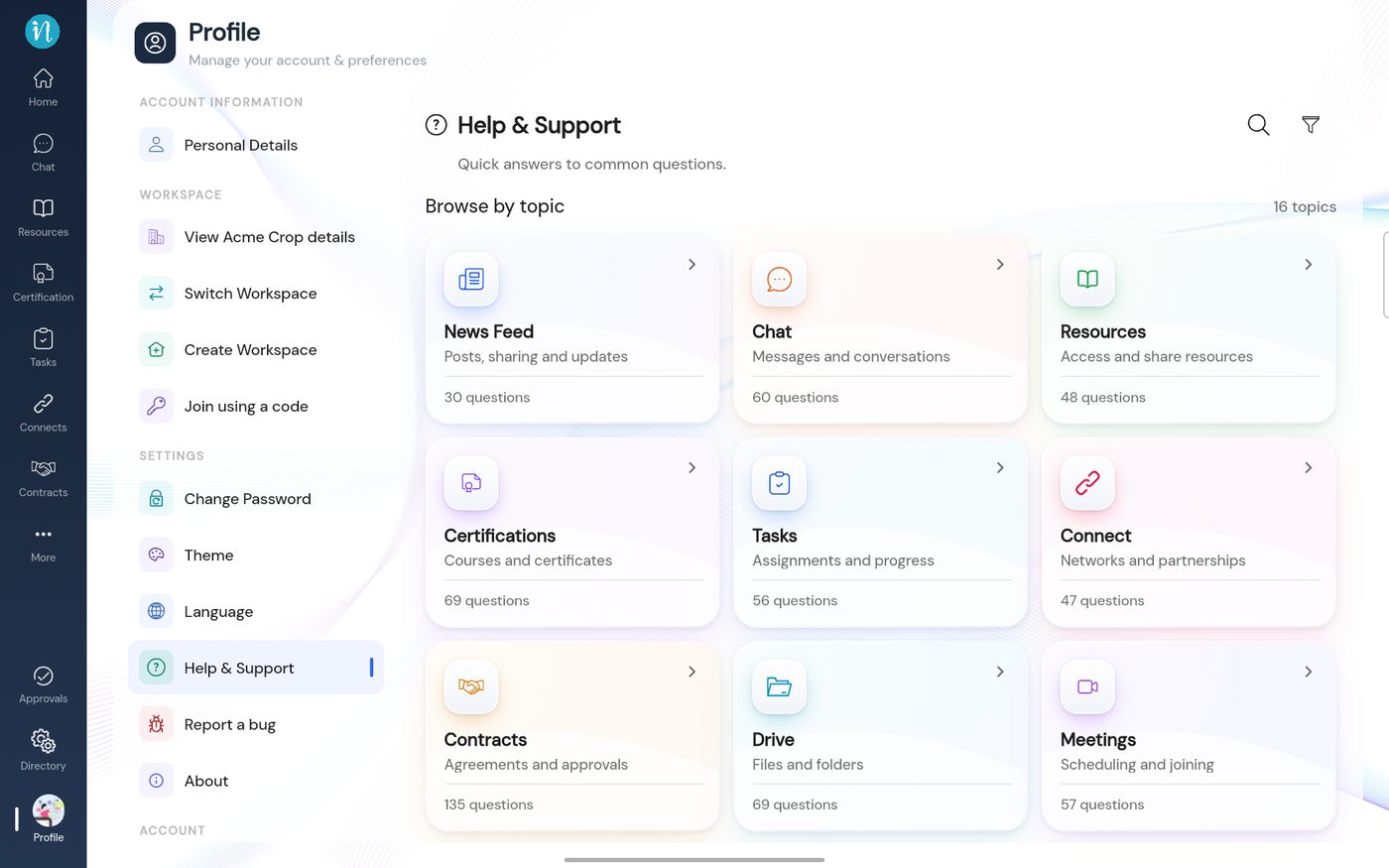 Help & Support
Report a bug
Use this when the app does something wrong.
-
Tap Profile, then Report a bug, and fill in the form.
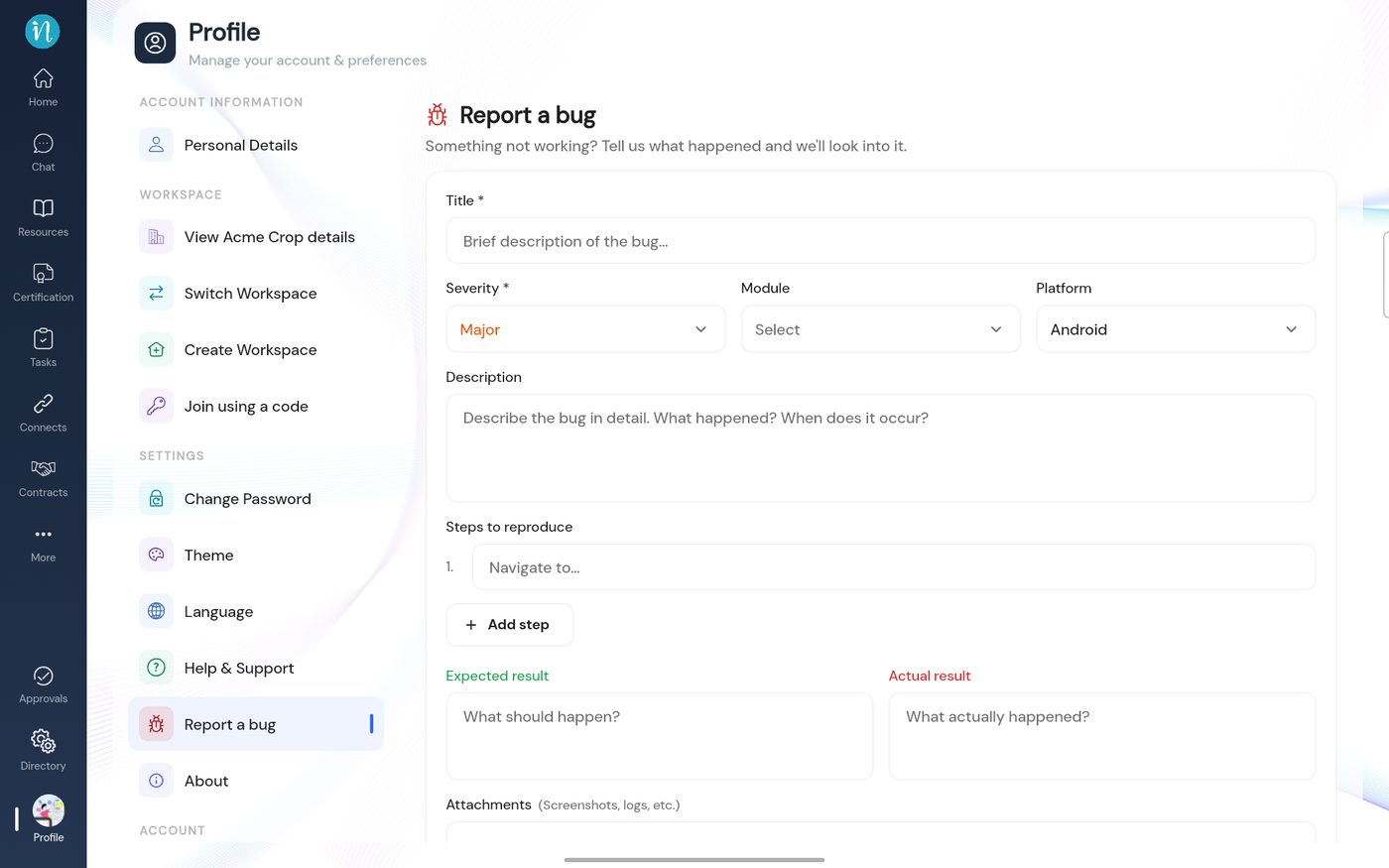 Report a bug
About
Shows the app's name and version. Quote the version when you contact support. See What inLynk Business Network is.
Last updated 2026-10-22
