
Manage your workspace: Directory, Profile and account
Who can use thisMembers and Super Admins
This article is written for Member and Super Admin. Use the role switch at the top to change what the menus show.
These two areas are about people and settings.
Directory
Directory is where administrators manage people, departments and permissions. Members usually do not see it. Its tabs are Profiles, Configuration, Employees, Departments and Menu Access.
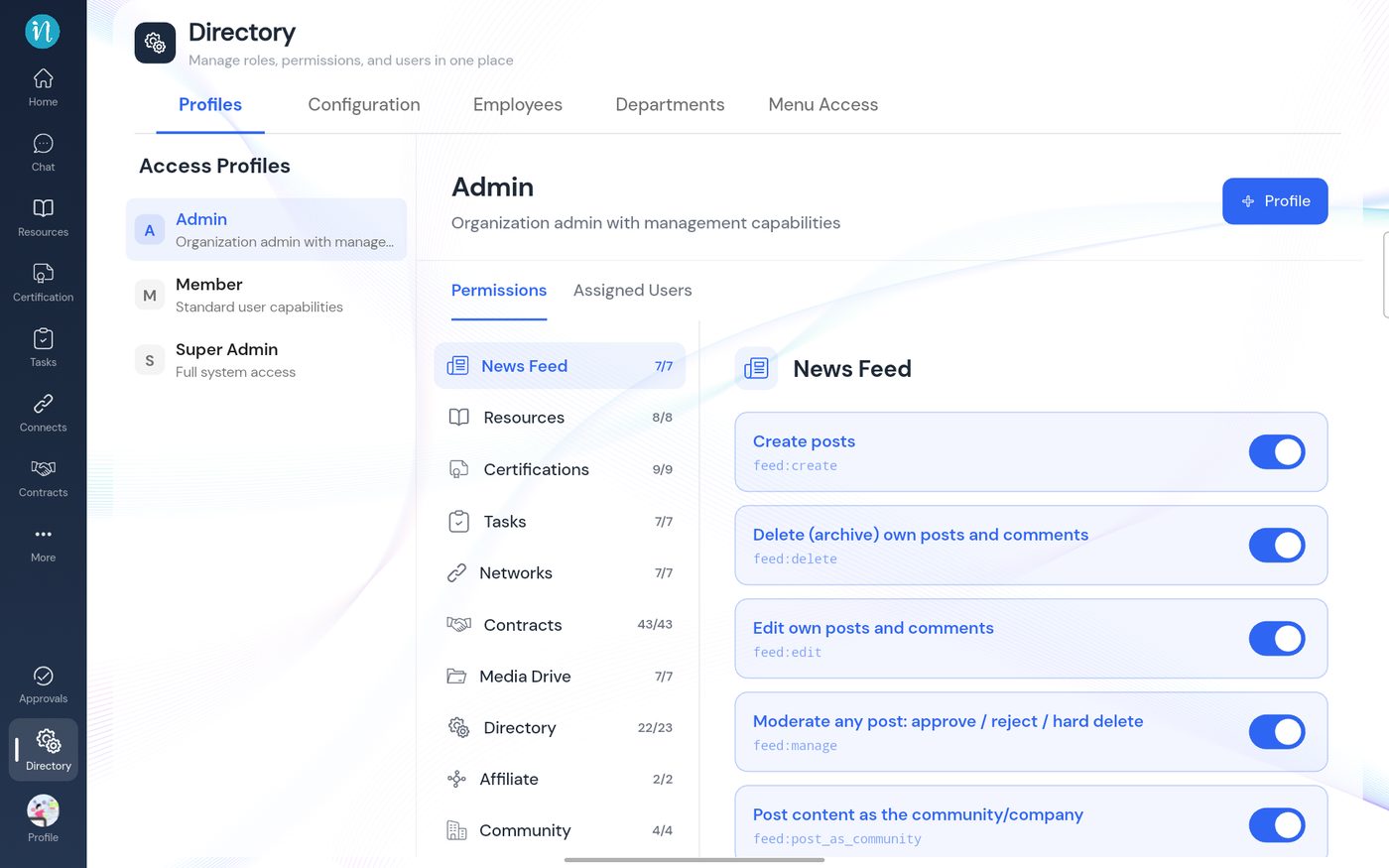
See Roles and permissions, and for a worked example Setting Drive permissions for each role.
Profile and account
Profile, at the bottom of the sidebar, holds your own details, your workspaces and your settings.
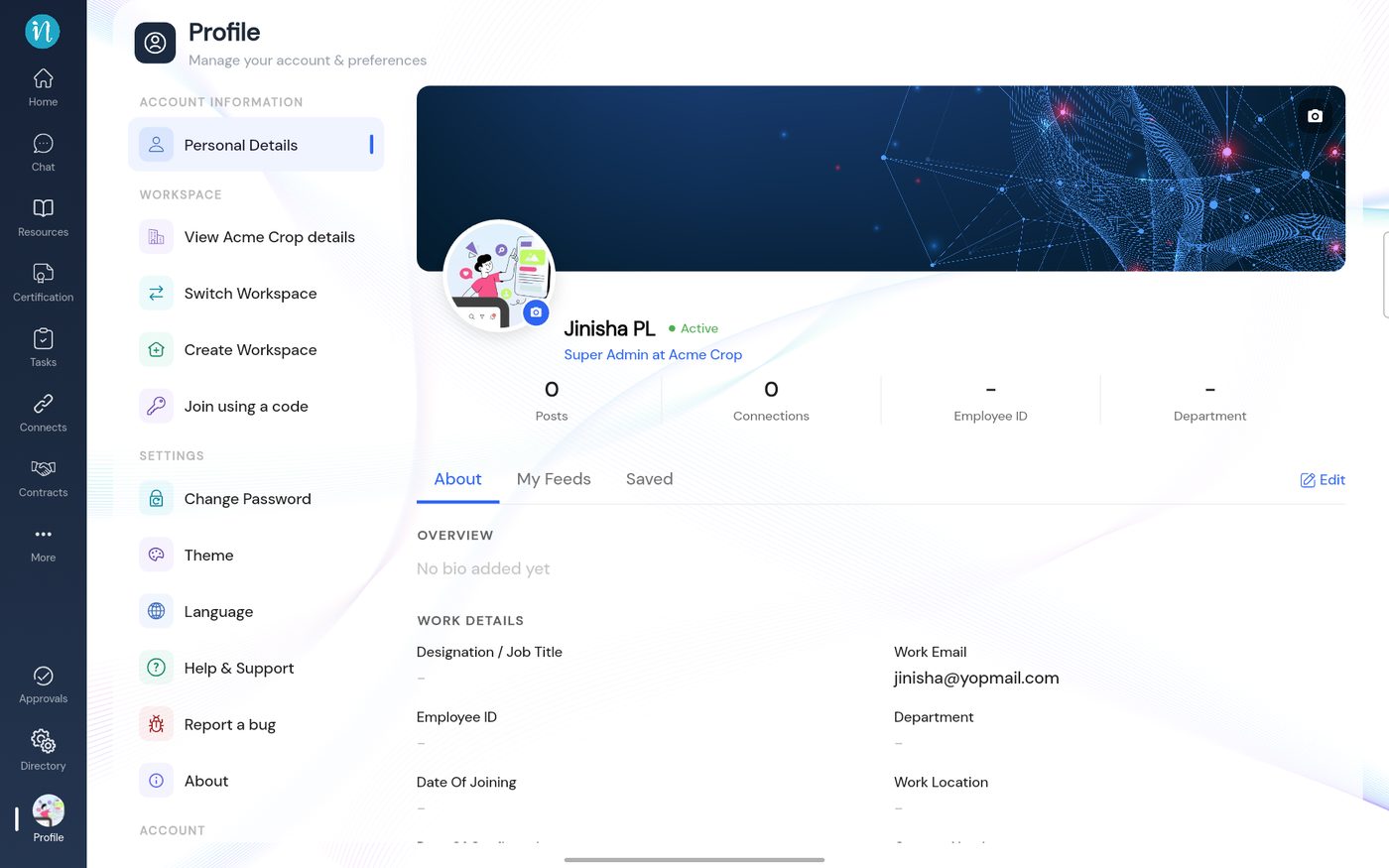
See Switch, create or join a workspace, Theme and language and Getting help.
Last updated 2026-10-22