Find your way around
Switch, create or join a workspace
Who can use thisMembers and Super Admins
This article is written for Member and Super Admin. Use the role switch at the top to change what the menus show.
Everything about workspaces lives under Profile in the left sidebar, in the section headed Workspace.
Switch to another workspace
-
Tap Profile, then Switch Workspace.
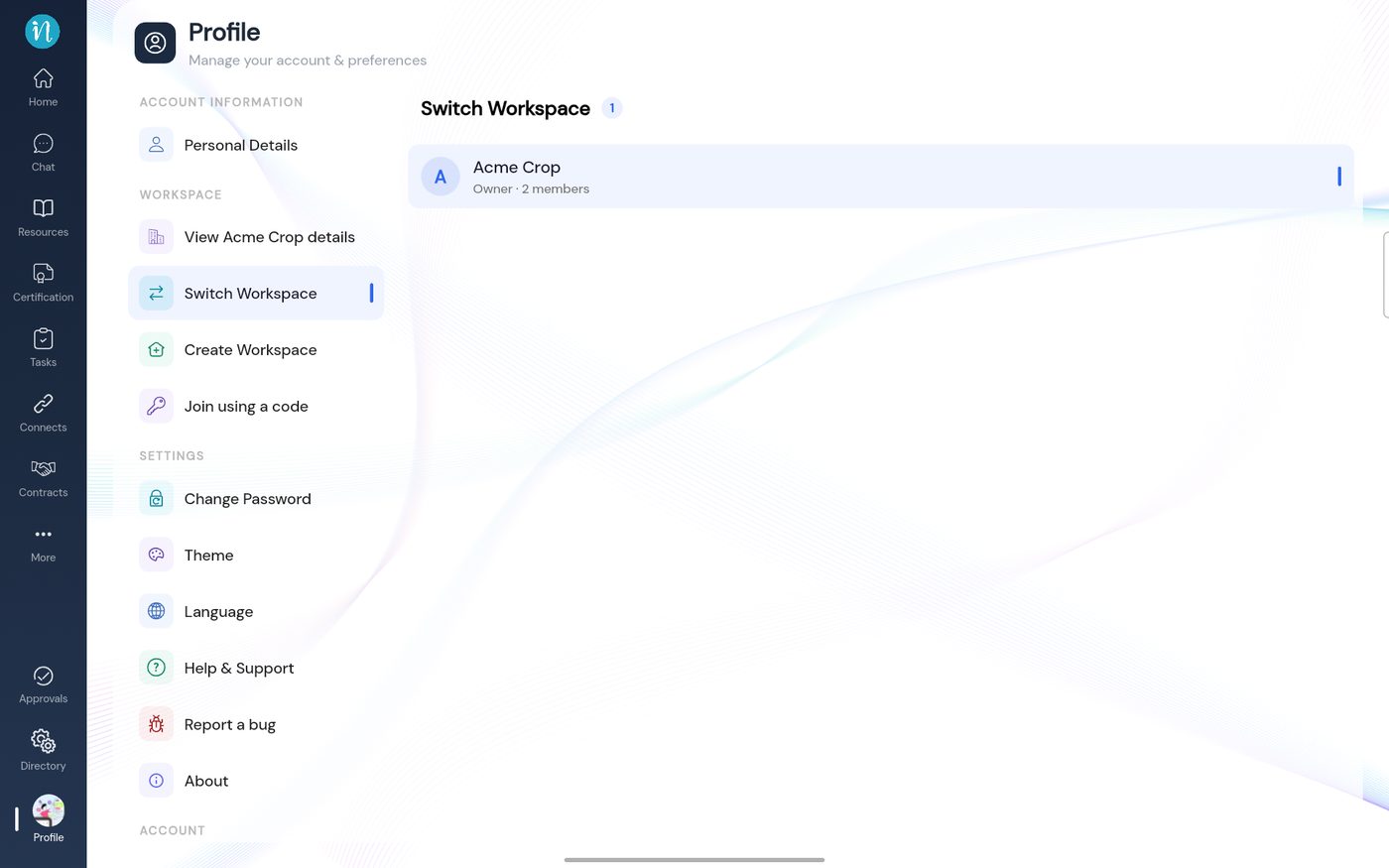 Switch Workspace
-
When you belong to more than one workspace, each has its own row.
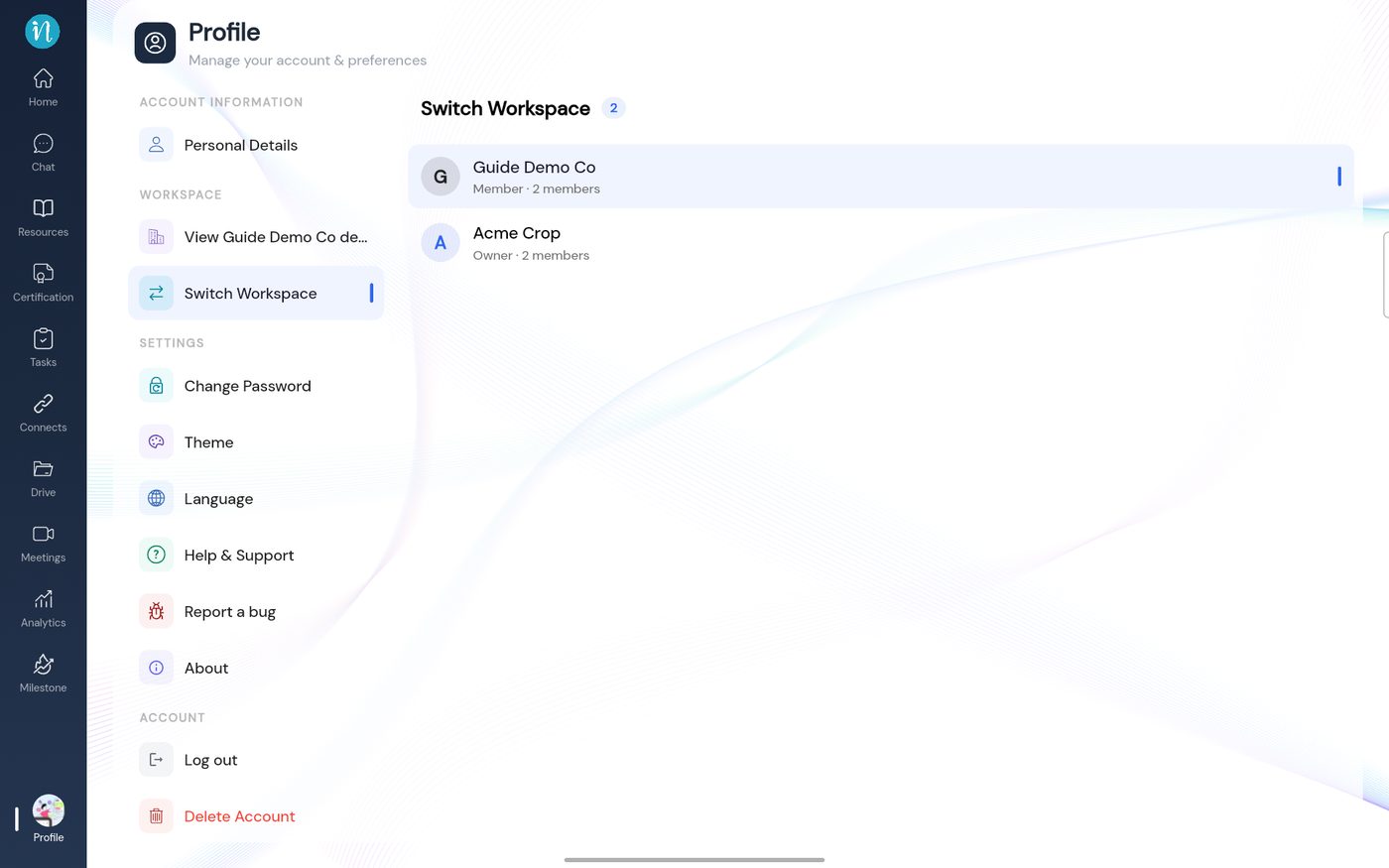 Two workspaces
Create a new workspace
-
Tap Create Workspace. A six-step form opens.
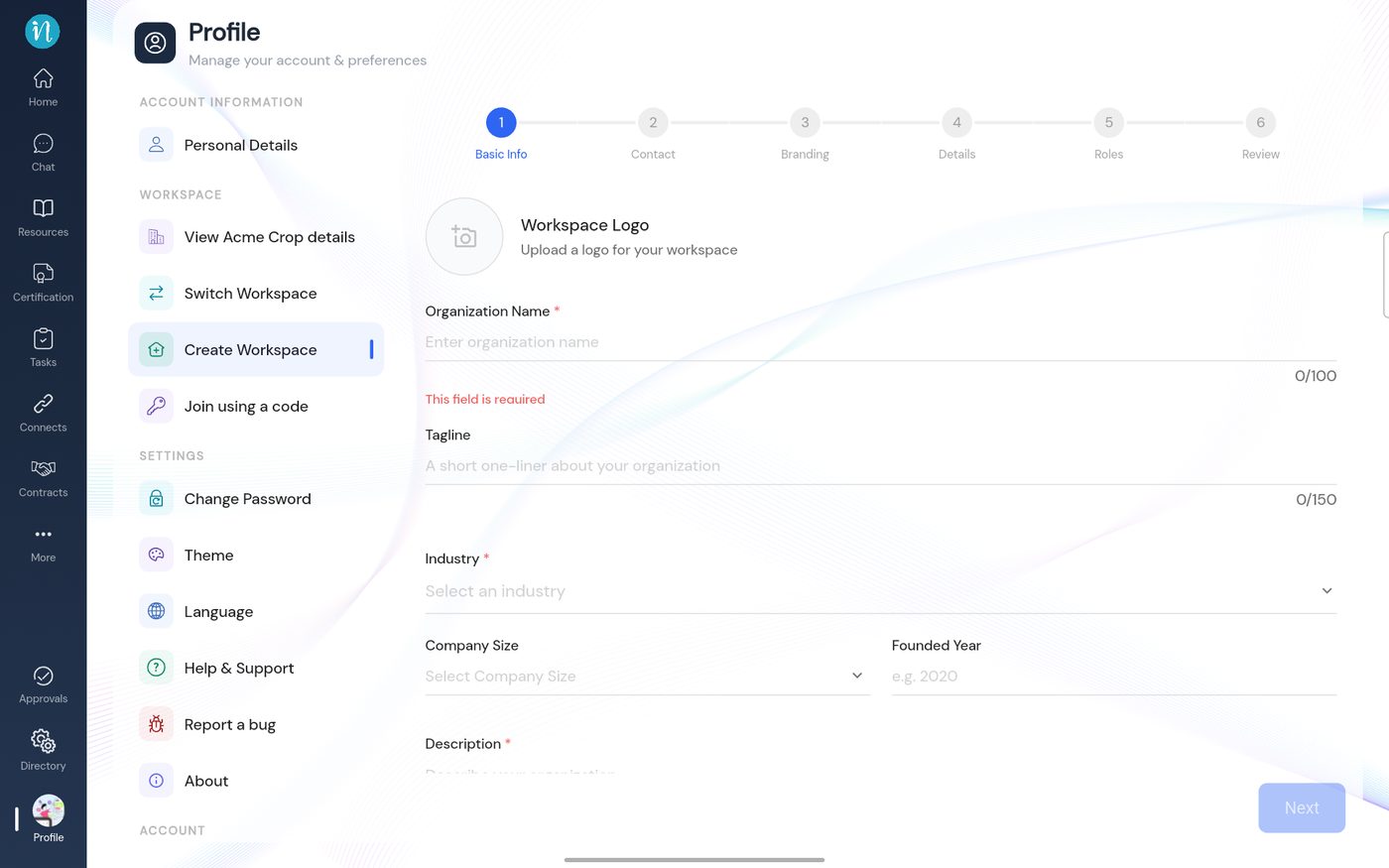 Create Workspace, step 1
Join a workspace with a code
-
Tap Join using a code and enter the 6-digit code your administrator gave you.
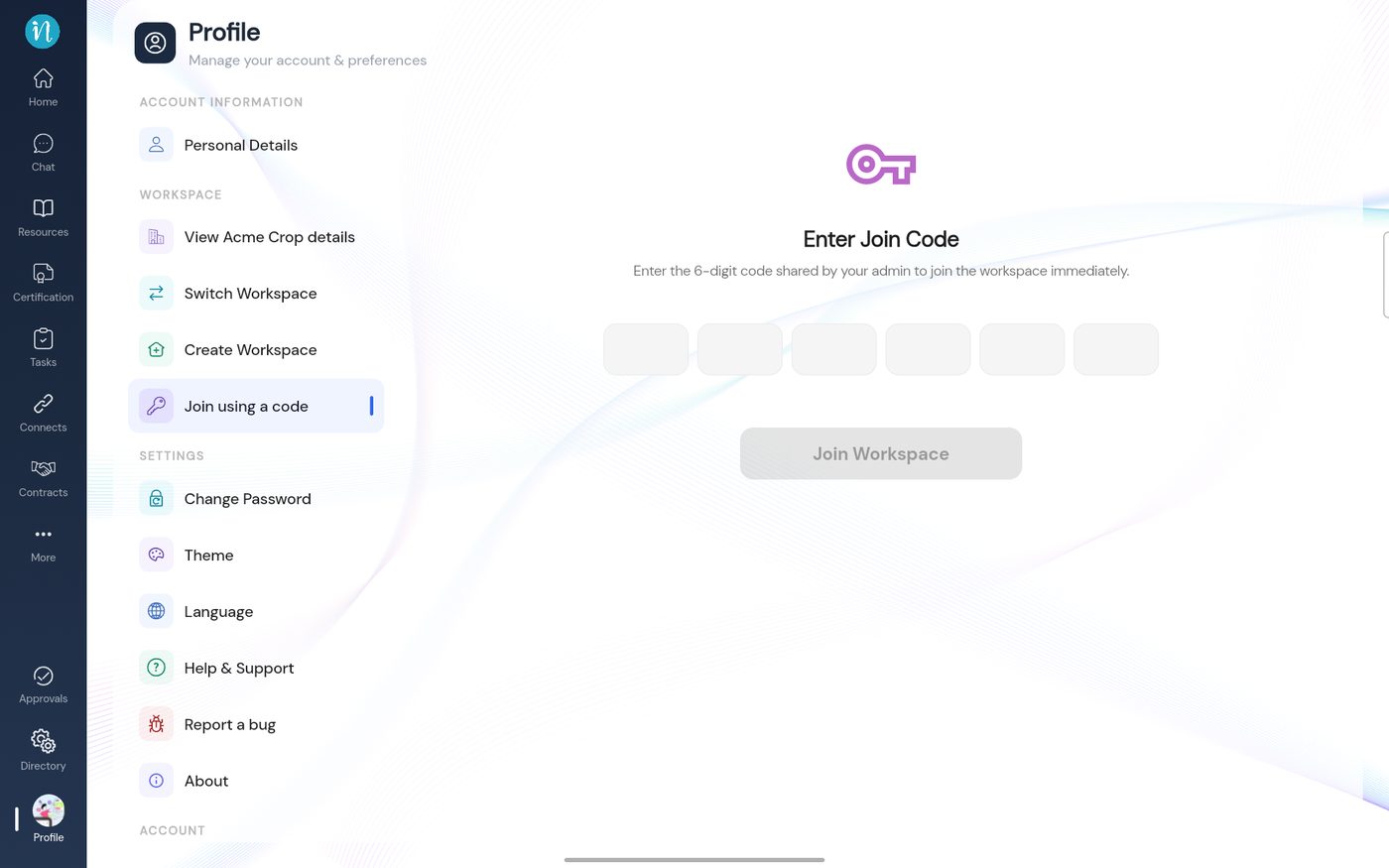 Join using a code
Last updated 2026-10-22
