
Your first day in inLynk
A short checklist for your first day. Tick these off in order and you will know your way around.
-
Sign in with your organisation's SecureID account. See How to sign in. New here? See How to create an account.
-
Check you are in the right workspace. Open Profile → Switch Workspace and look for the blue bar. See Switch, create or join a workspace.
-
Find your way around. Open each entry in the sidebar once, and check More for the rest. See The sidebar and the More menu.
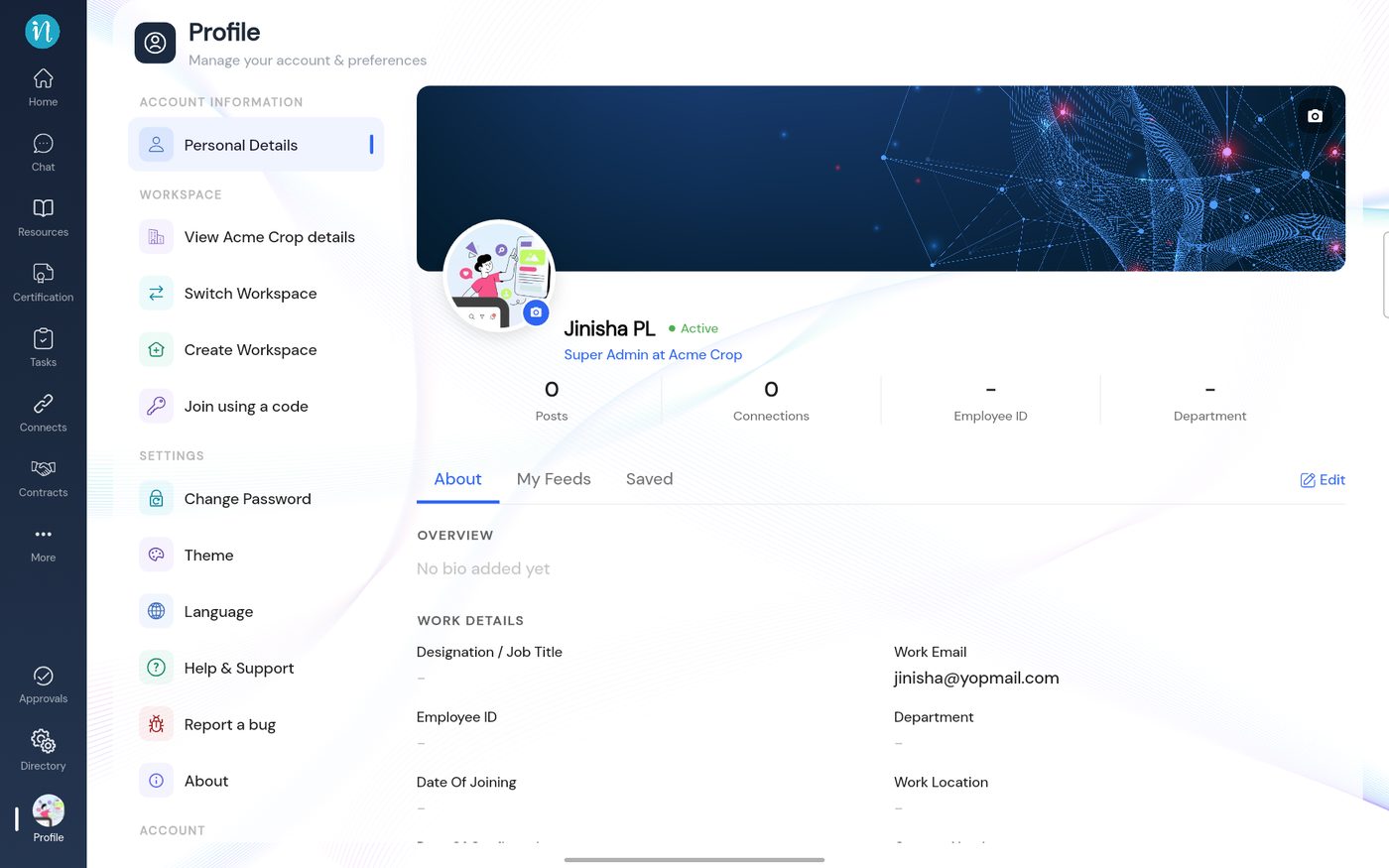
The Profile page -
Look at your notifications. Tap the bell on the Home page. See Notifications.
-
Set the app up your way. Pick a light or dark theme and your language. See Theme and language.
-
Know where help is. Open Help & Support once so you know what is there. See Getting help.
-
Ask your administrator for anything missing. If a module or button you need is not there, your role may not include it. See Roles and permissions.
Last updated 2026-10-22