Find your way around
The Home page
Who can use thisMembers and Super Admins
This article is written for Member and Super Admin. Use the role switch at the top to change what the menus show.
Home opens the News Feed, the page for posts and updates in your workspace. The title bar reads News Feed — Your daily updates & posts.
-
Tap Home at the top of the sidebar.
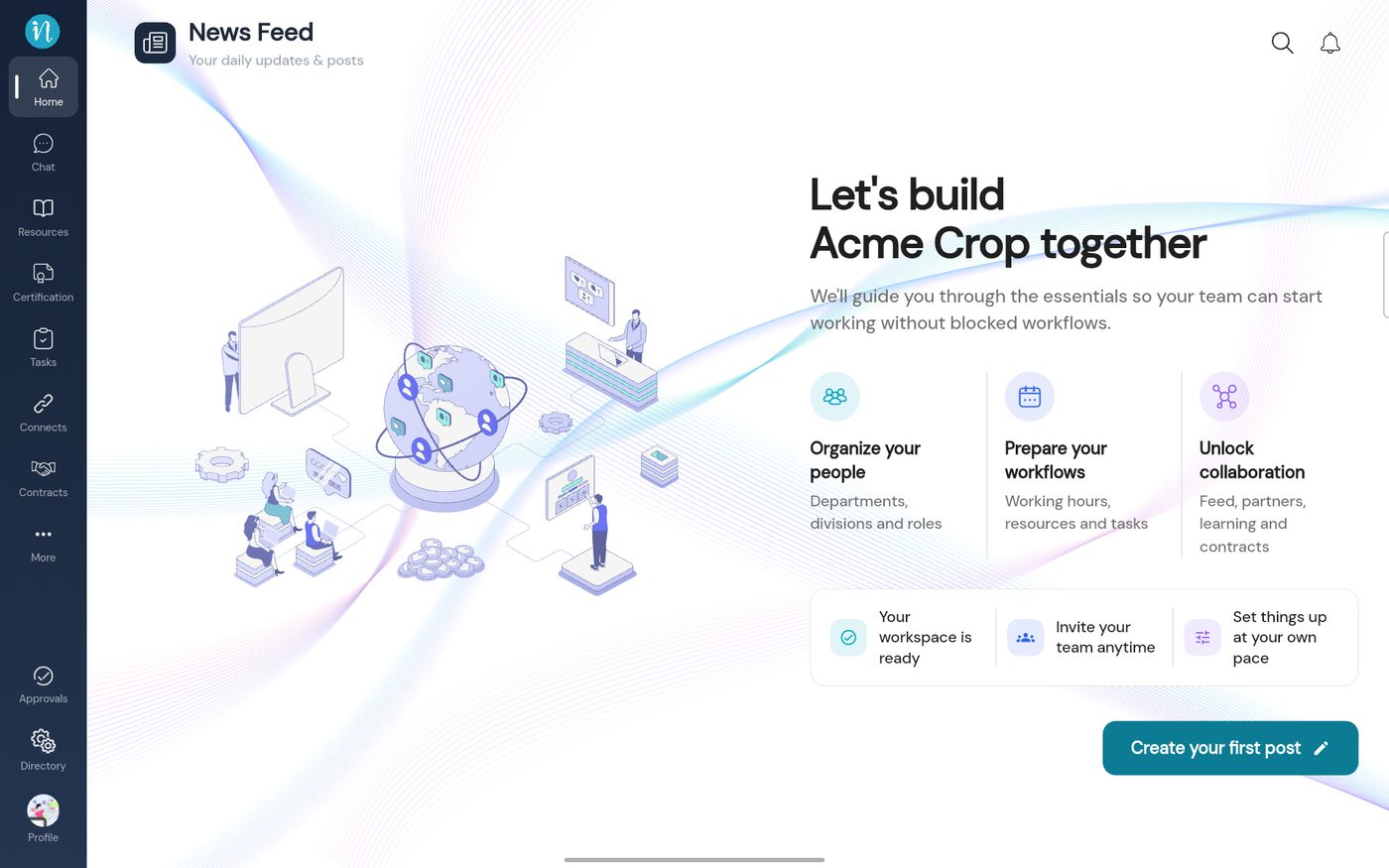 The Home page of a new workspace
-
Tap the magnifier to search the posts.
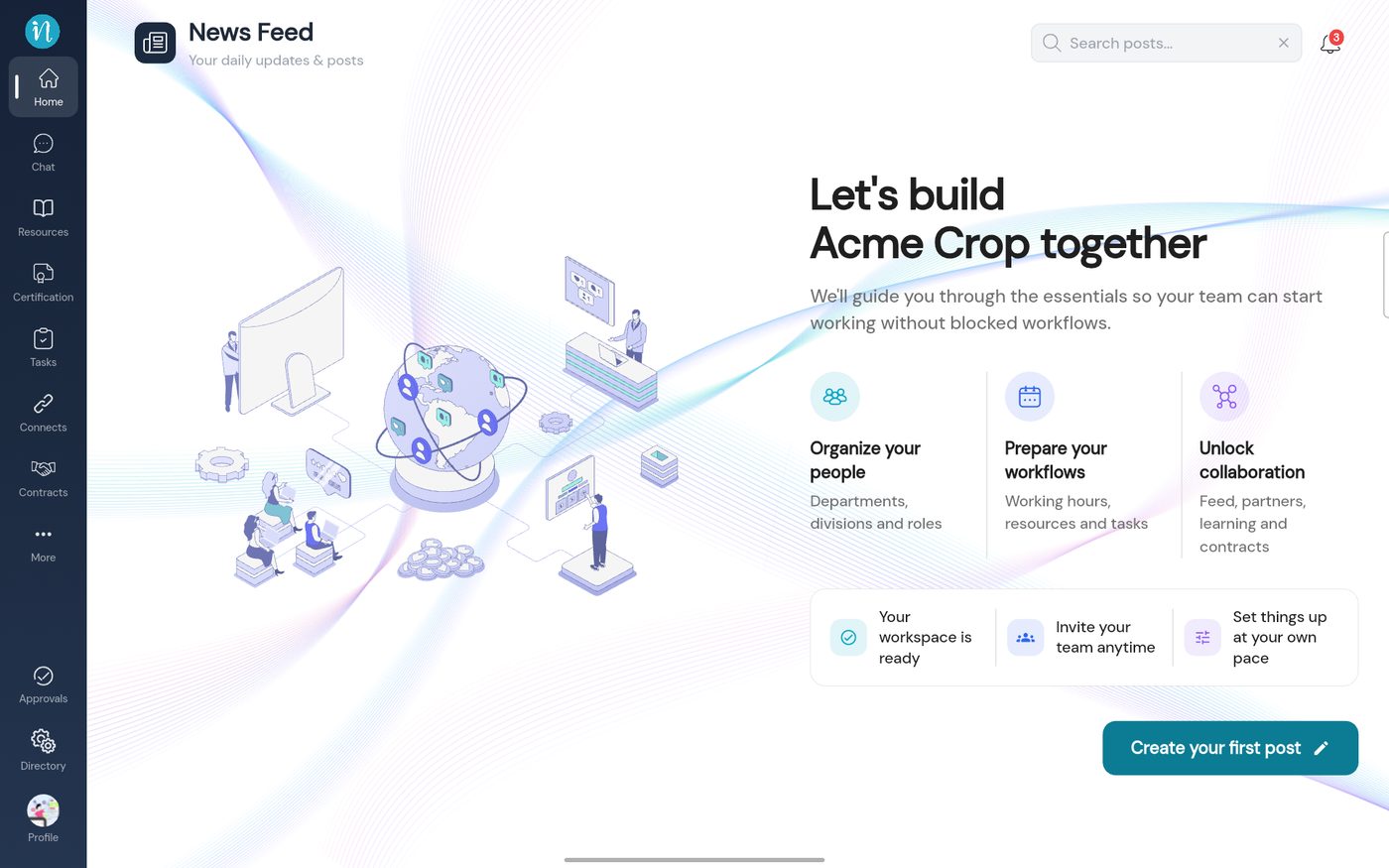 Searching posts
Once your workspace has posts, they appear on this page instead of the welcome message. The bell next to the search icon opens your notifications.
Last updated 2026-10-22
