Find your way around
The sidebar and the More menu
Who can use thisMembers and Super Admins
This article is written for Member and Super Admin. Use the role switch at the top to change what the menus show.
The sidebar down the left edge is how you move between modules. Tap an entry and that module opens on the right. The entry you are in is highlighted.
-
Look at the sidebar as a Super Admin sees it.
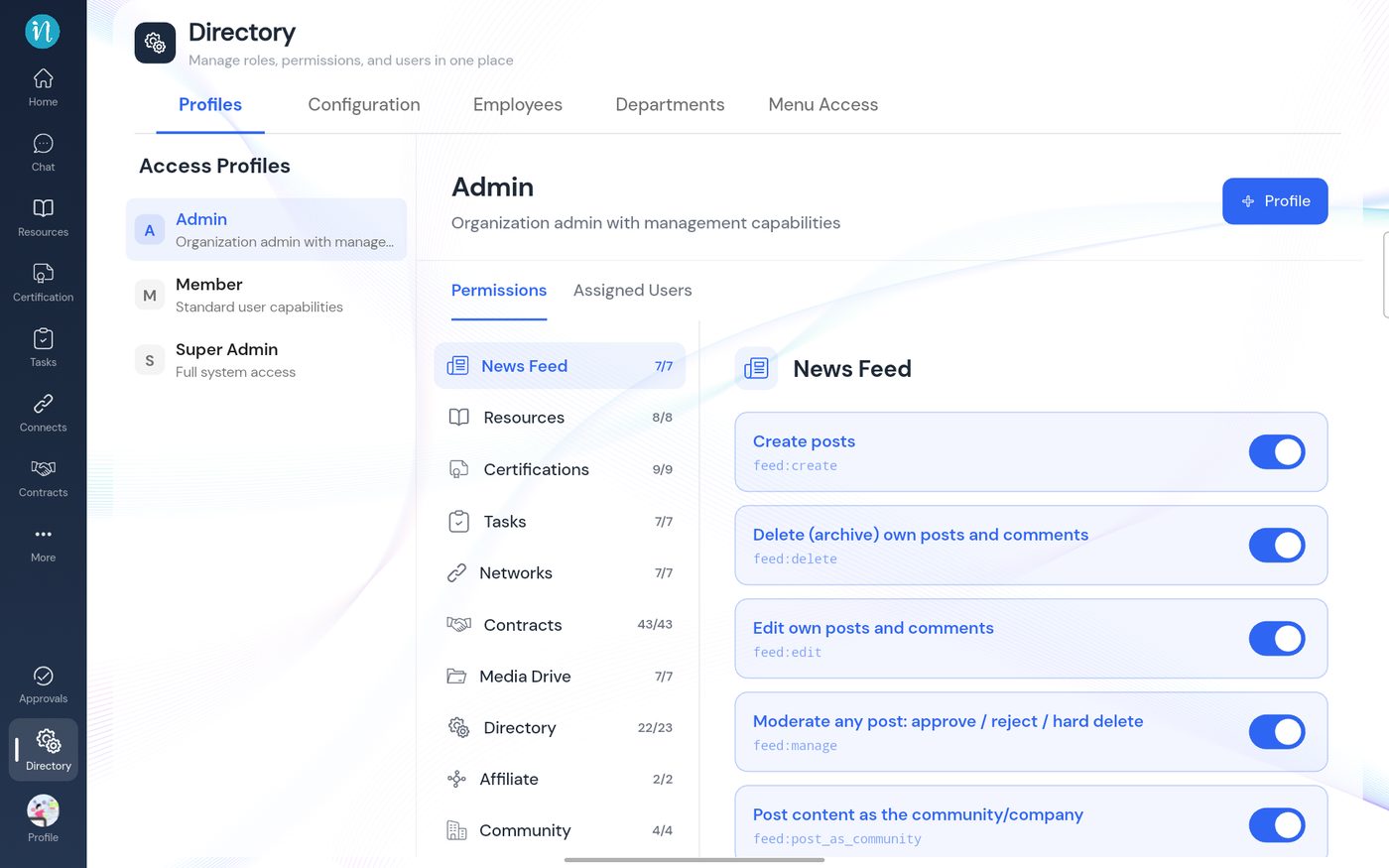 Sidebar for a Super Admin
-
Compare it with a Member's sidebar in the same workspace.
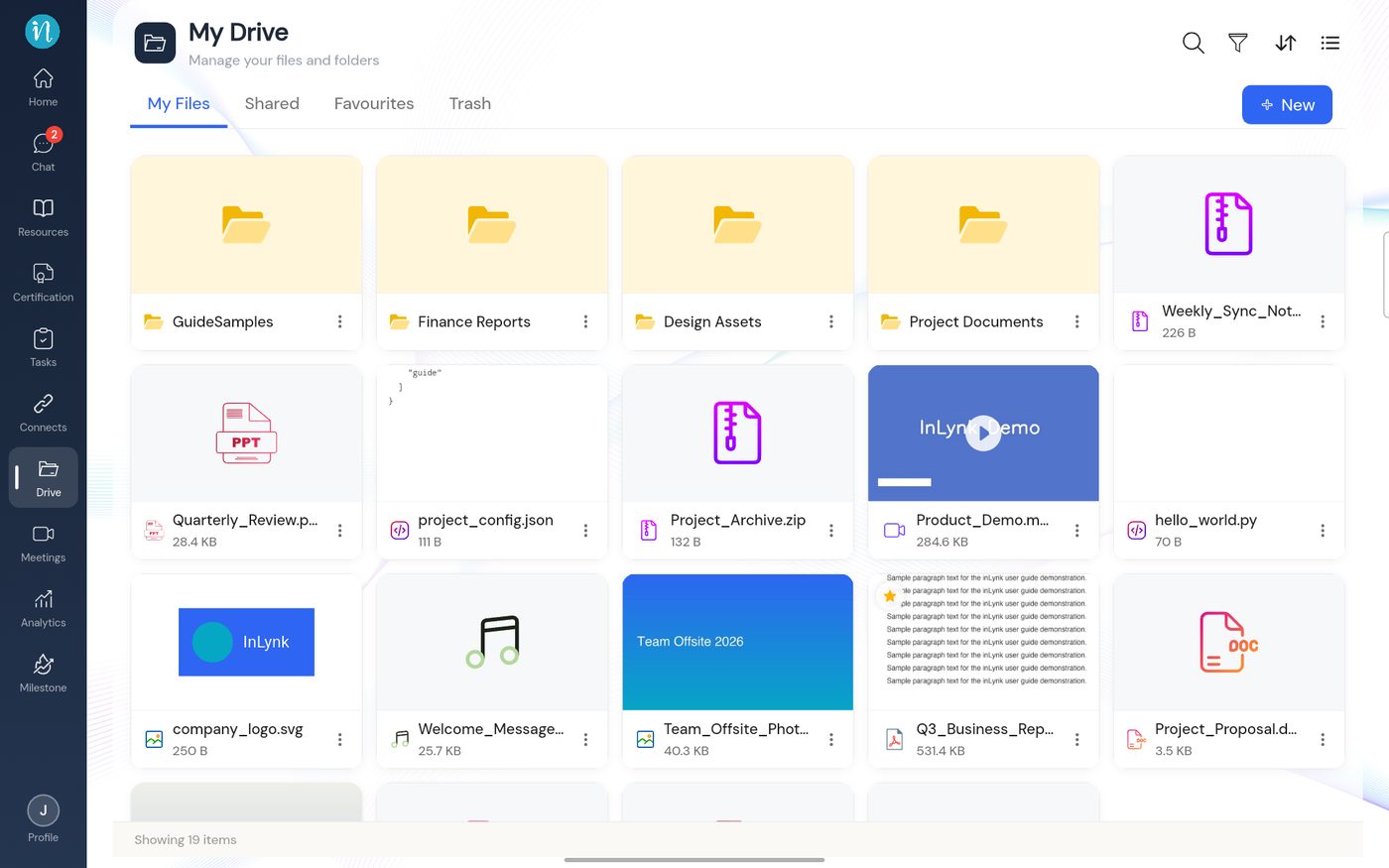 Sidebar for a Member
-
Tap More to see the entries that are not in the main list.
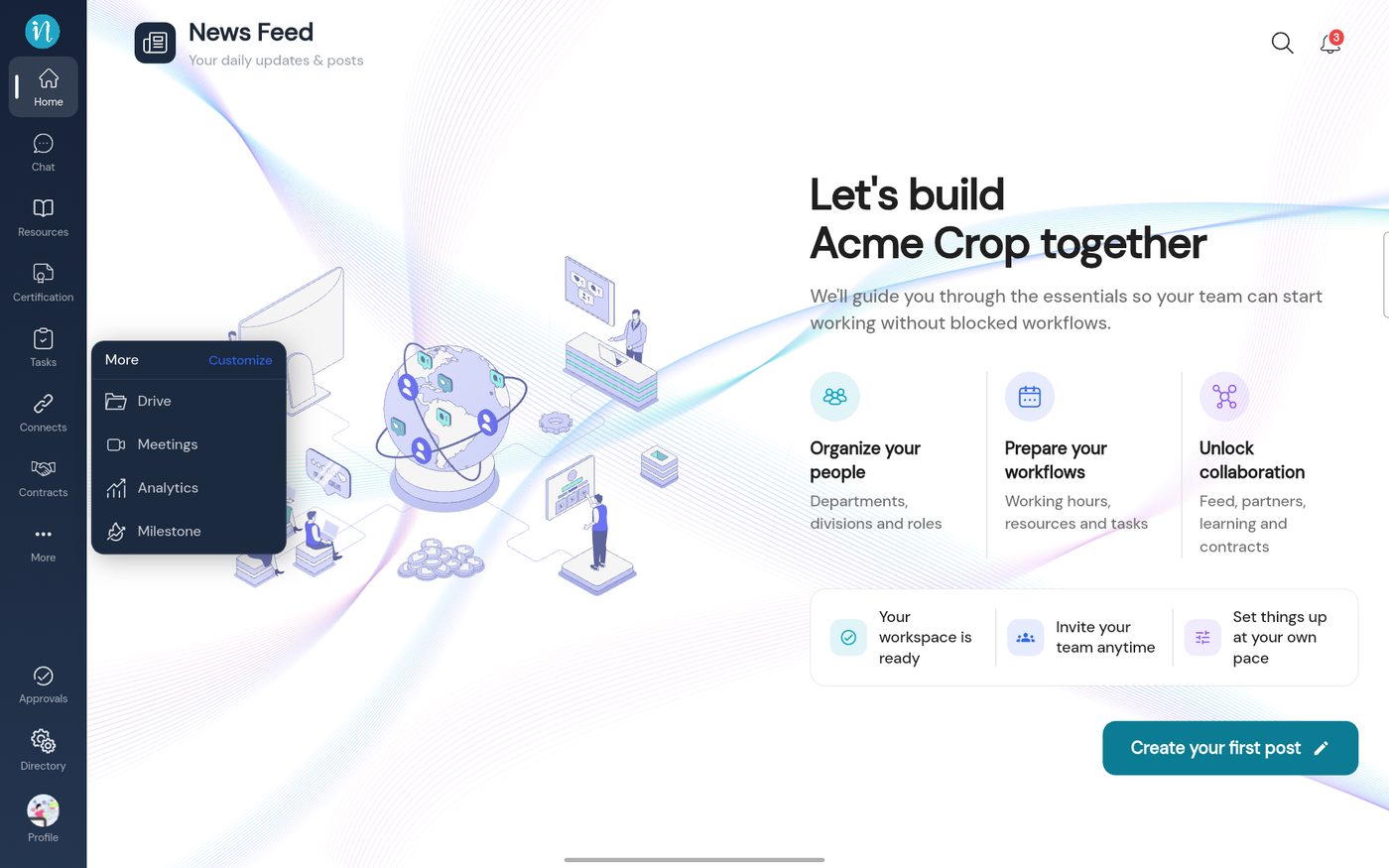 The More menu
Why an entry can be missing
Last updated 2026-10-22
