This article is written for Member and Super Admin. Use the role switch at the top to change what the menus show.
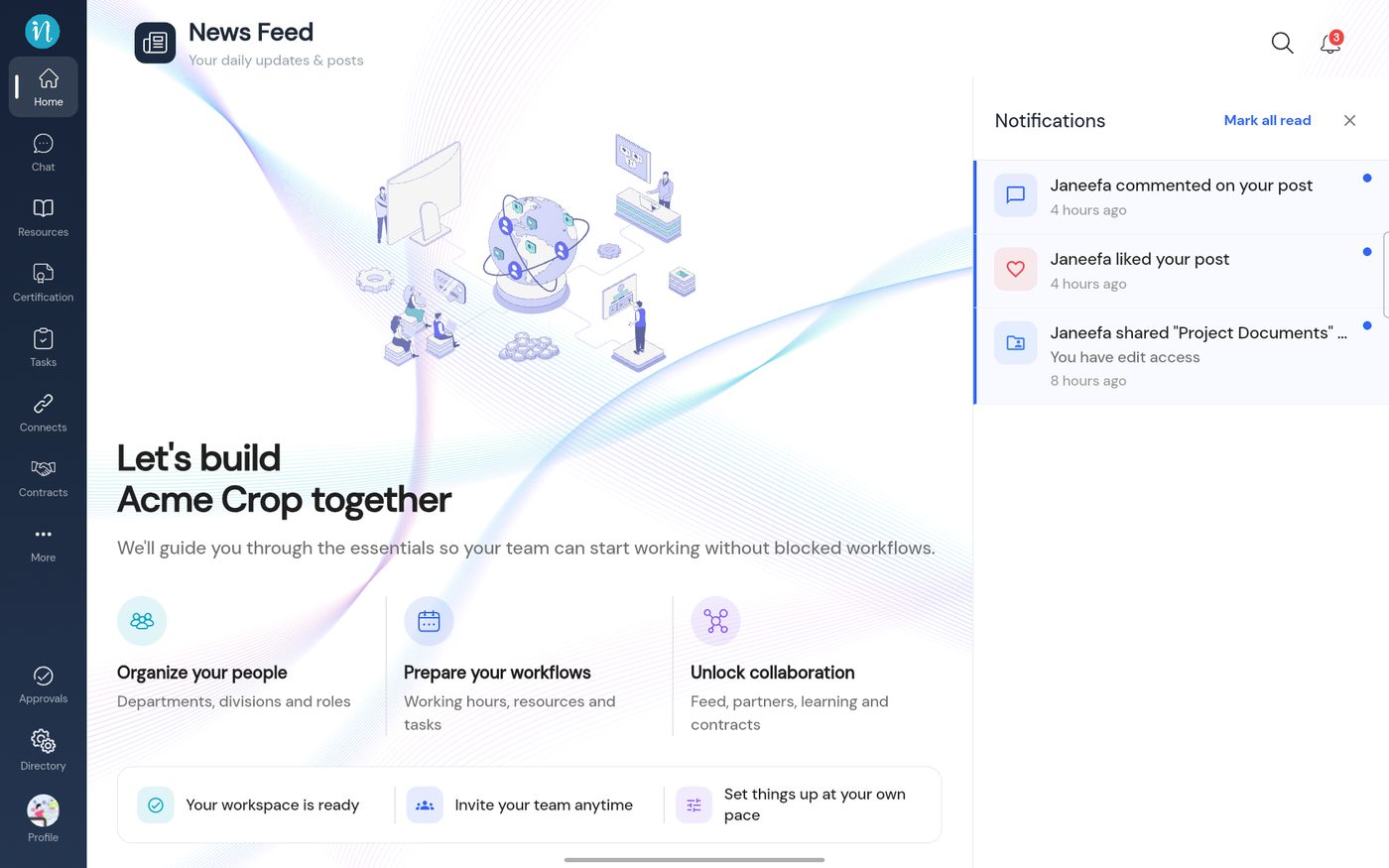
Notifications tell you when something happens that involves you: a comment on your post, a like, or something shared with you. They are in the bell at the top right of the Home page.
Look at the bell. A red badge shows how many notifications are waiting (here 3). Tap the bell.
The Notifications panel
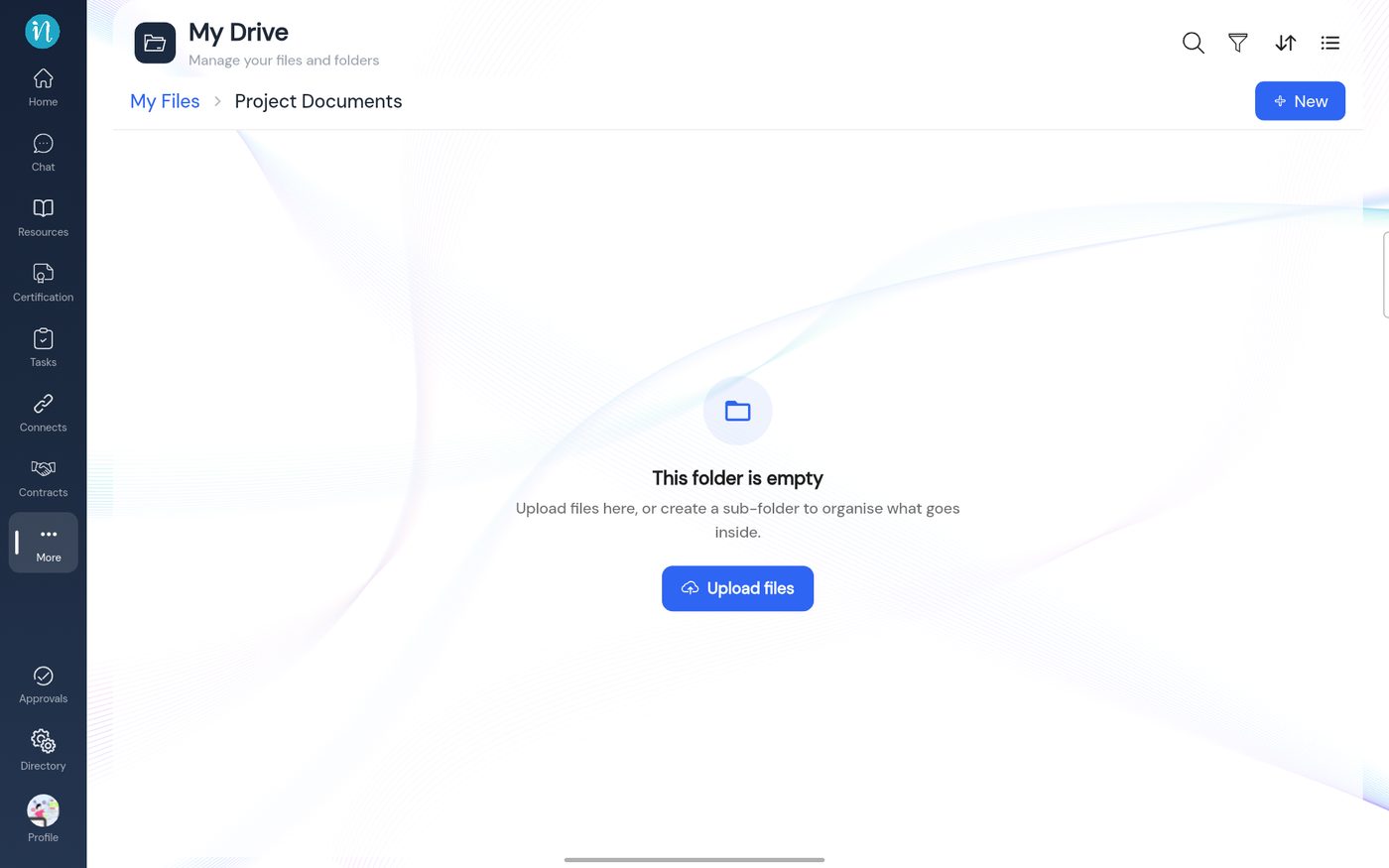
Tap a notification to go straight to what it is about. For example, tapping shared “Project Documents” opens that folder in Drive.