Settings and help
Theme and language
Who can use thisMembers and Super Admins
This article is written for Member and Super Admin. Use the role switch at the top to change what the menus show.
Two settings change how the whole app looks and reads: Theme (light or dark) and Language. Both are under Profile → Settings.
Theme
-
Tap Profile, then Theme.
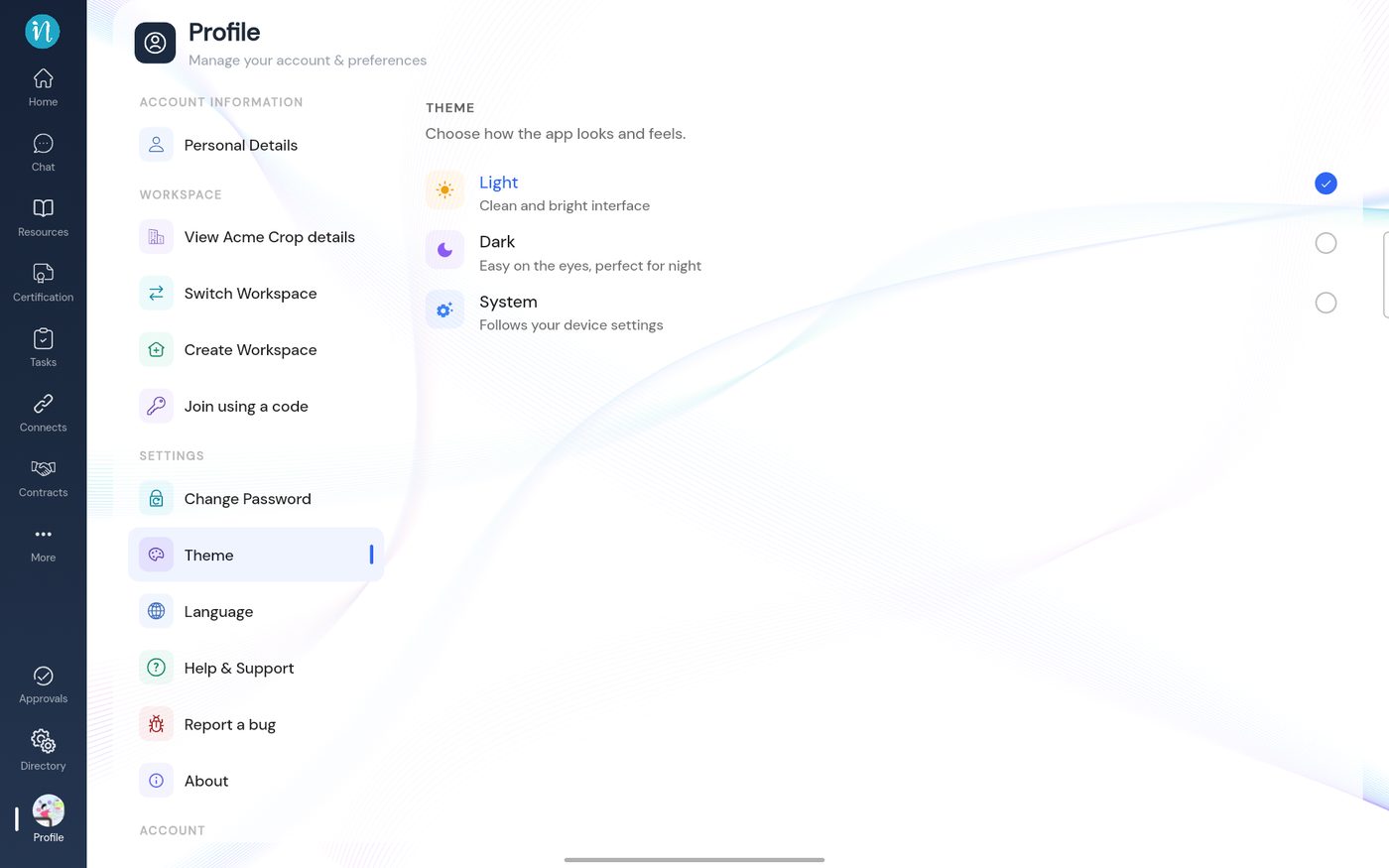 Theme
Theme
Language
-
Tap Profile, then Language.
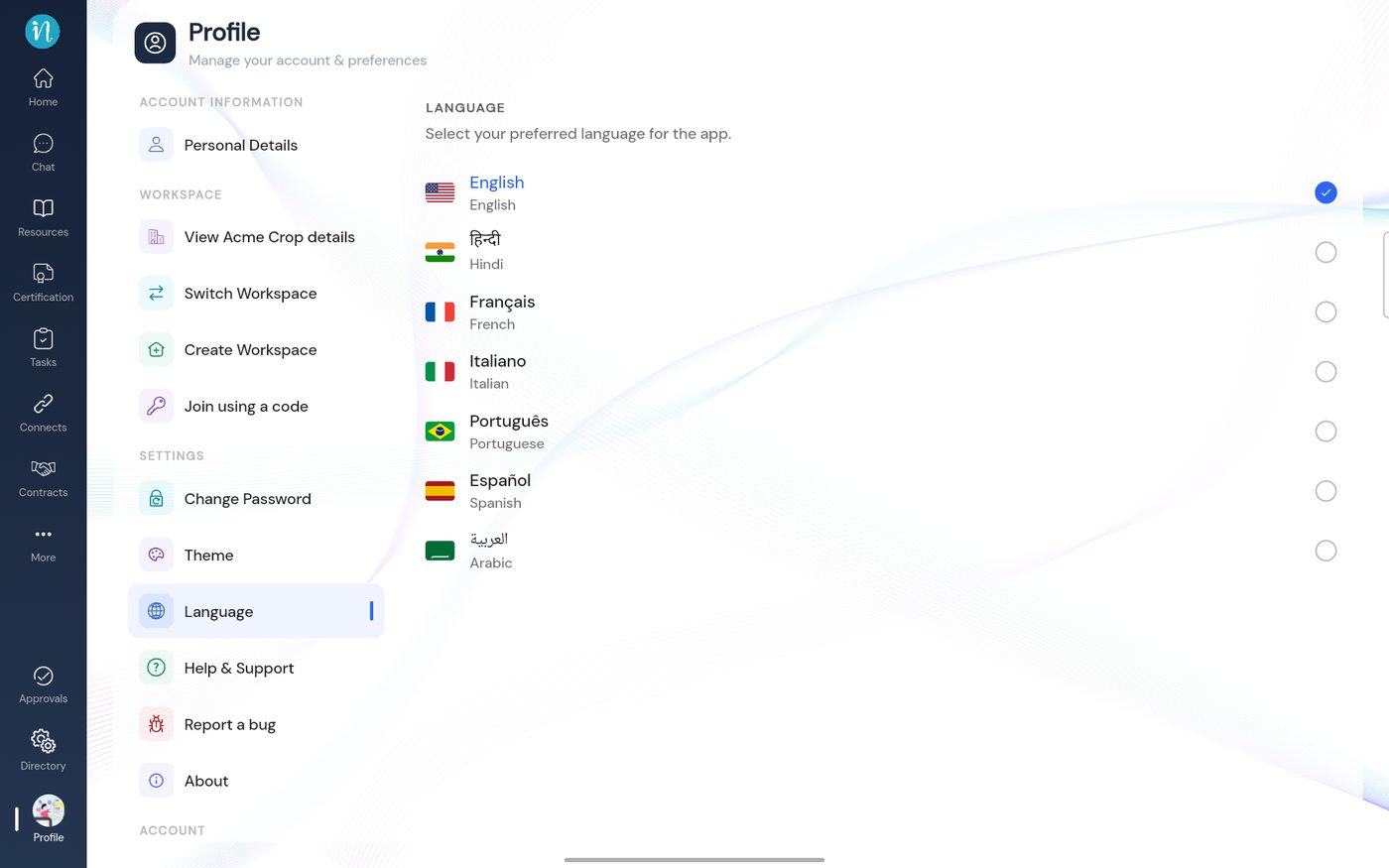 Language
Last updated 2026-10-22
