Set by your workspace admin. If you cannot do this, ask them for access.
This article is written for Member and Super Admin. Use the role switch at the top to change what the menus show.
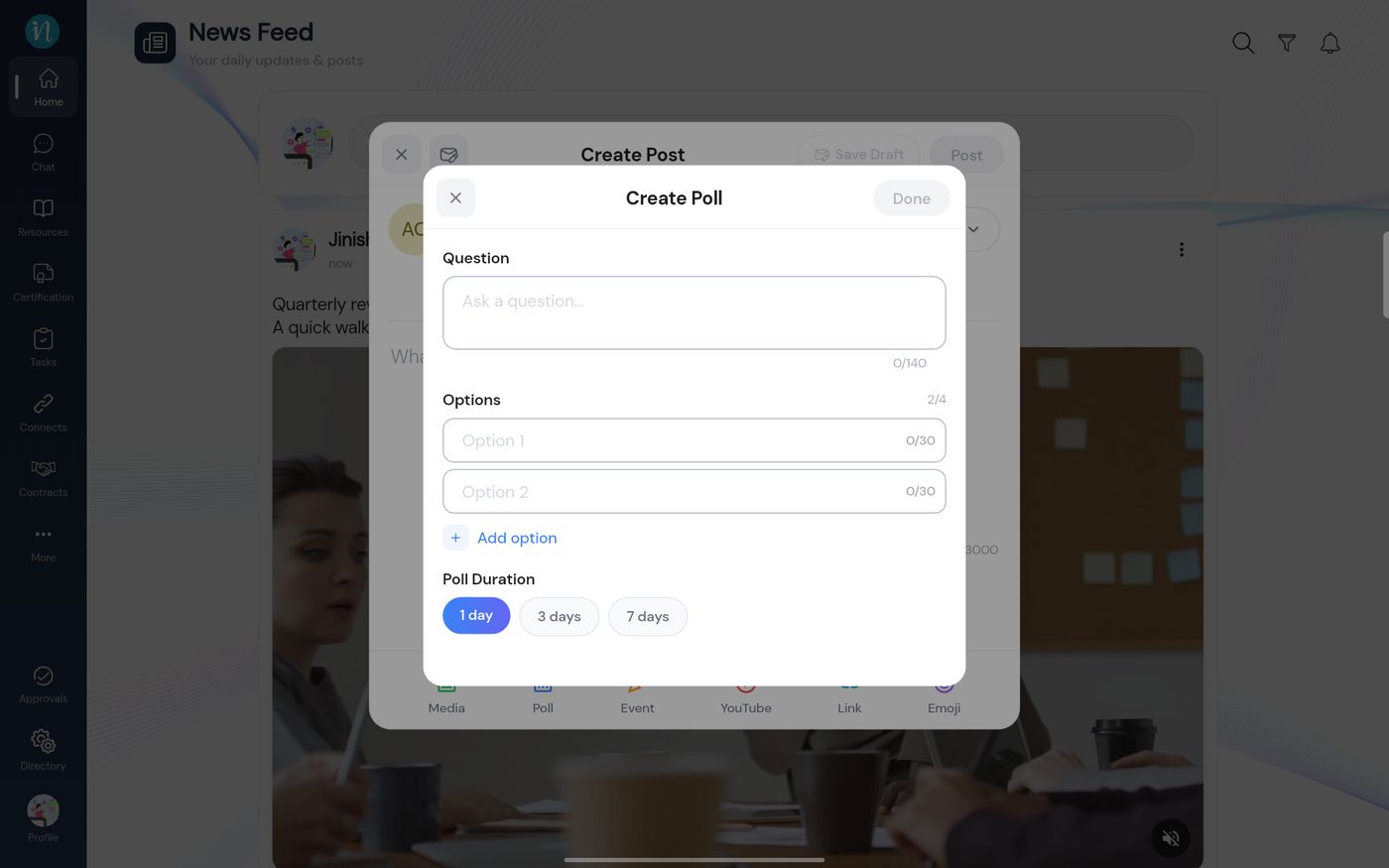
A poll asks your workspace a question and shows the results as people vote. A poll has a question, two to four options, and runs for one, three or seven days.
In the Create Post window, tap Poll. The Create Poll form opens.
An empty poll form
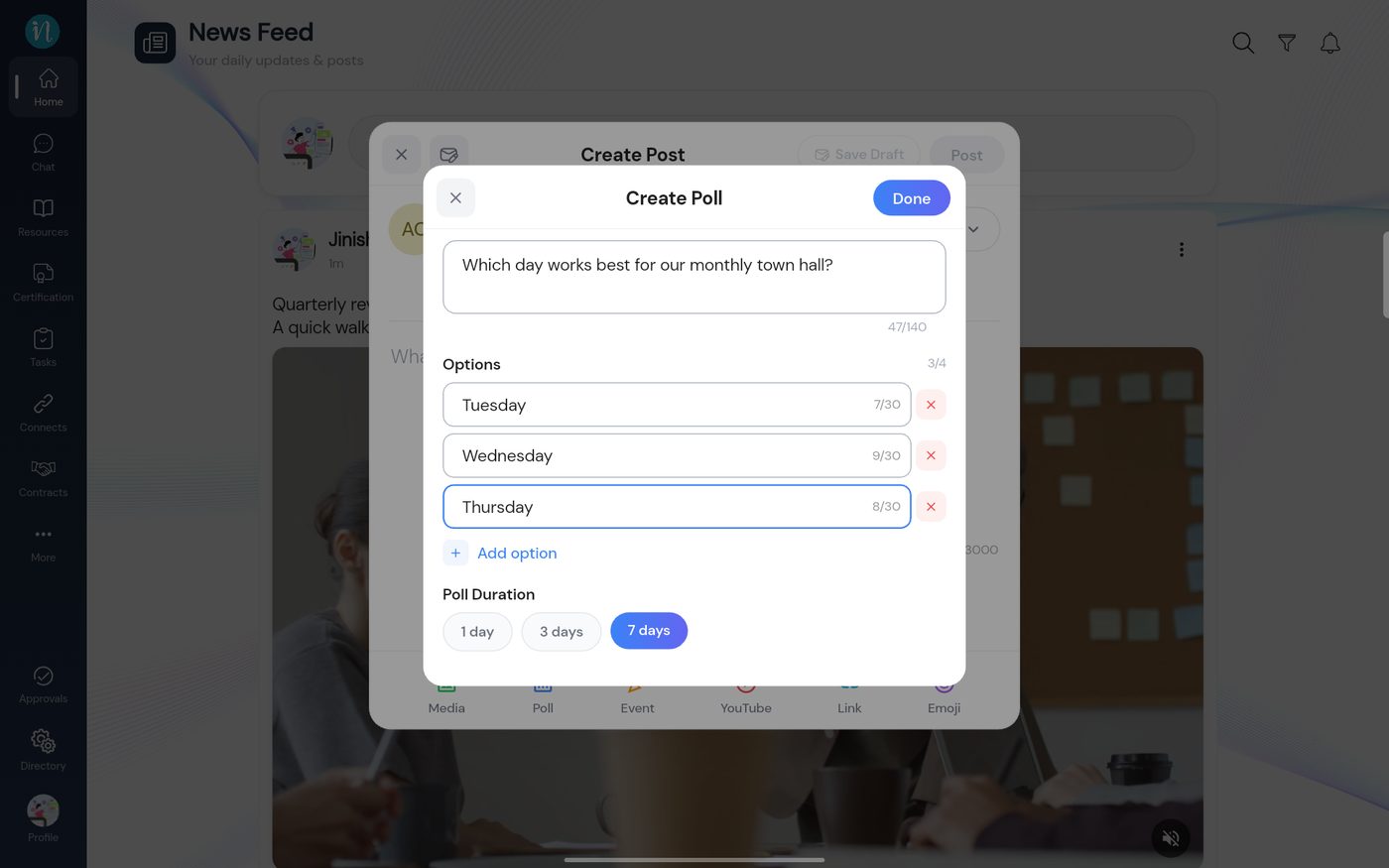
Type your question and fill in the options. Tap Add option for a third or fourth one.
A poll filled in
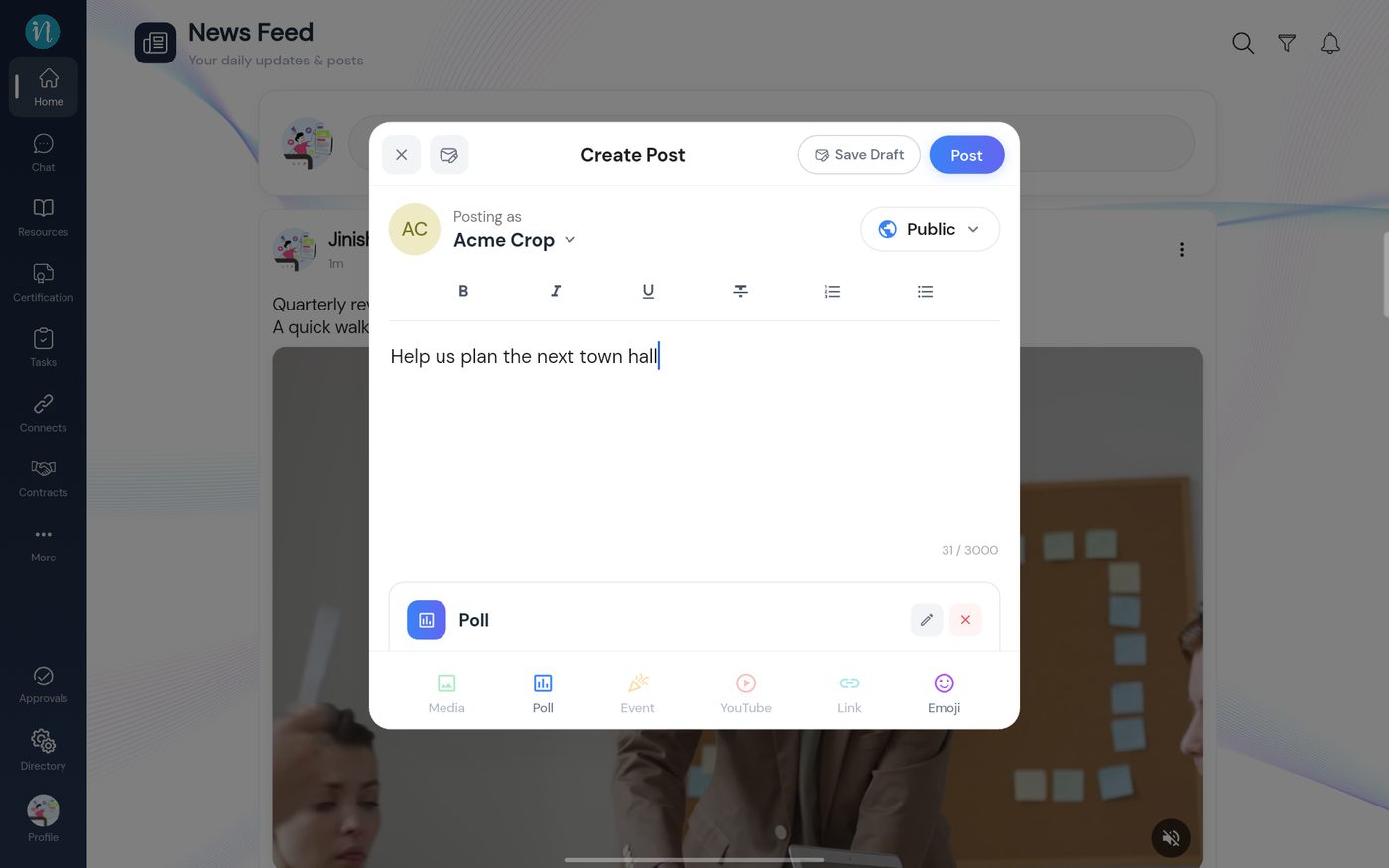
Tap Done. The poll is attached to your post. Add a line of text above it if you like.
A poll attached to the post
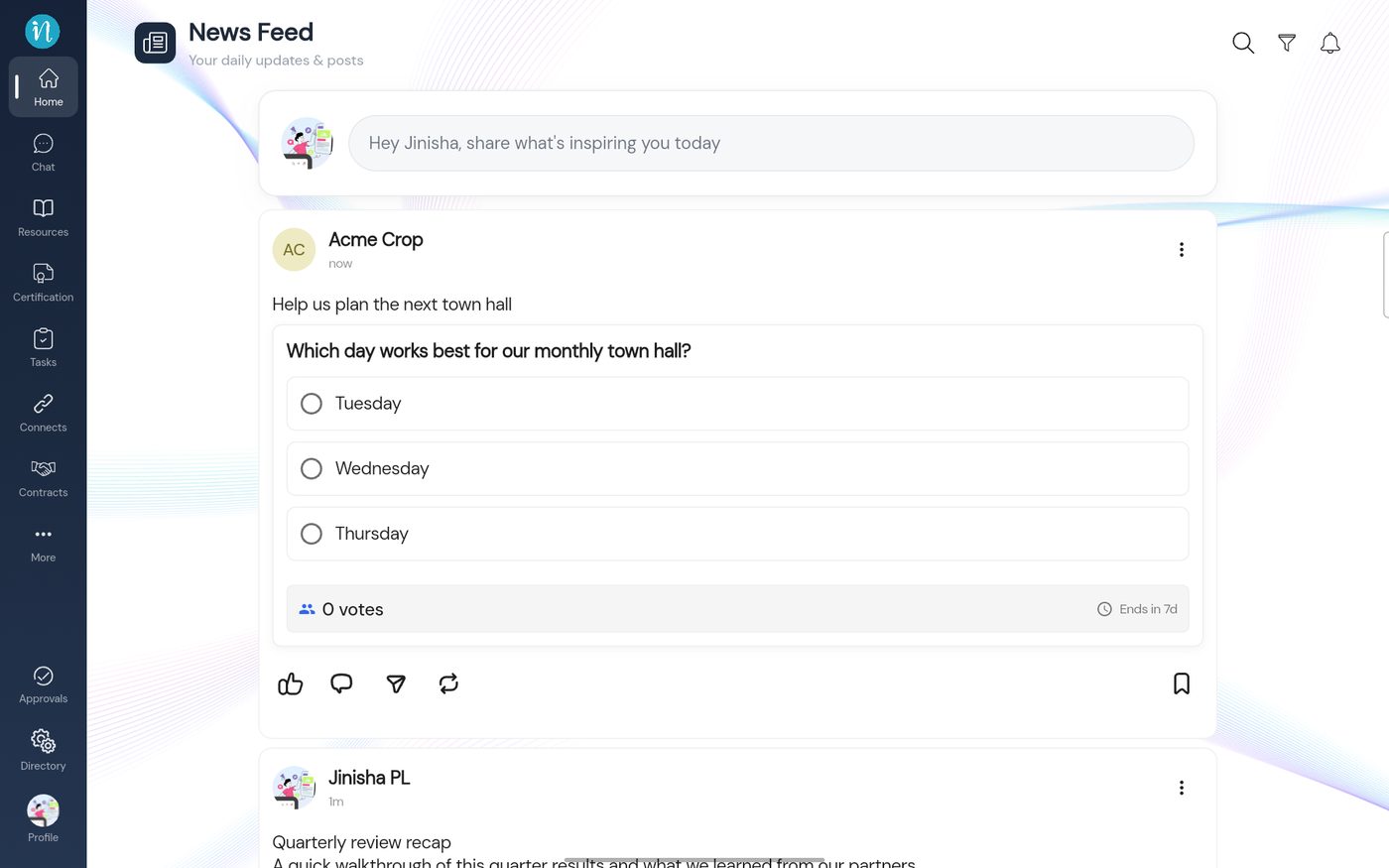
Tap Post. The poll appears in the feed.
A poll in the feed
Voting
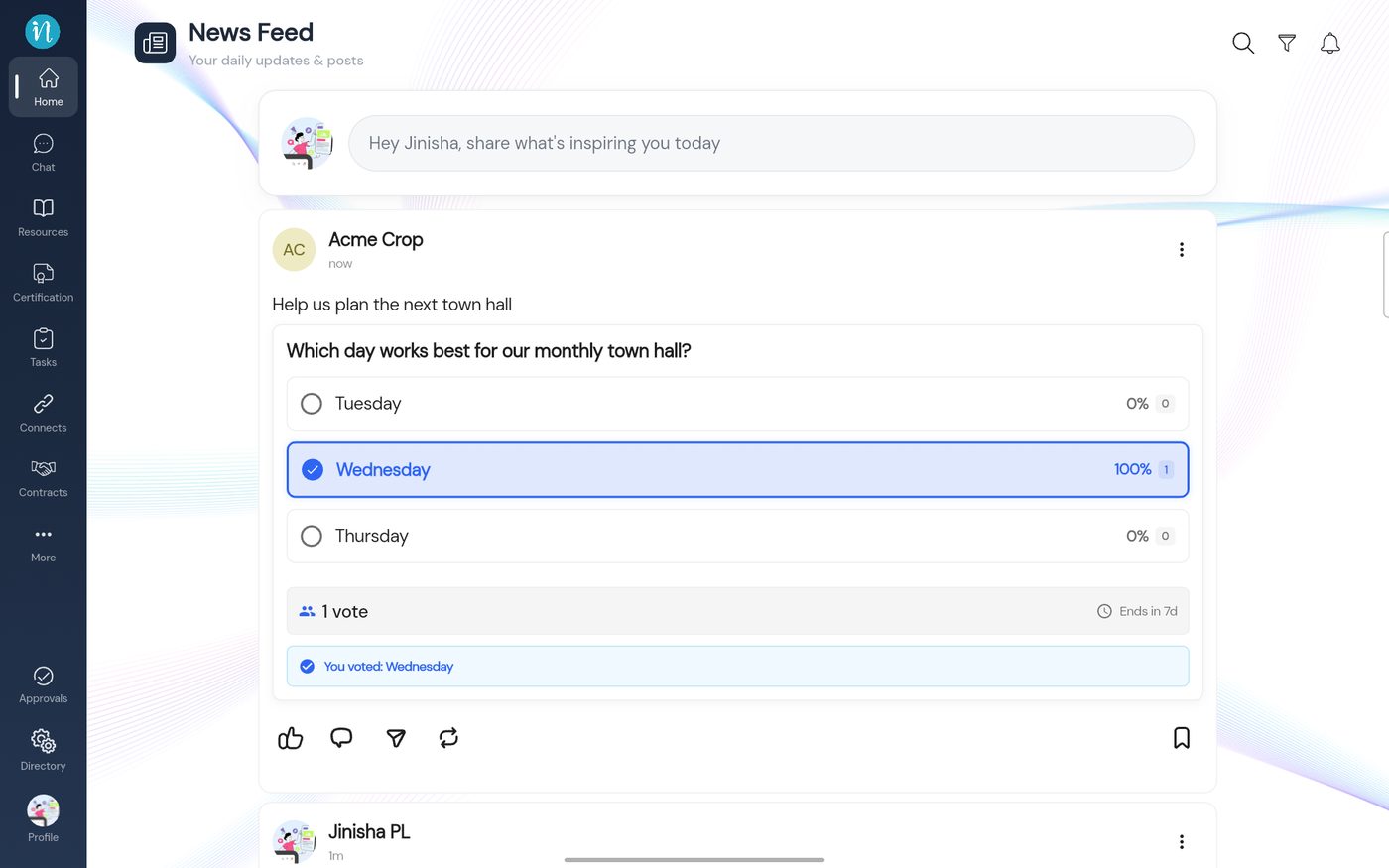
Tap an option to vote. You vote once.
A poll after voting
Results stay hidden until you have voted. A poll closes when its time runs out.