
The News feed at a glance
Who can use thisMembers and Super Admins
Permission you need
View feed posts and comments
Set by your workspace admin. If you cannot do this, ask them for access.This article is written for Member and Super Admin. Use the role switch at the top to change what the menus show.
The News feed is the first page you see after you sign in. It lists the posts from your workspace, newest first, with a box at the top for writing your own.
-
Tap Home in the sidebar. The News feed opens.
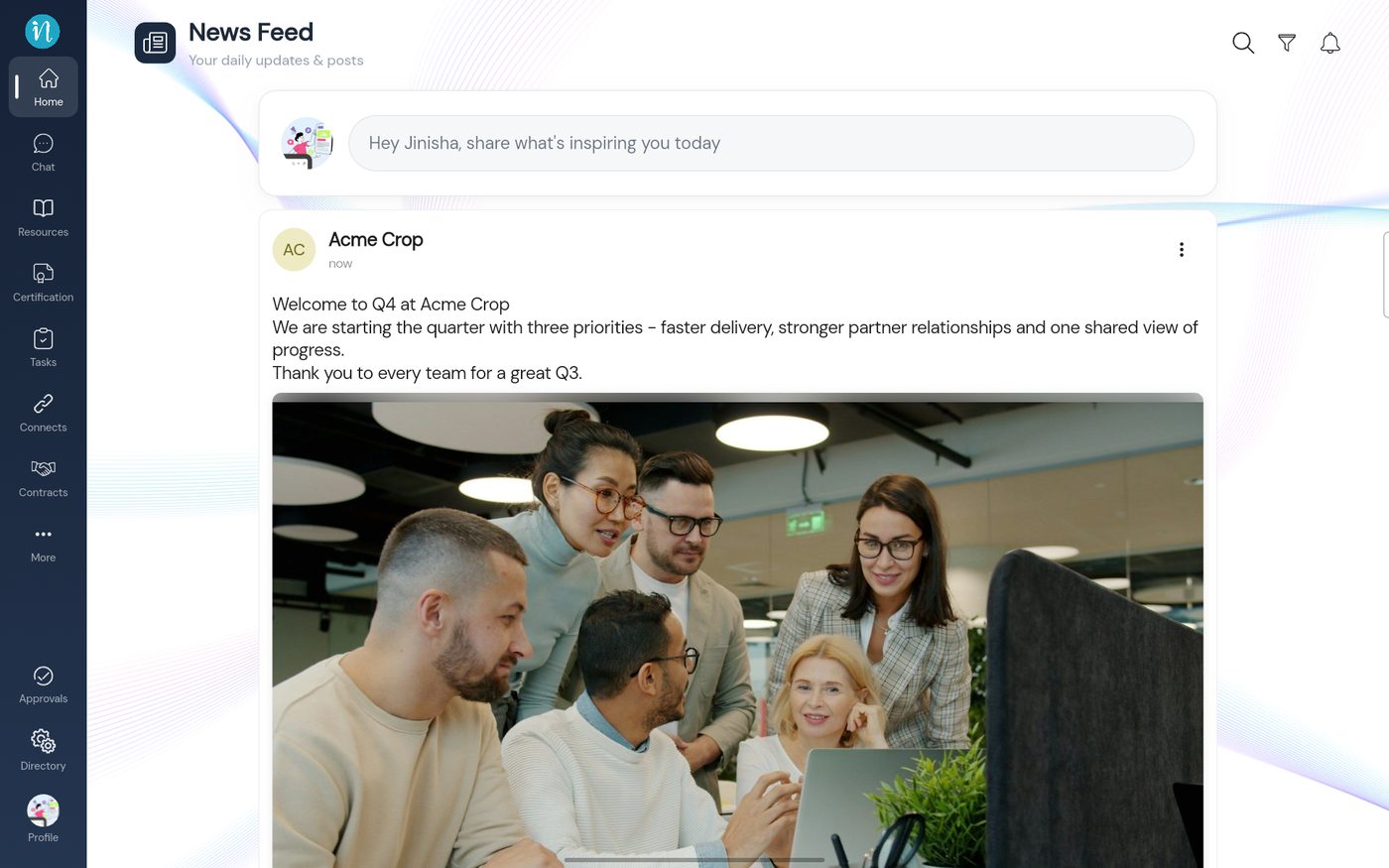
A post in the feed
Post types
| Type | What it is | Guide |
|---|---|---|
| Text | Plain words, with bold, italic, underline, strike-through and lists | Write a text post |
| Photos | One photo, or several shown as a swipeable set | Share photos |
| Video | A short clip that plays in the feed | Share a video |
| Poll | A question with up to four options | Create a poll |
| Event | A celebration card: birthday, wedding, anniversary and more | Celebrate with an event post |
| Link | A web address shown as a preview card | Share a link or YouTube video |
| YouTube | A YouTube video with its thumbnail and title | Share a link or YouTube video |
Last updated 2026-10-23