Read and engage
Search, filter and sort the feed
Who can use thisMembers and Super Admins
Permission you needView feed posts and comments
Set by your workspace admin. If you cannot do this, ask them for access. This article is written for Member and Super Admin. Use the role switch at the top to change what the menus show.
Three icons at the top right of the feed help you find posts.
Search
The magnifier opens a search box in its place. Type a word to search through the posts. Tap × to close it.
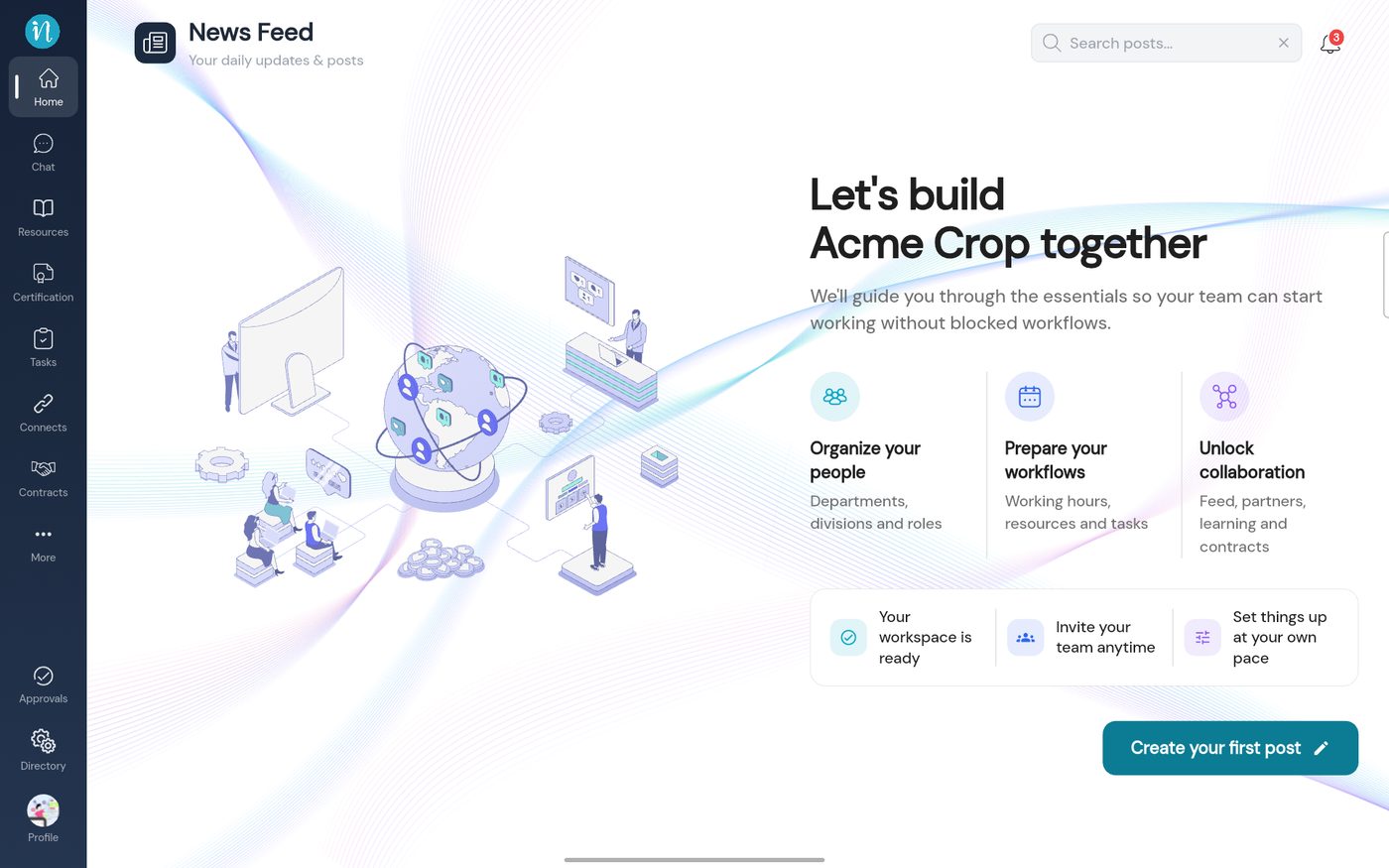 Searching posts
Filter and sort
-
Tap the funnel icon. The Filters panel slides in.
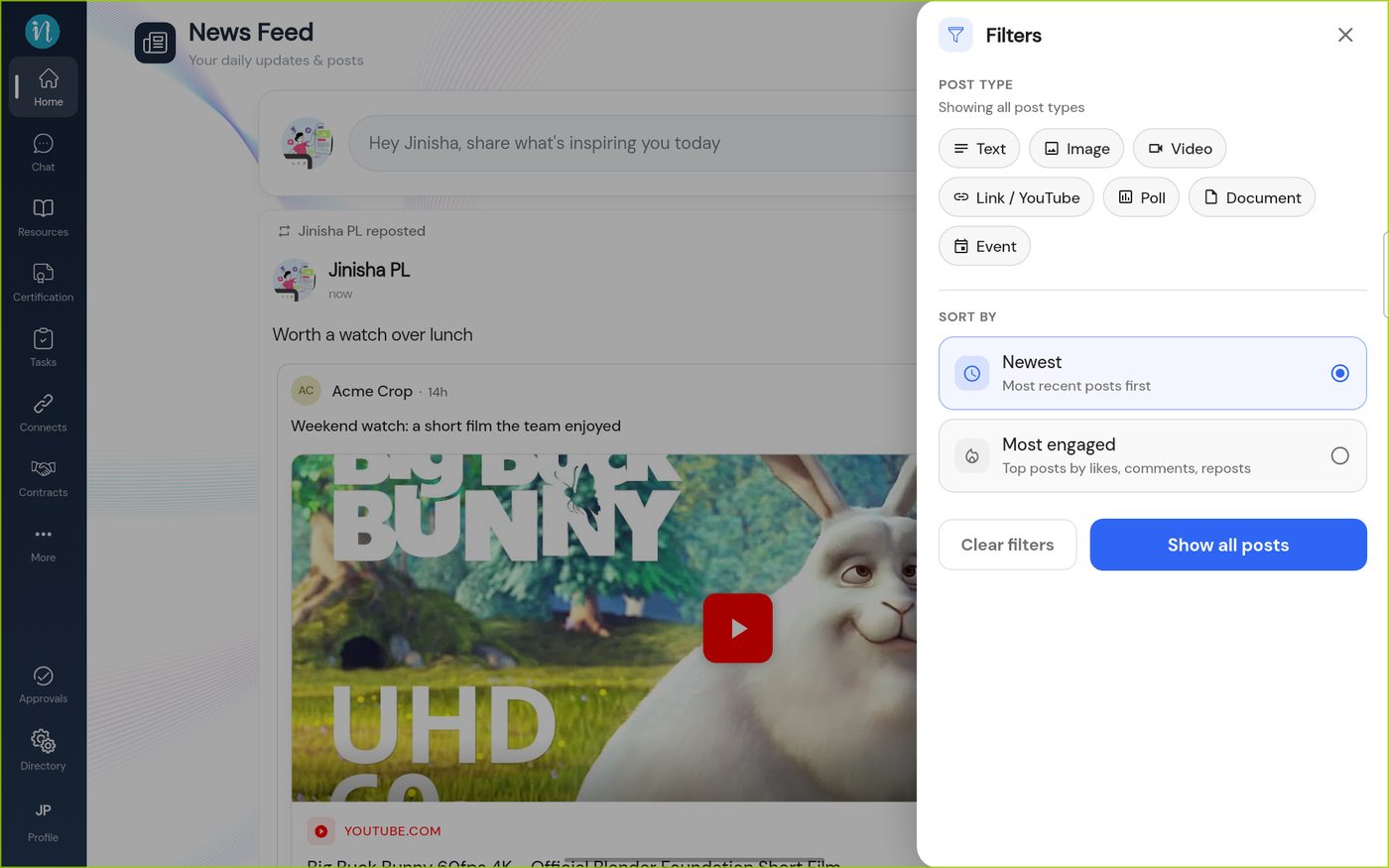 The Filters panel
-
Tap a post type to choose it. You can choose more than one.
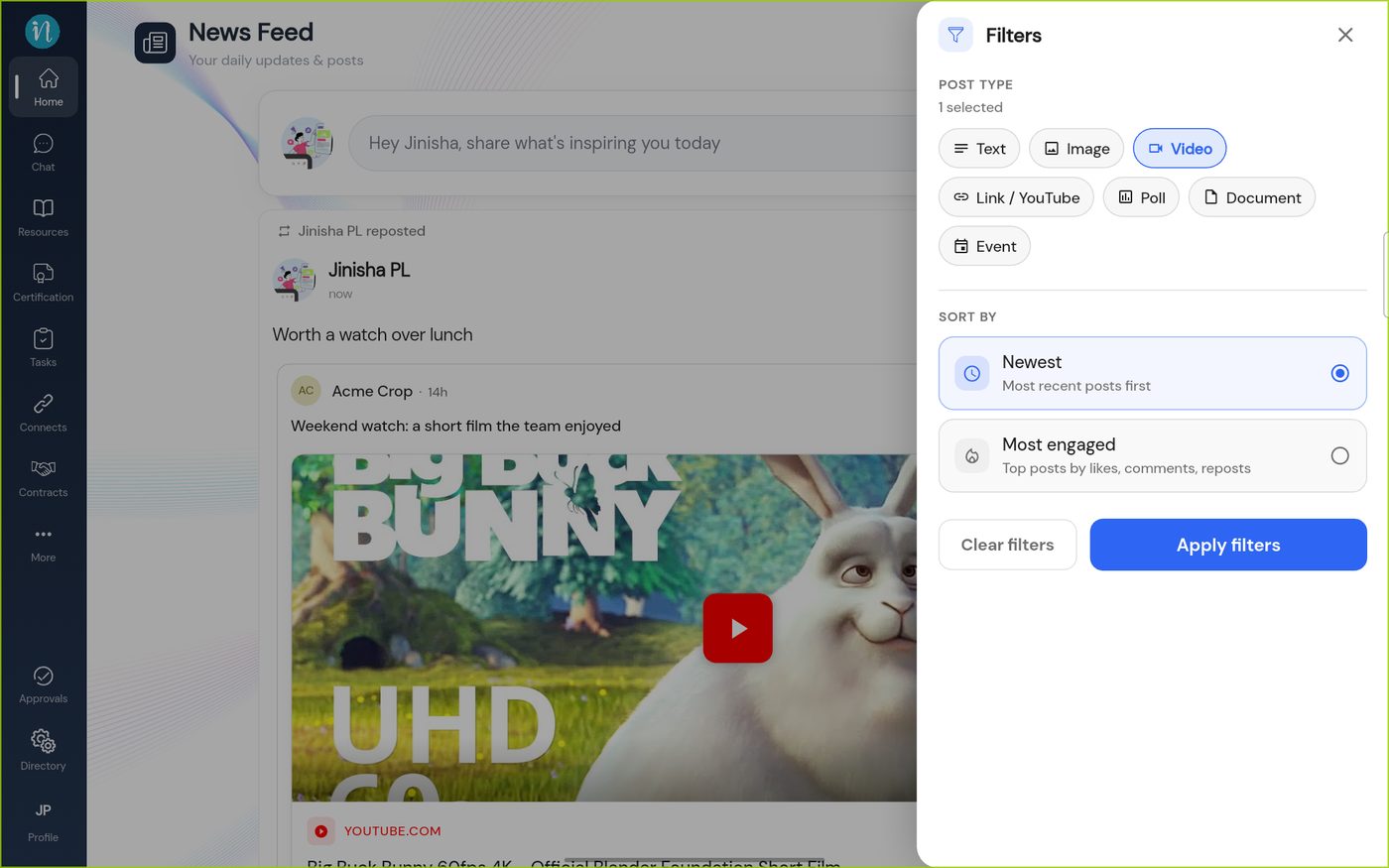 Video chosen
-
Tap Apply filters. The feed shows only that kind of post.
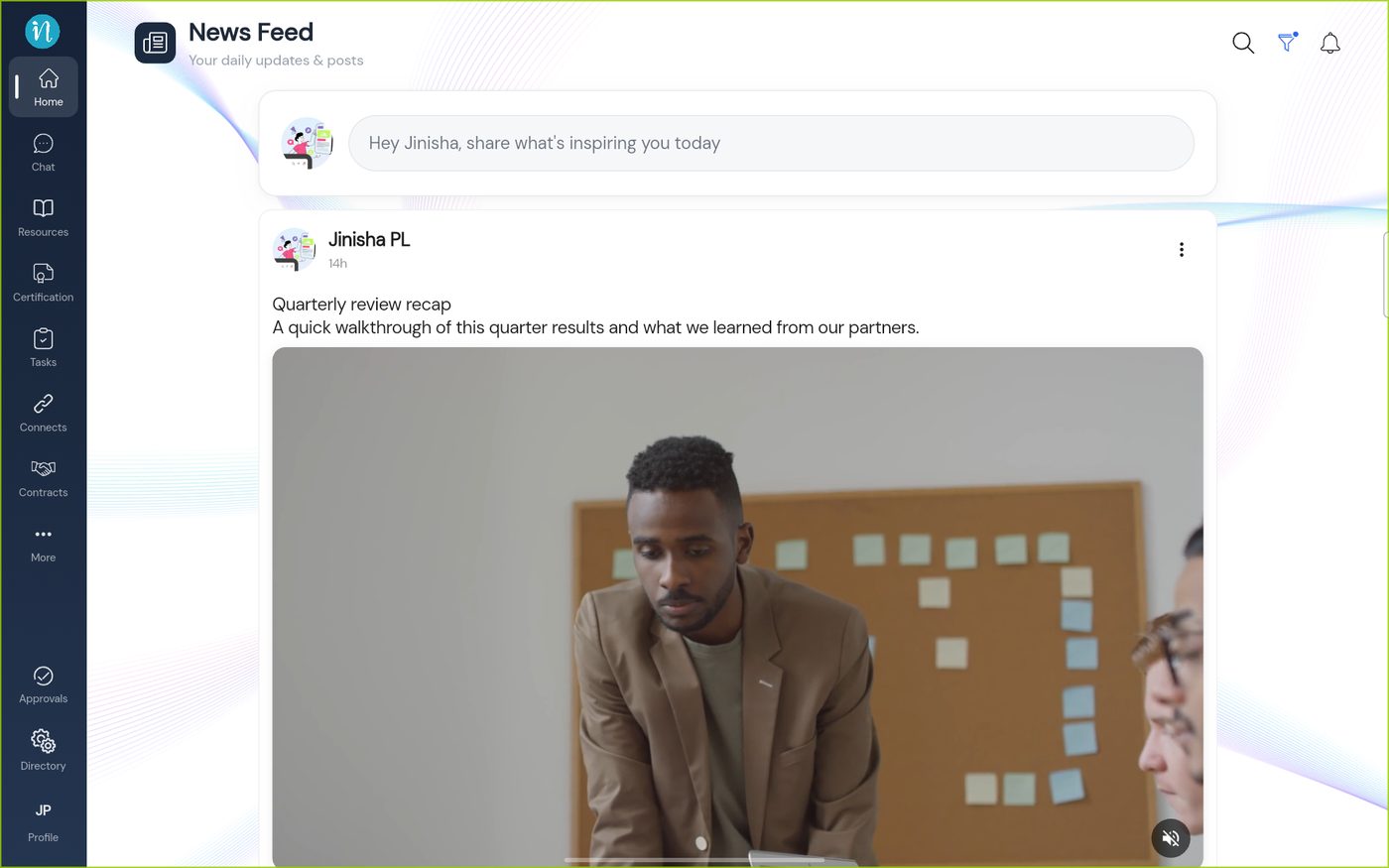 A filtered feed
Last updated 2026-10-23
