Share and post
How to share photos
Who can use thisMembers and Super Admins
Permission you needCreate posts
Set by your workspace admin. If you cannot do this, ask them for access. This article is written for Member and Super Admin. Use the role switch at the top to change what the menus show.
Add one photo, or several. Several photos appear as a set that readers swipe through.
-
In the Create Post window, tap Media. A small menu opens.
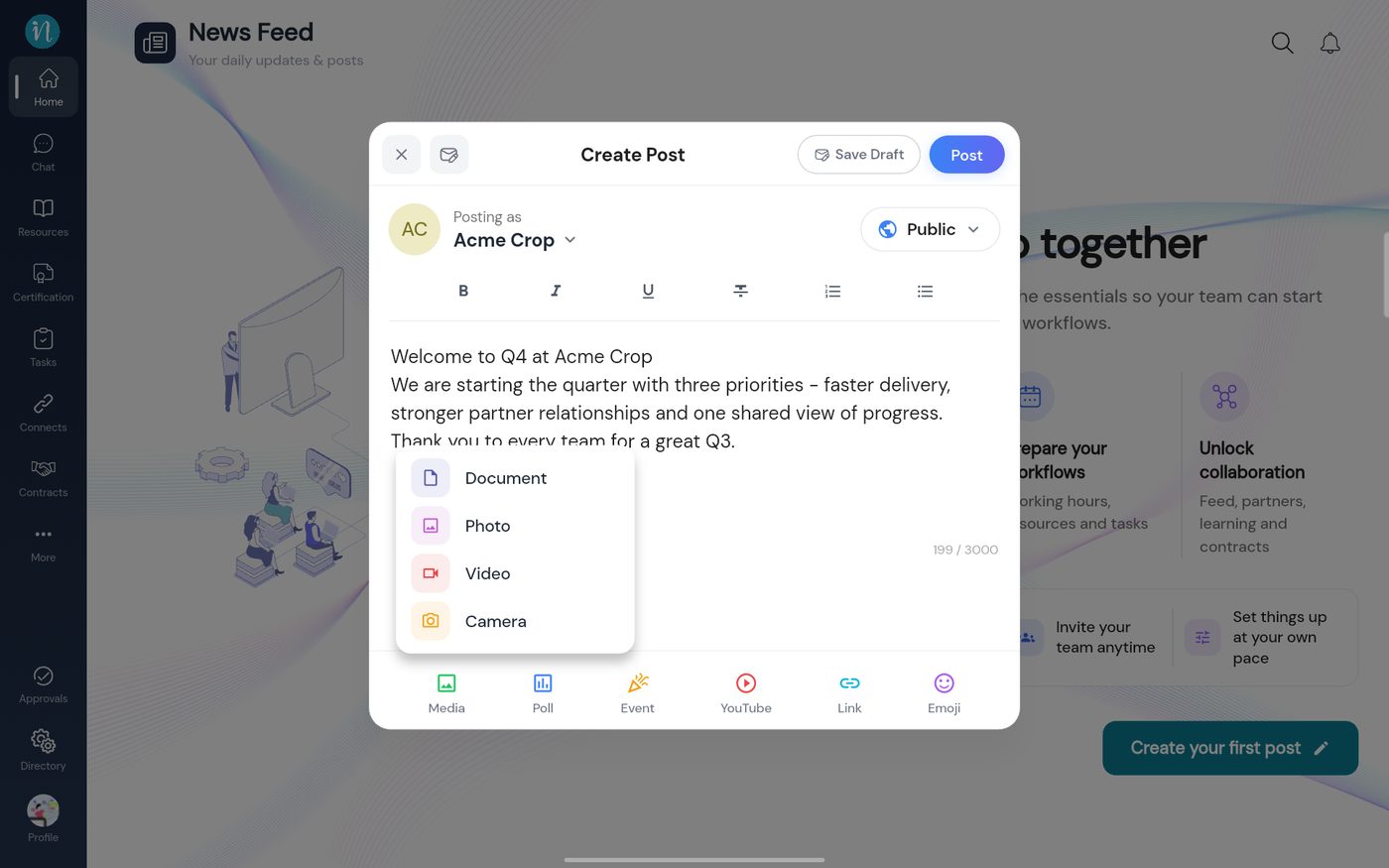 The Media menu
-
Tap Photo. Your device's photo picker opens. Tap the pictures you want.
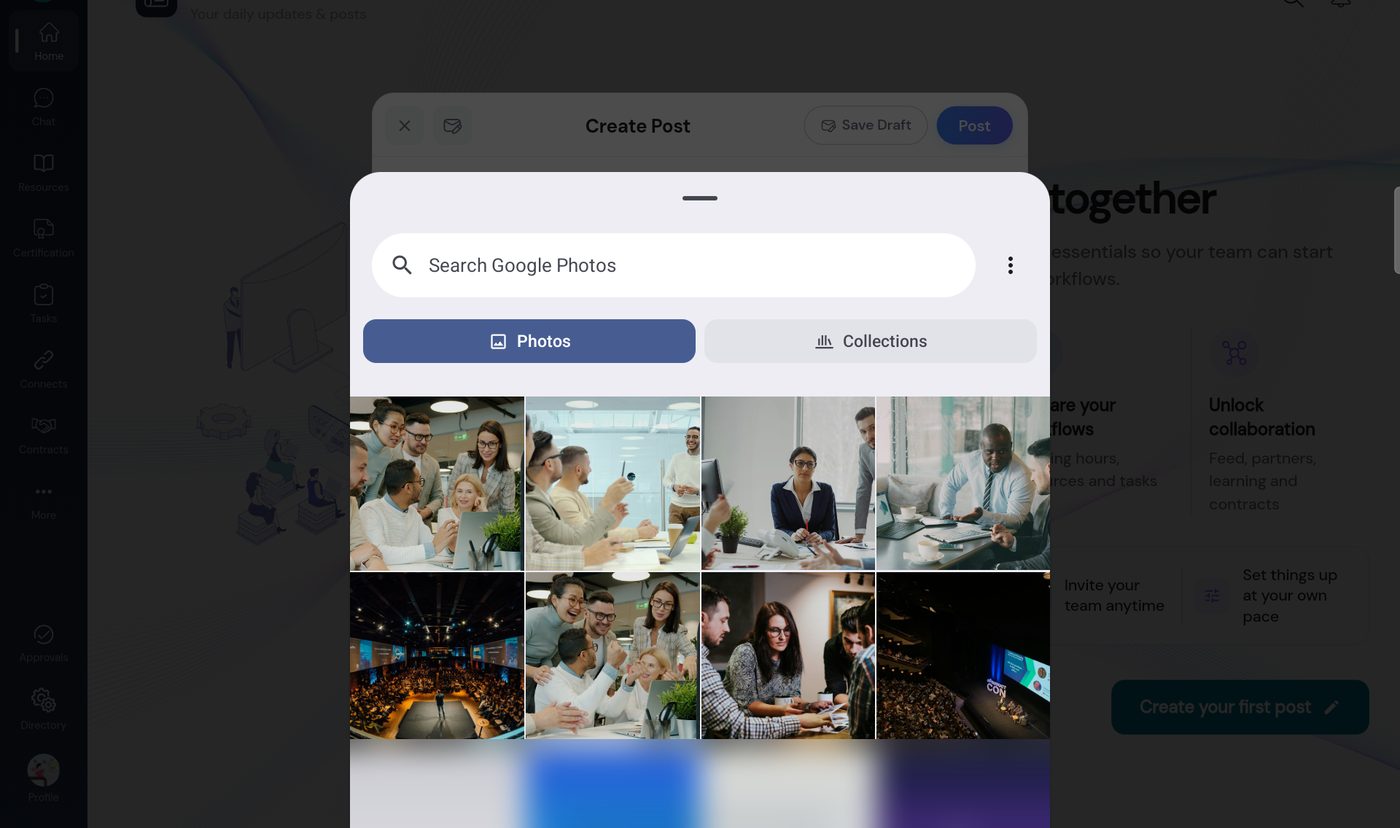 Choosing photos on the device
-
Tap Done when you have chosen.
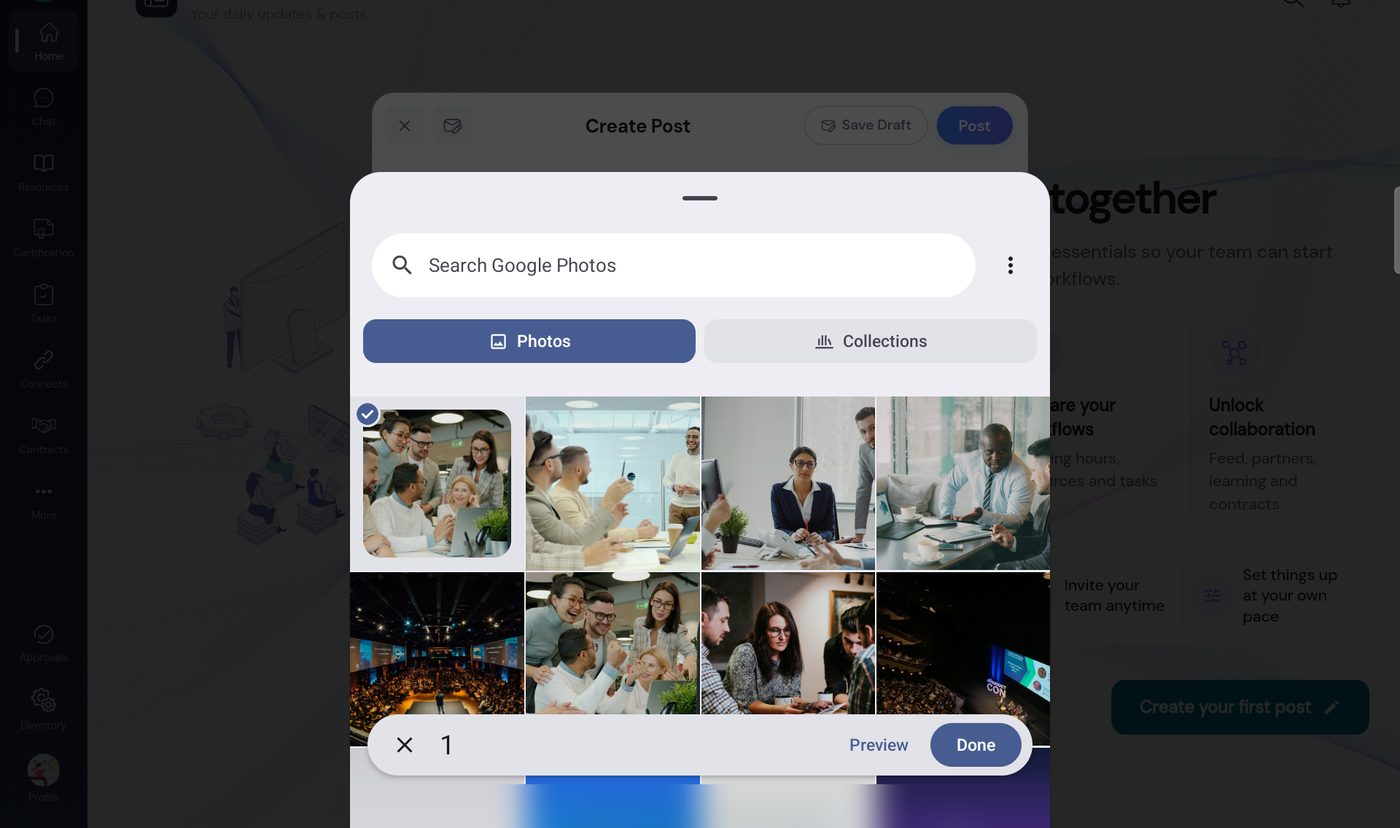 A photo chosen
-
Your photos are attached to the post. Write a caption if you like.
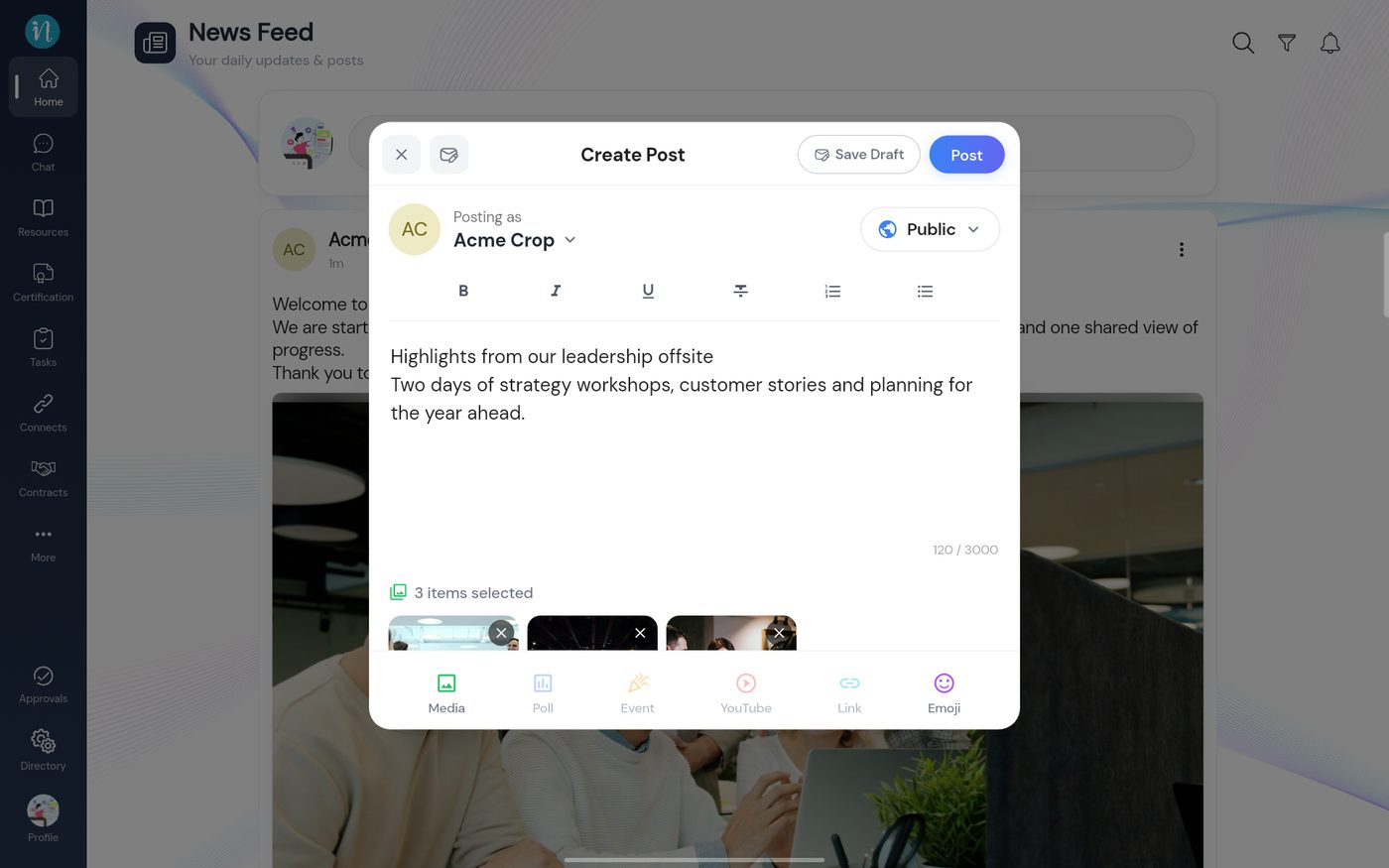 Three photos attached
-
Tap Post. Several photos appear as one set.
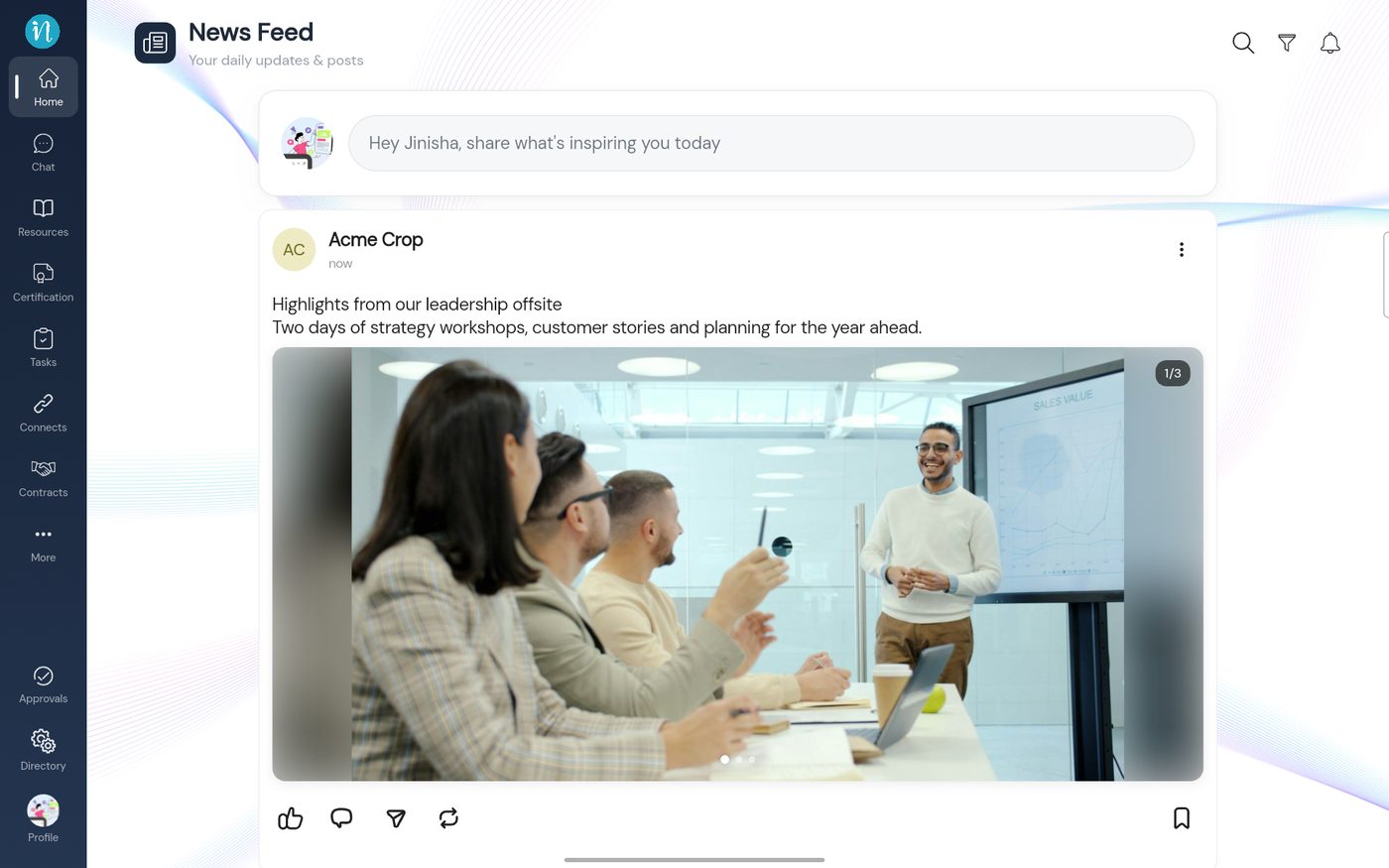 A post with three photos
Last updated 2026-10-23
