Set by your workspace admin. If you cannot do this, ask them for access.
This article is written for Member and Super Admin. Use the role switch at the top to change what the menus show.
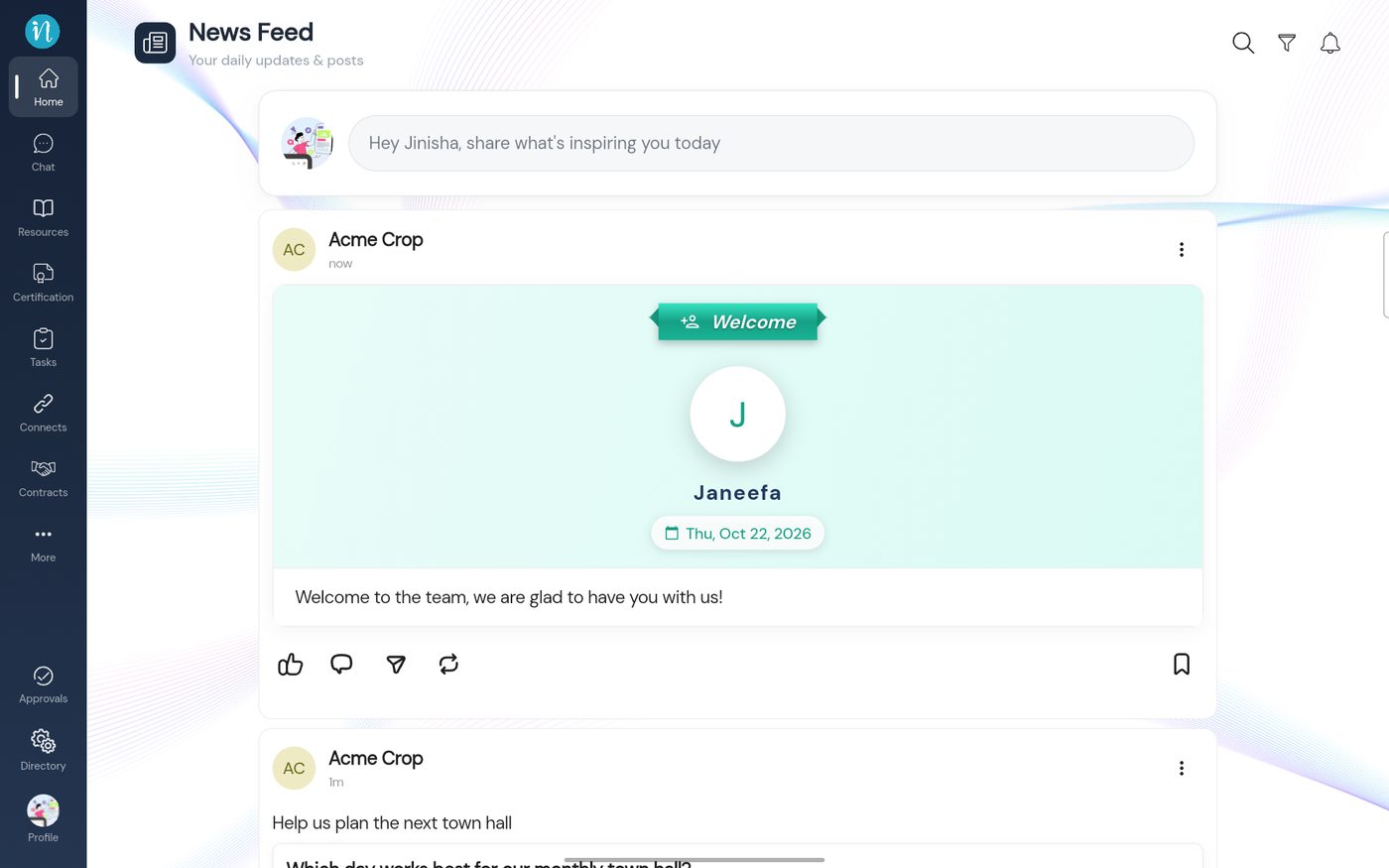
An event post is a celebration card for a person: a birthday, a wedding, a work anniversary, a new colleague and more. It shows the person's picture and name, the date and your message.
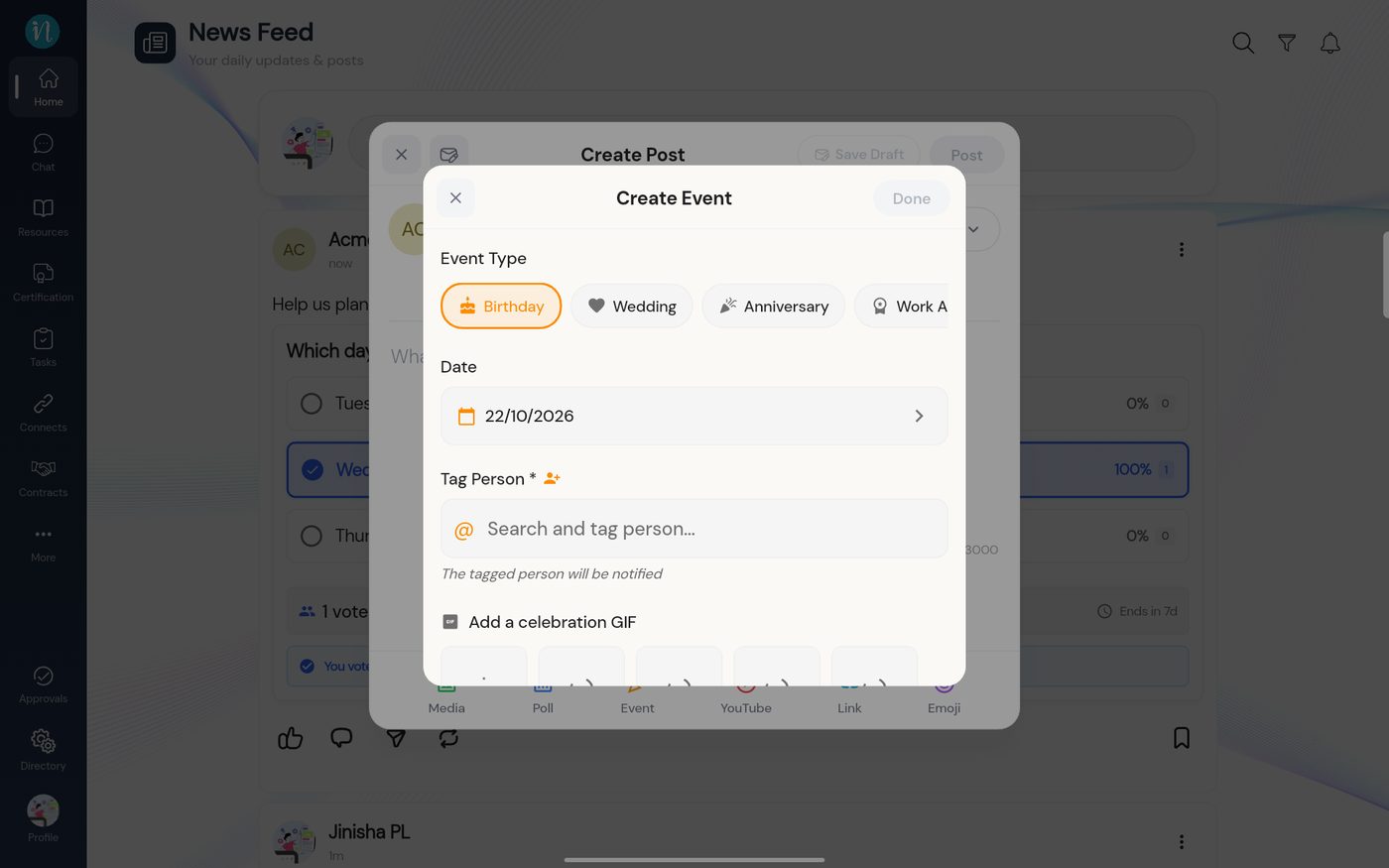
In the Create Post window, tap Event. The Create Event form opens.
The Create Event form
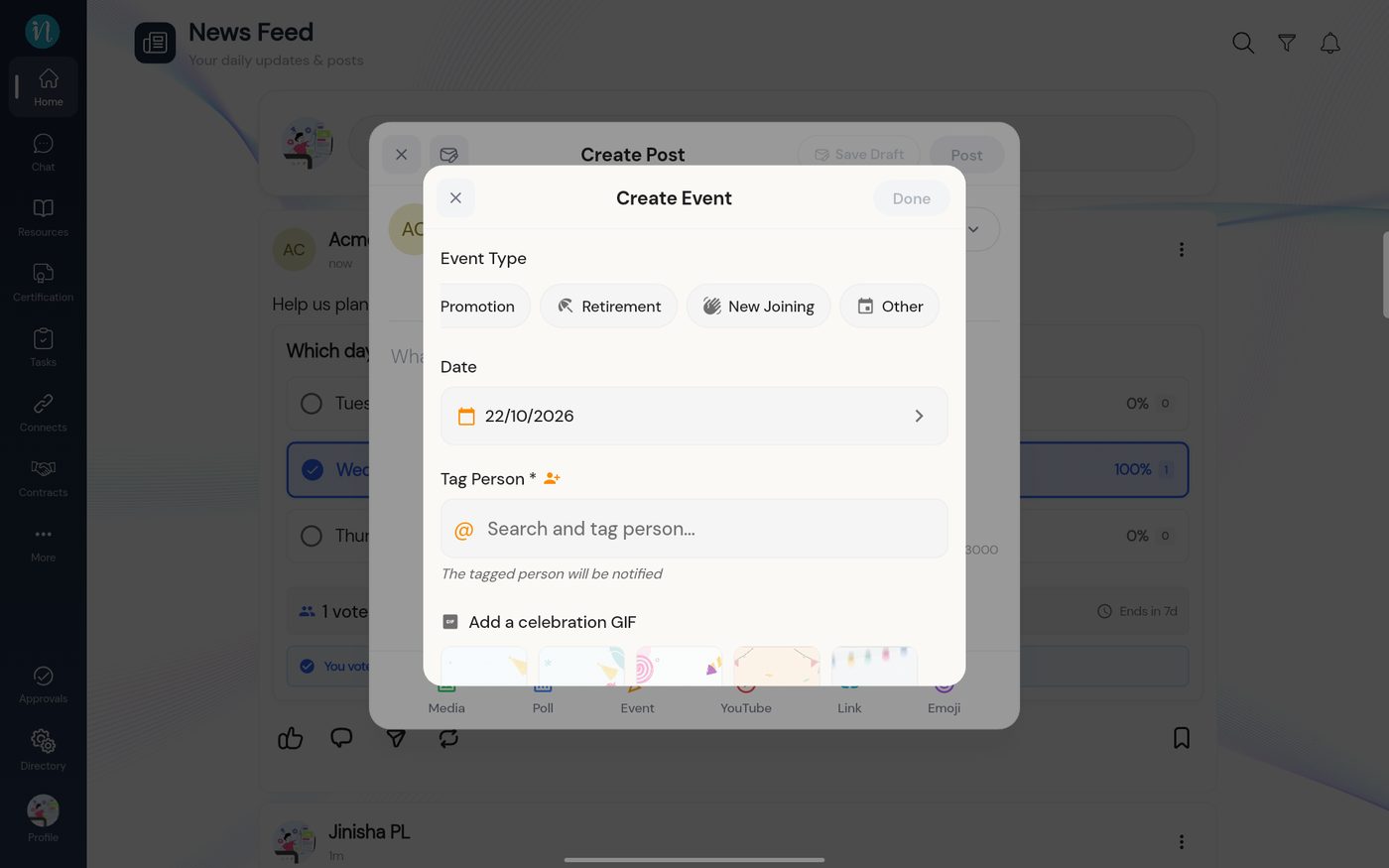
Choose the type. Swipe the row sideways to see them all.
The event types
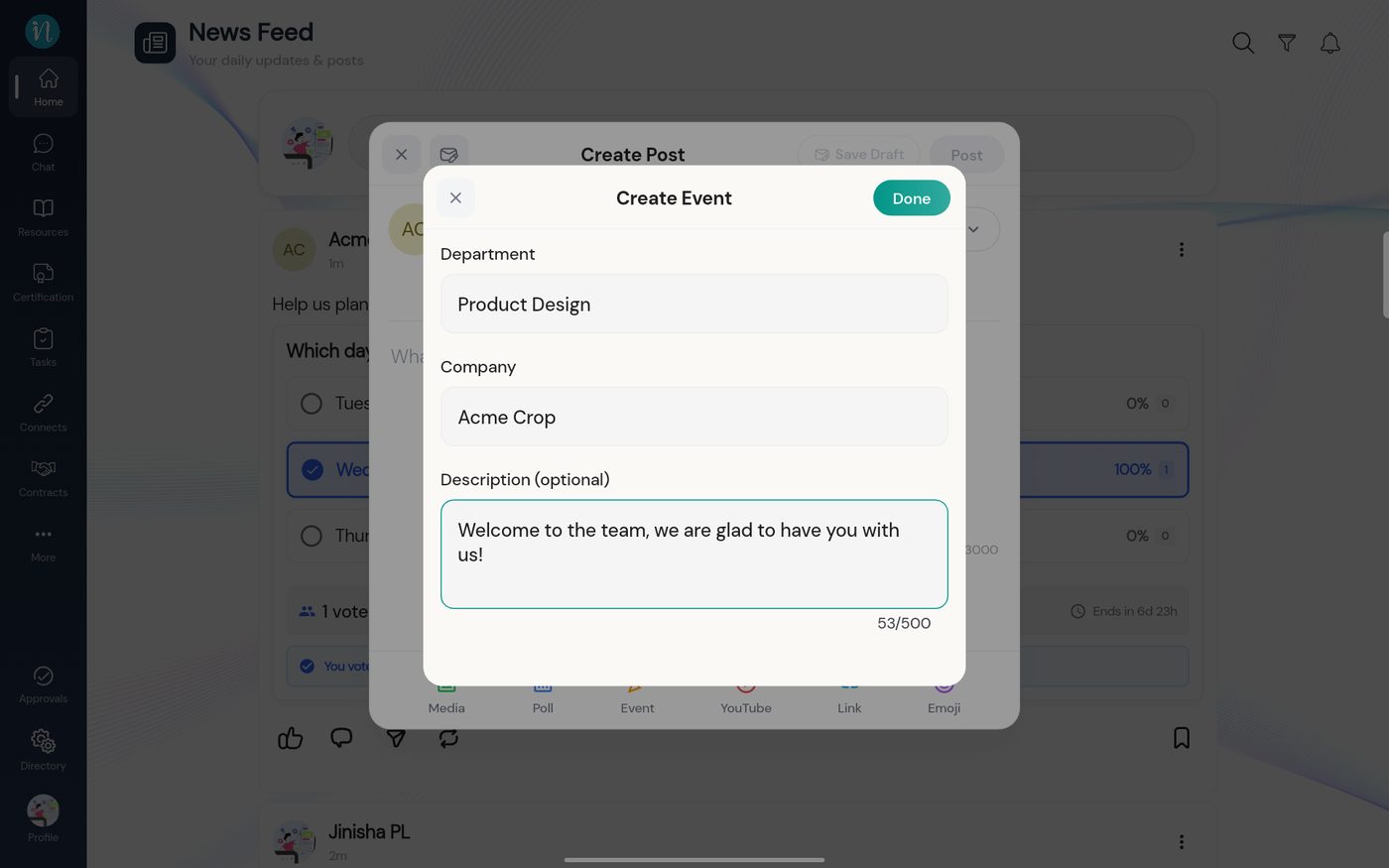
Tag the person. Type their name in Tag Person and pick them from the list. Choose a celebration design, then fill in the rest.
A New Joining event filled in
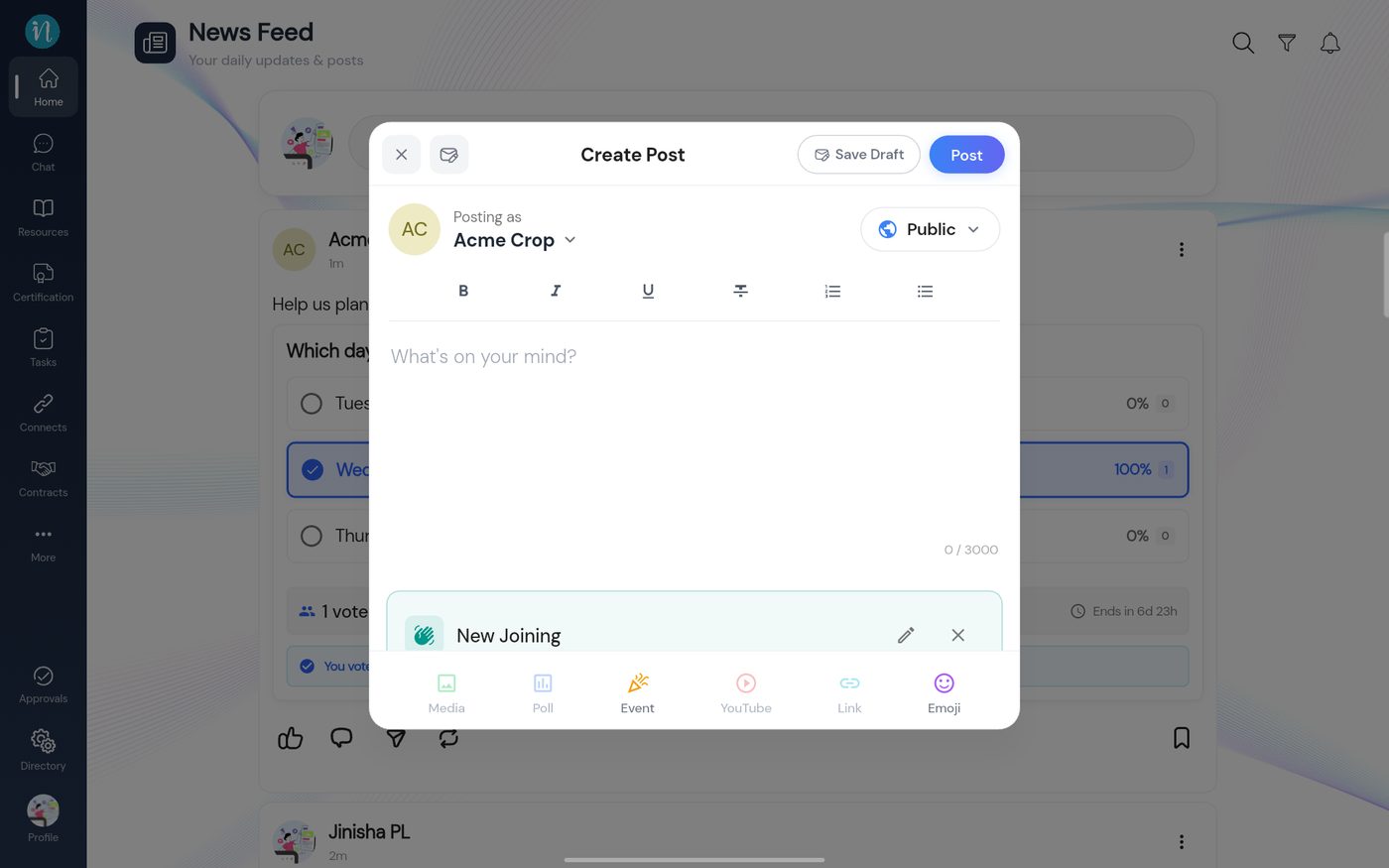
Tap Done. The event is attached to the post.
An event attached
Tap Post. The celebration card appears in the feed.