
Edit, delete or copy a post
Who can use thisMembers and Super Admins
Permissions you need
Edit own posts and commentsDelete (archive) own posts and comments
Set by your workspace admin. If you cannot do this, ask them for access.This article is written for Member and Super Admin. Use the role switch at the top to change what the menus show.
Every post has a ⋮ menu at its top right. On your own posts it lets you change or remove them.
Before you start: editing needs Edit own posts and comments, and deleting needs Delete (archive) own posts and comments. See What you can do in the News feed.
-
Tap the ⋮ at the top right of your post.
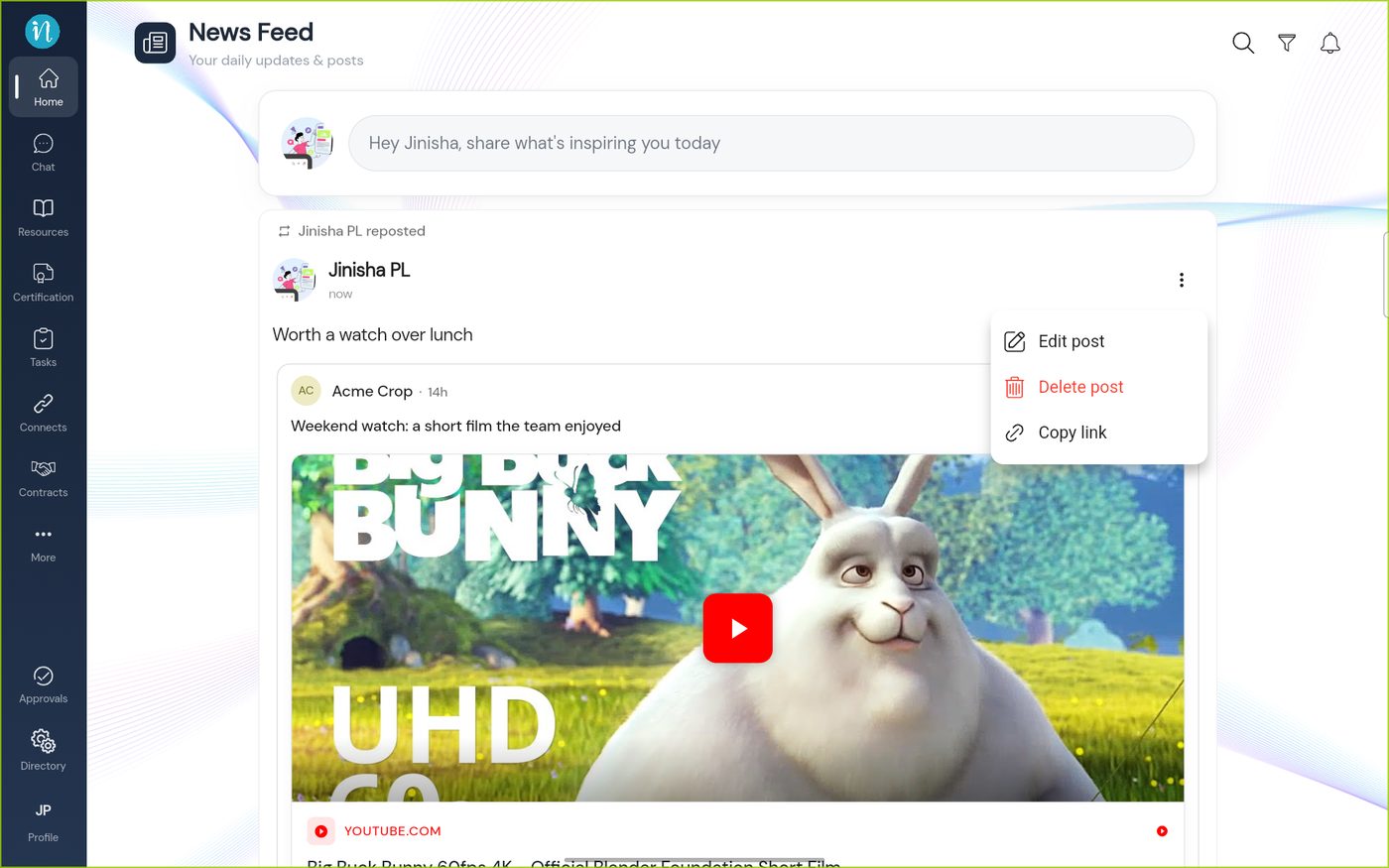
The post menu -
Tap Edit post. The post opens in the composer.
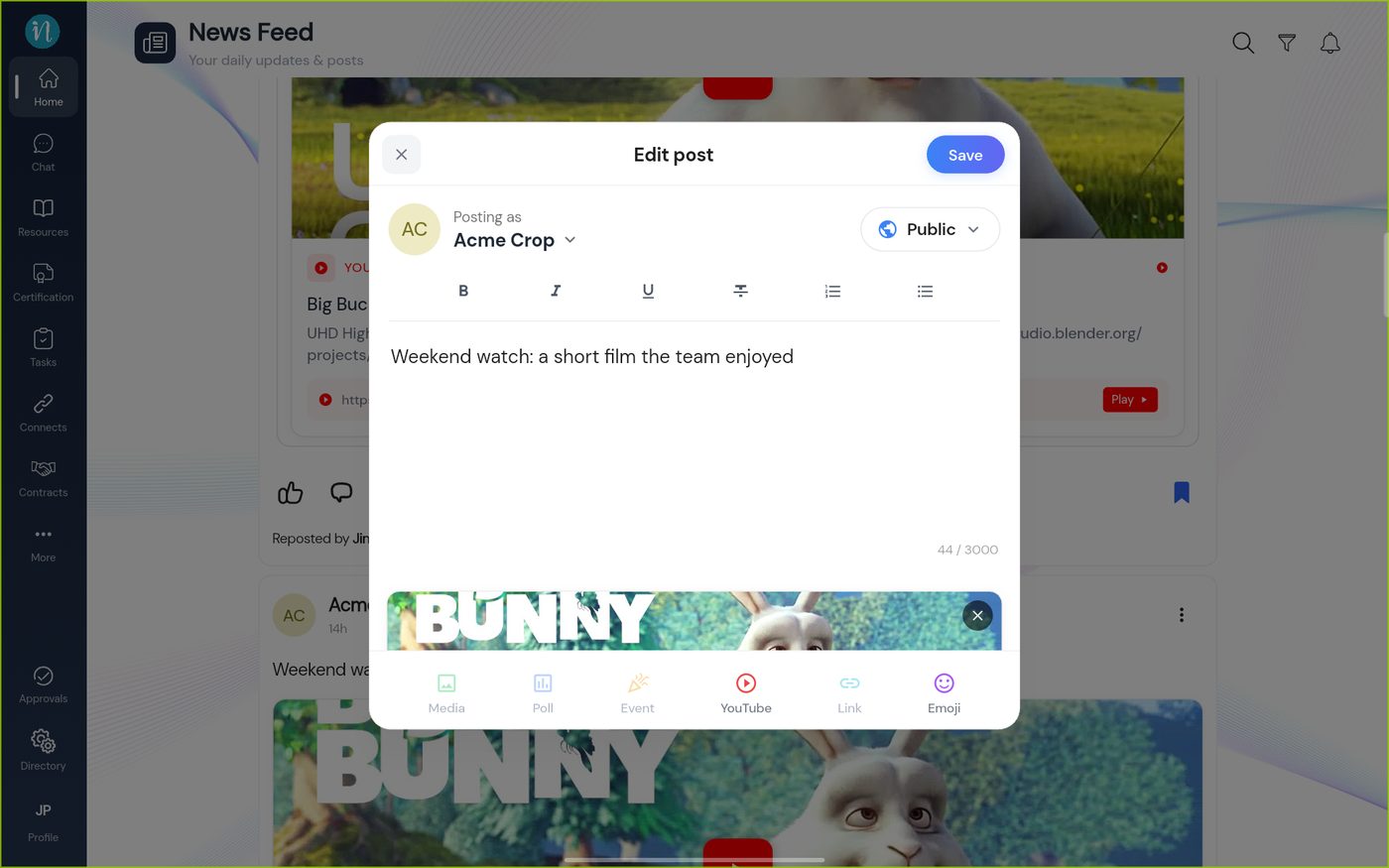
Editing a post -
Change what you need, then tap Save. To leave without saving, tap the × at the top left.
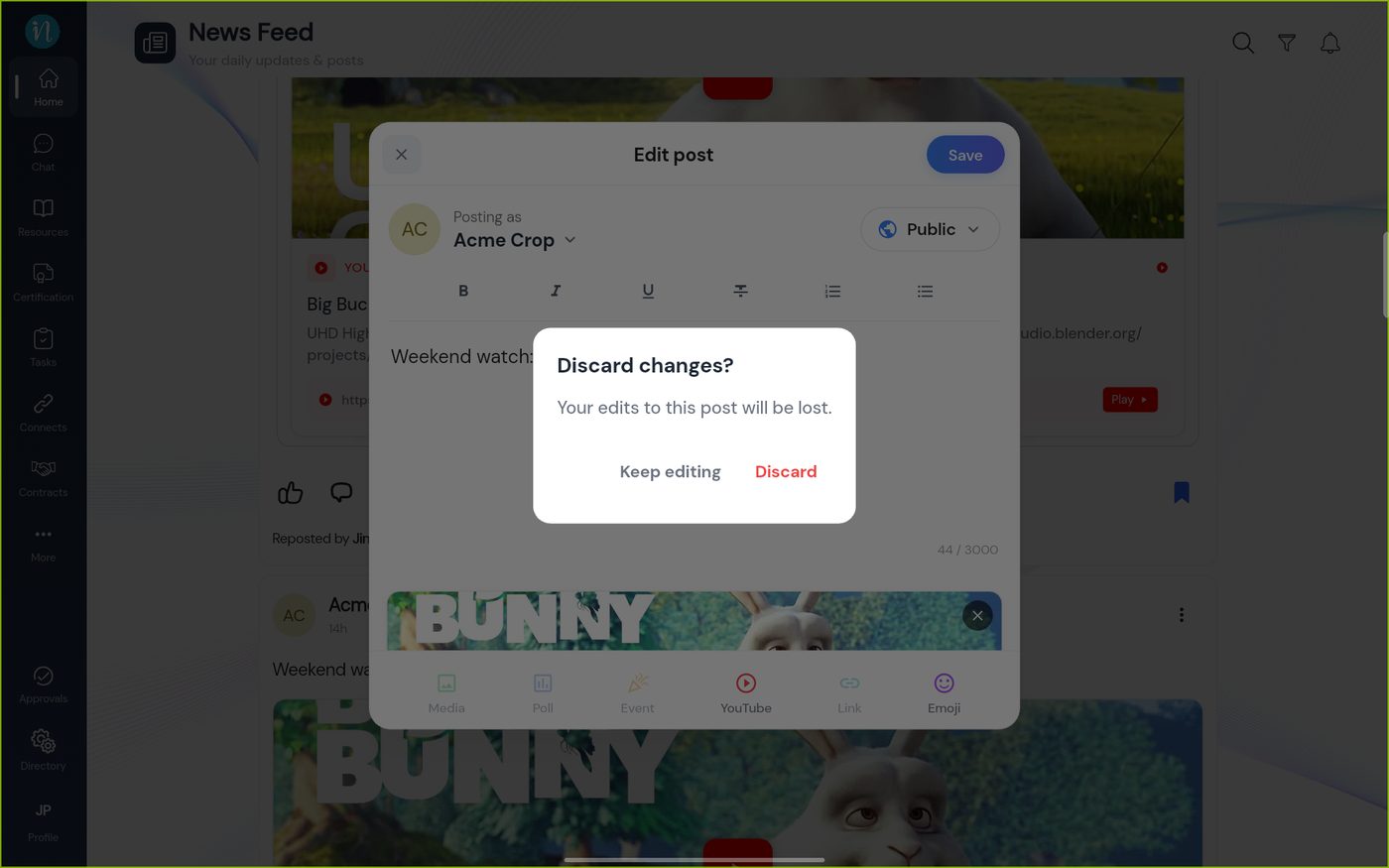
Discard changes?
Good to know
- You can only edit or delete your own posts and comments. Someone with the Moderate any post permission can also review other people's.
- A post made as the workspace still belongs to the person who wrote it, so they are the one who can edit it.
Last updated 2026-10-23