Read and engage
Like, comment, repost and save
Who can use thisMembers and Super Admins
Permission you needView feed posts and comments
Set by your workspace admin. If you cannot do this, ask them for access. This article is written for Member and Super Admin. Use the role switch at the top to change what the menus show.
Under every post is the same action bar. Tap an icon to react.
-
Look at the action bar under a post.
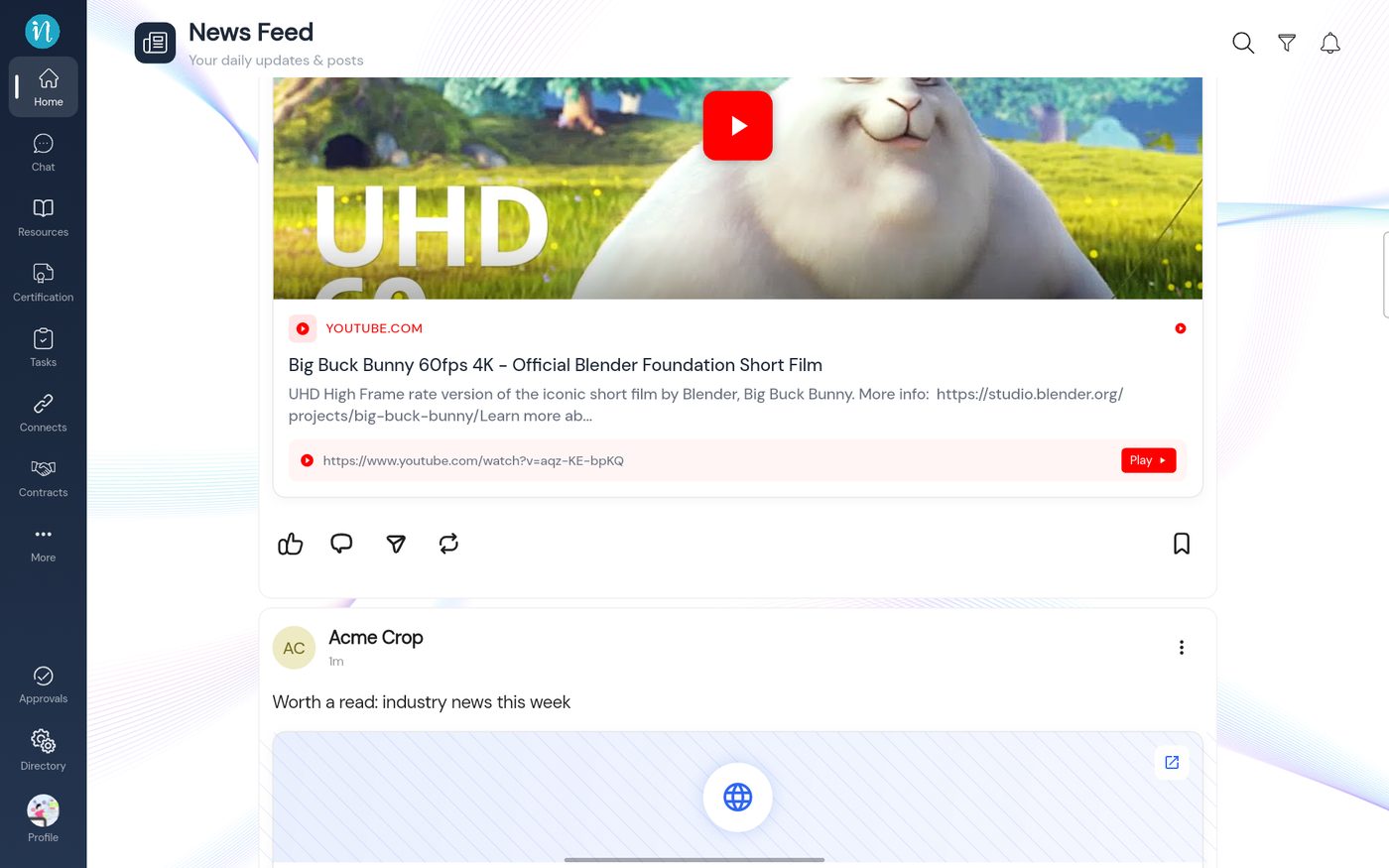 The action bar
-
Tap the thumb to like a post. Tap it again to take the like back.
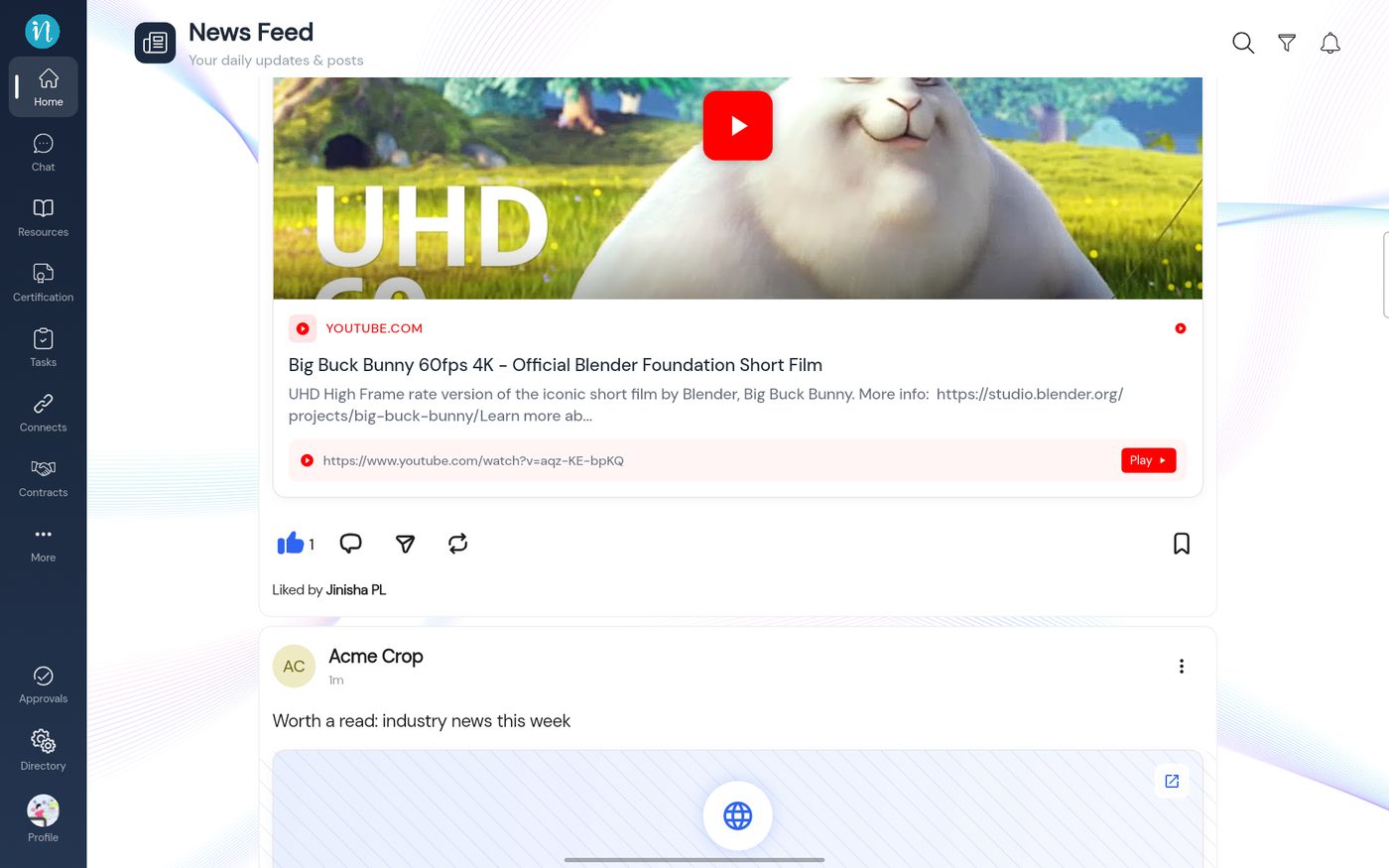 A liked post
-
Tap the speech bubble. The Comments window opens.
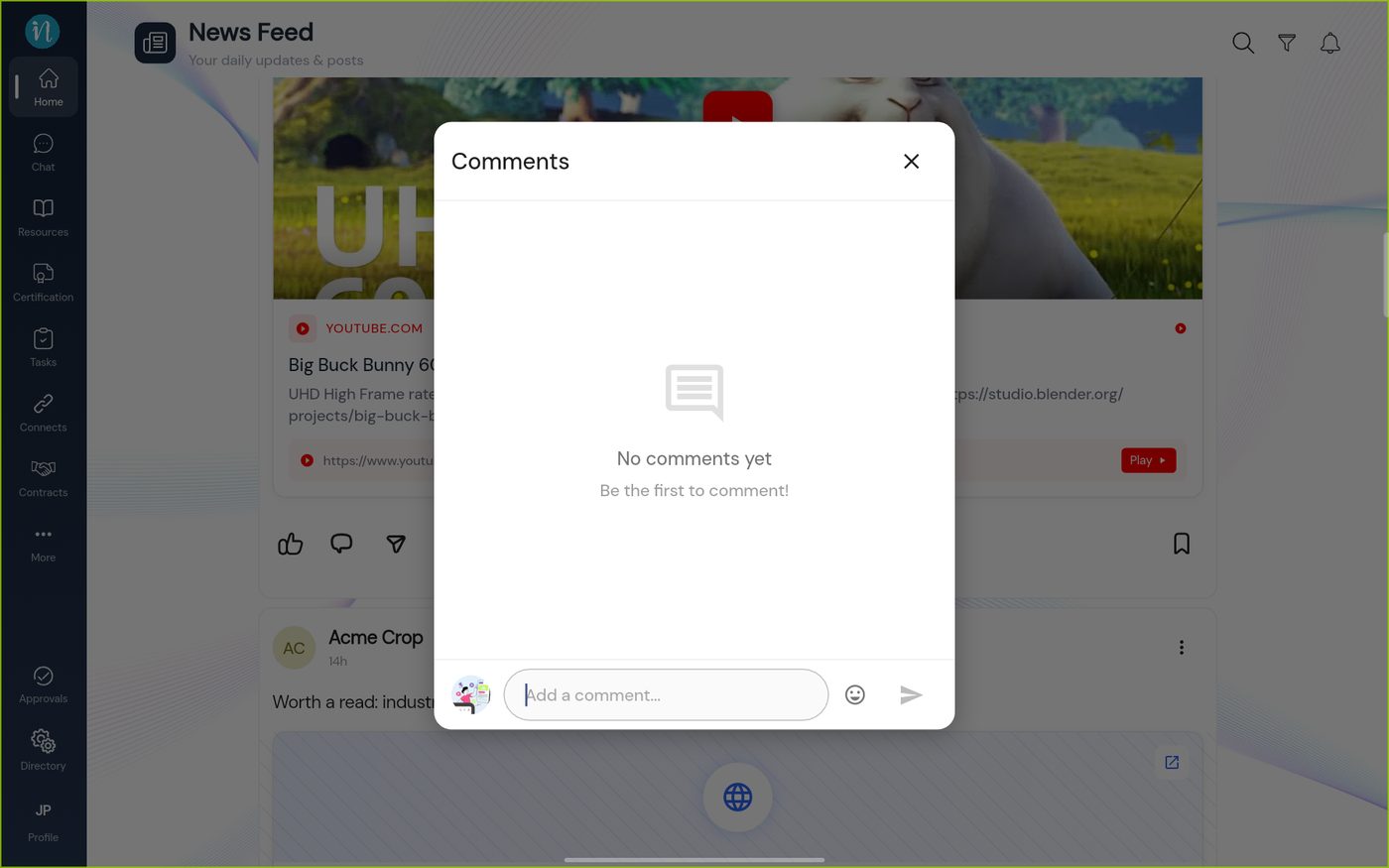 Comments with none yet
-
Type your comment. The send arrow turns blue.
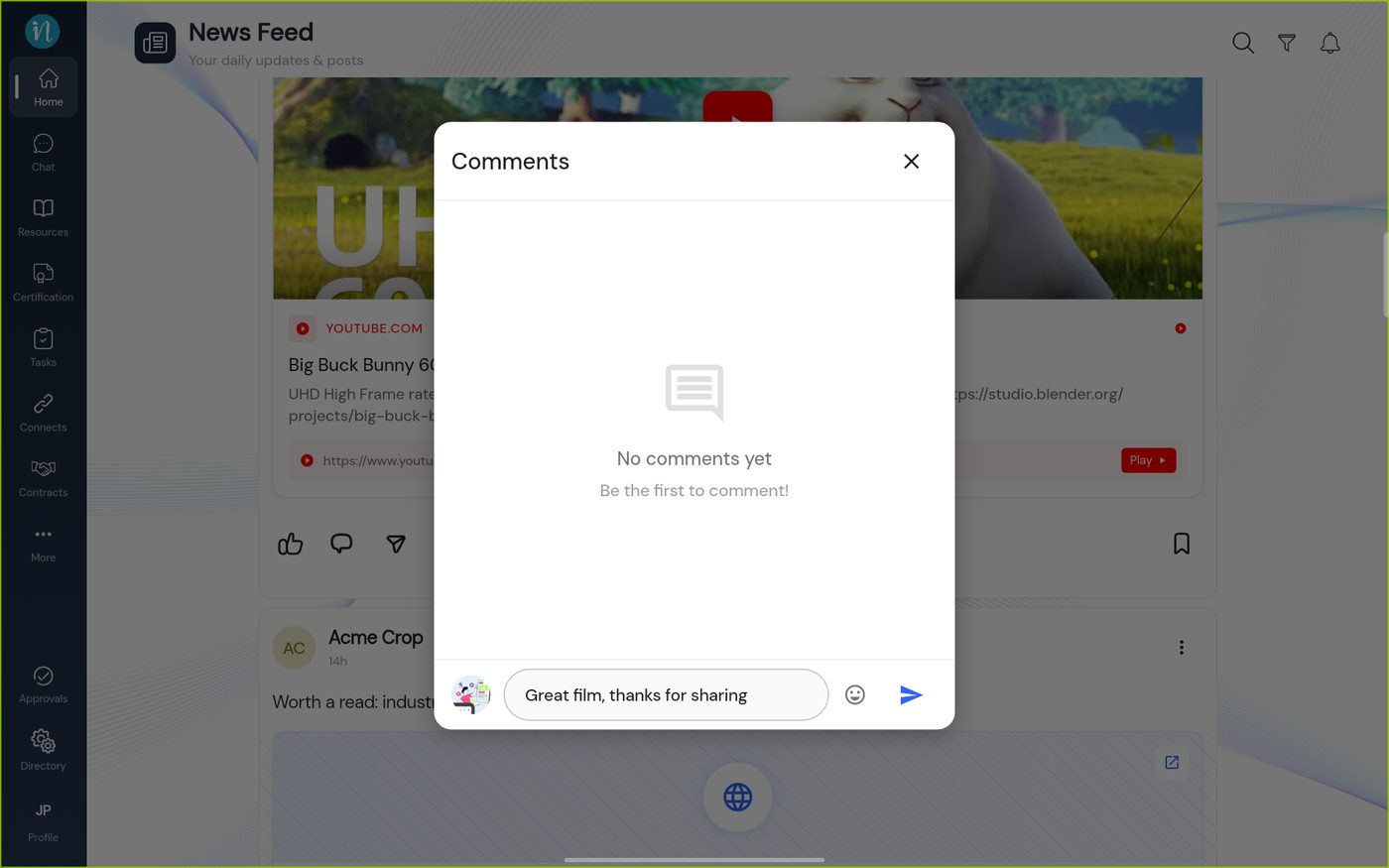 A comment typed
-
Tap the send arrow. Your comment appears.
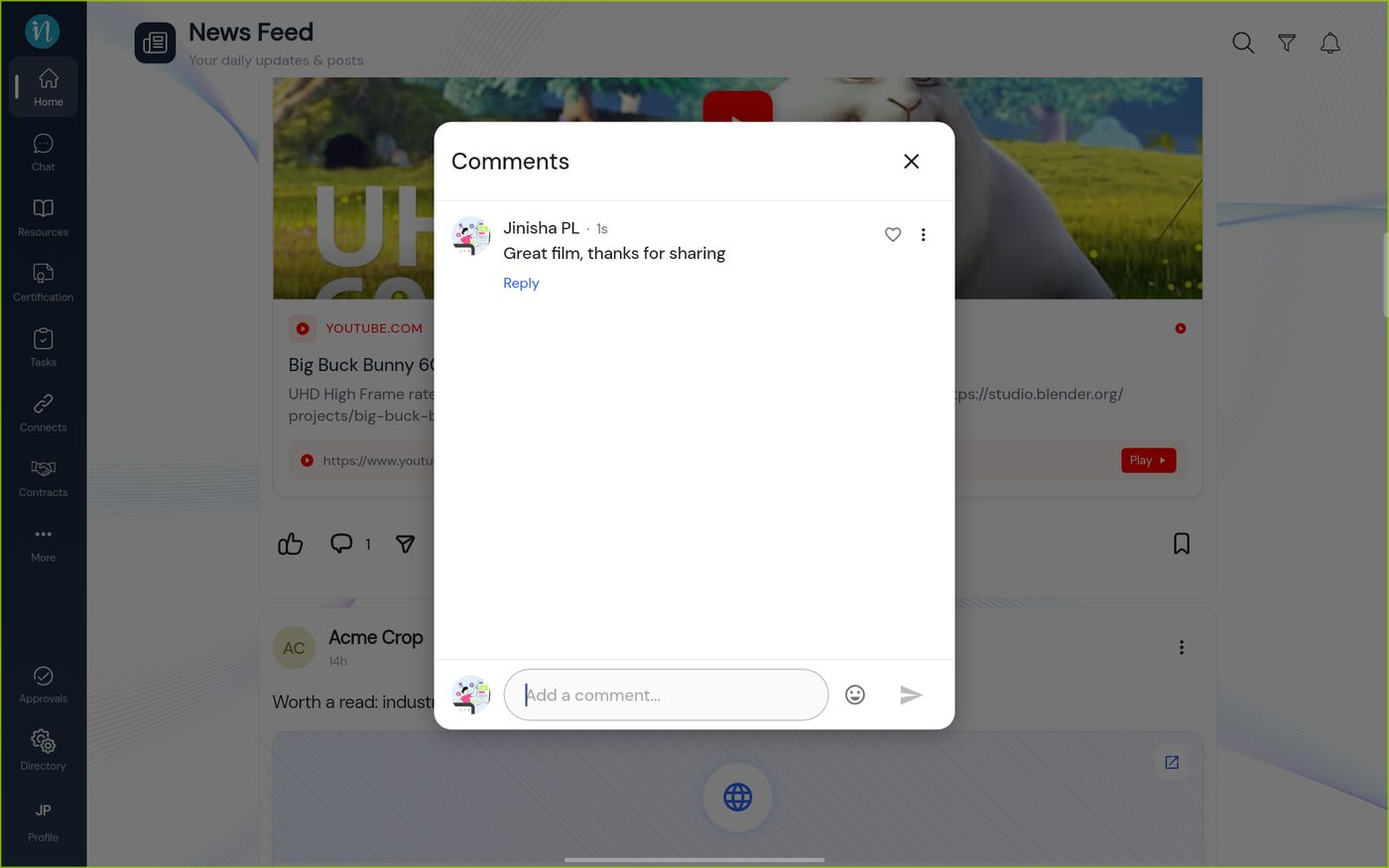 A comment posted
-
Tap Reply under a comment. A bar shows who you are replying to.
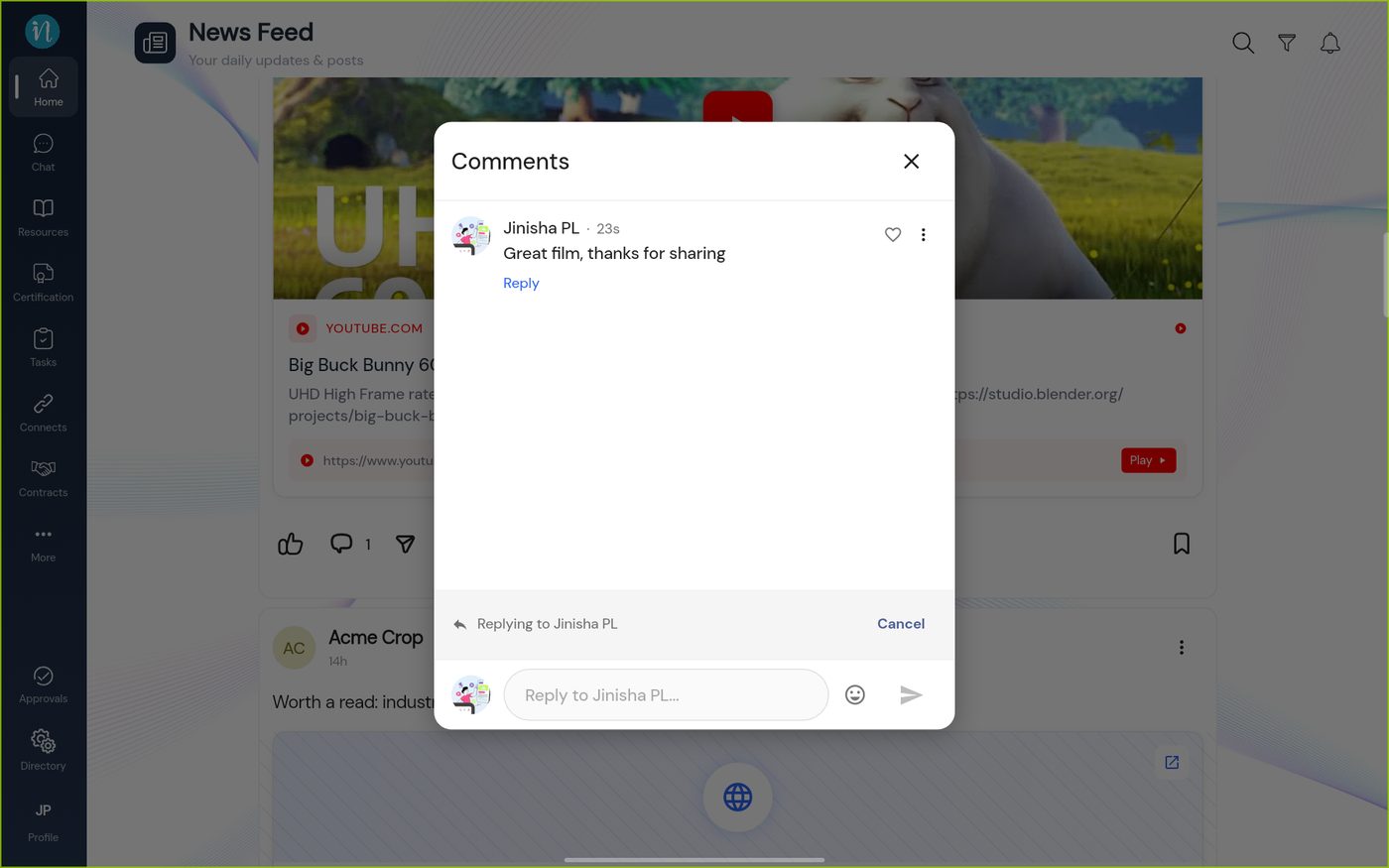 Replying to a comment
-
Type your reply and send it. It sits under the comment it answers.
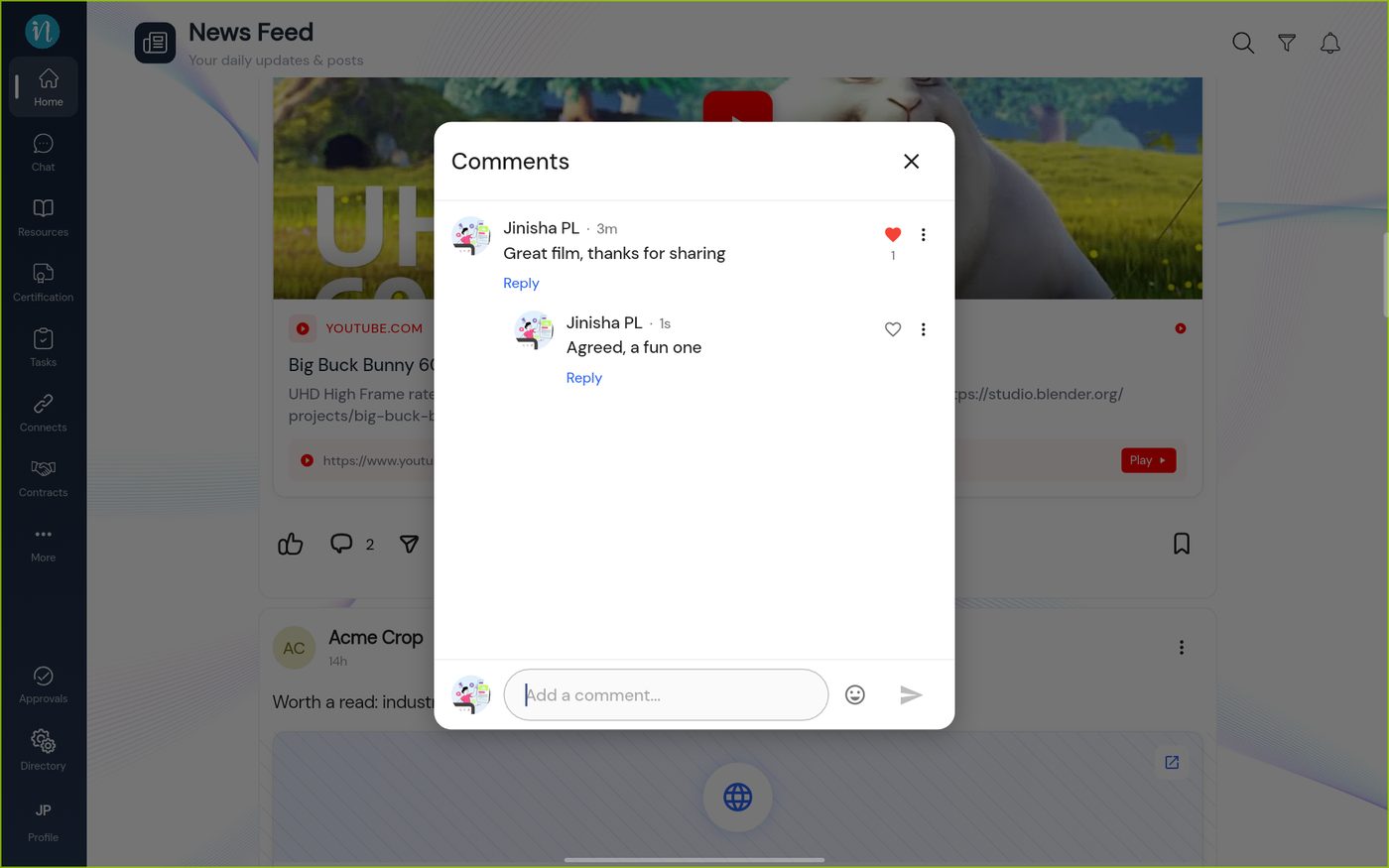 A reply in a thread
-
Tap ⋮ on your own comment for more.
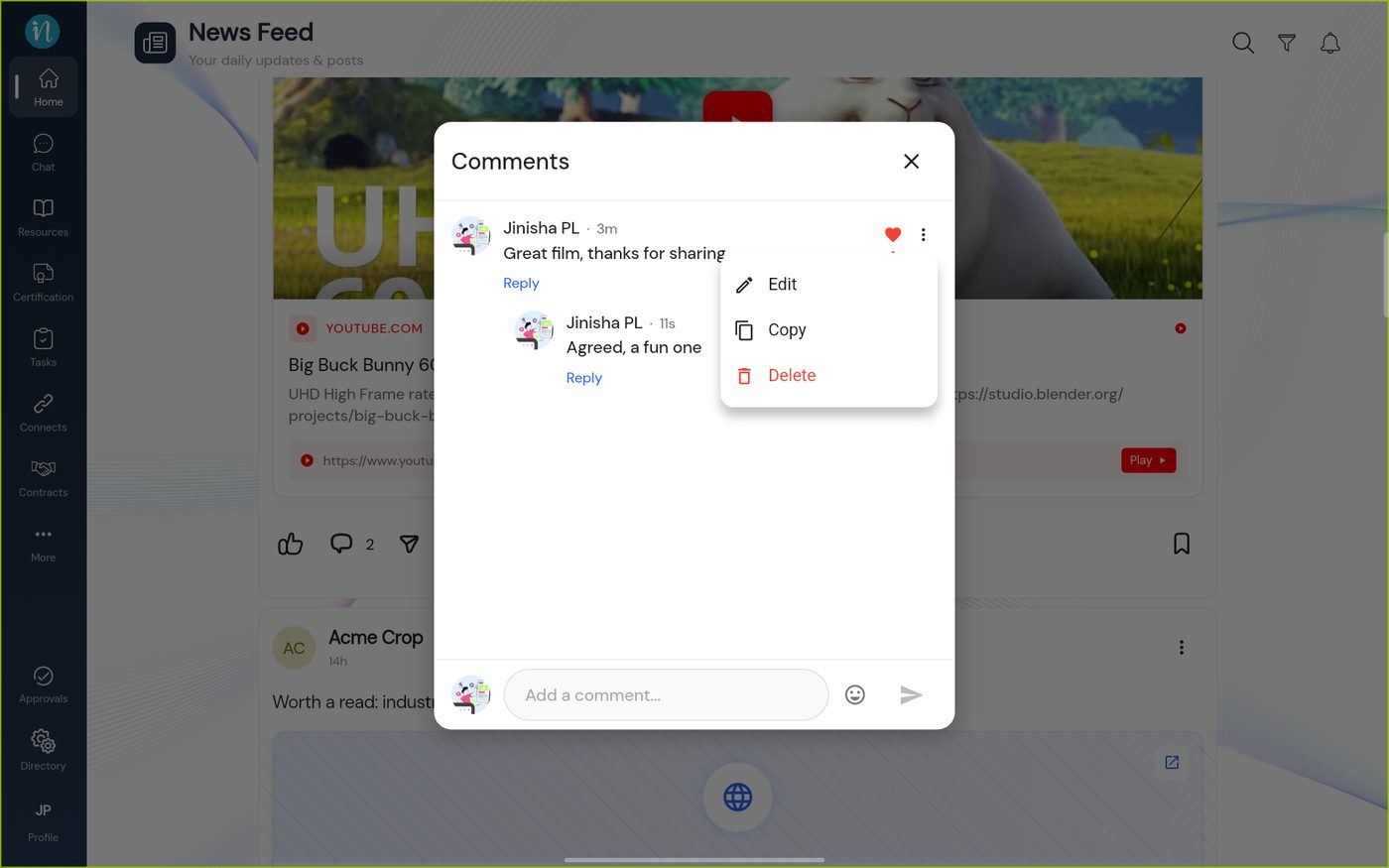 The comment menu
Repost
-
Tap the two arrows under a post. Choose how to repost.
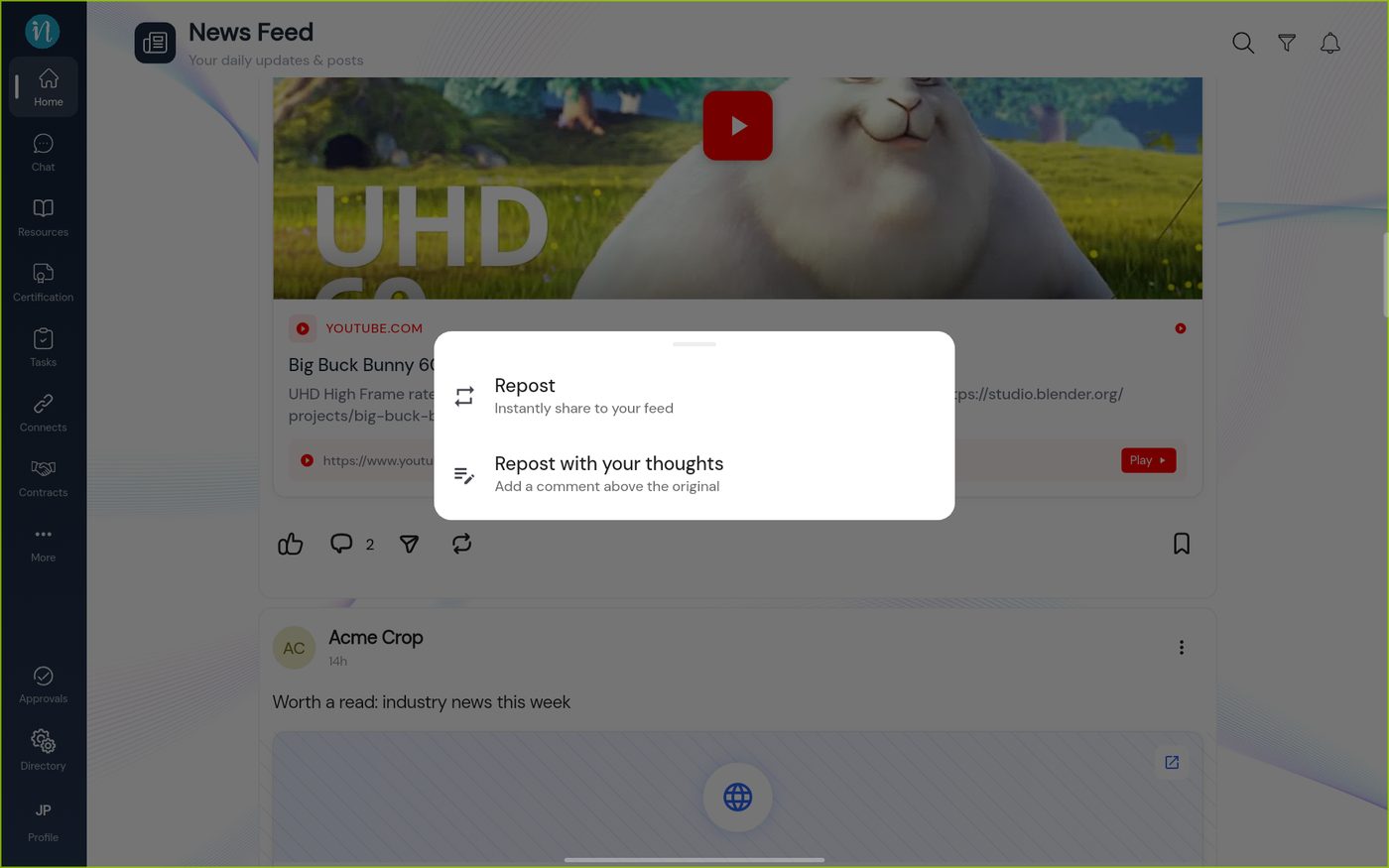 Repost choices
-
For Repost with your thoughts, write your comment in the New post window.
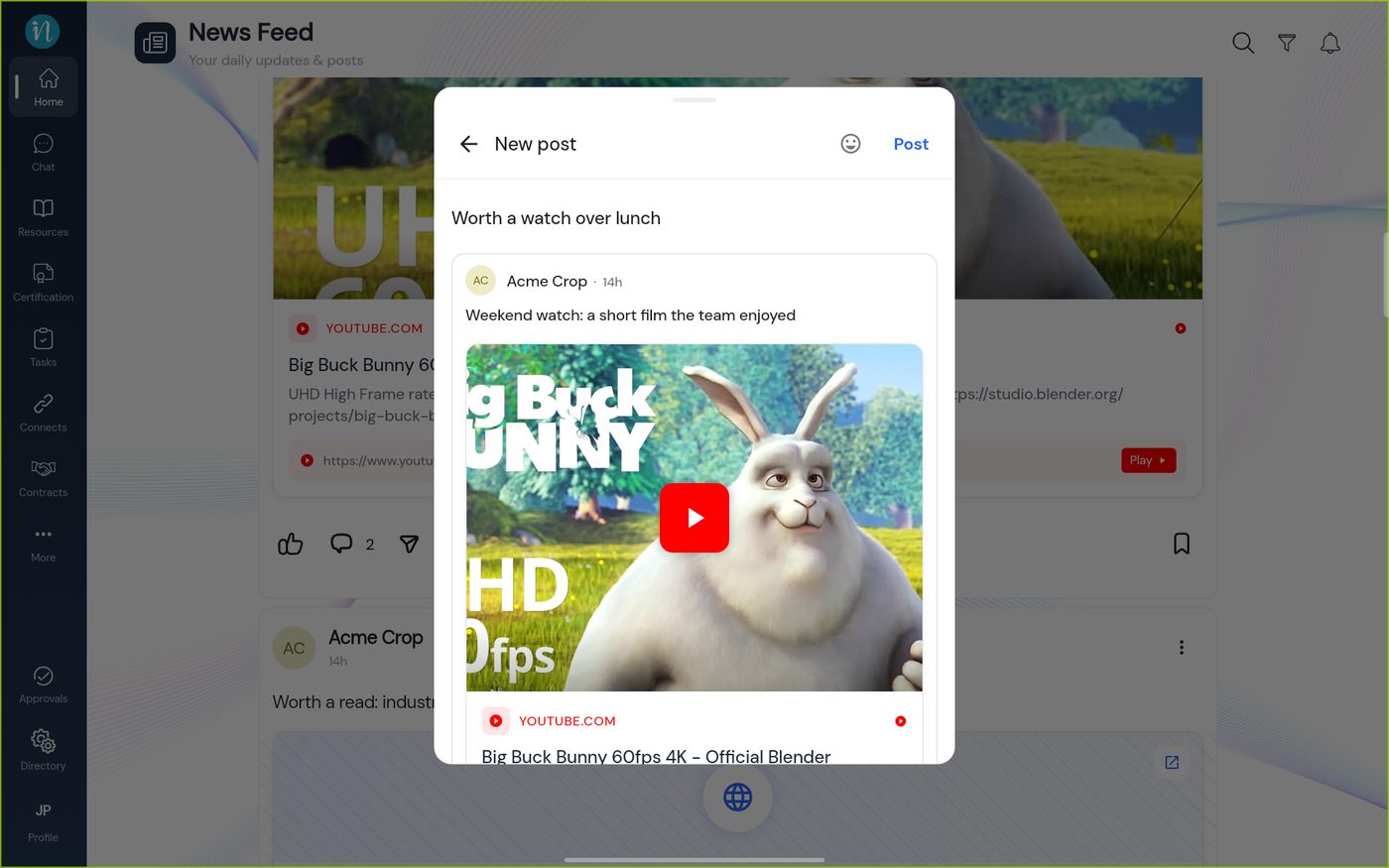 Reposting with a comment
-
Tap Post. The repost appears at the top of the feed.
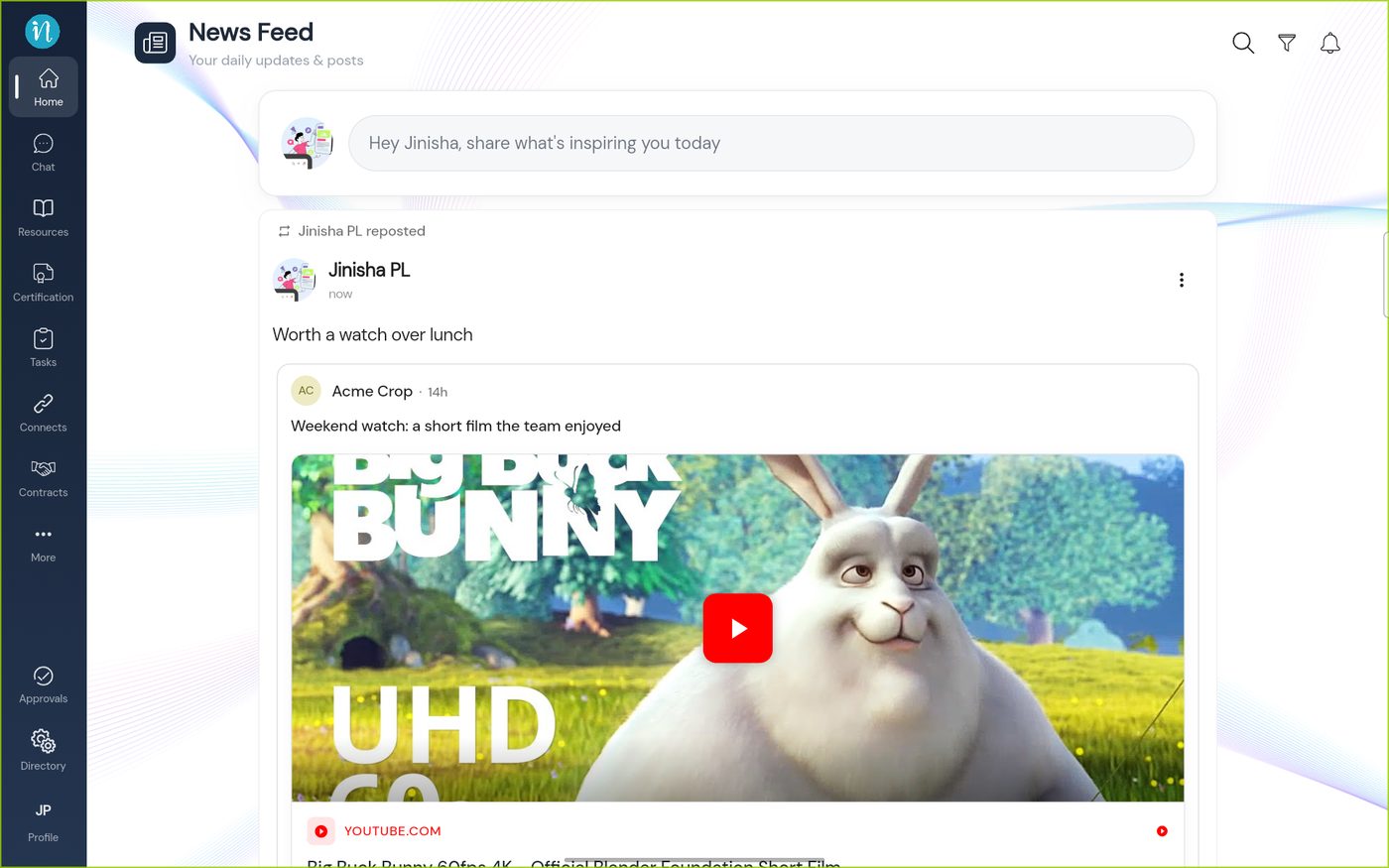 A repost in the feed
-
The original post now shows how many times it was reposted.
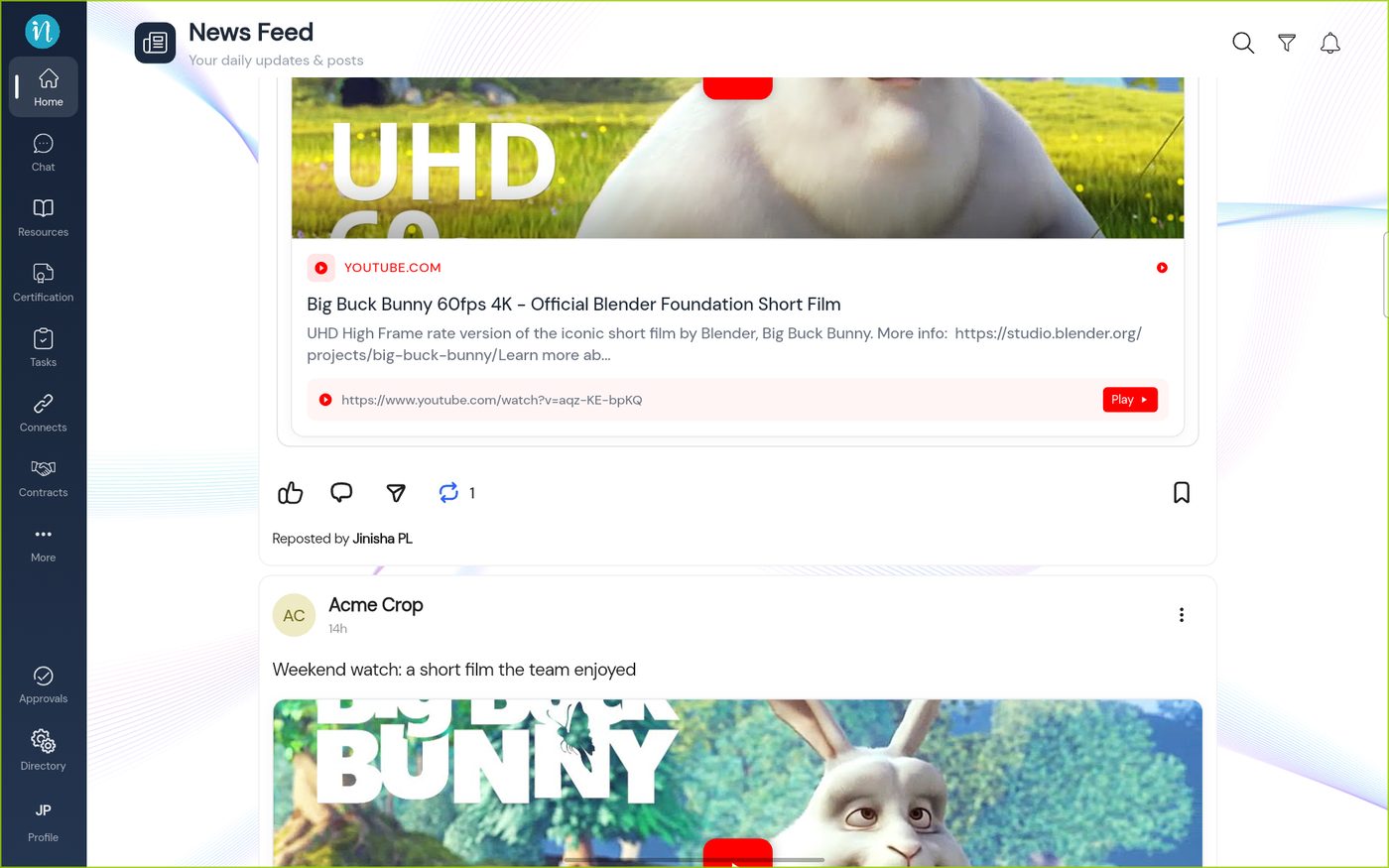 Repost count
Save a post
Tap the bookmark under a post to save it. It turns solid blue. Tap it again to remove the save.
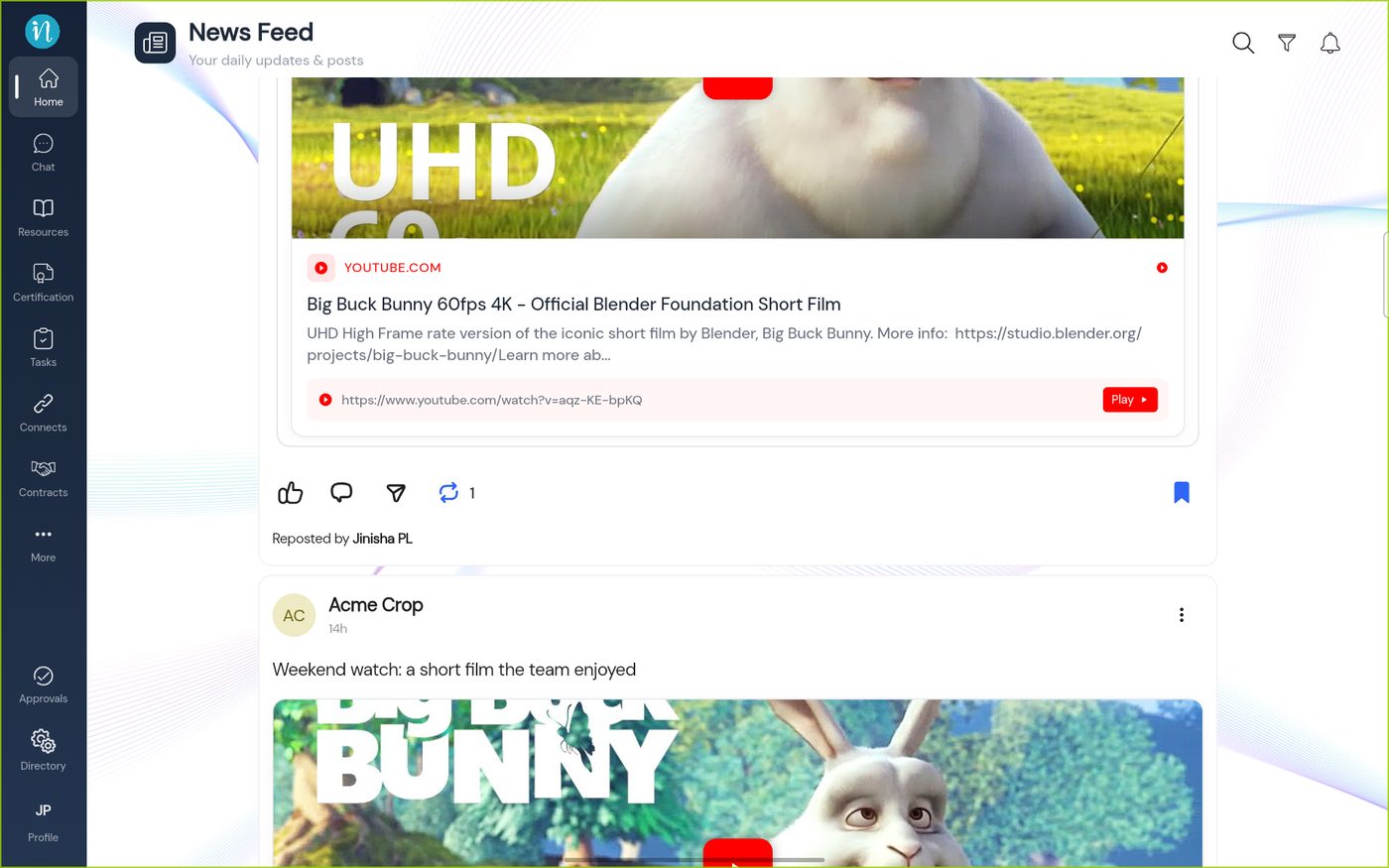 A saved post
Saved posts are collected on your profile.
-
Tap Profile in the sidebar, then the Saved tab.
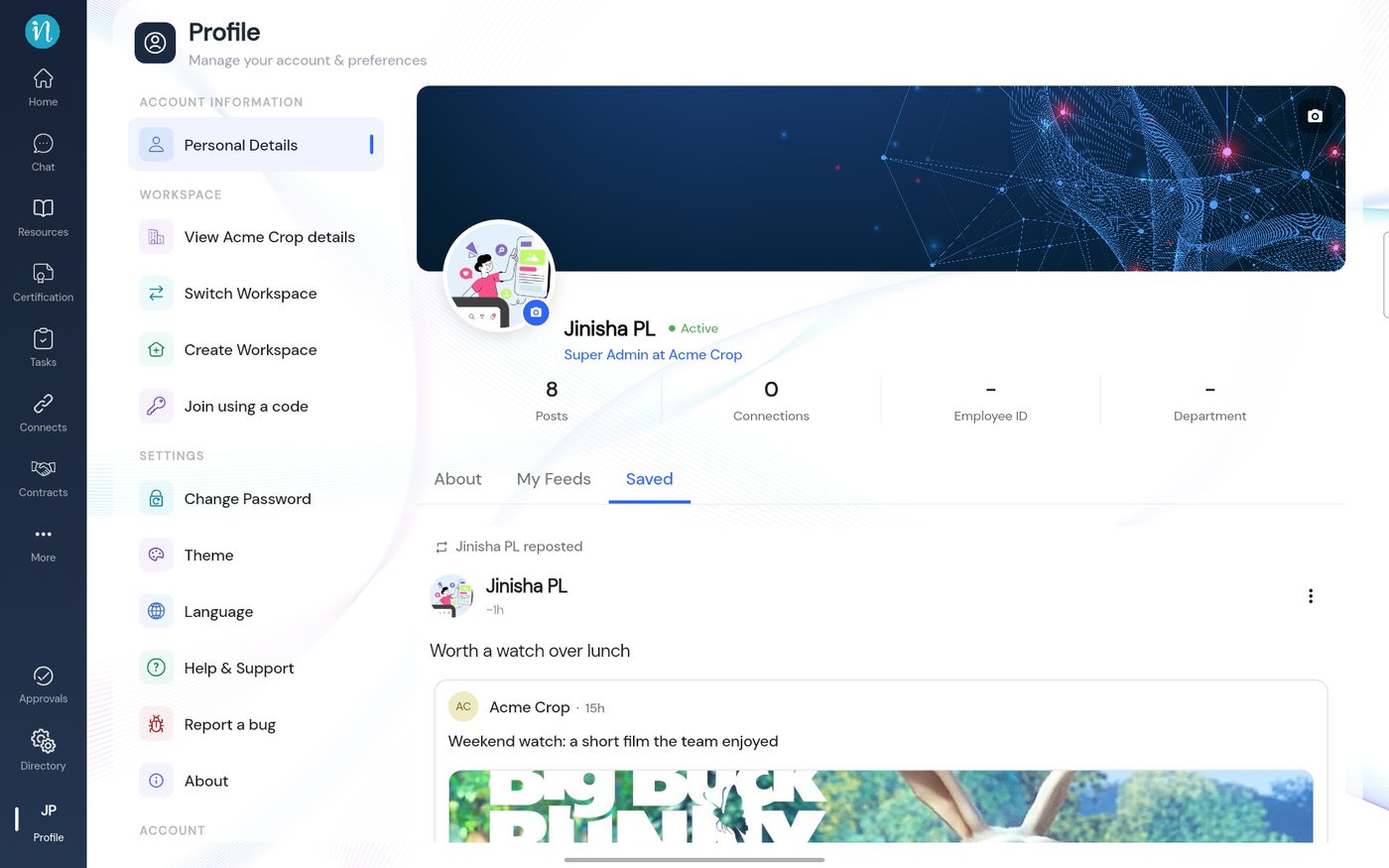 Profile, Saved
-
The My Feeds tab beside it lists your own posts.
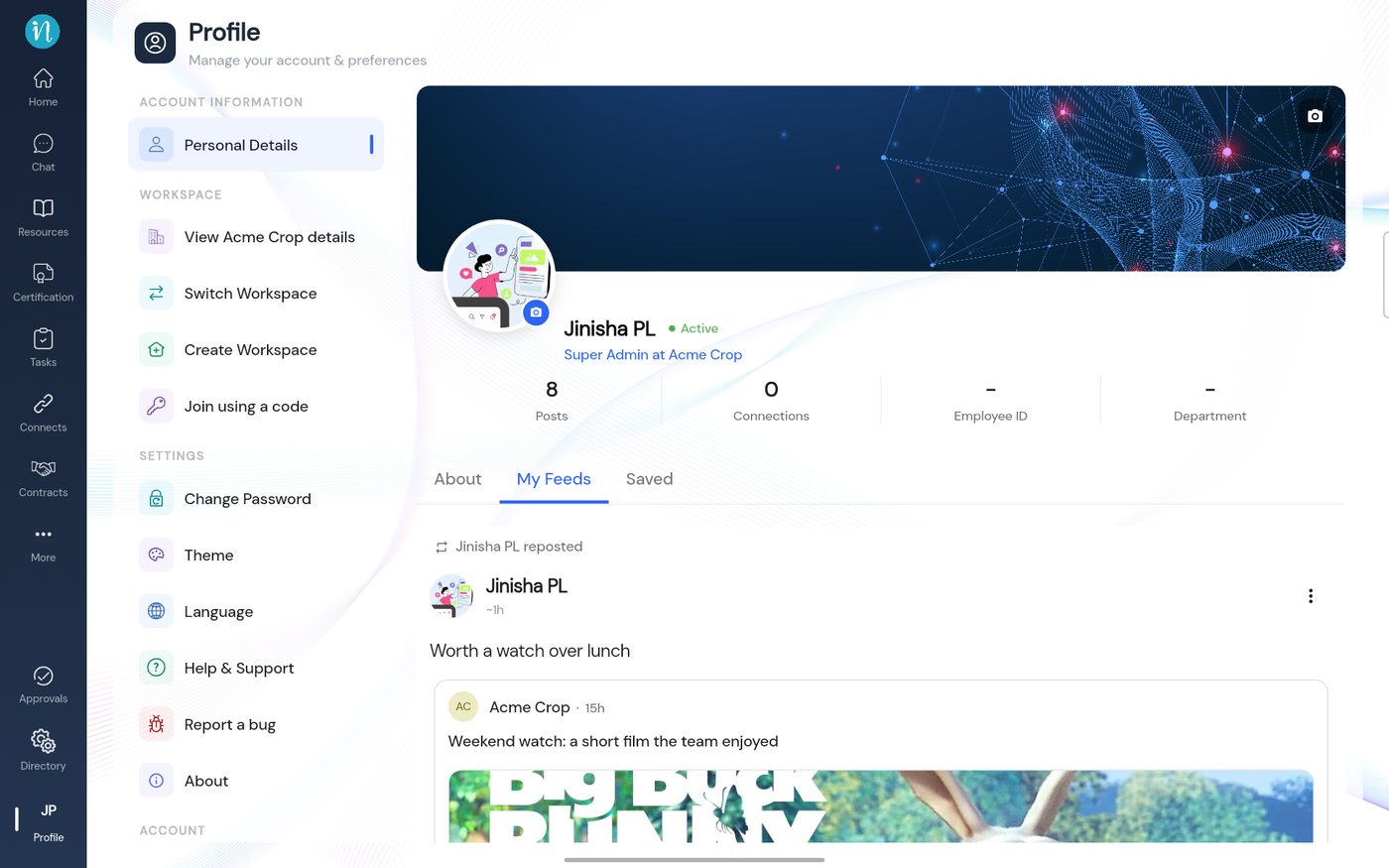 Profile, My Feeds
Share
The paper plane shows Coming soon: Share coming soon. It is not available yet.
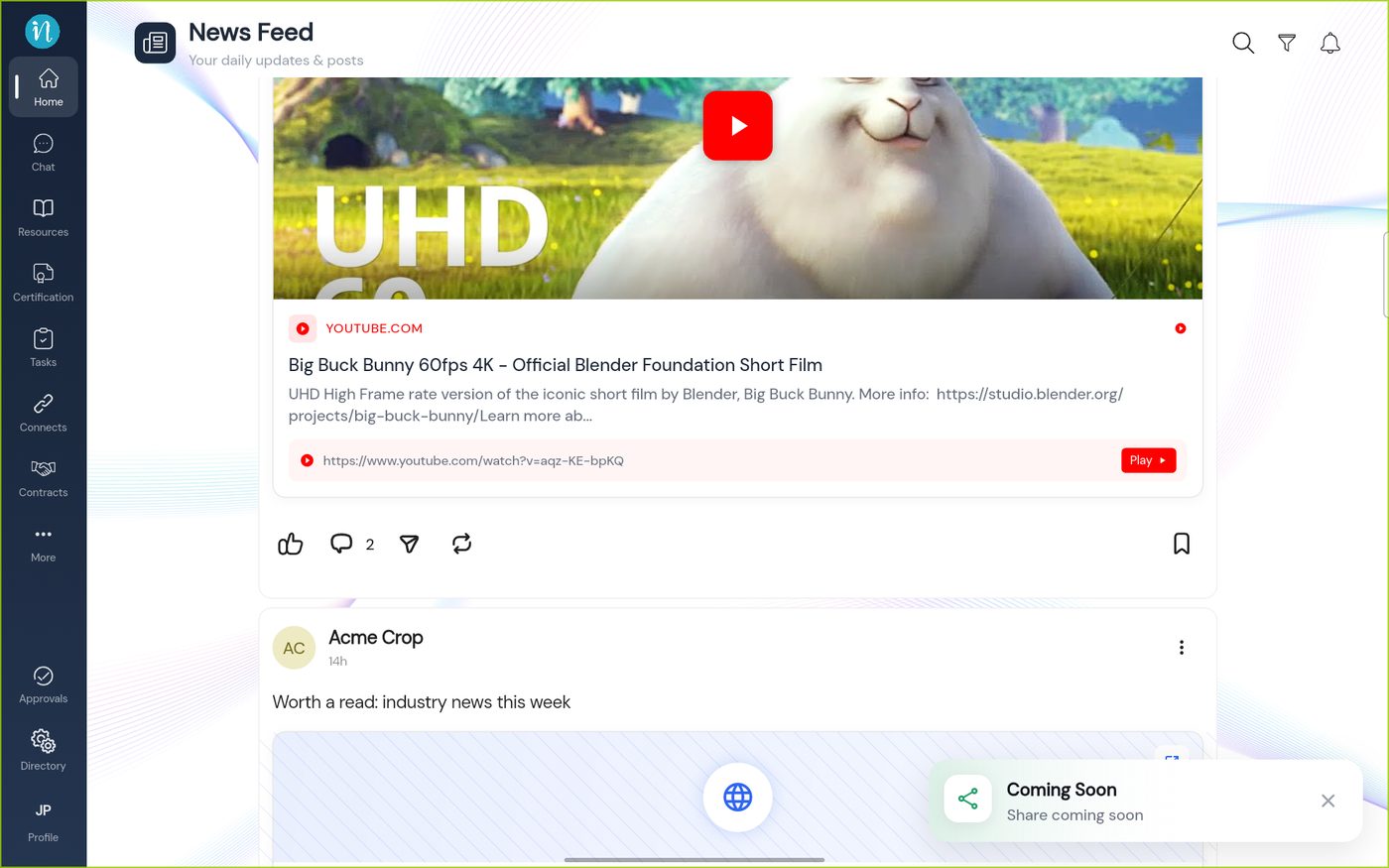 Share is coming soon
Last updated 2026-10-23
