
Setting News feed permissions for each role
Who can use thisSuper Admins only
This article is written for Super Admin. Use the role switch at the top to change what the menus show.
You set News feed permissions in Directory → Profiles, the same way as for Drive. See Setting Drive permissions for each role for the general steps.
-
Open Directory → Profiles, choose Member, and pick News Feed in the module list.
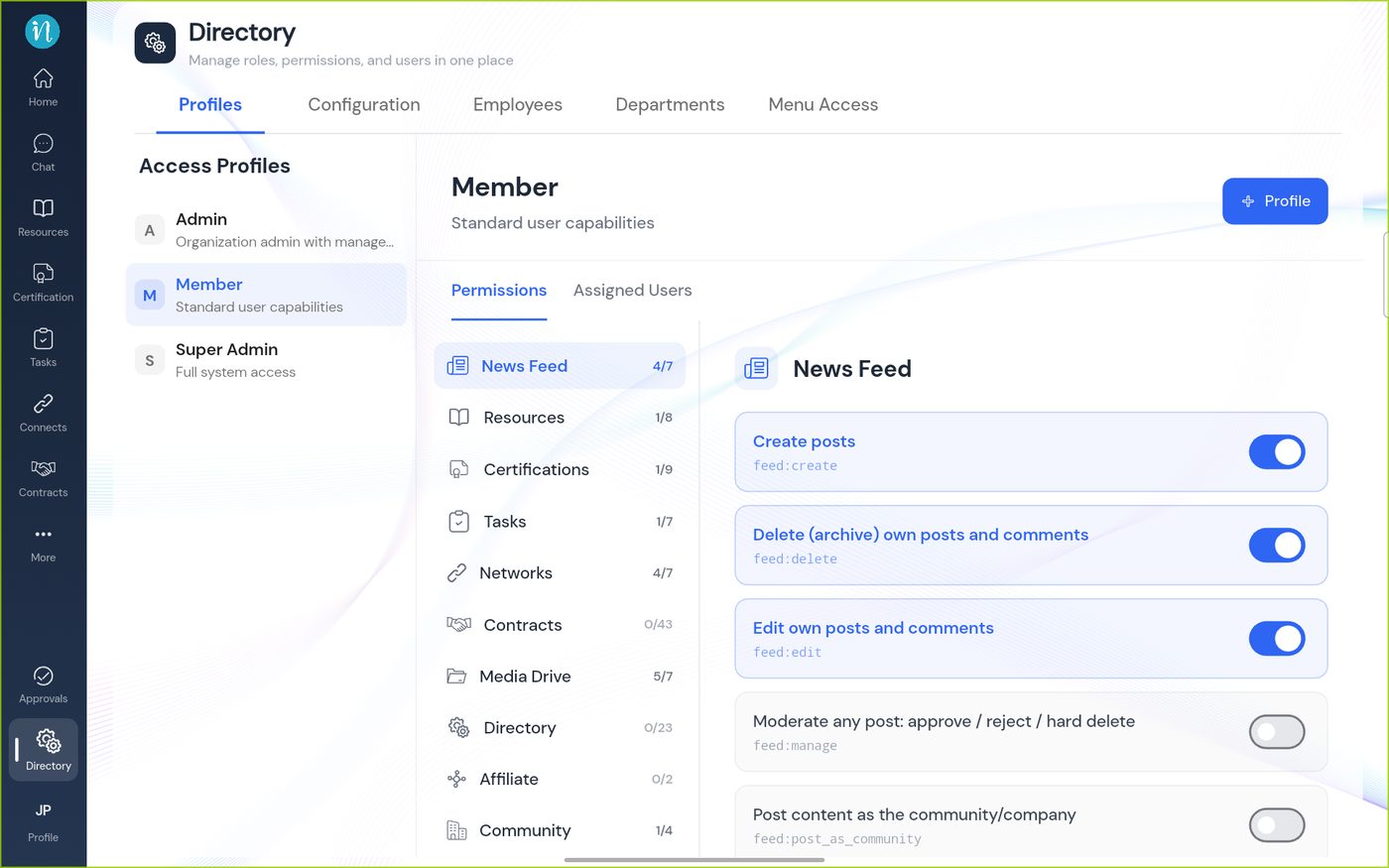
The Member profile, News Feed -
Scroll down to see the rest.
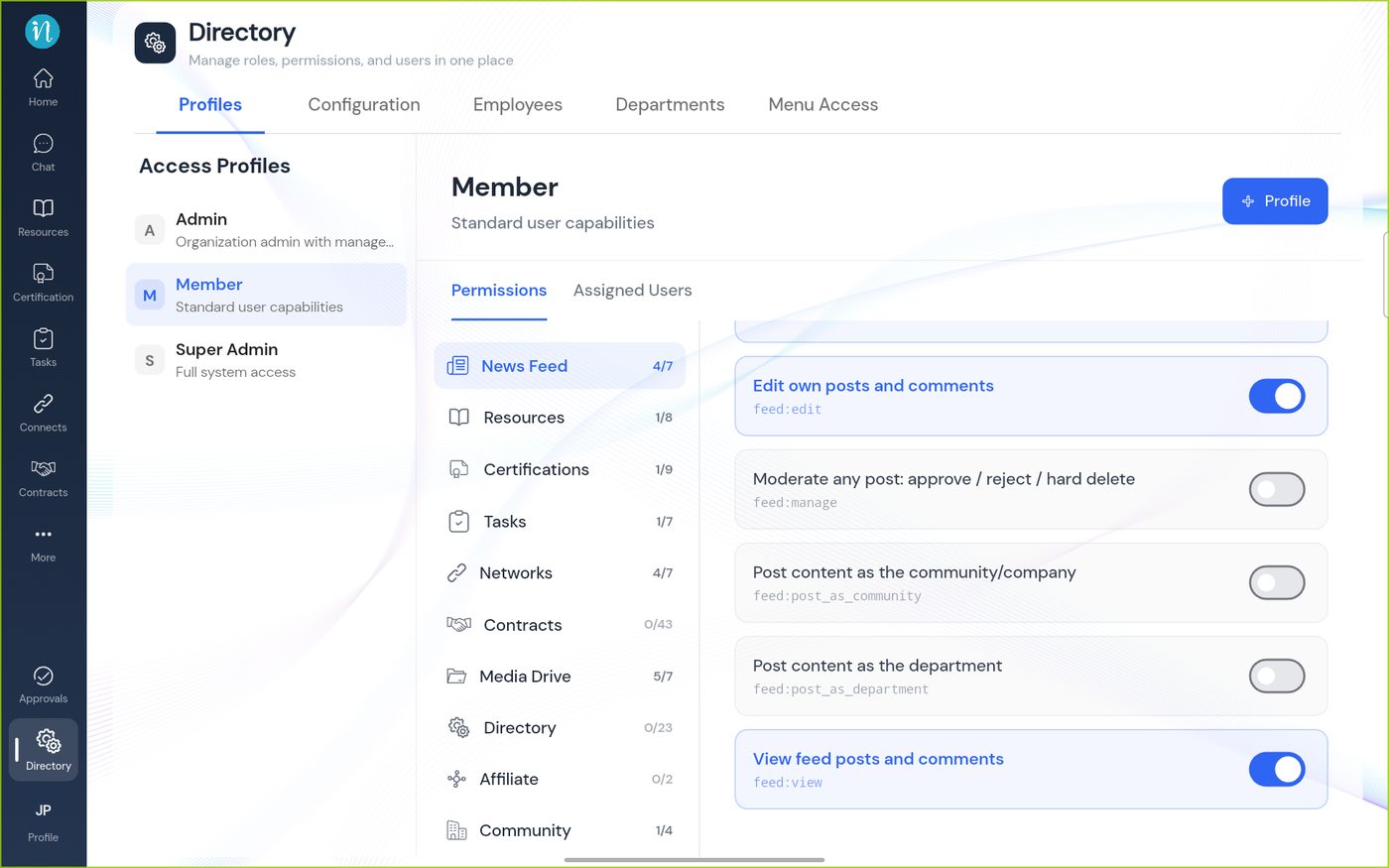
The rest of the News Feed permissions
The seven permissions
| Permission | Key |
|---|---|
| View feed posts and comments | feed:view |
| Create posts | feed:create |
| Edit own posts and comments | feed:edit |
| Delete (archive) own posts and comments | feed:delete |
| Moderate any post: approve / reject / hard delete | feed:manage |
| Post content as the workspace or company | feed:post_as_community |
| Post content as the department | feed:post_as_department |
Last updated 2026-10-23