
How to share a video
Who can use thisMembers and Super Admins
Permission you need
Create posts
Set by your workspace admin. If you cannot do this, ask them for access.This article is written for Member and Super Admin. Use the role switch at the top to change what the menus show.
Video posts play right in the feed. Use a short clip so it loads quickly.
-
In the Create Post window, tap Media, then Video, and choose a clip from your device.
-
The video is attached. Add a caption.
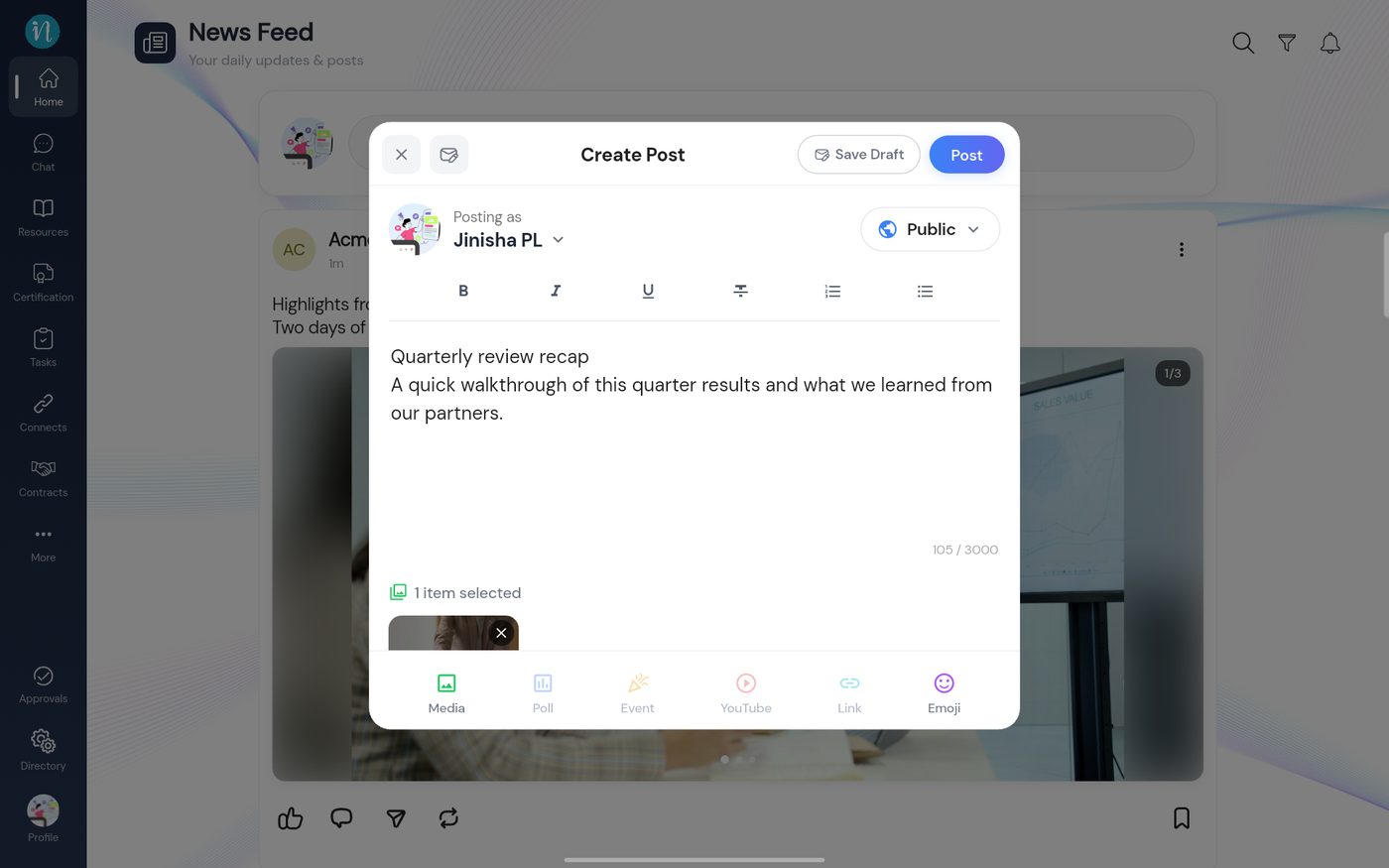
A video attached -
Tap Post. The video appears in the feed and starts playing.
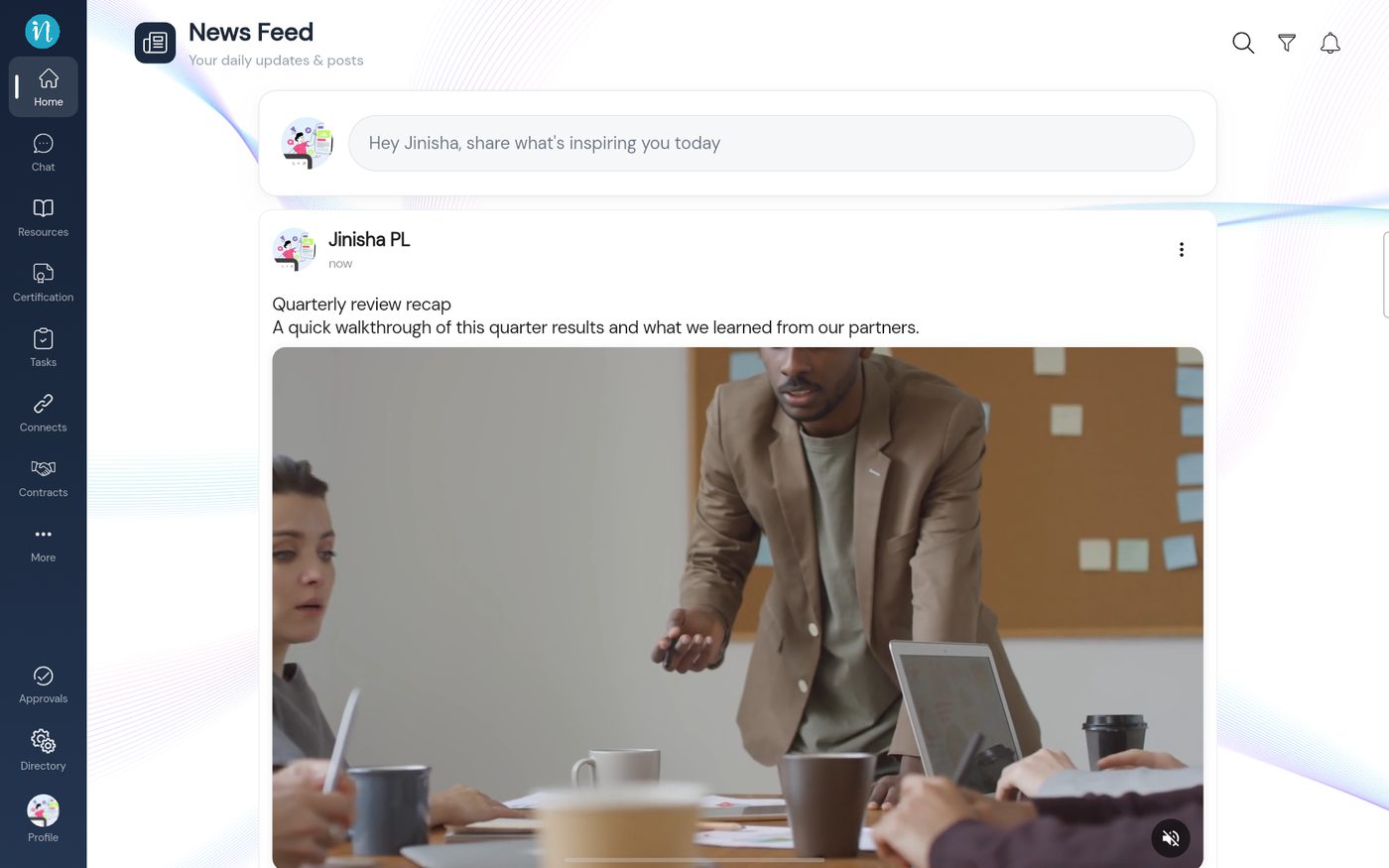
A video post
Good to know
- To add a YouTube video instead of uploading a file, see Share a link or YouTube video.
Last updated 2026-10-23