Share and post
How to write a text post
Who can use thisMembers and Super Admins
Permission you needCreate posts
Set by your workspace admin. If you cannot do this, ask them for access. This article is written for Member and Super Admin. Use the role switch at the top to change what the menus show.
Every post starts in the same composer. This article covers a plain text post; the other types add something to it.
Before you start: you need the Create posts permission. If the share box is missing, ask your workspace admin.
-
On the News feed, tap the share box at the top (Hey , share what's inspiring you today). The Create Post window opens.
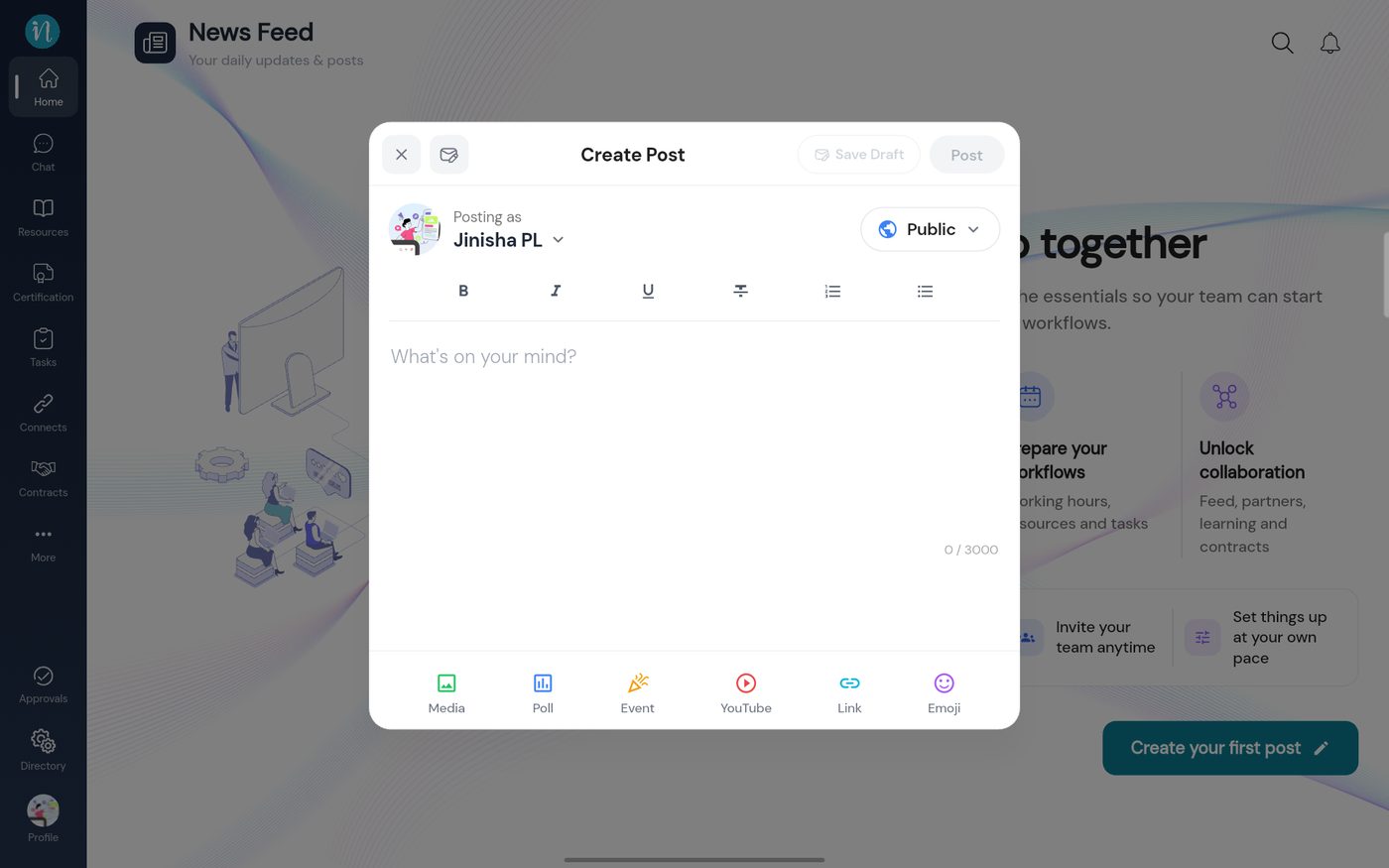 The Create Post window
-
Type your message. Use the formatting bar if you like.
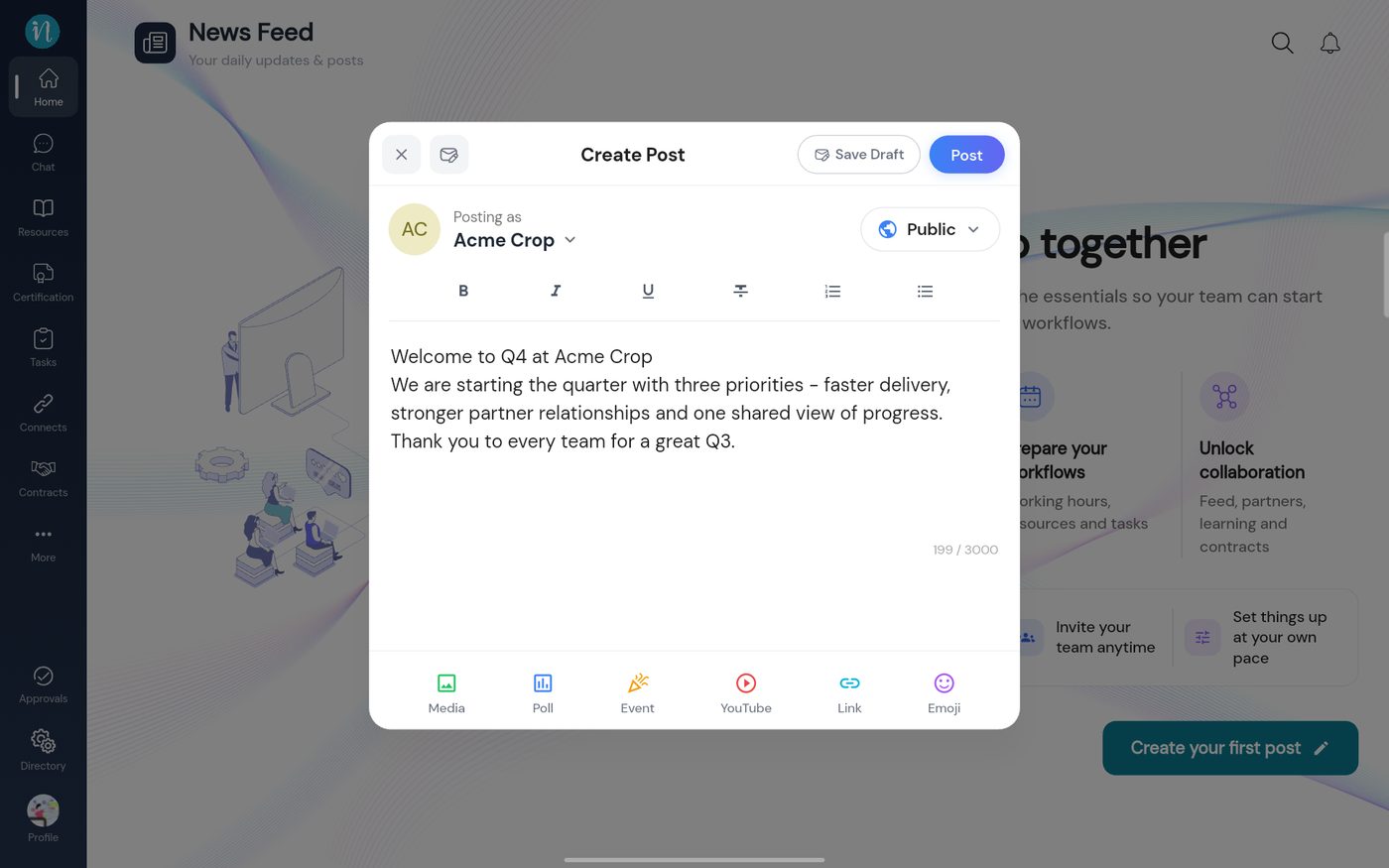 A text post written
-
Tap Post. The post appears at the top of the feed straight away.
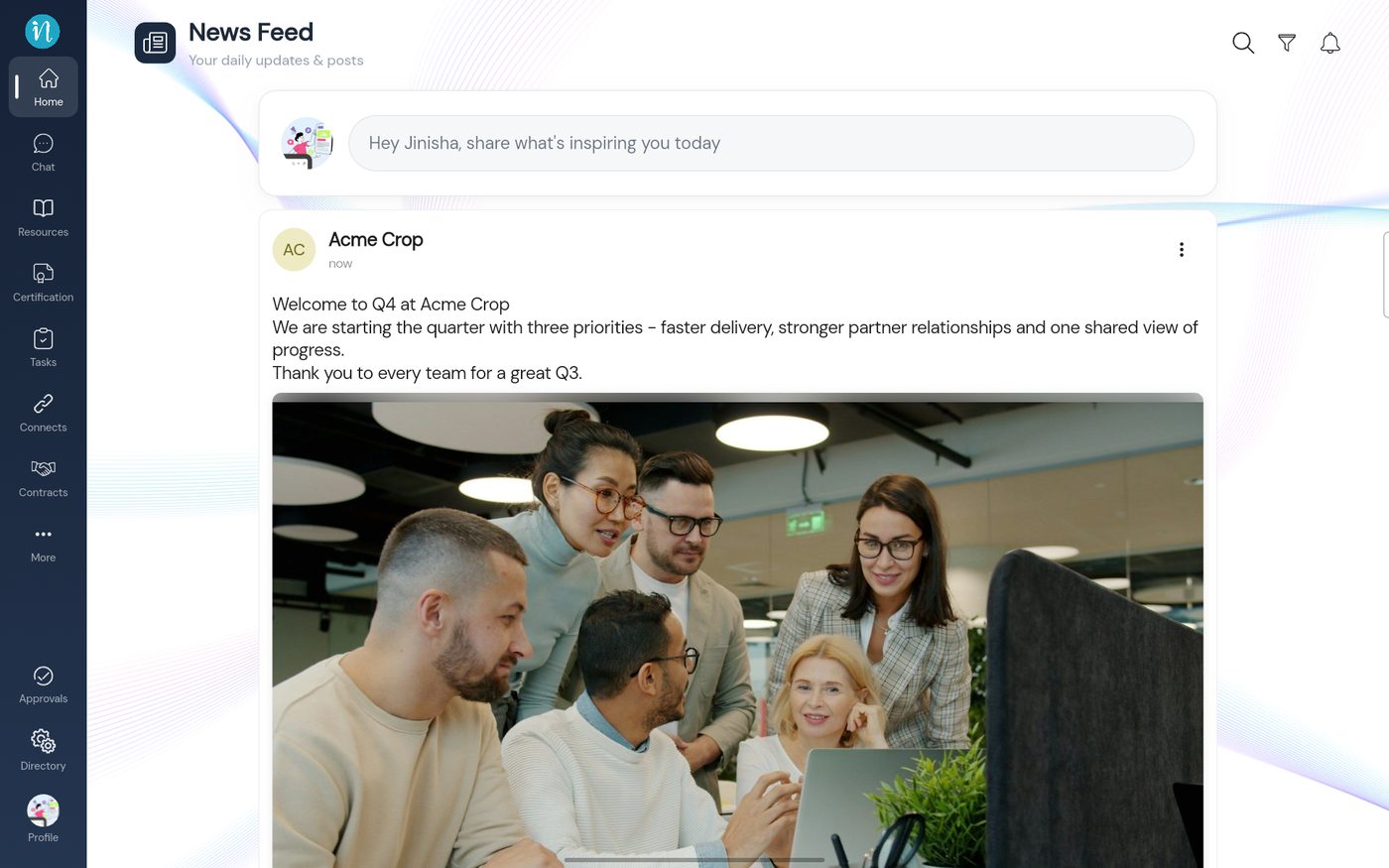 The published post
Good to know
- The Emoji button opens an emoji picker for your text.
- While a photo or video is attached, Poll, Event, YouTube and Link are greyed out: a post carries one kind of content at a time.
Last updated 2026-10-23
