Groups
How to create a group
Who can use thisMembers and Super Admins
This article is written for Member and Super Admin. Use the role switch at the top to change what the menus show.
A group is a conversation with three or more people. You become its admin.
-
Tap the blue + button, then New group (or New group on the right).
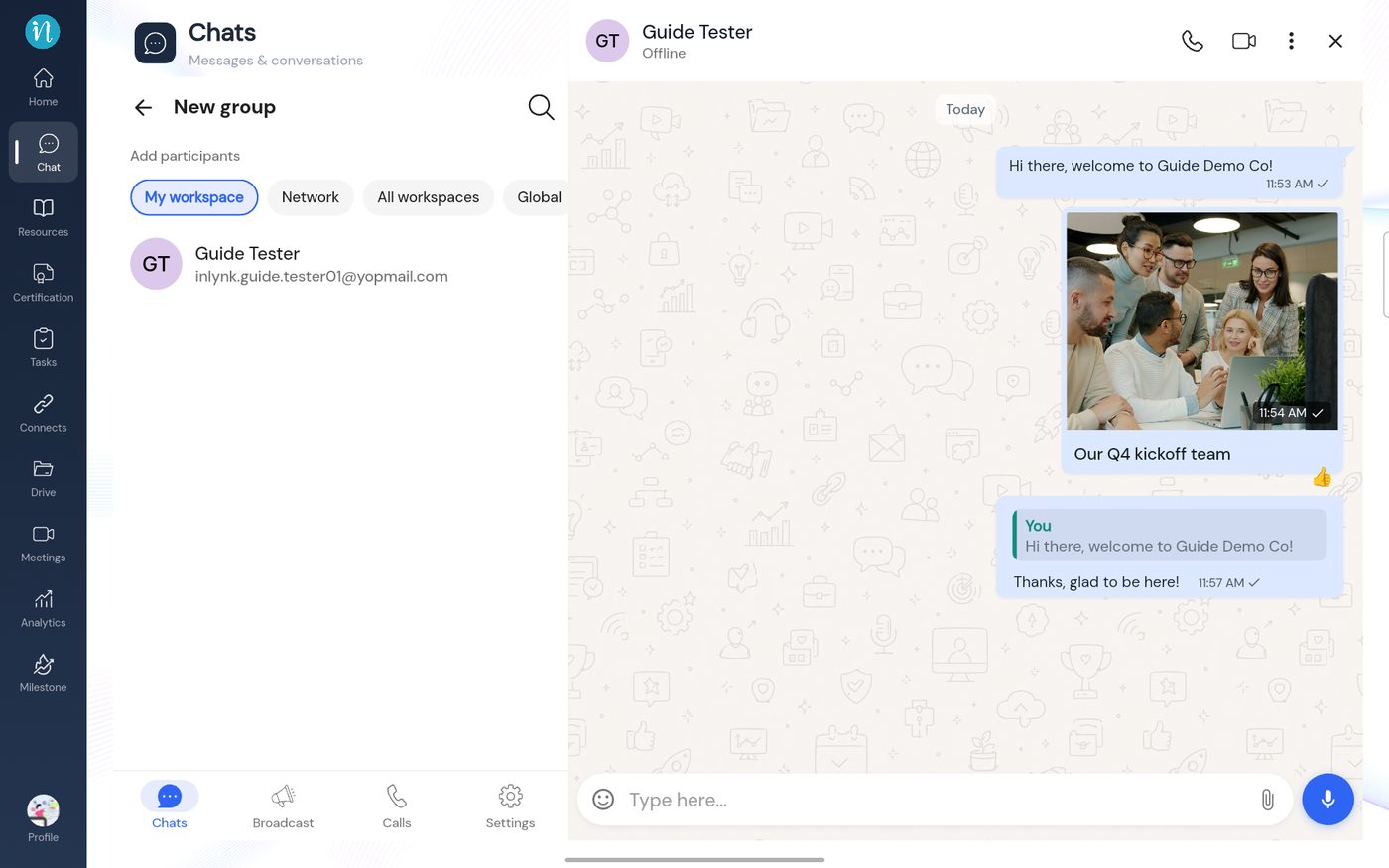 New group: add participants
-
Tap the people you want. They appear at the top of the list.
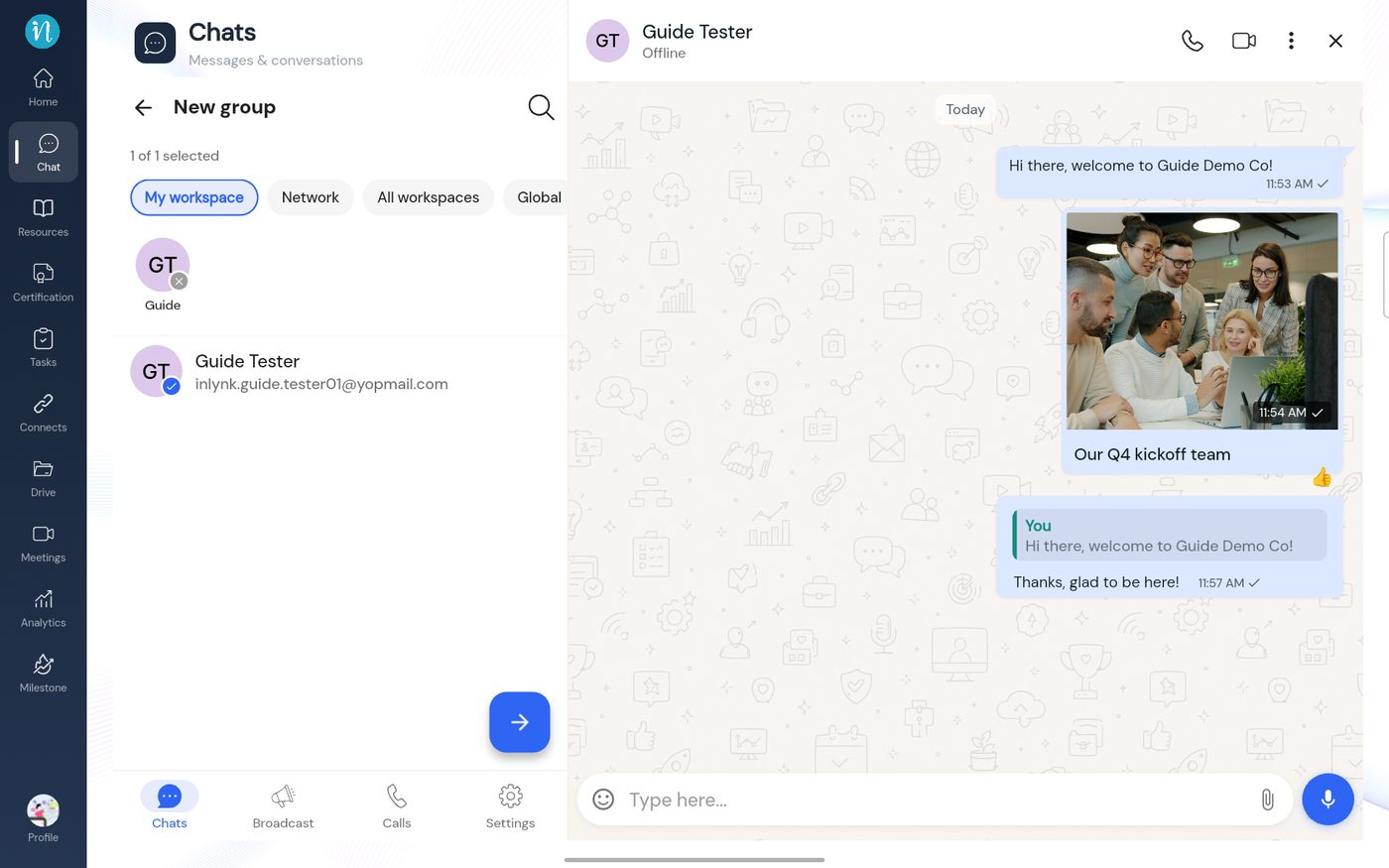 People chosen
-
Tap the arrow. Give the group a name and, if you like, a description.
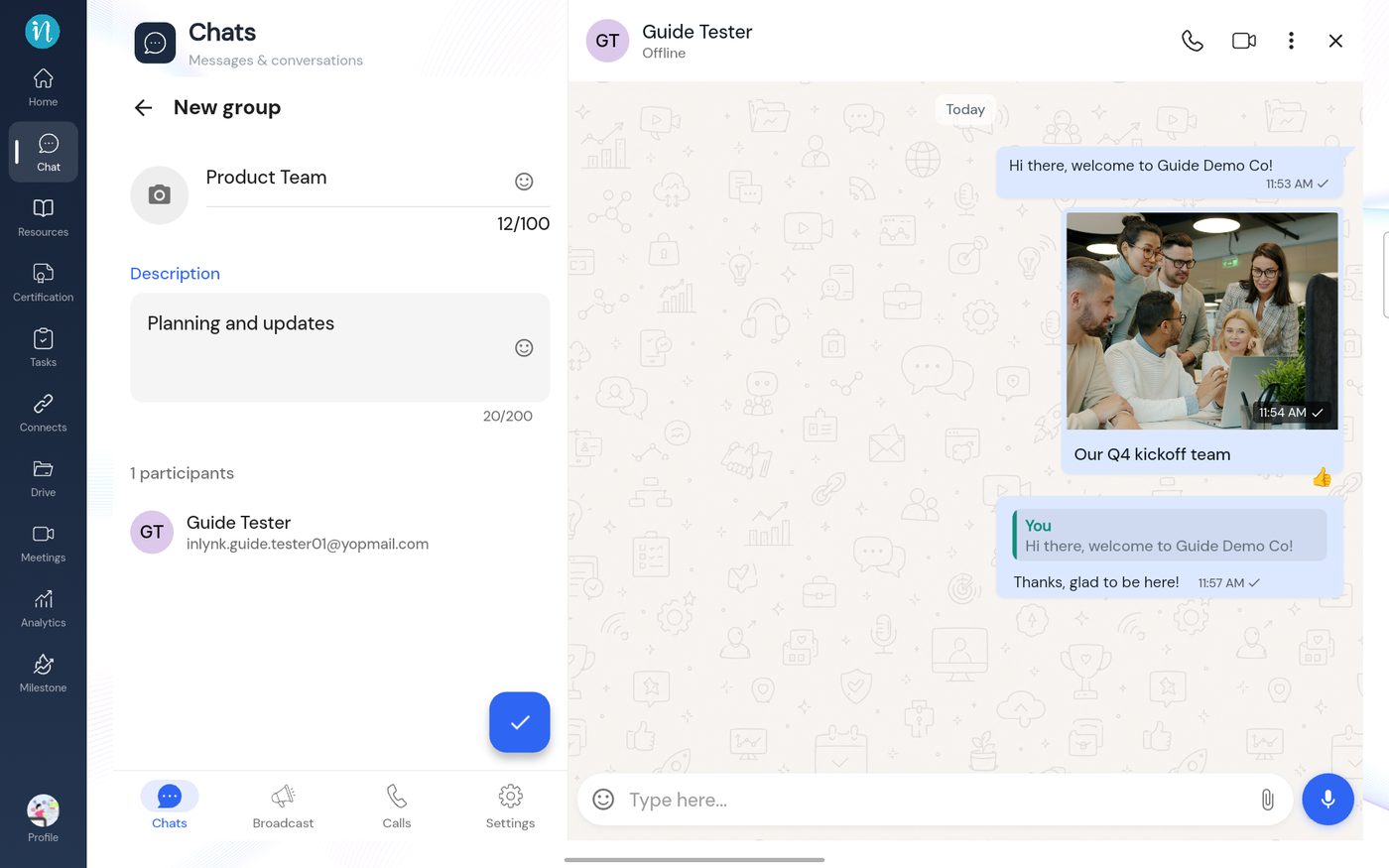 Group details
-
Tap the tick. The group opens.
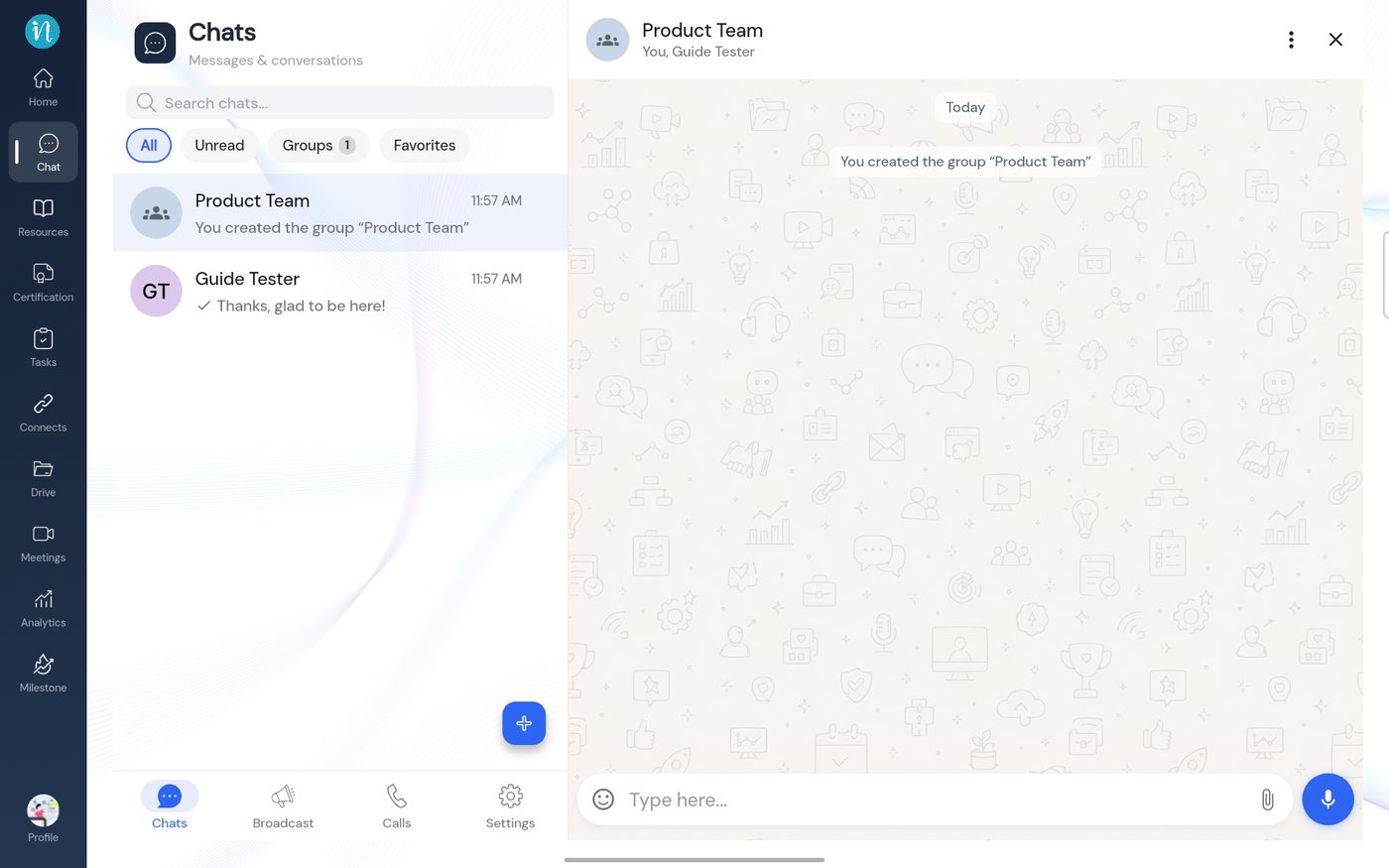 The new group
Last updated 2026-10-23
