
How to make a call
Who can use thisMembers and Super Admins
This article is written for Member and Super Admin. Use the role switch at the top to change what the menus show.
You can call someone from their chat. A voice call and a video call button sit at the top of the conversation.
-
Open a chat and tap the phone icon at the top right.
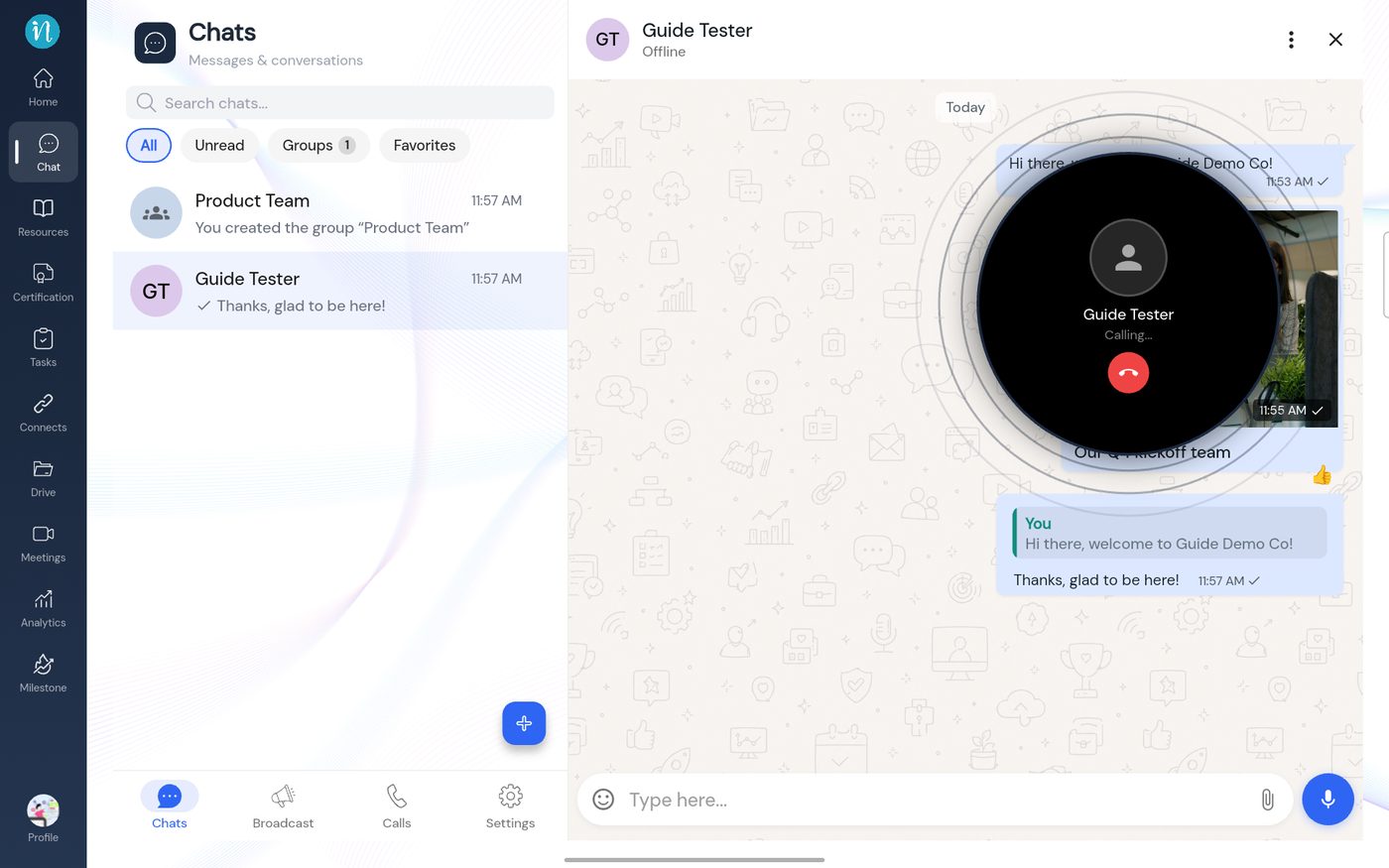
Calling -
If nobody answers, or you hang up, the call is recorded in the conversation.
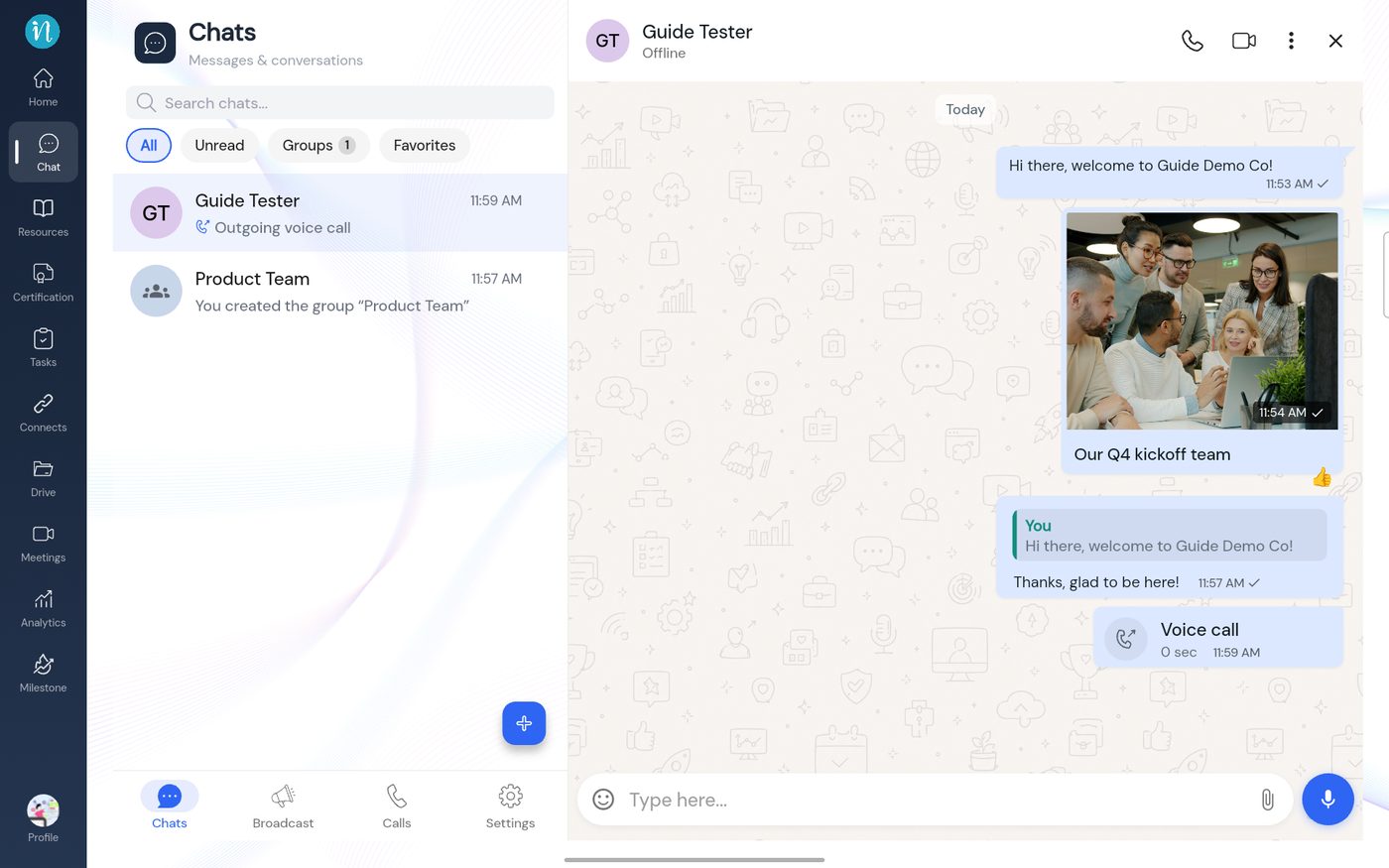
A call in the conversation -
Open the Calls tab for your history.
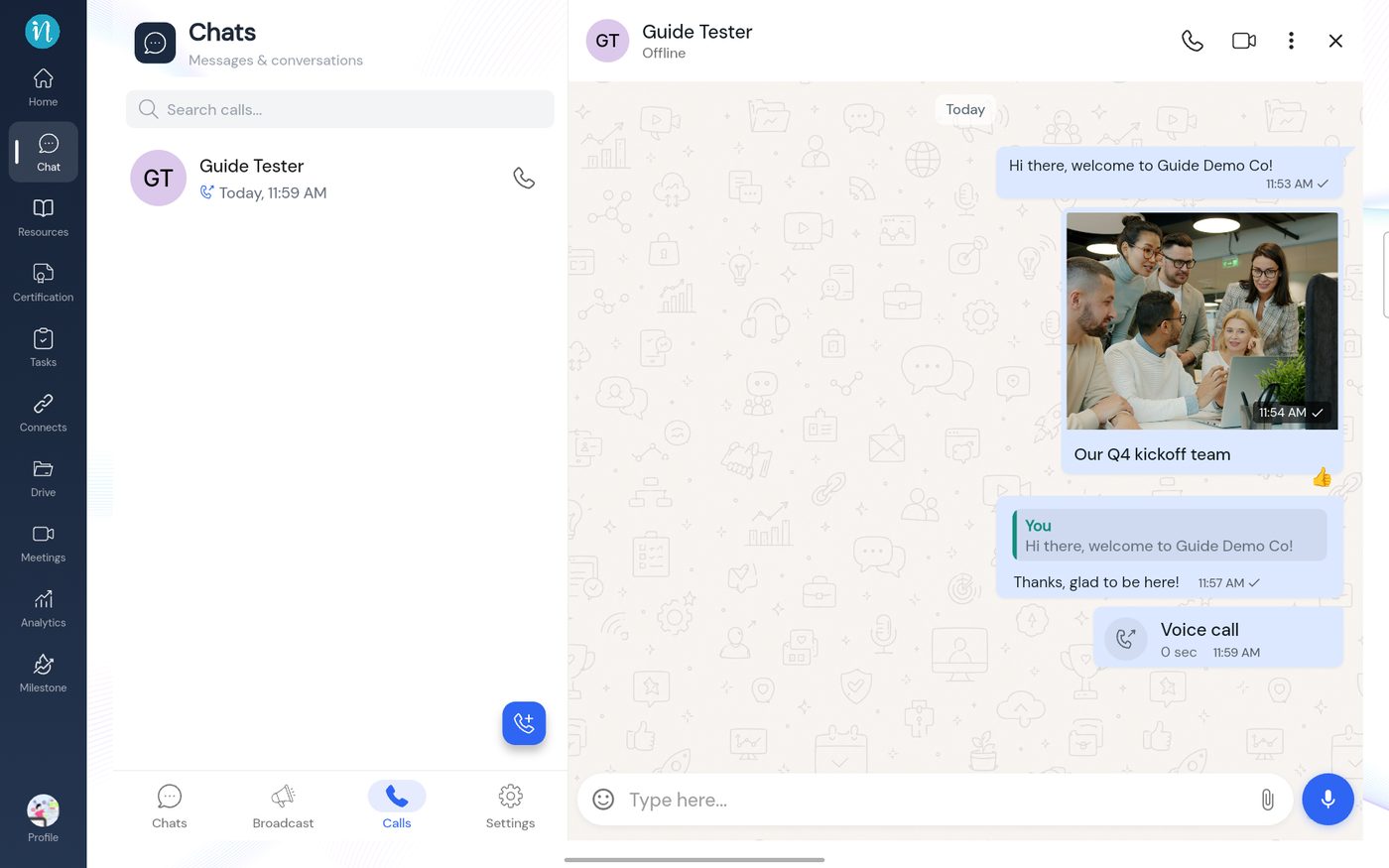
The Calls tab -
The other person sees a missed call in their chat.
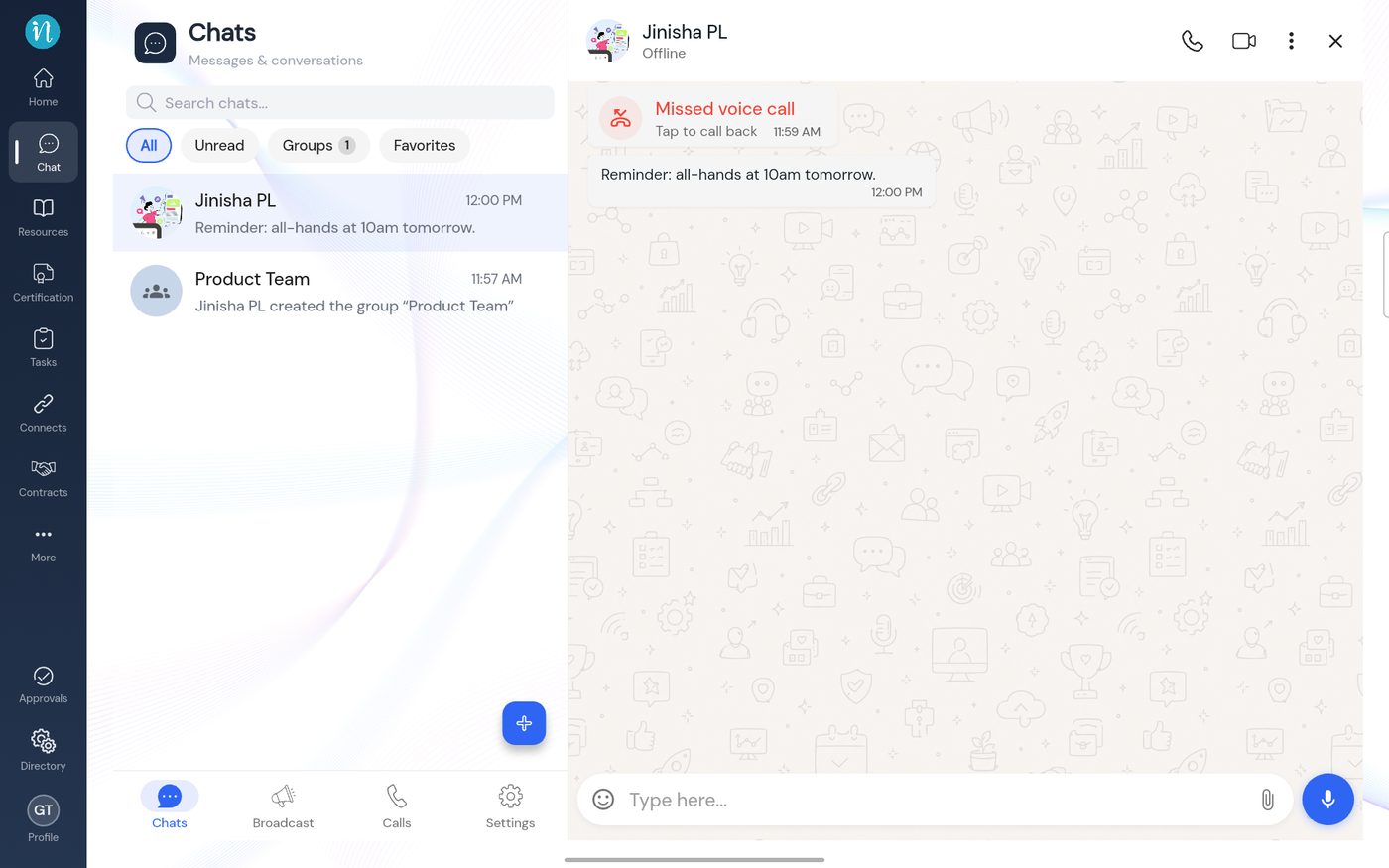
A missed call
Good to know
- Video call is the camera icon next to the phone. This guide did not test it.
- I tested calling a person who was offline, so I did not see a call being answered.
Last updated 2026-10-23