Messages
Send messages, photos and files
Who can use thisMembers and Super Admins
This article is written for Member and Super Admin. Use the role switch at the top to change what the menus show.
Type a message and send it, or attach a photo, a video, an audio file or any other file.
-
Tap the box at the bottom and type. The microphone changes to a blue send arrow.
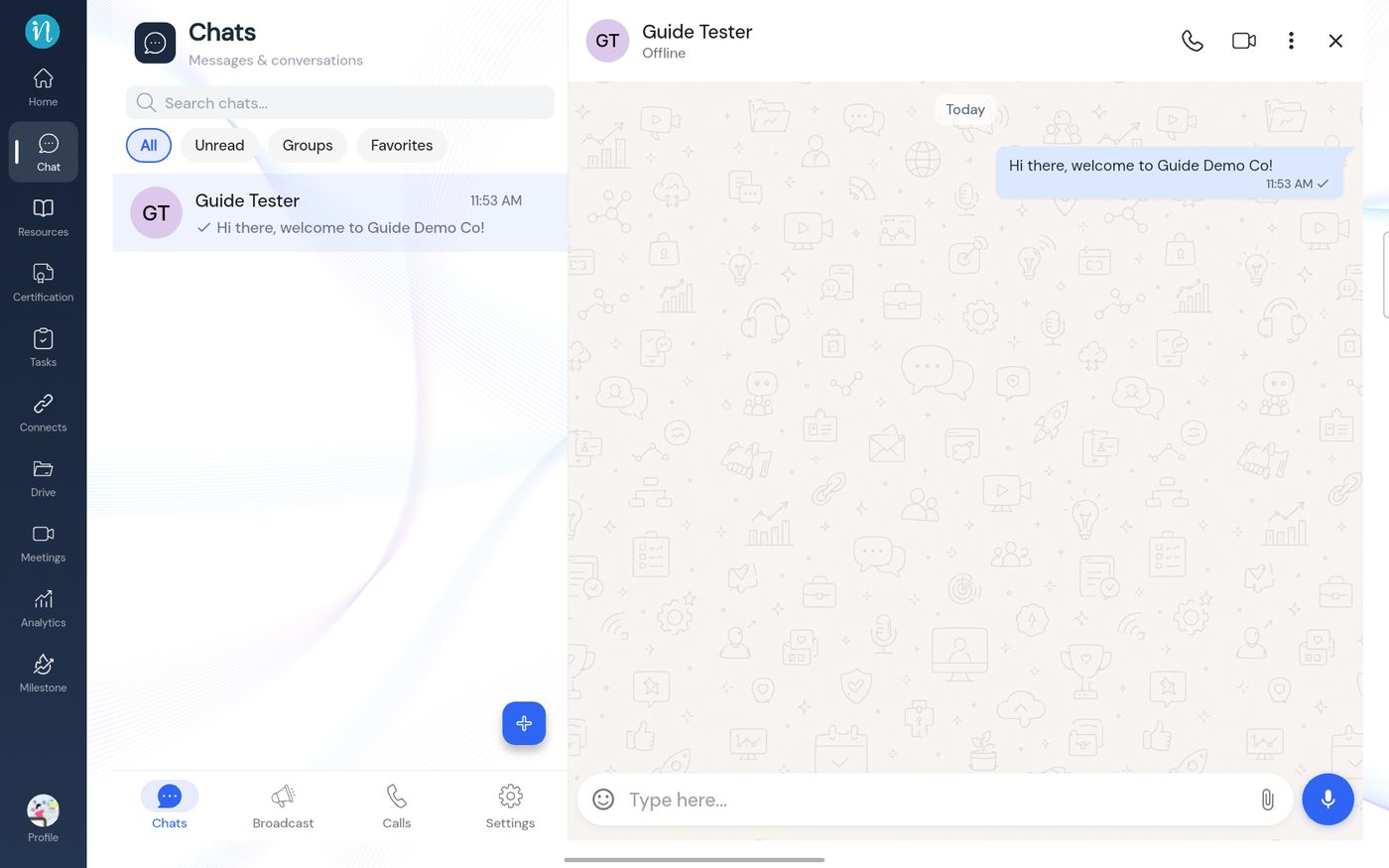 A message sent
-
To attach something, tap the paper-clip.
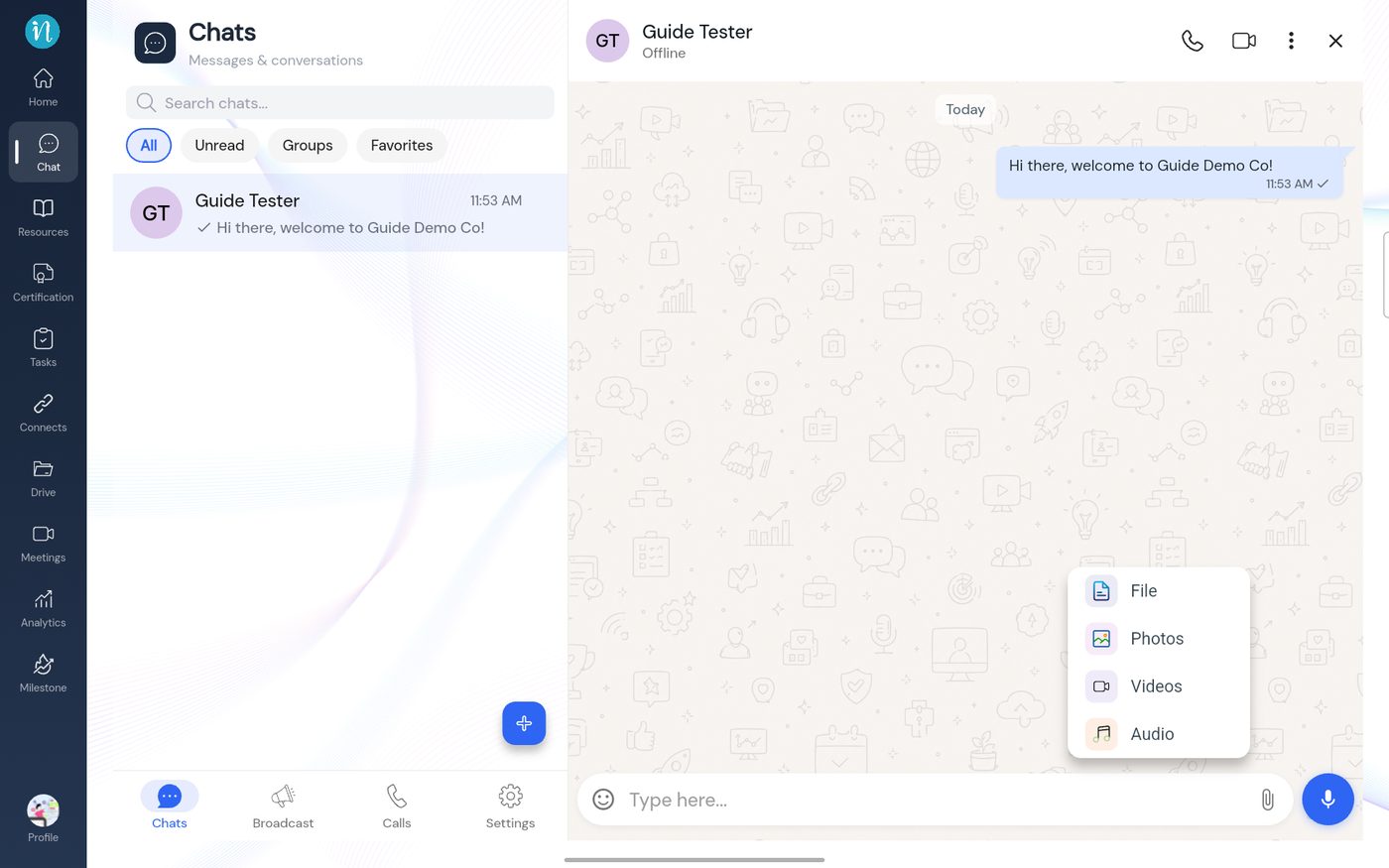 The attach menu
-
Choose Photos and pick a picture. A preview opens.
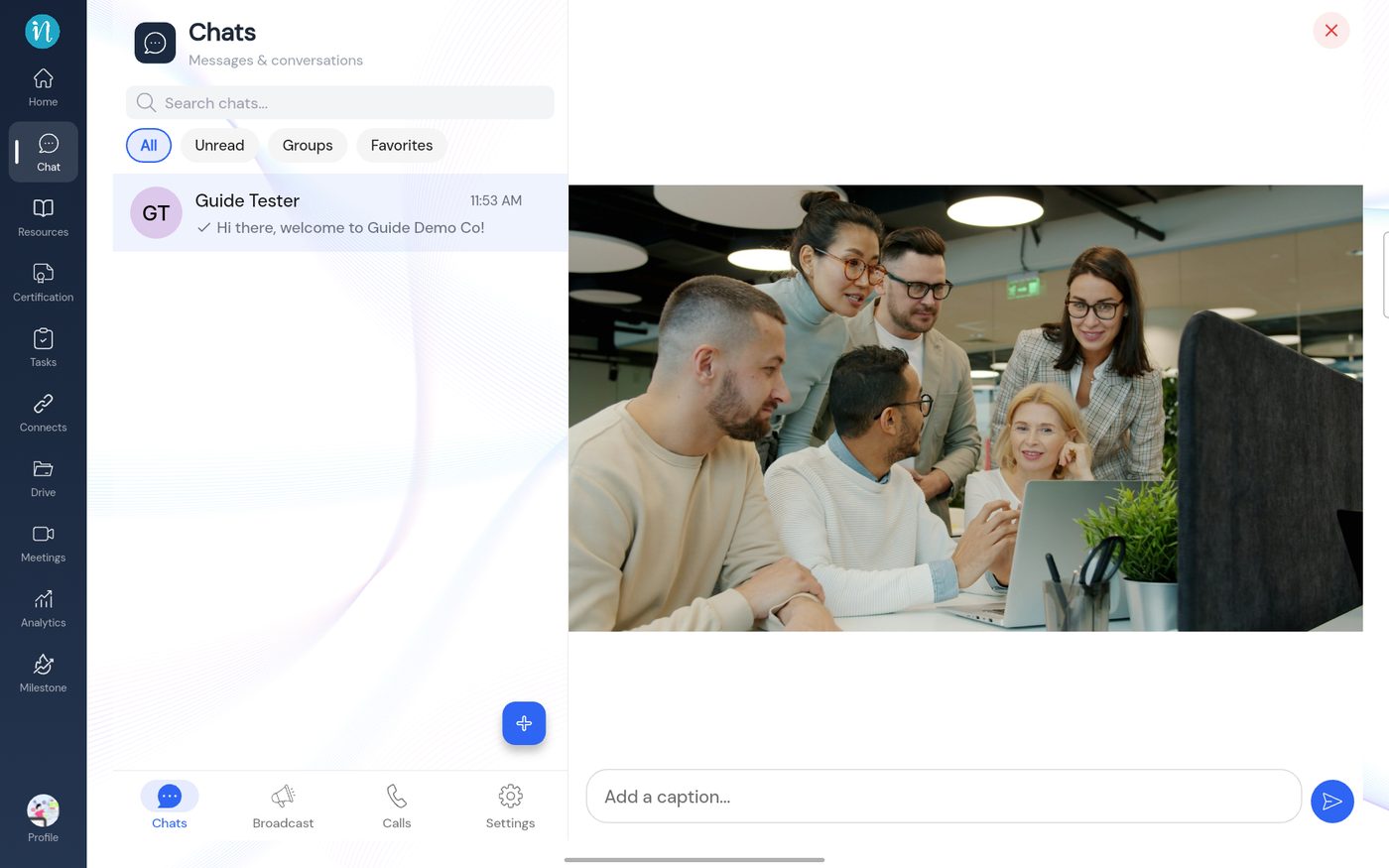 Photo preview
-
Type a caption if you like and tap the send arrow.
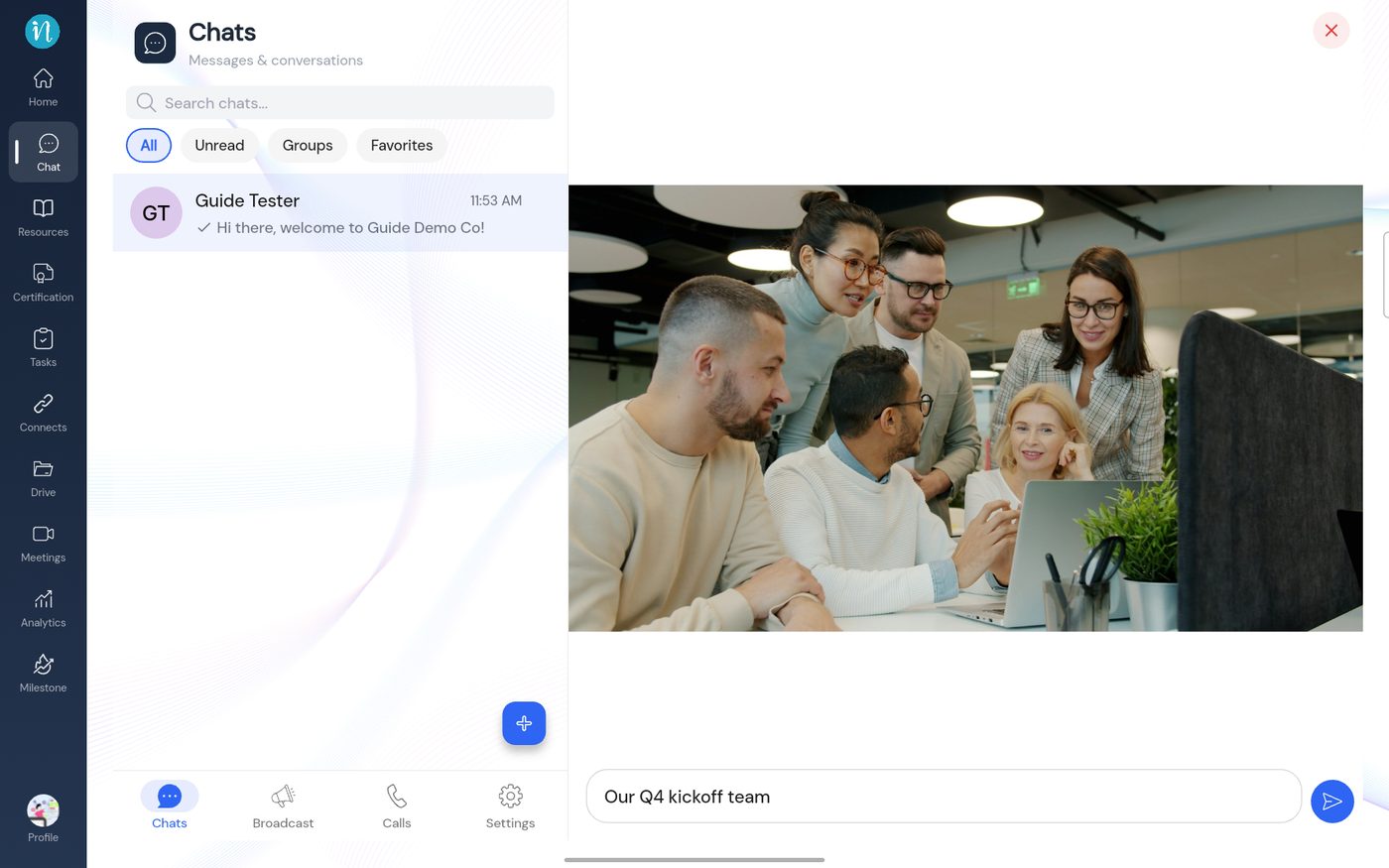 A caption typed
-
The photo appears in the conversation with its caption.
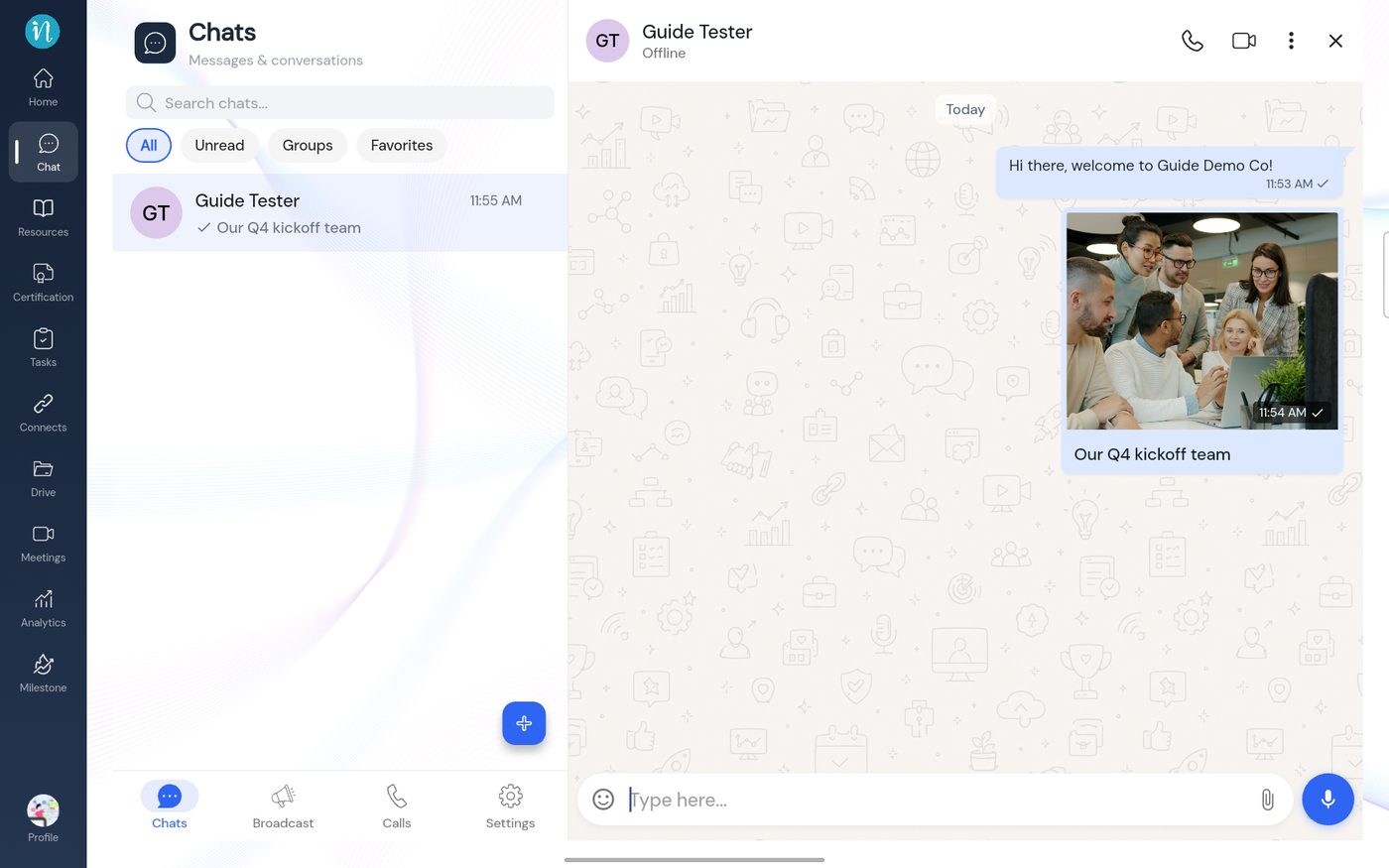 A photo message
Good to know
- A tick appears beside the time of a message you sent.
- Press and hold a message for more; see Reply, react and more.
Last updated 2026-10-23
