Groups
Manage a group: members, name and admins
Who can use thisMembers and Super Admins
This article is written for Member and Super Admin. Use the role switch at the top to change what the menus show.
Tap the group's name at the top of the conversation to open Group Info.
-
Tap the group's name in the header.
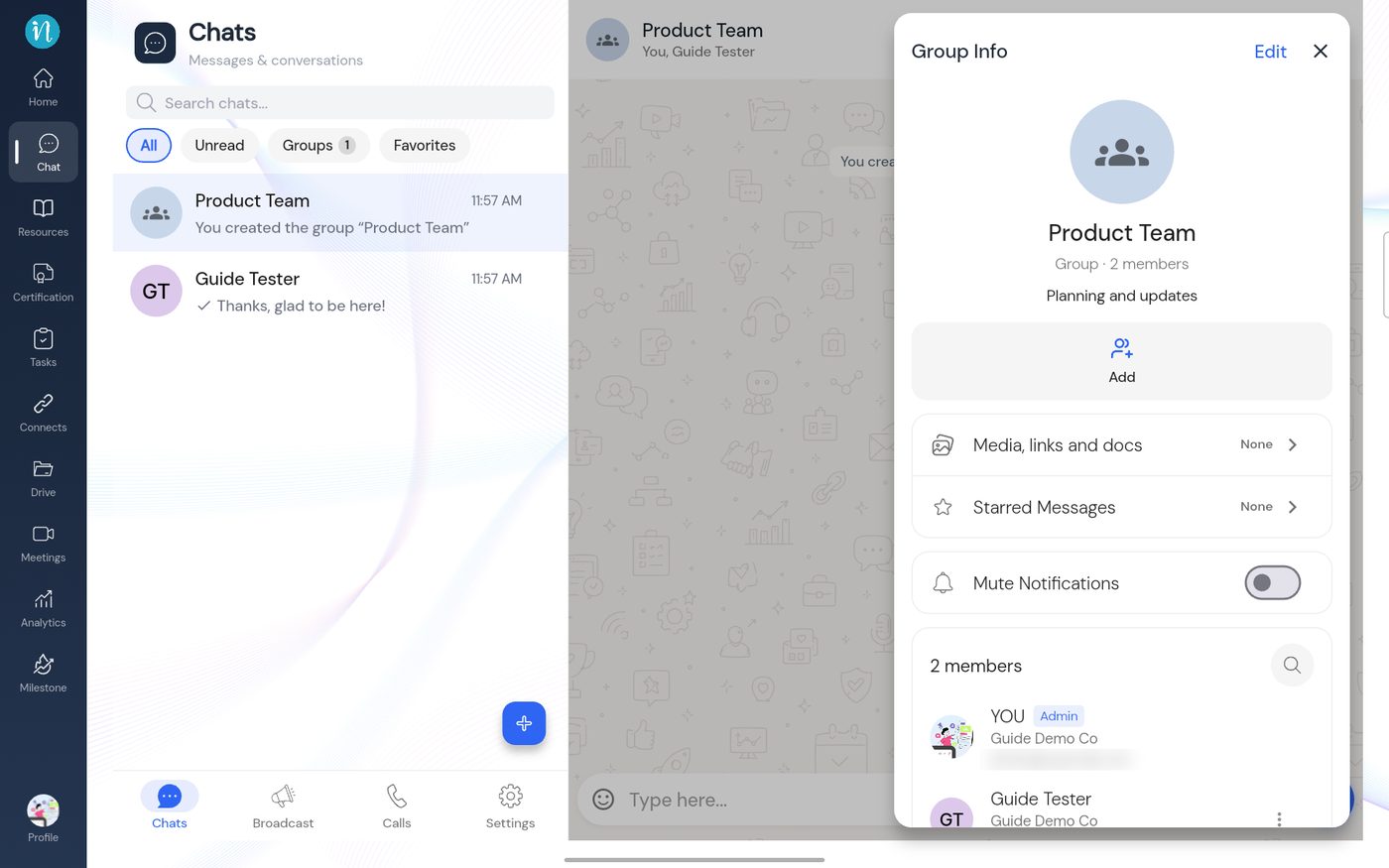 Group Info
-
Tap ⋮ next to a member. As an admin you can change their role or remove them.
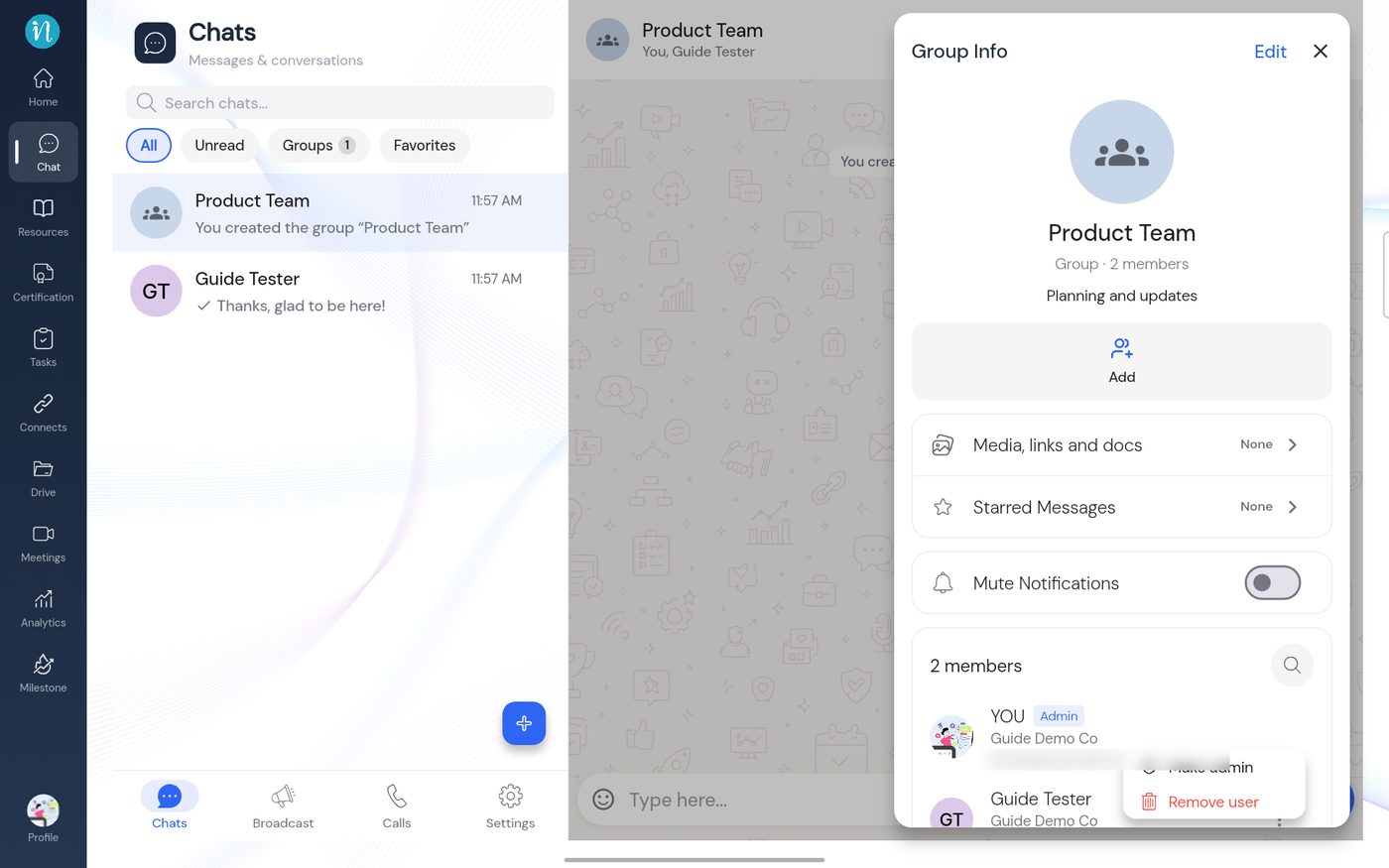 A member's menu
-
Tap Edit to change the group.
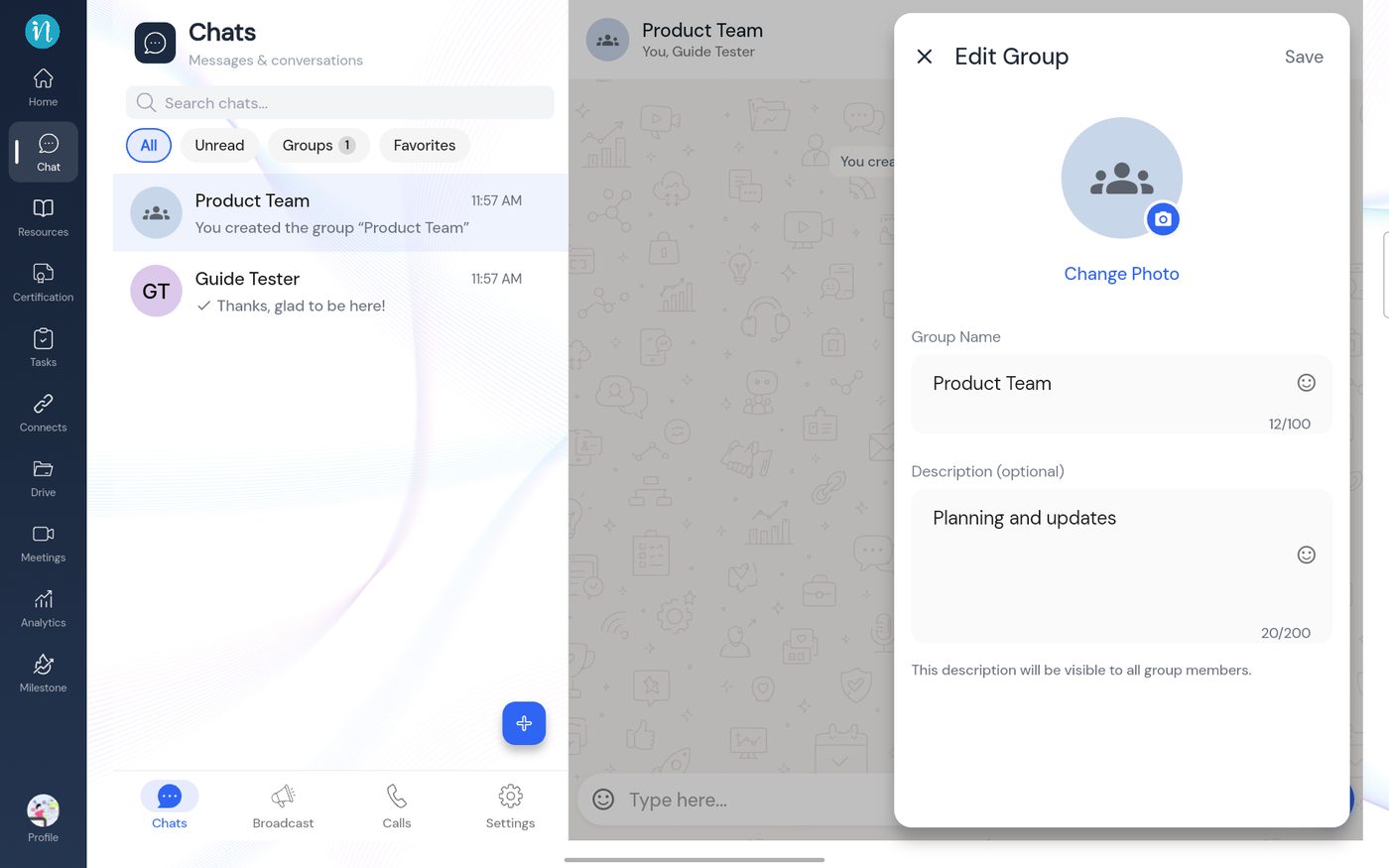 Edit Group
-
The group's ⋮ menu is at the top of the conversation.
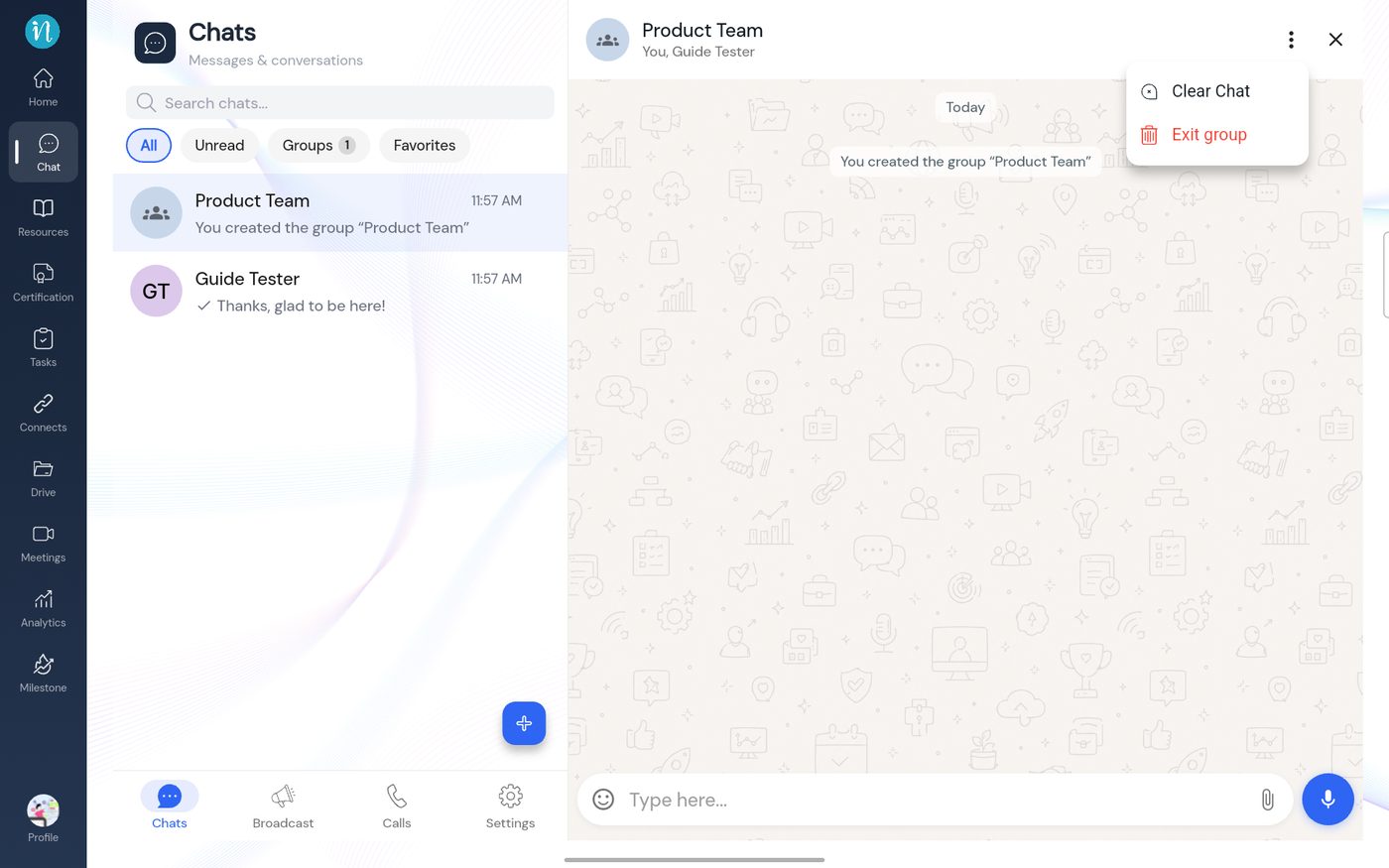 The group menu
Not tested: I did not try Add, Make admin, Remove user, Clear Chat or Exit group, so this guide does not describe what happens afterwards.
Last updated 2026-10-23
