This article is written for Member and Super Admin. Use the role switch at the top to change what the menus show.
Chat is optional. The first time you open it, a short Welcome to Chat window explains what turning it on means.
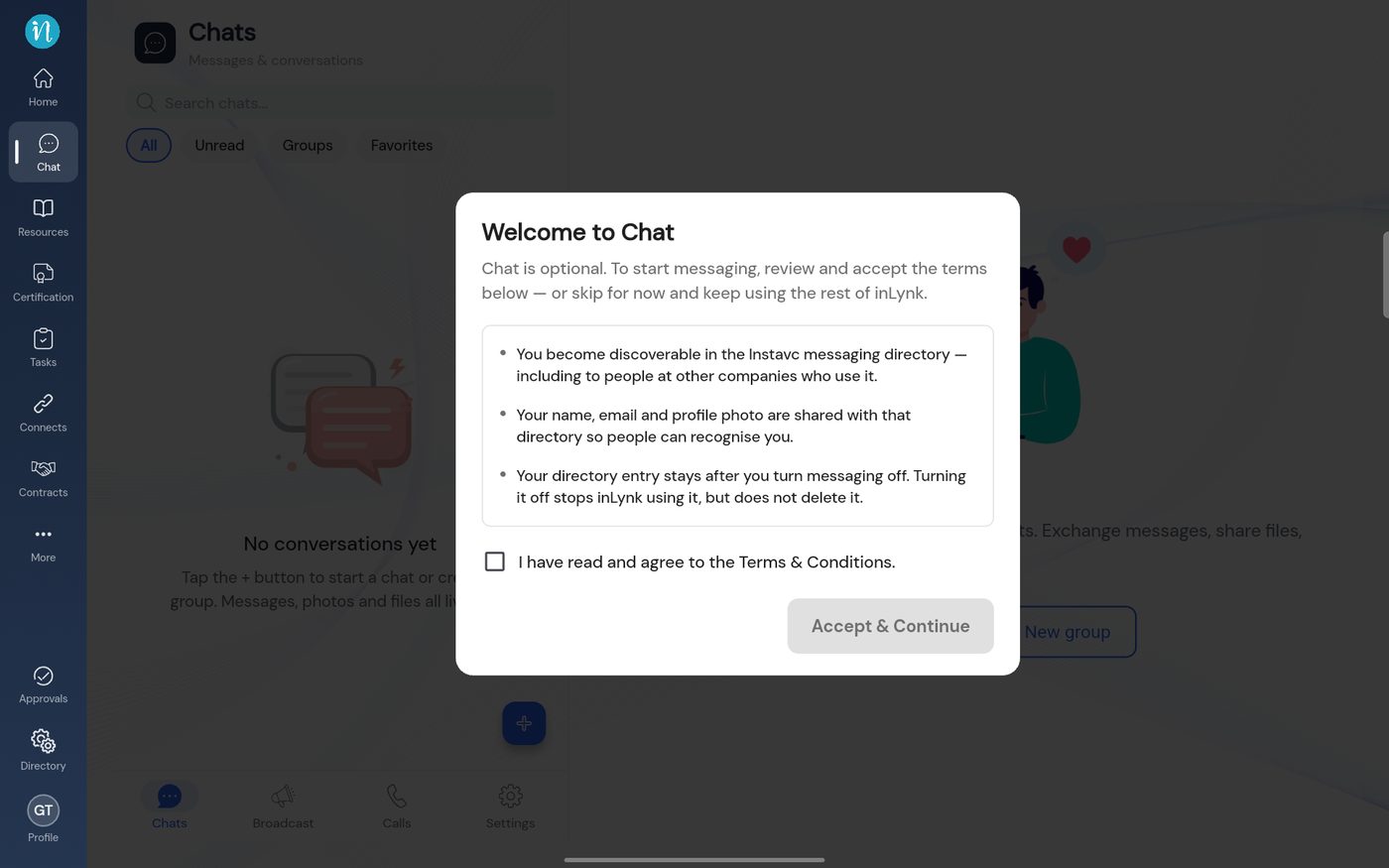
Tap Chat in the sidebar. The welcome window appears over the page.
Welcome to Chat
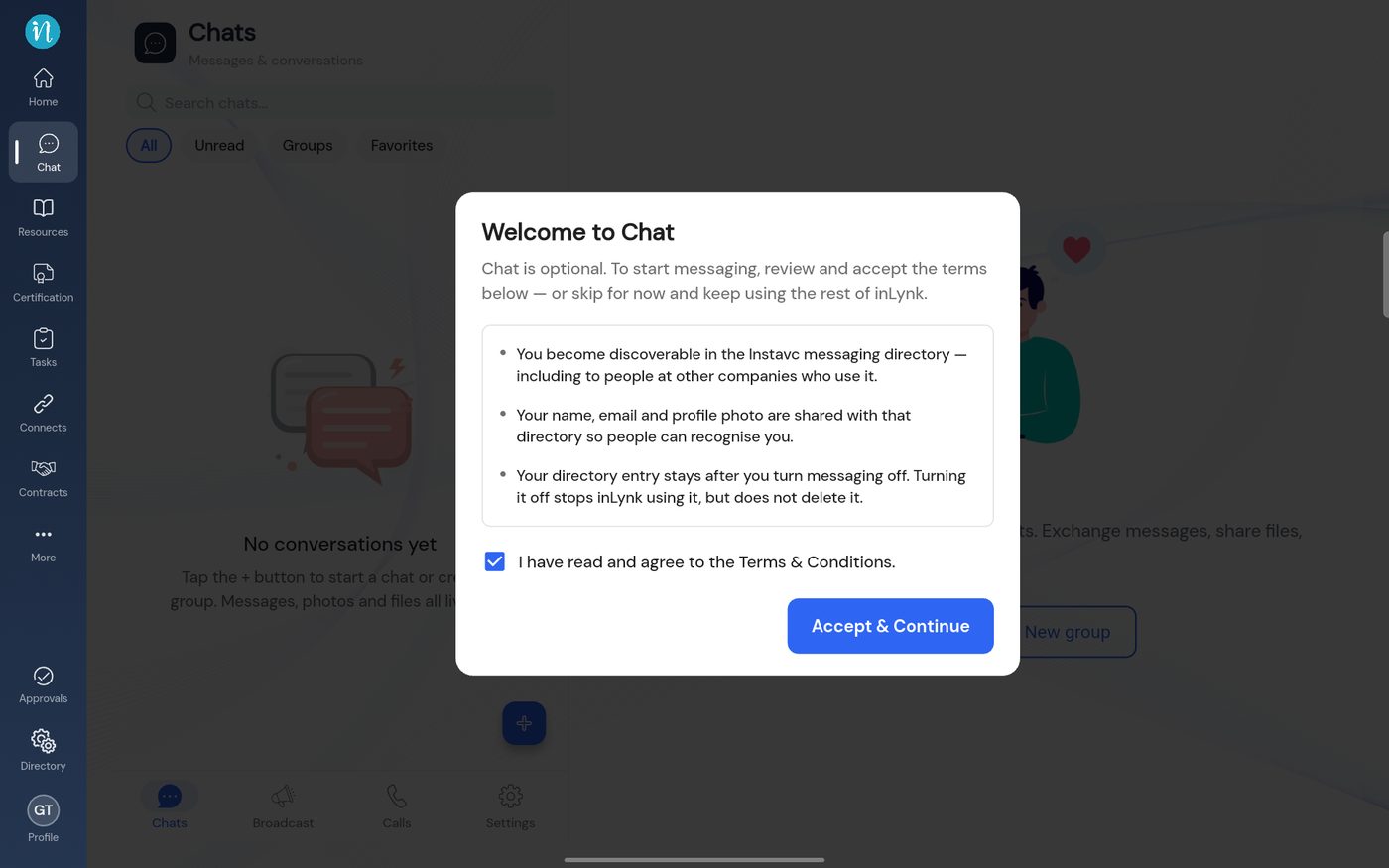
Tick the box. Accept & Continue turns blue. Tap it.
Terms accepted
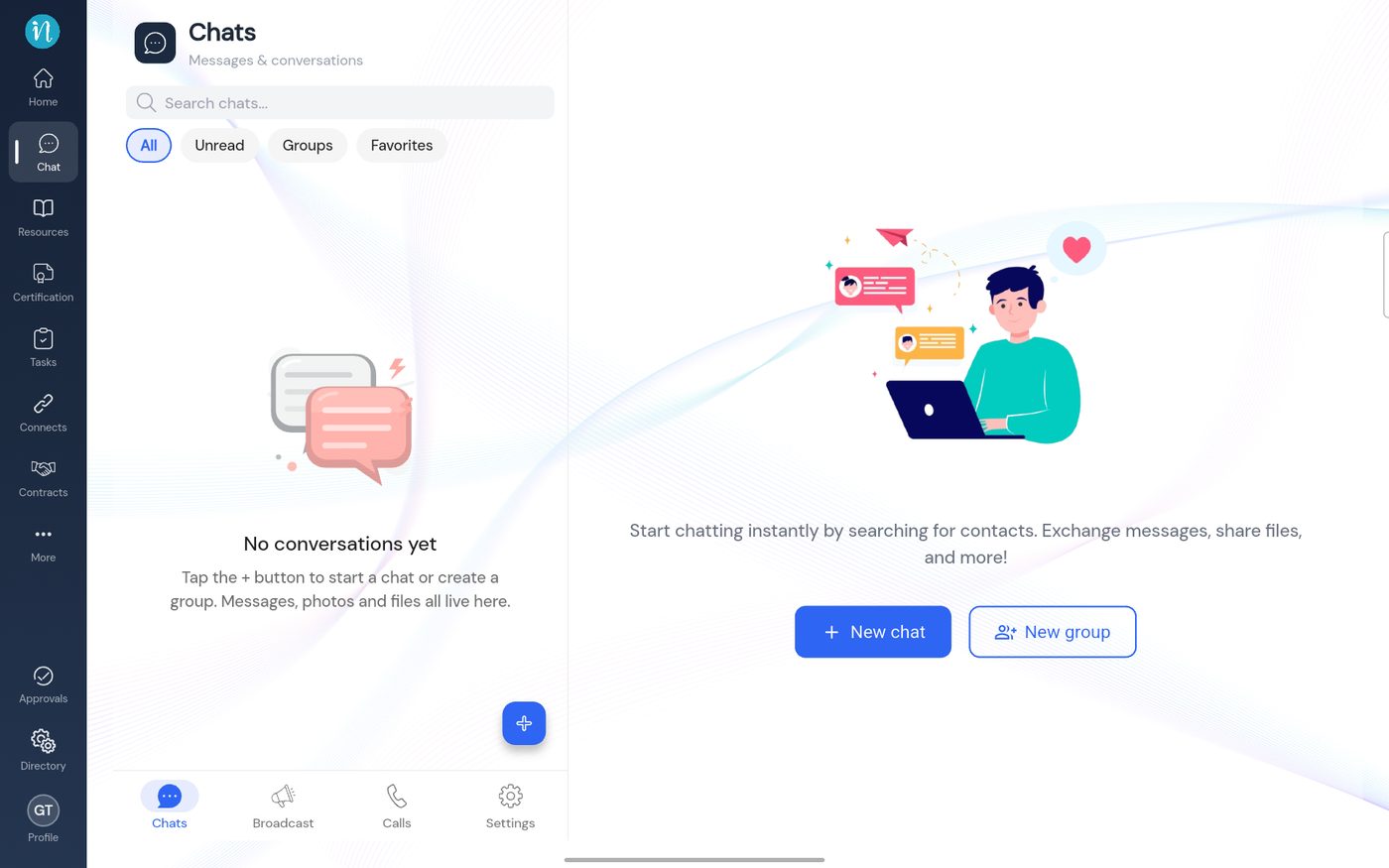
Chat opens. A new account has no conversations yet.
An empty Chat
Good to know
Read the second and third points before you accept: other people can find you by name, including people outside your organisation who also use Instavc messaging.
Only people who have also turned on messaging appear as contacts. See Start a chat.