
Who can use Chat
Who can use thisMembers and Super Admins
This article is written for Member and Super Admin. Use the role switch at the top to change what the menus show.
Everyone in a workspace can use Chat once they accept the Welcome to Chat window. There is nothing an administrator has to switch on for a role.
-
Open Directory → Profiles, choose a profile such as Member and look at the module list.
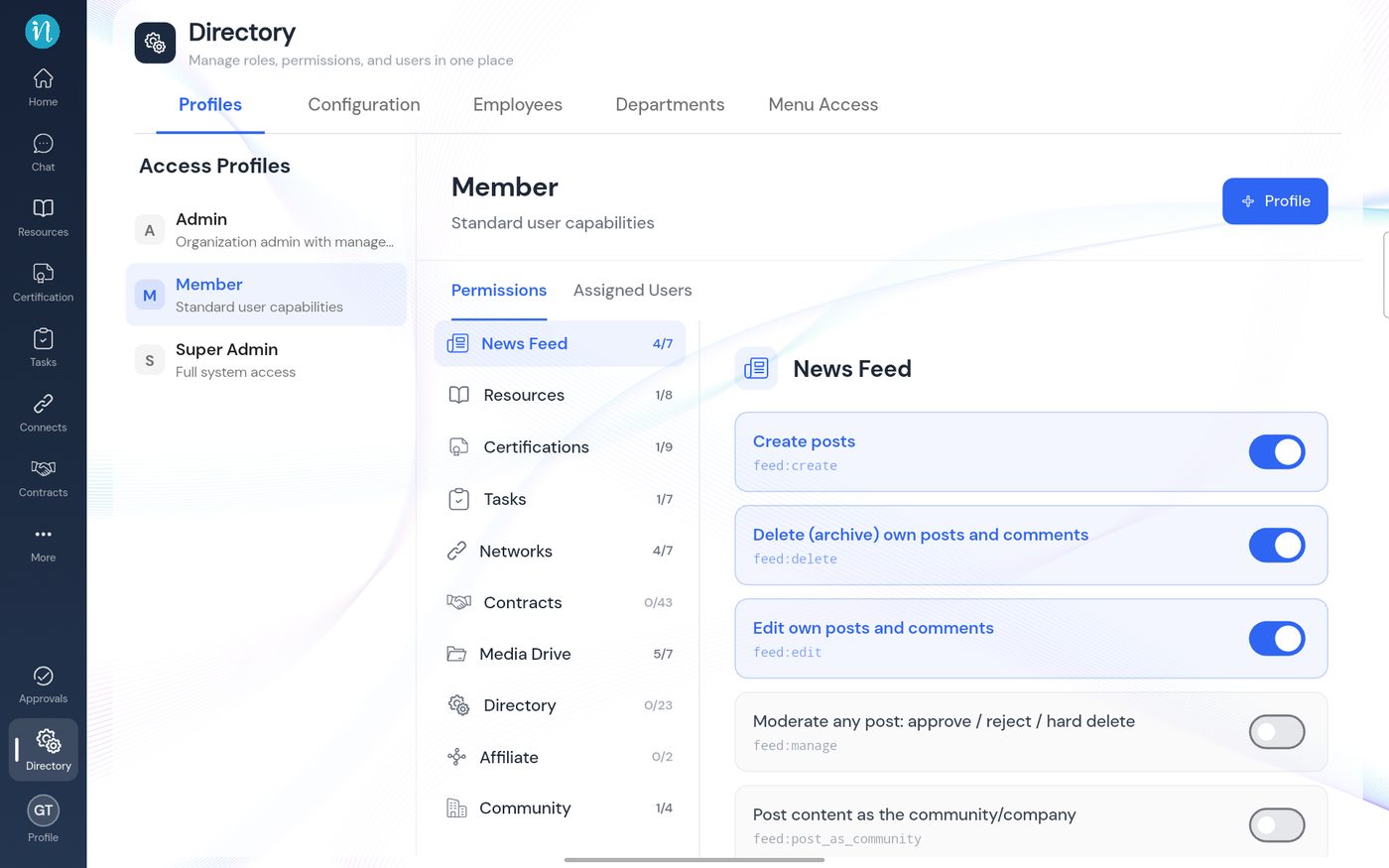
The Member profile's modules
What an administrator can still do
- Hide Chat from the sidebar. In Directory → Menu Access, turn Chat off. See Showing or hiding Drive in the sidebar, which works the same way for every module.
- Each person chooses. Chat is opt-in; see Turn on Chat.
Last updated 2026-10-23