Messages
Reply, react and manage a message
Who can use thisMembers and Super Admins
This article is written for Member and Super Admin. Use the role switch at the top to change what the menus show.
Press and hold any message to open its menu.
-
Press and hold a text message.
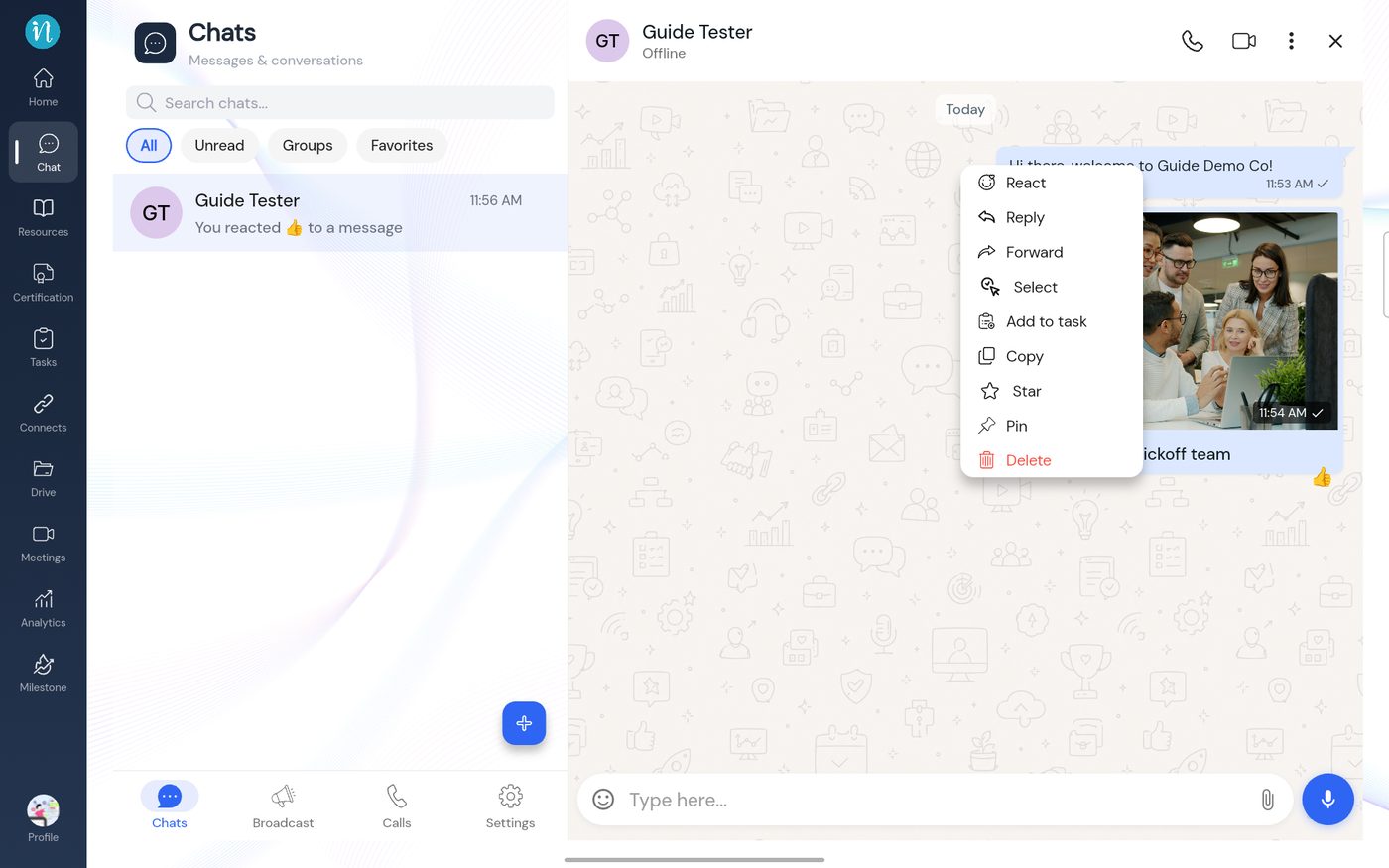 A text message's menu
-
A photo message has the same menu, with Download where a text message has Copy.
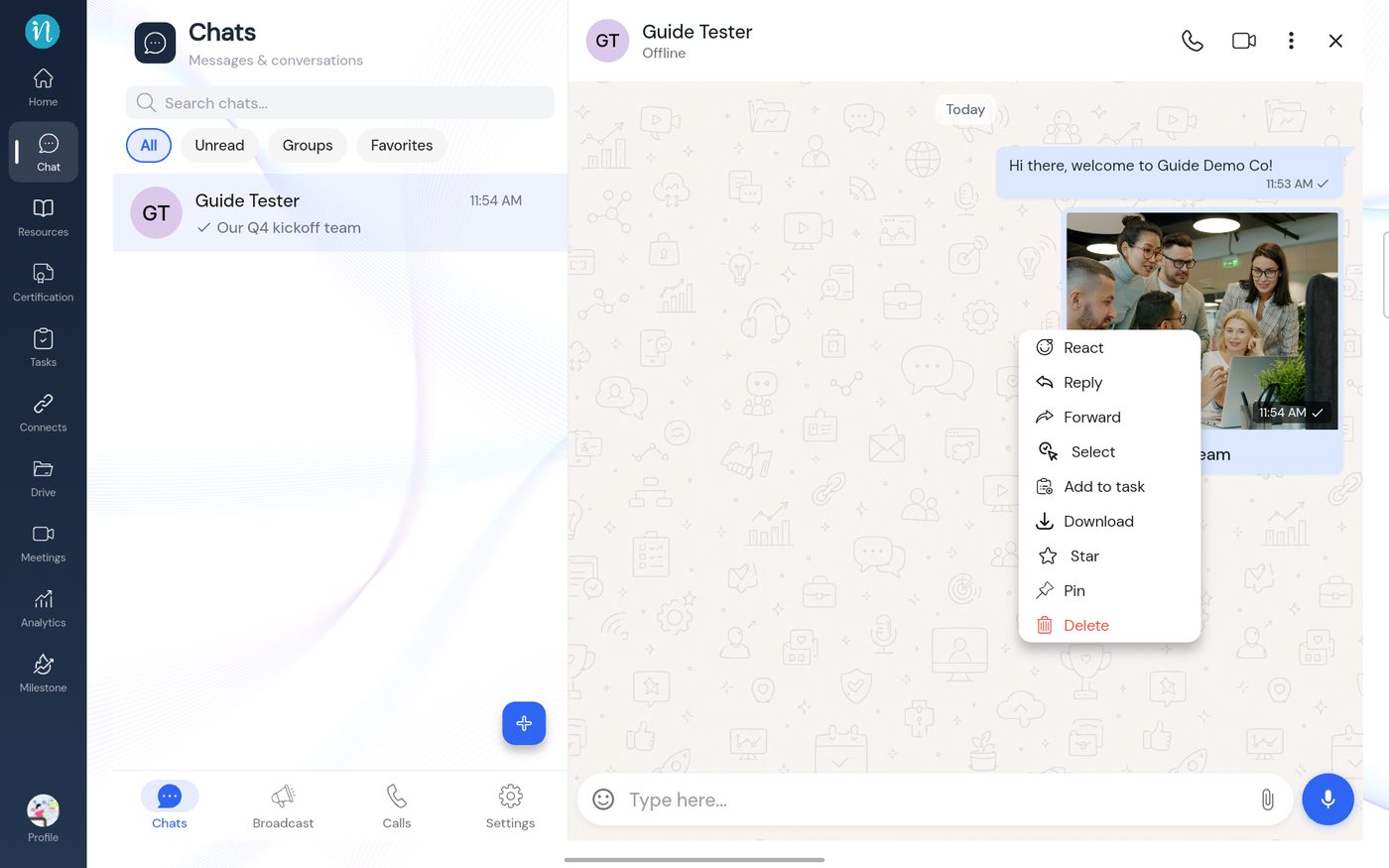 A photo message's menu
React with an emoji
-
Tap React. A row of emojis opens.
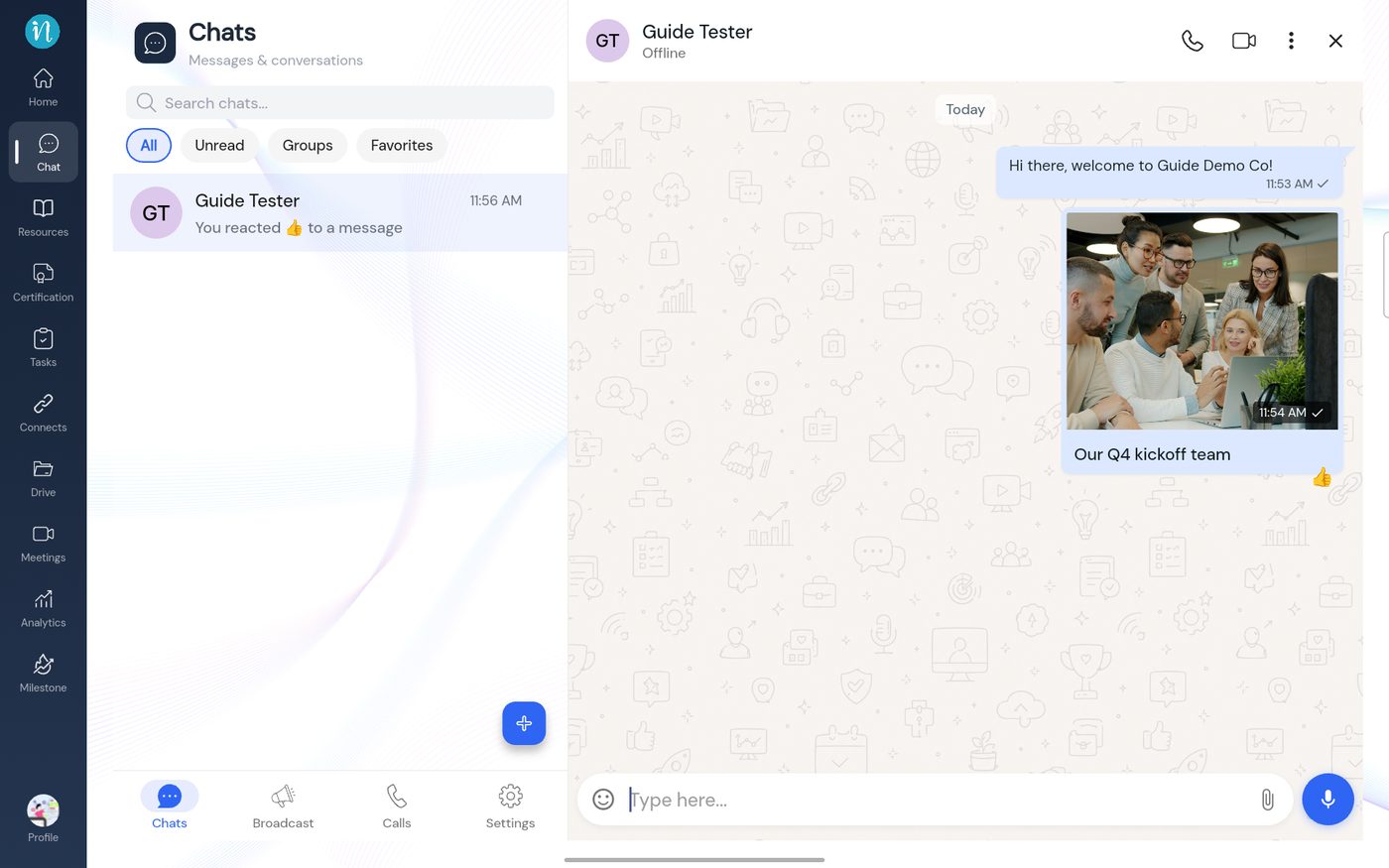 A reaction on a message
Reply to a message
-
Tap Reply. A quote bar appears above the box.
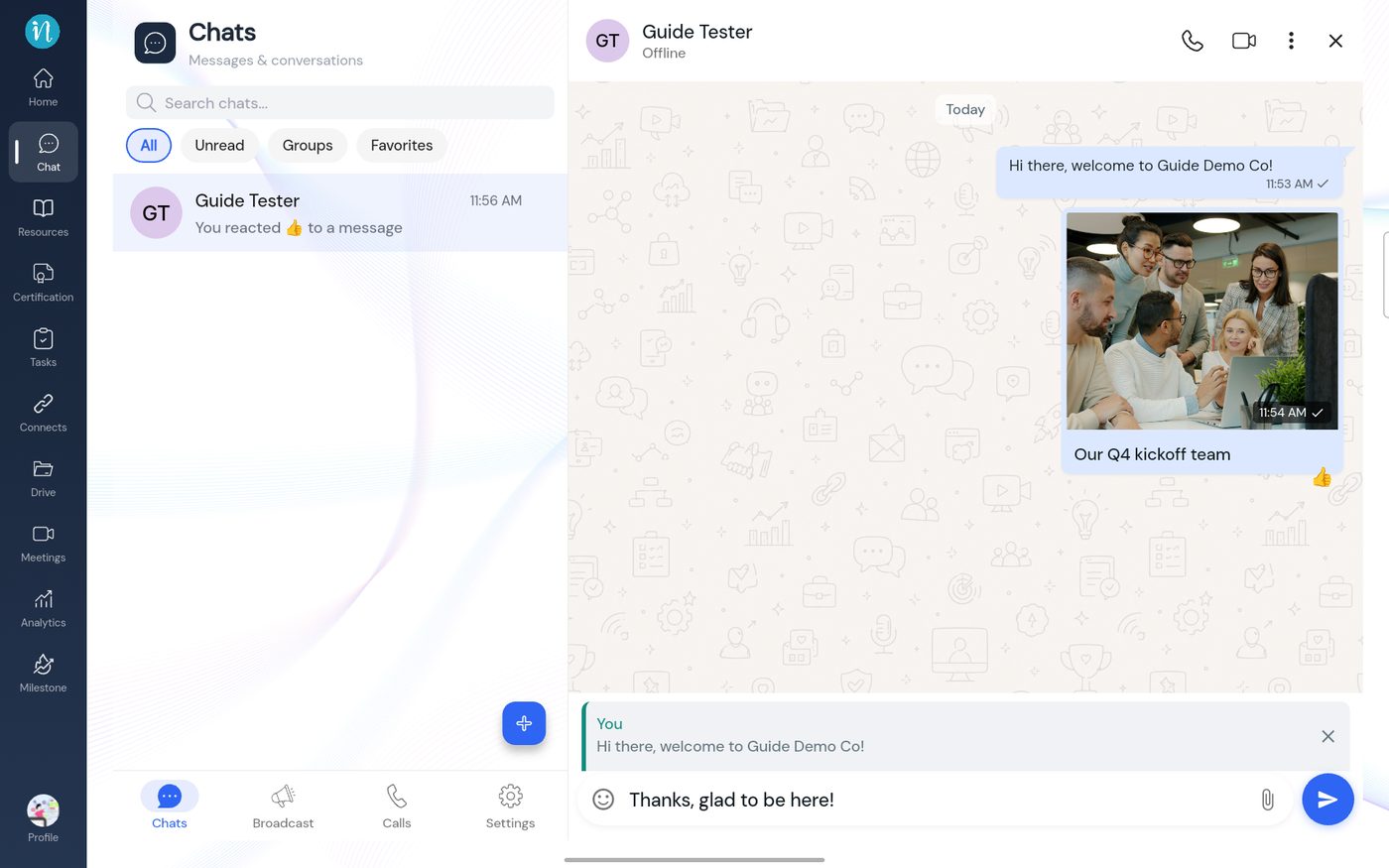 Replying to a message
-
Send it. Your answer shows the original quoted above it.
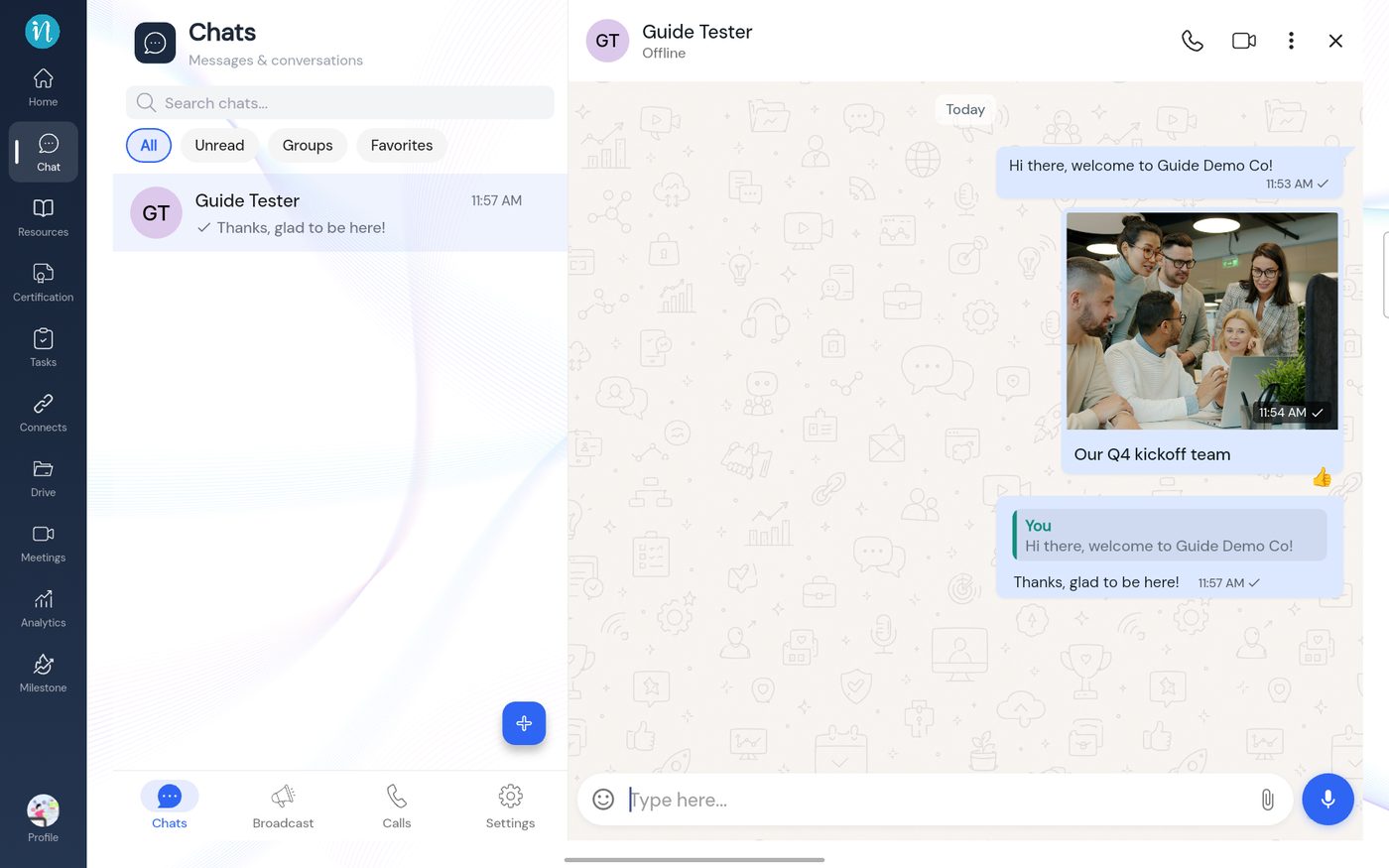 A reply sent
Not tested: Forward, Select, Add to task, Star, Pin and Delete are shown here as menu entries only.
The other person sees the quote above your answer, and your reaction under the message. See Chat at a glance.
Last updated 2026-10-23
