
Article versions and drafts
Who can use thisSuper Admins, and any role given this permission
Permission you need
Edit resources
Set by your workspace admin. If you cannot do this, ask them for access.This article is written for Super Admin. Use the role switch at the top to change what the menus show.
Articles keep a version history. When you edit a published article, your changes are a draft until you publish them, so readers keep seeing the current version.
-
Open the article and tap the clock icon. Version History opens on the right.
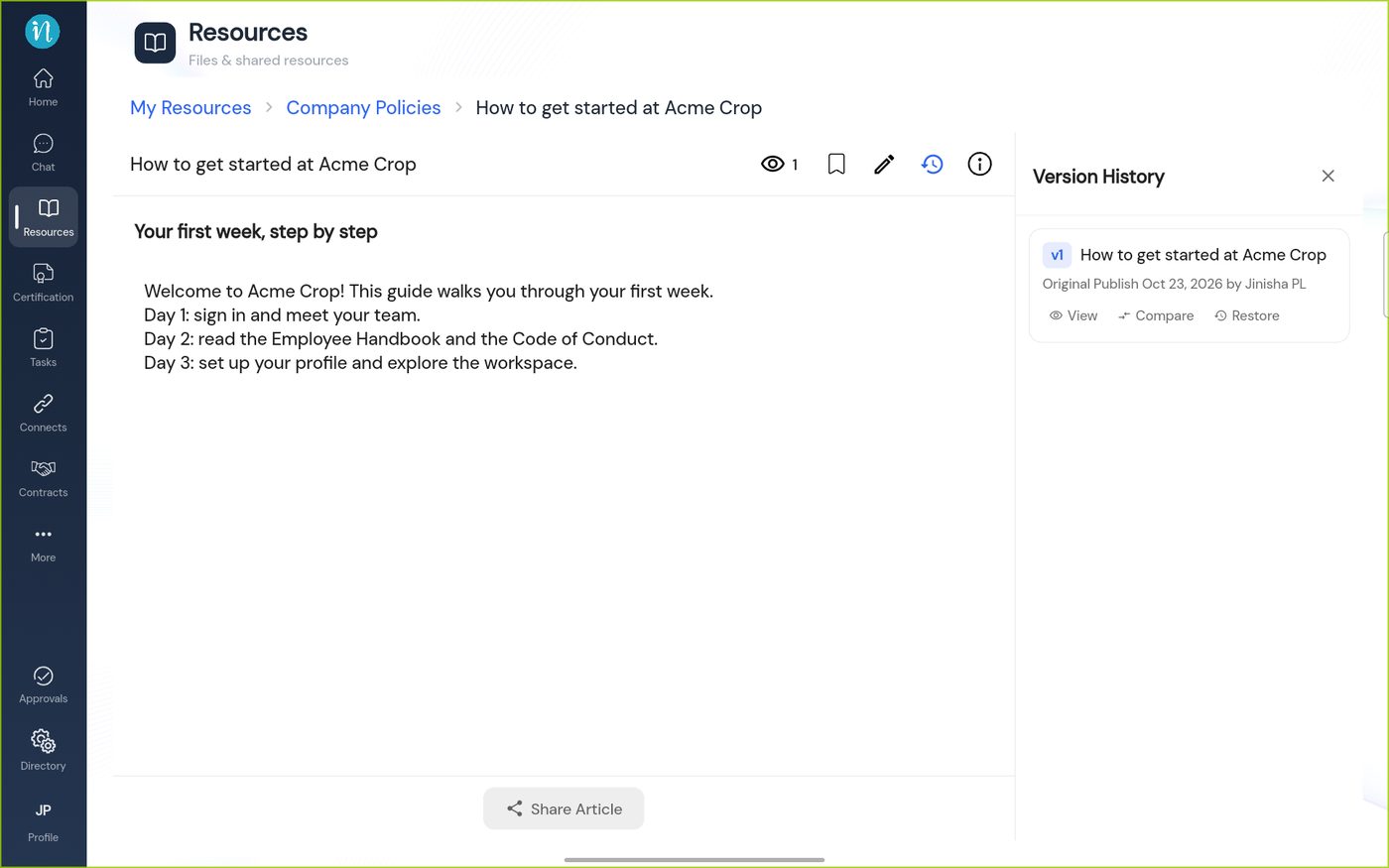
Version History -
Tap the pencil to edit. The editor tells you this is a draft.
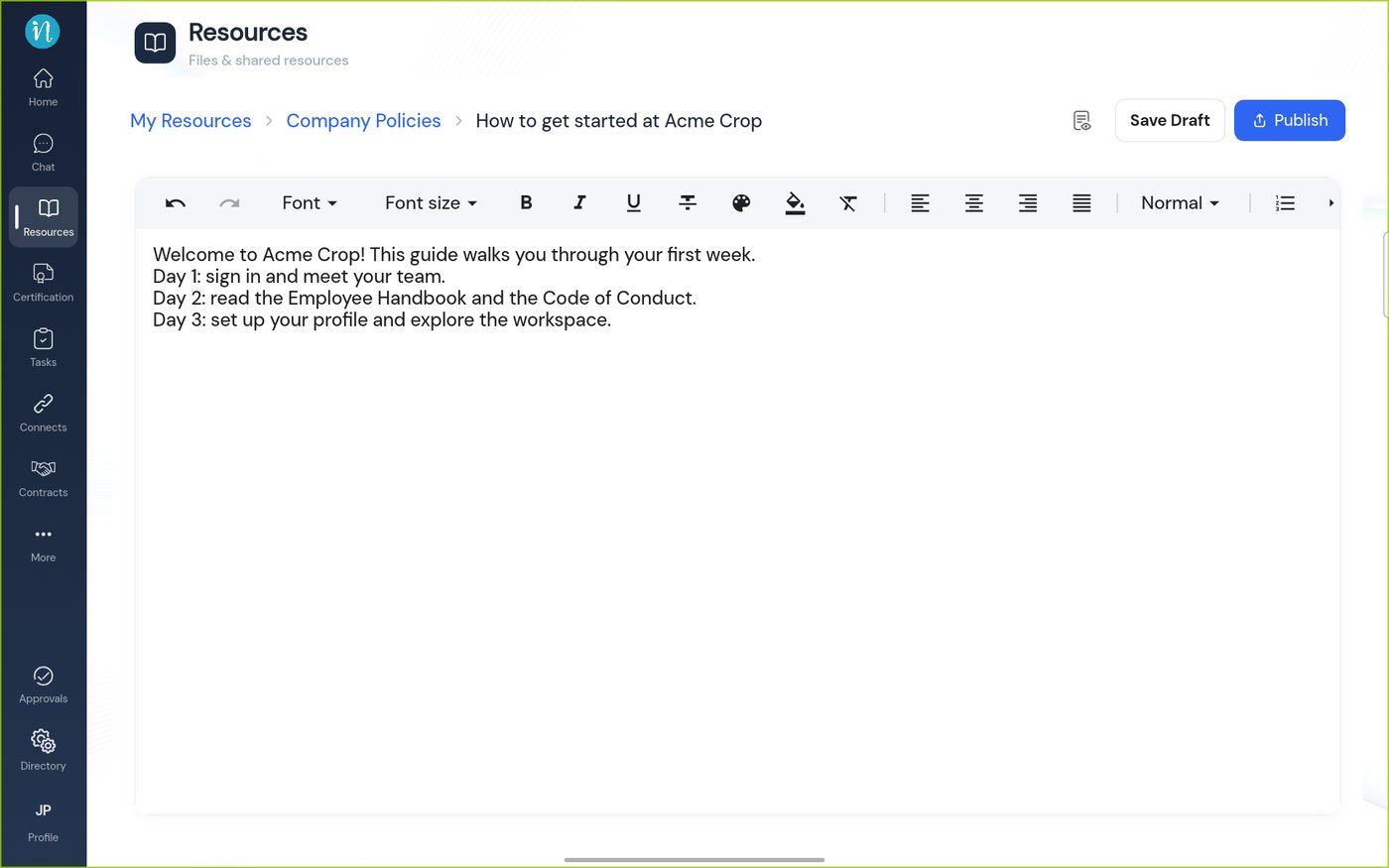
Editing a published article -
After you save a draft, the article looks the same to readers.
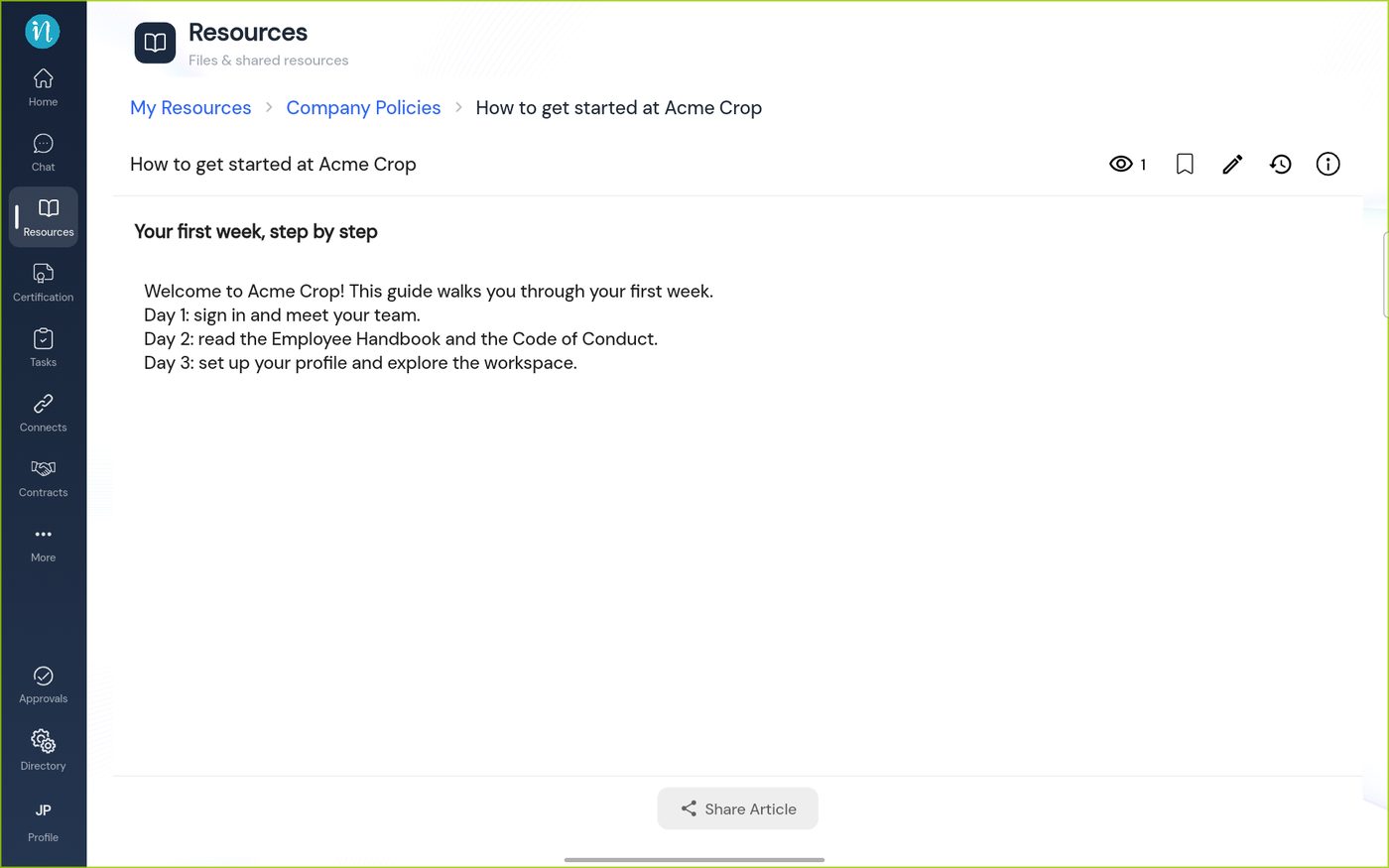
The published article after saving a draft
Good to know
- Version history is for your own articles. Seeing other people's article history needs a separate permission. See What you can do in Resources.
Last updated 2026-10-23