
Network Resources: what your partners share
Who can use thisMembers and Super Admins
Permission you need
View resources
Set by your workspace admin. If you cannot do this, ask them for access.This article is written for Member and Super Admin. Use the role switch at the top to change what the menus show.
The Network Resources tab shows what your partner organisations have chosen to share with you. It fills in by itself.
-
Tap the Network Resources tab at the top of Resources.
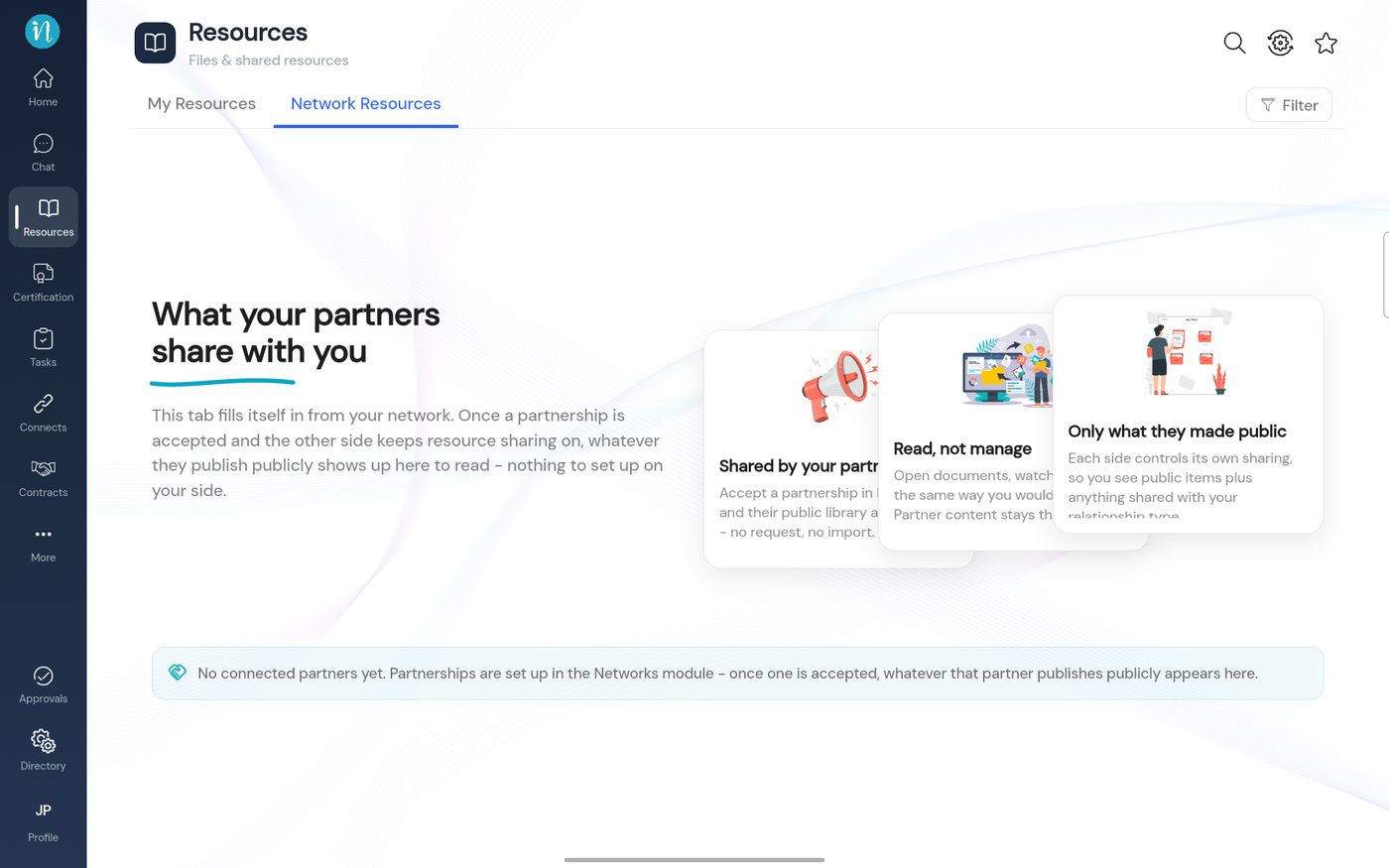
Network Resources
Sharing your own resources with partners
When you create a category, playlist or podcast, the Private choice has a Network option: Partners connected under the selected relationship can view this. See Who can see a category.
Last updated 2026-10-23