
The Resources library at a glance
Who can use thisMembers and Super Admins
Permission you need
View resources
Set by your workspace admin. If you cannot do this, ask them for access.This article is written for Member and Super Admin. Use the role switch at the top to change what the menus show.
Resources is a library with five kinds of things in it: categories that hold everything, documents and media, articles you write in the app, playlists of videos and podcasts of audio episodes.
-
Tap Resources in the sidebar. A brand-new library starts empty, with a short explanation.
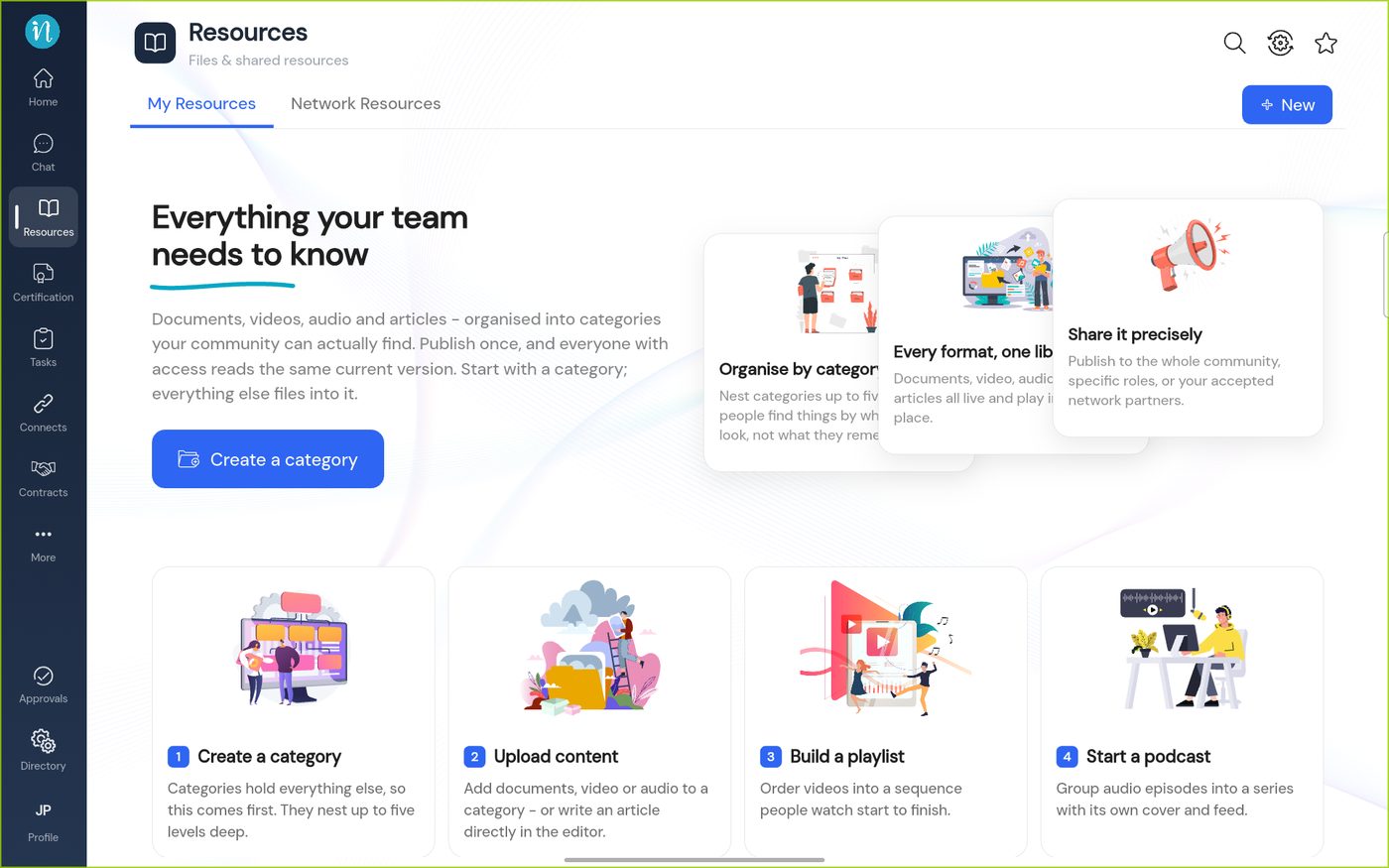
An empty library -
Once the library has things in it, the home page shows them in groups.
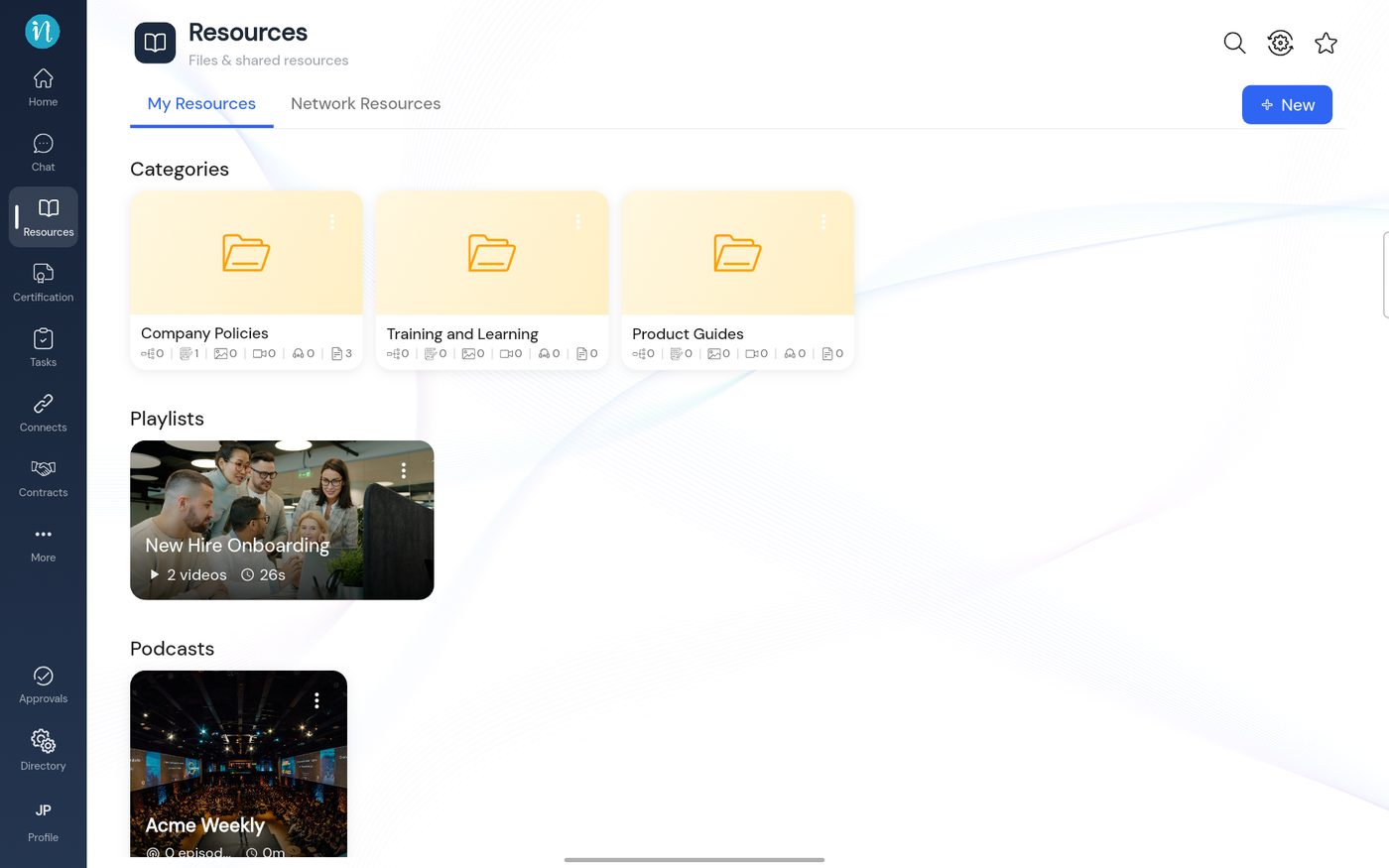
A library with categories, a playlist and a podcast
What you can add
As a Member you can open and read everything you have access to. Adding content needs the Add resources permission, which Members do not have by default. See What you can do in Resources.
| Kind | What it is | Guide |
|---|---|---|
| Category | A folder that holds content. Categories nest inside each other. | Create a category |
| Document or media | A PDF, Office file, picture, video or audio file | Upload a document or media file |
| Article | Text you write in the app's editor | Write an article |
| Playlist | An ordered set of videos | Build a playlist |
| Podcast | A series of audio episodes | Start a podcast |
Last updated 2026-10-23