
How to upload a document or media file
Who can use thisSuper Admins, and any role given this permission
Permission you need
Add resources
Set by your workspace admin. If you cannot do this, ask them for access.This article is written for Super Admin. Use the role switch at the top to change what the menus show.
Upload adds a PDF, an Office file, a picture, a video or an audio file to a category. You can also pick a file you already have in Drive.
Before you start: you need the Add resources permission, and a category to put it in. See Create a category.
-
Open the category, then tap + New → Upload. The Upload Content panel slides in.
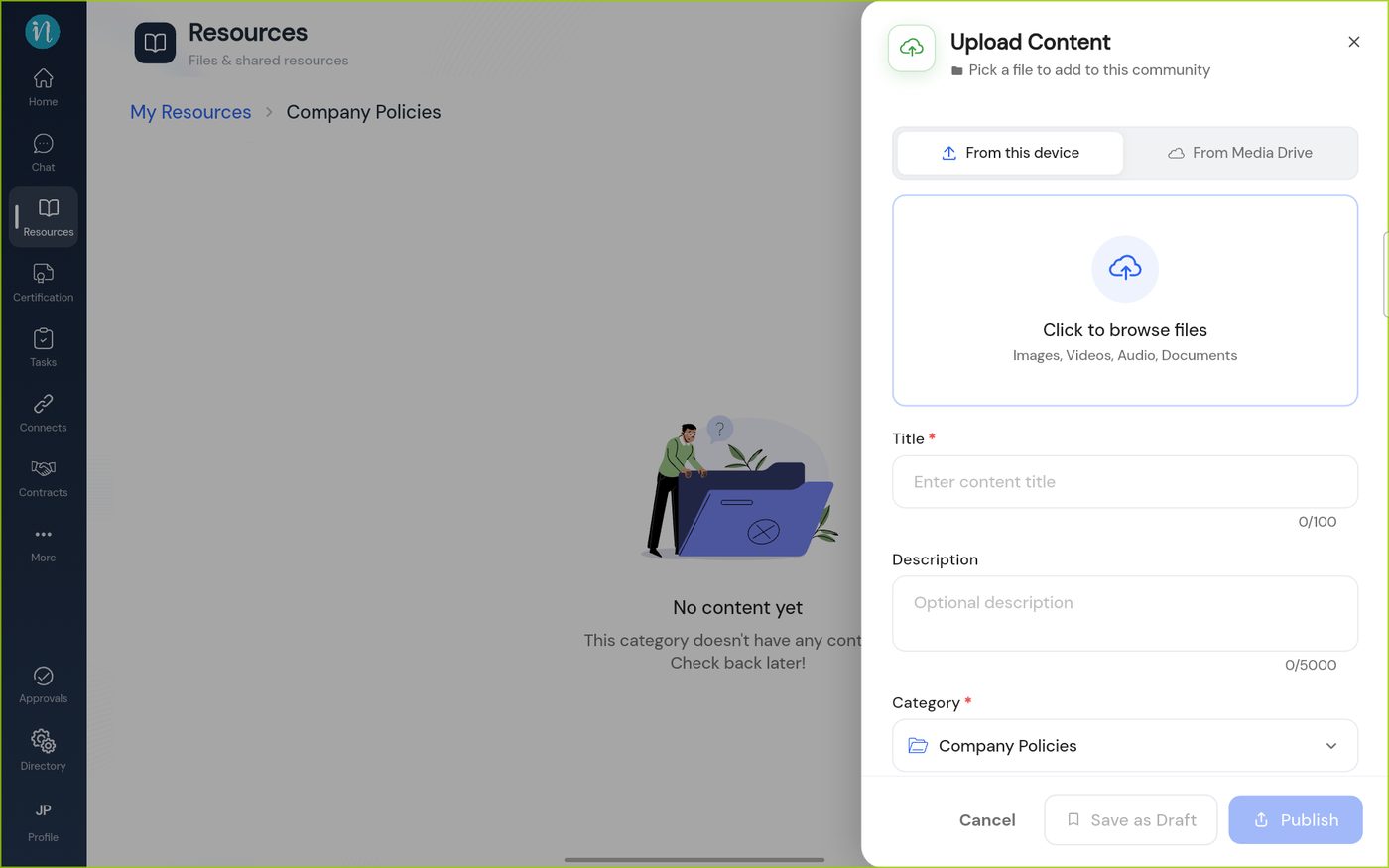
The Upload Content panel -
Tap Click to browse files and choose a file. The title fills in from the file name; change it if you like.
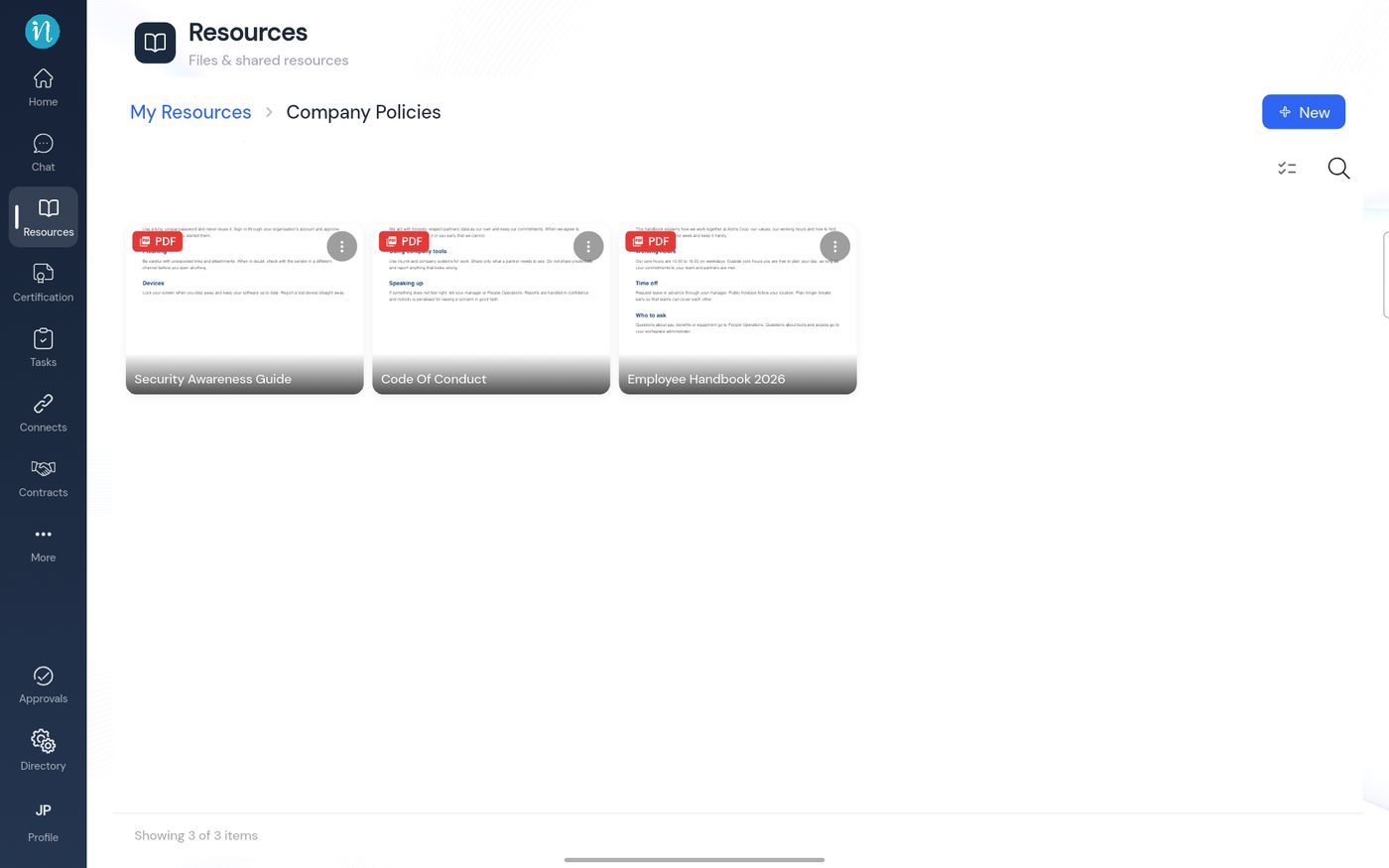
A category with three documents
Choose a file from Drive instead
Tap From Media Drive at the top of the panel and pick a file you already have in Drive, instead of browsing your device.
Draft or publish
- Publish makes it visible to everyone with access at once.
- Save as Draft keeps it to yourself until you are ready. See Publish, unpublish and drafts.
Last updated 2026-10-23