Playlists and podcasts
How to start a podcast
Who can use thisSuper Admins, and any role given this permission
Permission you needAdd resources
Set by your workspace admin. If you cannot do this, ask them for access. This article is written for Super Admin. Use the role switch at the top to change what the menus show.
A podcast is a series of audio episodes. It works like a playlist, but with sound.
-
Tap + New → New Podcast.
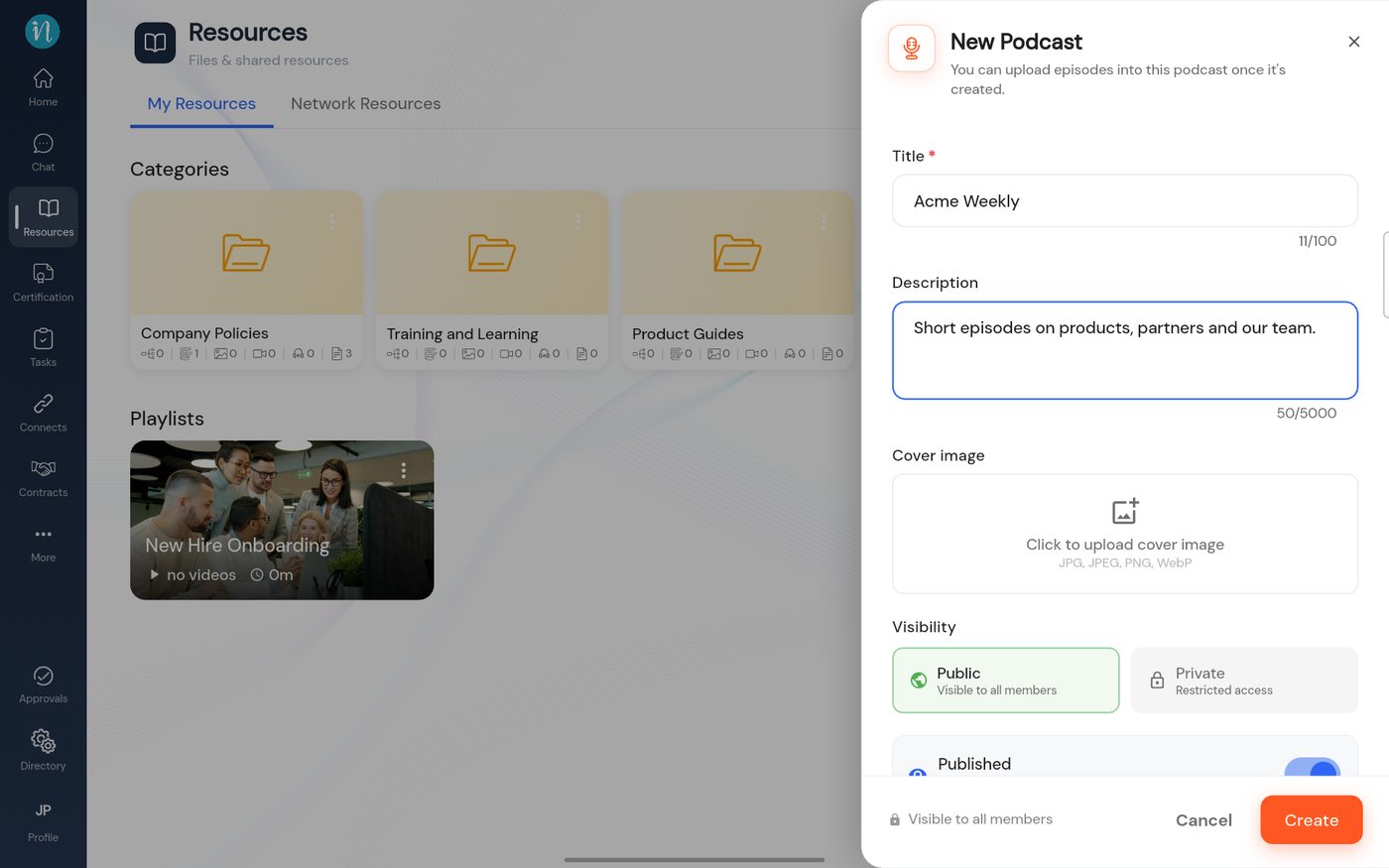 New Podcast
-
Tap Create. The podcast joins the library home.
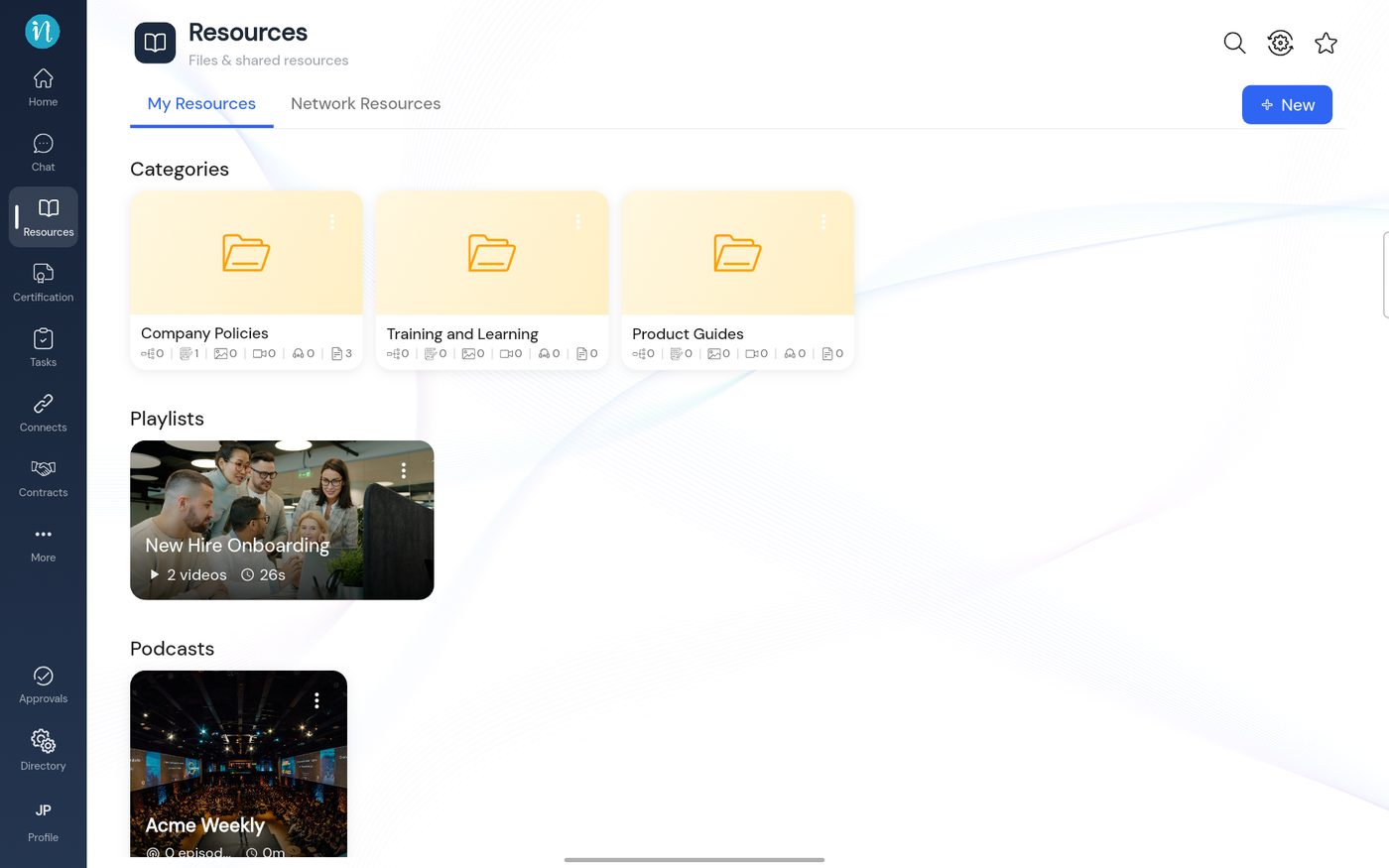 Categories, a playlist and a podcast
-
Open the podcast. It starts empty.
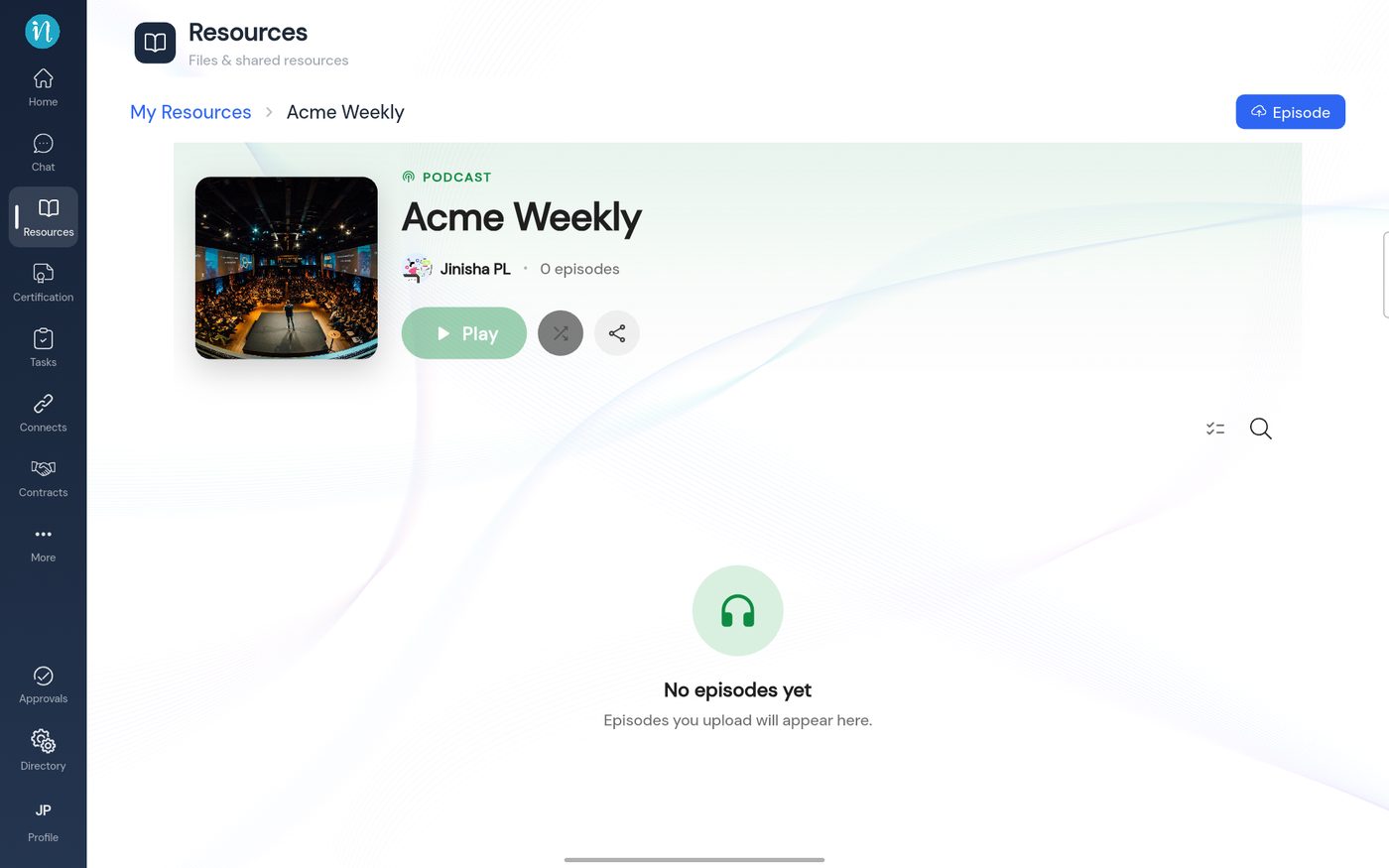 An empty podcast
-
Tap Episode and choose an audio file.
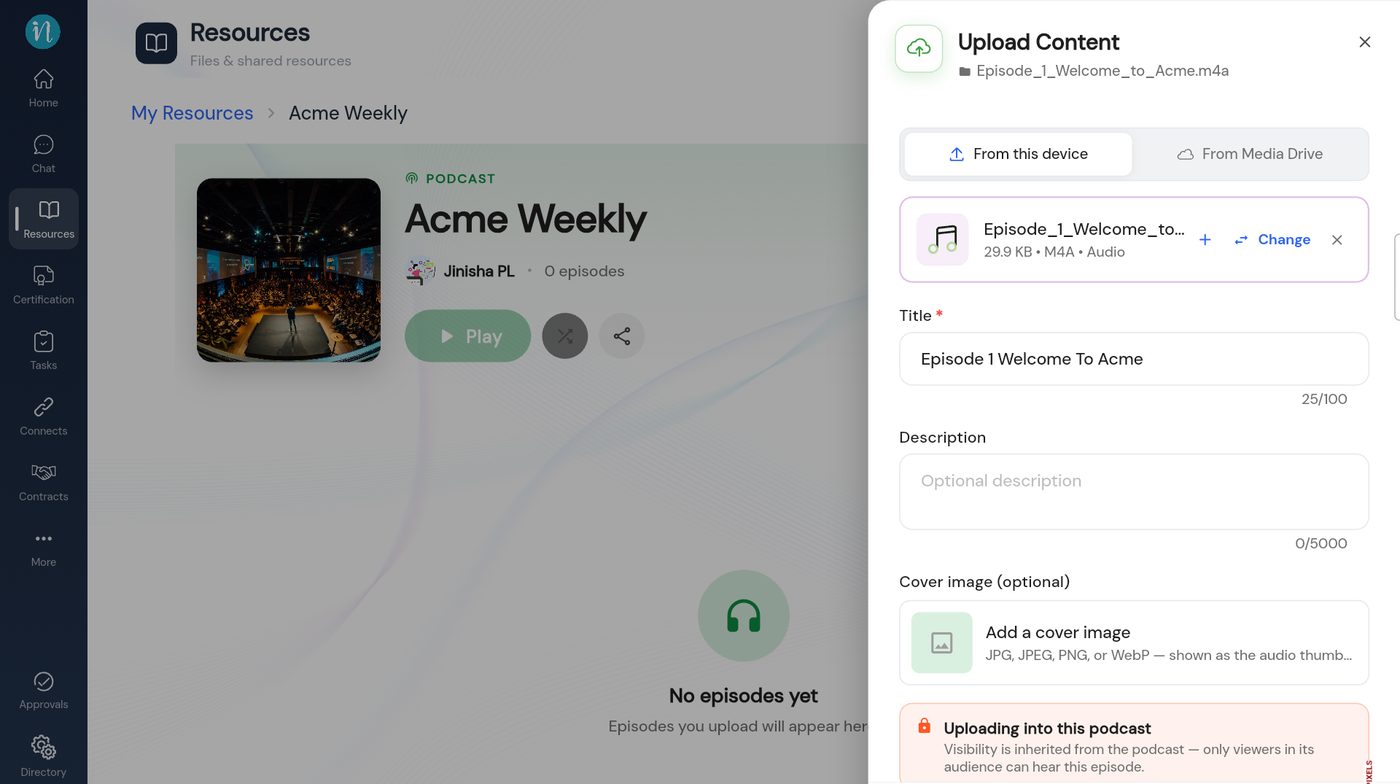 Uploading an episode
-
Add each episode. The podcast lists them.
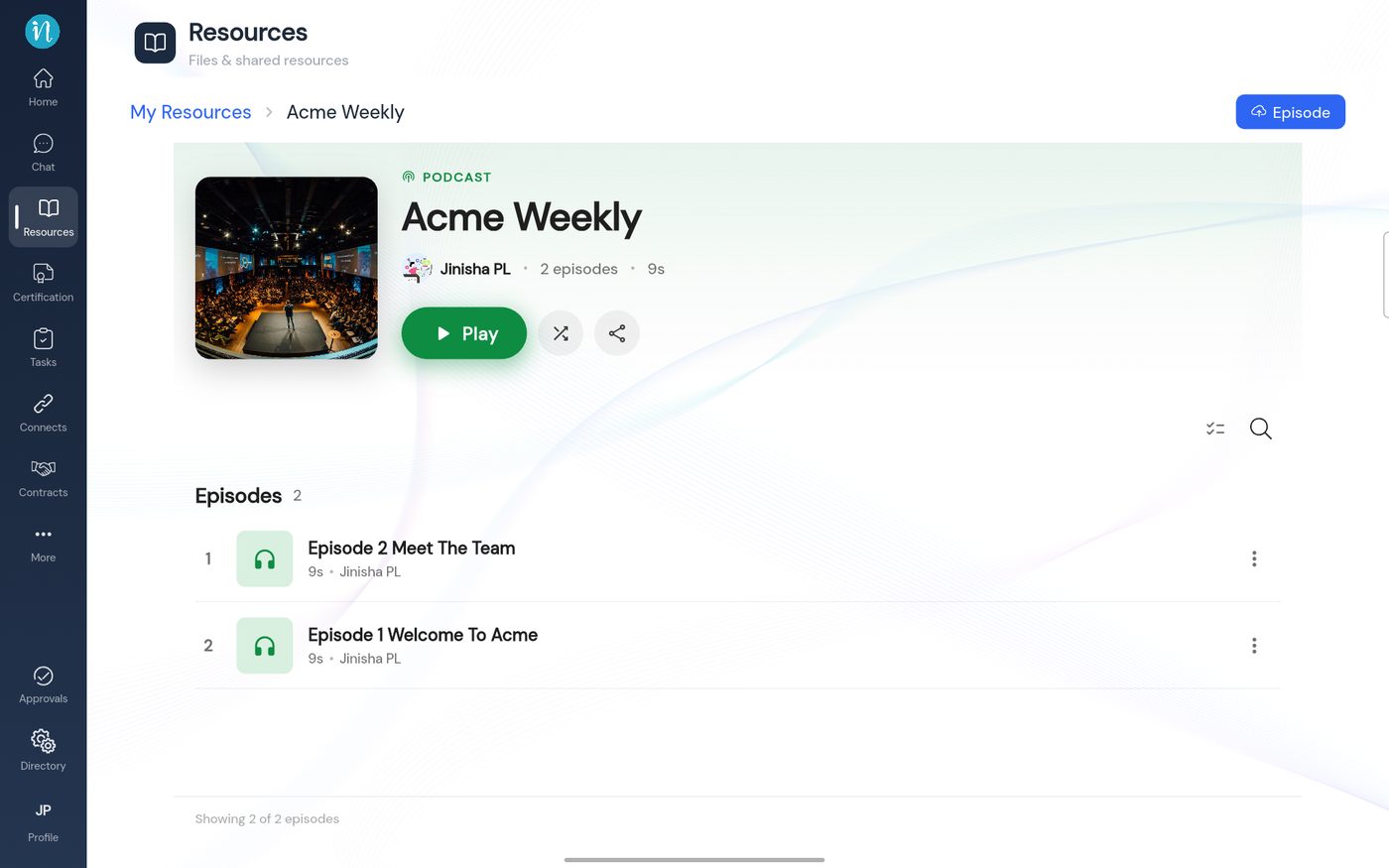 A podcast with two episodes
Last updated 2026-10-23
