Who can use thisSuper Admins, and any role given this permission
Permission you need
Add resources
Set by your workspace admin. If you cannot do this, ask them for access.
This article is written for Super Admin. Use the role switch at the top to change what the menus show.
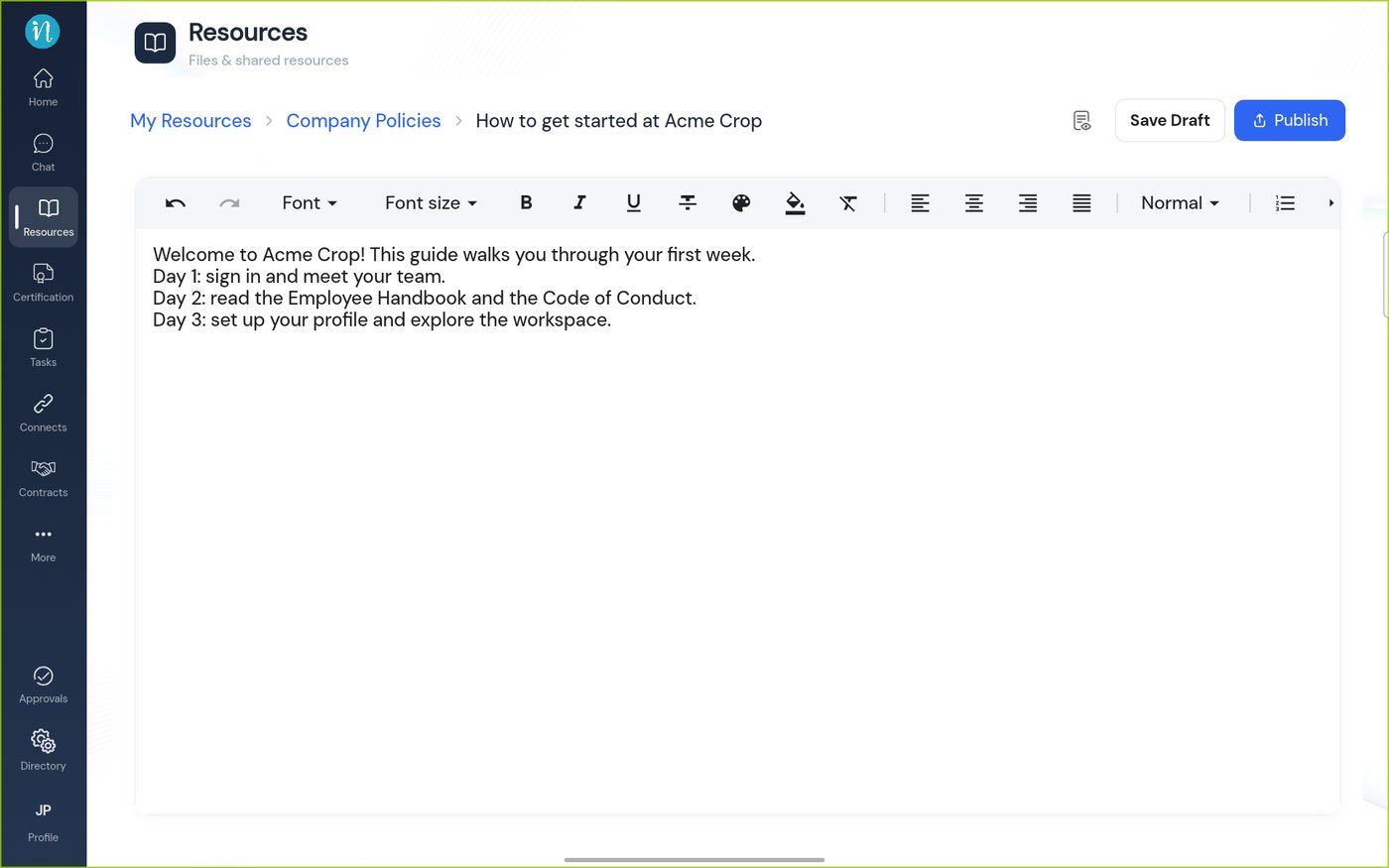
An article is text you write in the app's own editor, with formatting, a cover picture and version history. Use it for guides, policies and updates that you want to keep current.
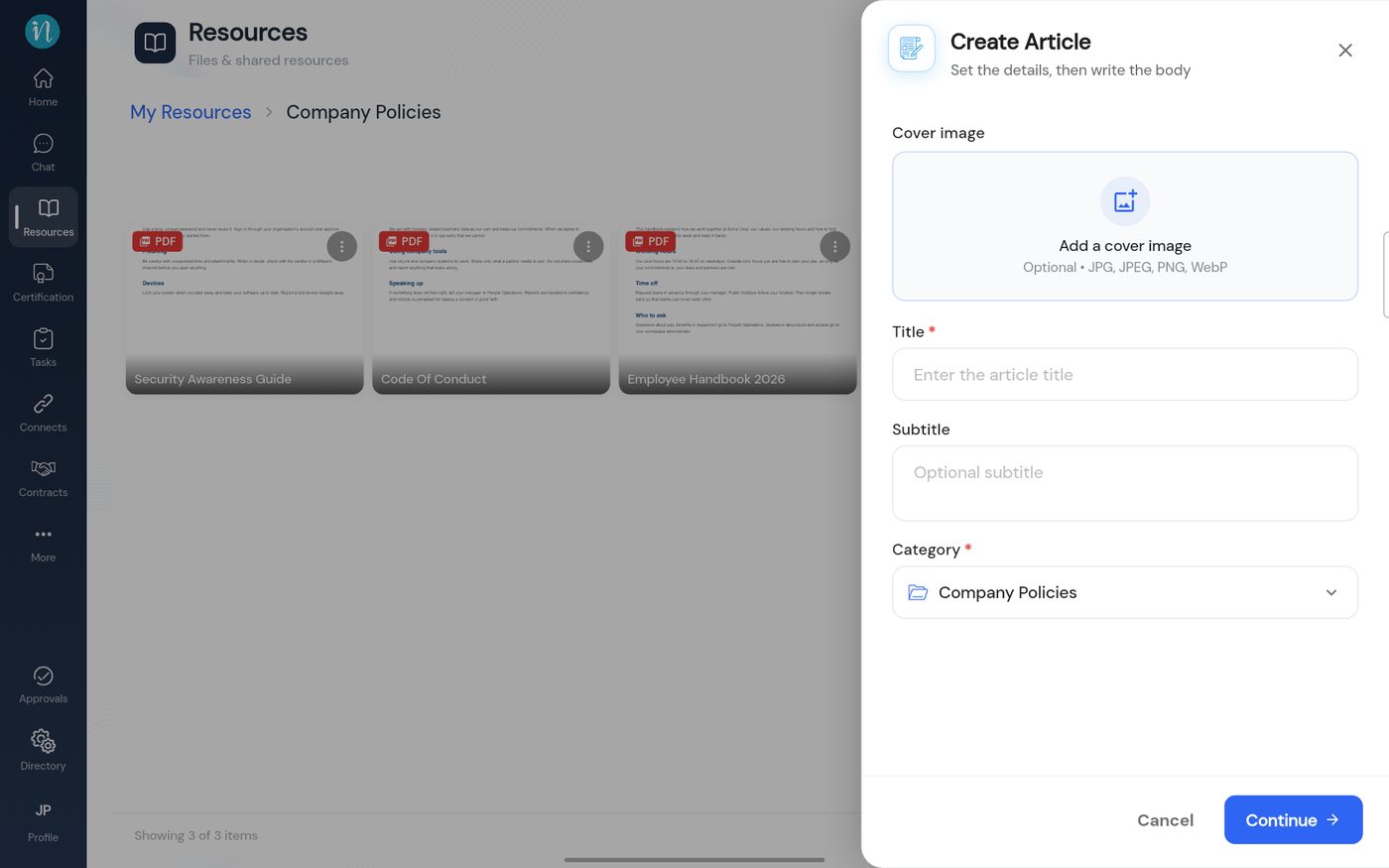
Open a category and tap + New → Create Article. A short form asks for the details first.
The Create Article details
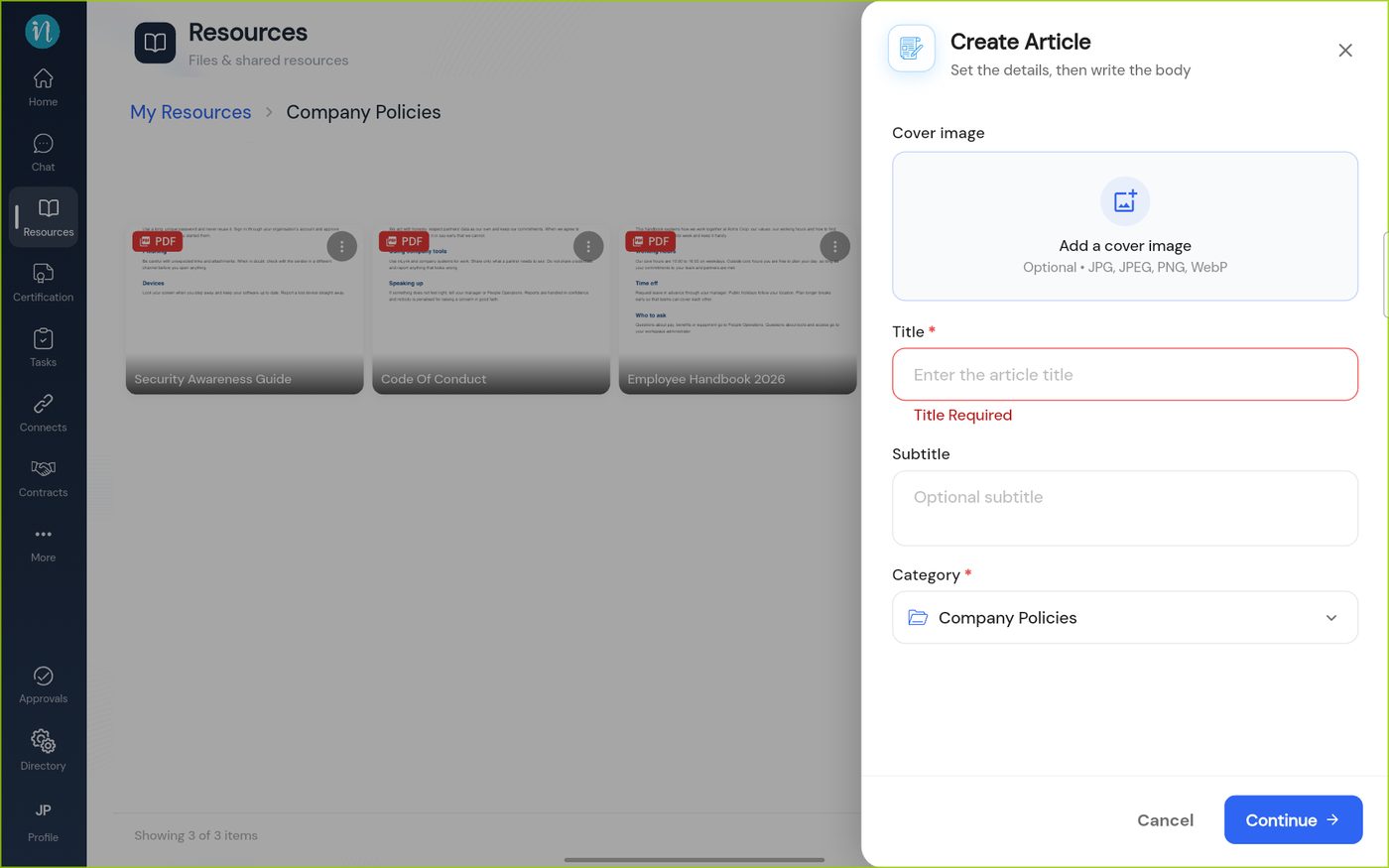
The title is required. If you tap Continue without one, the field turns red.
A missing title
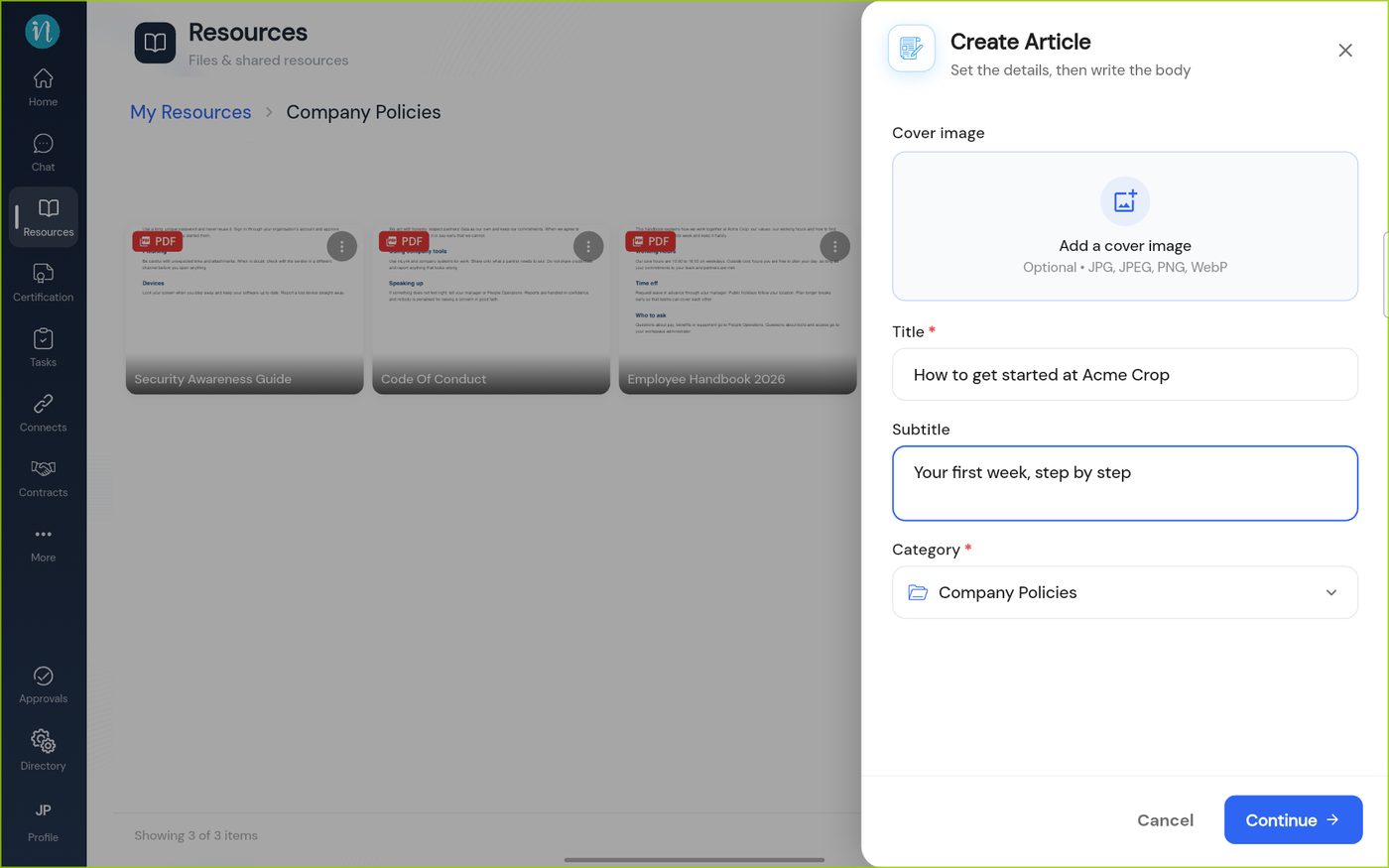
Fill in the title and subtitle, and add a cover picture if you like.
The details filled in
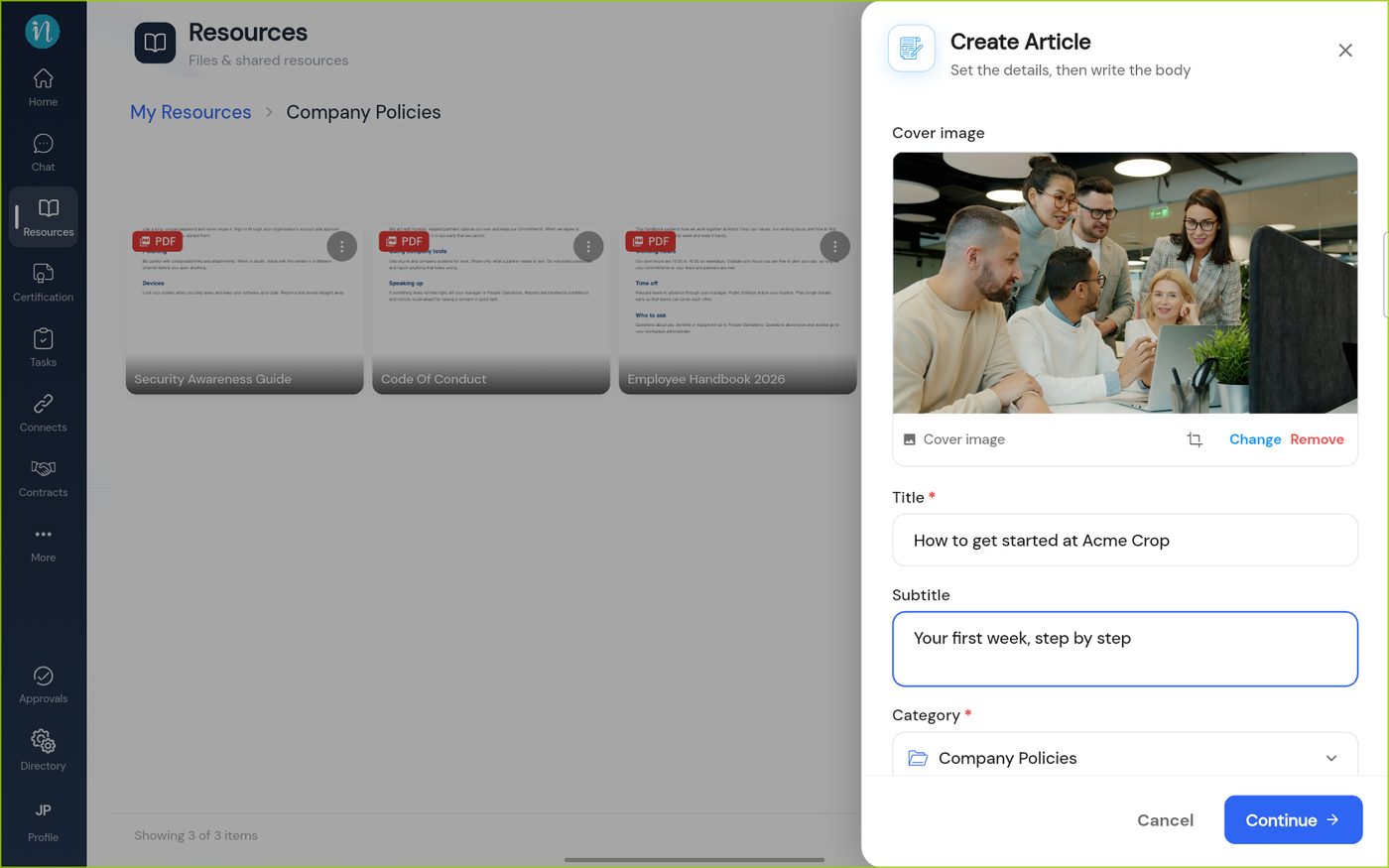
Tap Add a cover image and choose a picture from your device. It appears at the top of the form.
A cover image added
Tap Continue. The editor opens. Write your article.
The article editor
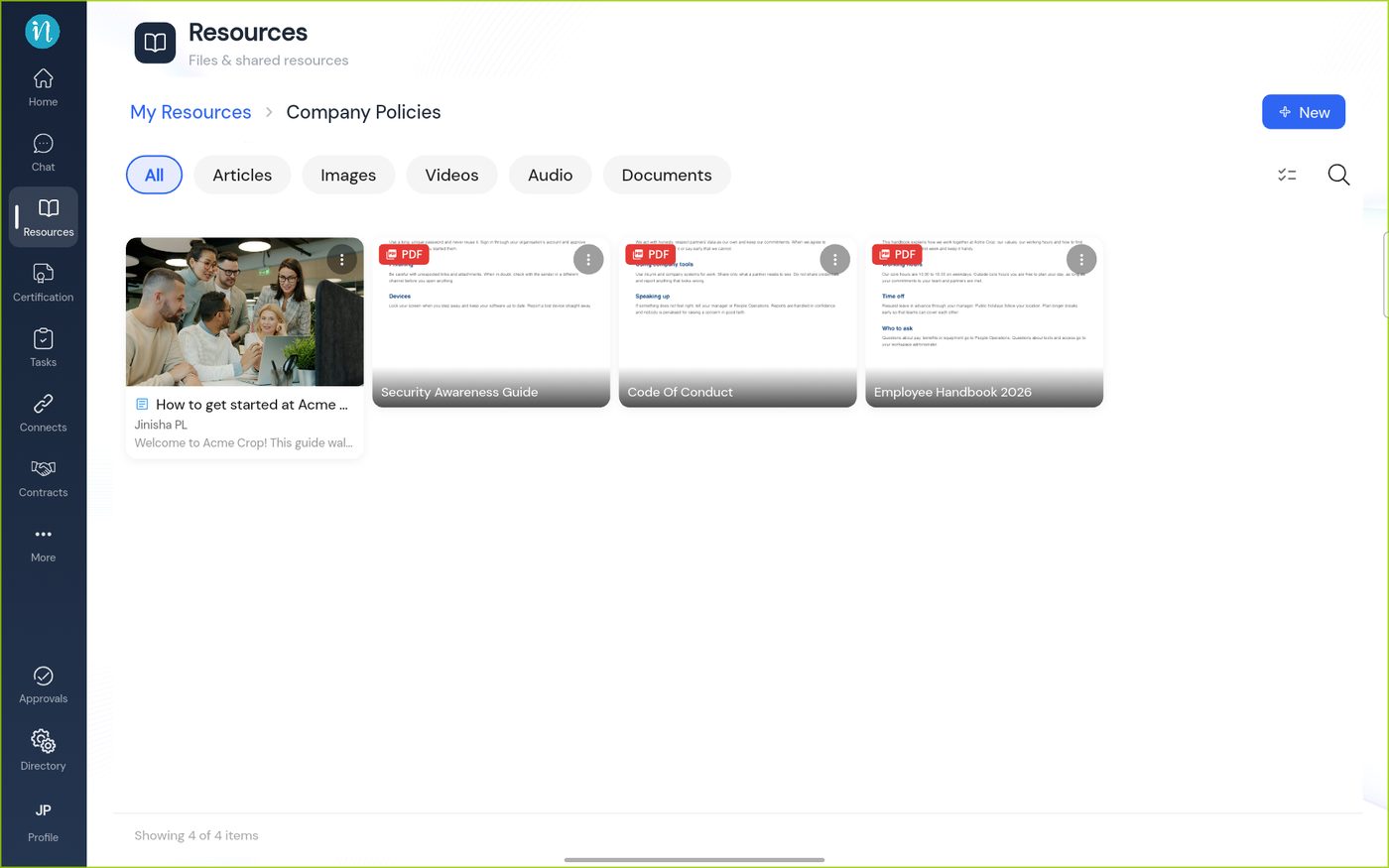
Tap Publish when you are ready. The article joins the category, with its cover picture.