
Search the library and save things to My Library
Who can use thisMembers and Super Admins
Permission you need
View resources
Set by your workspace admin. If you cannot do this, ask them for access.This article is written for Member and Super Admin. Use the role switch at the top to change what the menus show.
Two icons at the top right of Resources help you find things again.
Search
-
Tap the magnifier. A search box opens in its place. Type a word.
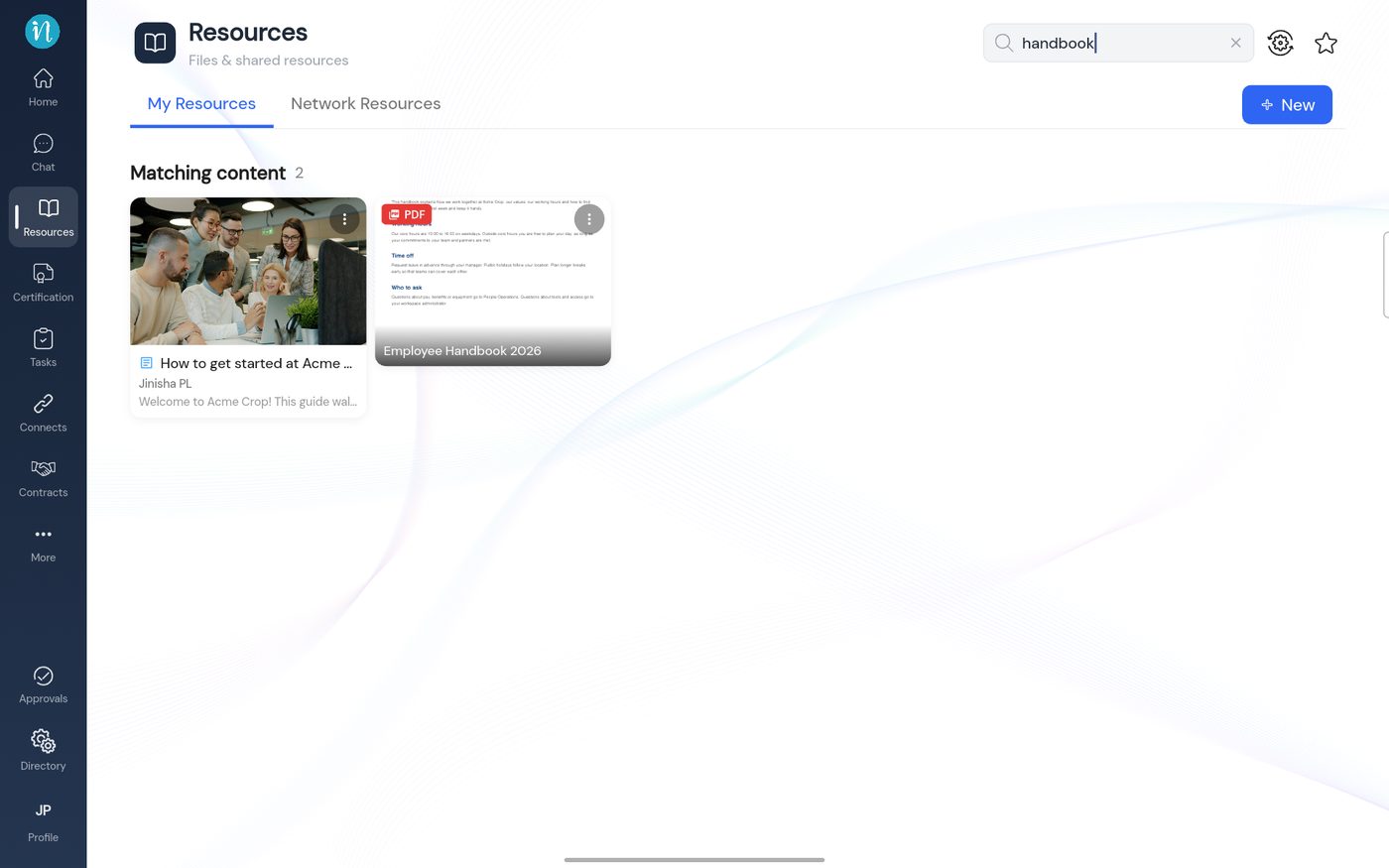
Search results
My Library
My Library collects the things you saved with a bookmark or Save, so you can get back to them fast.
-
Tap the star at the top right.
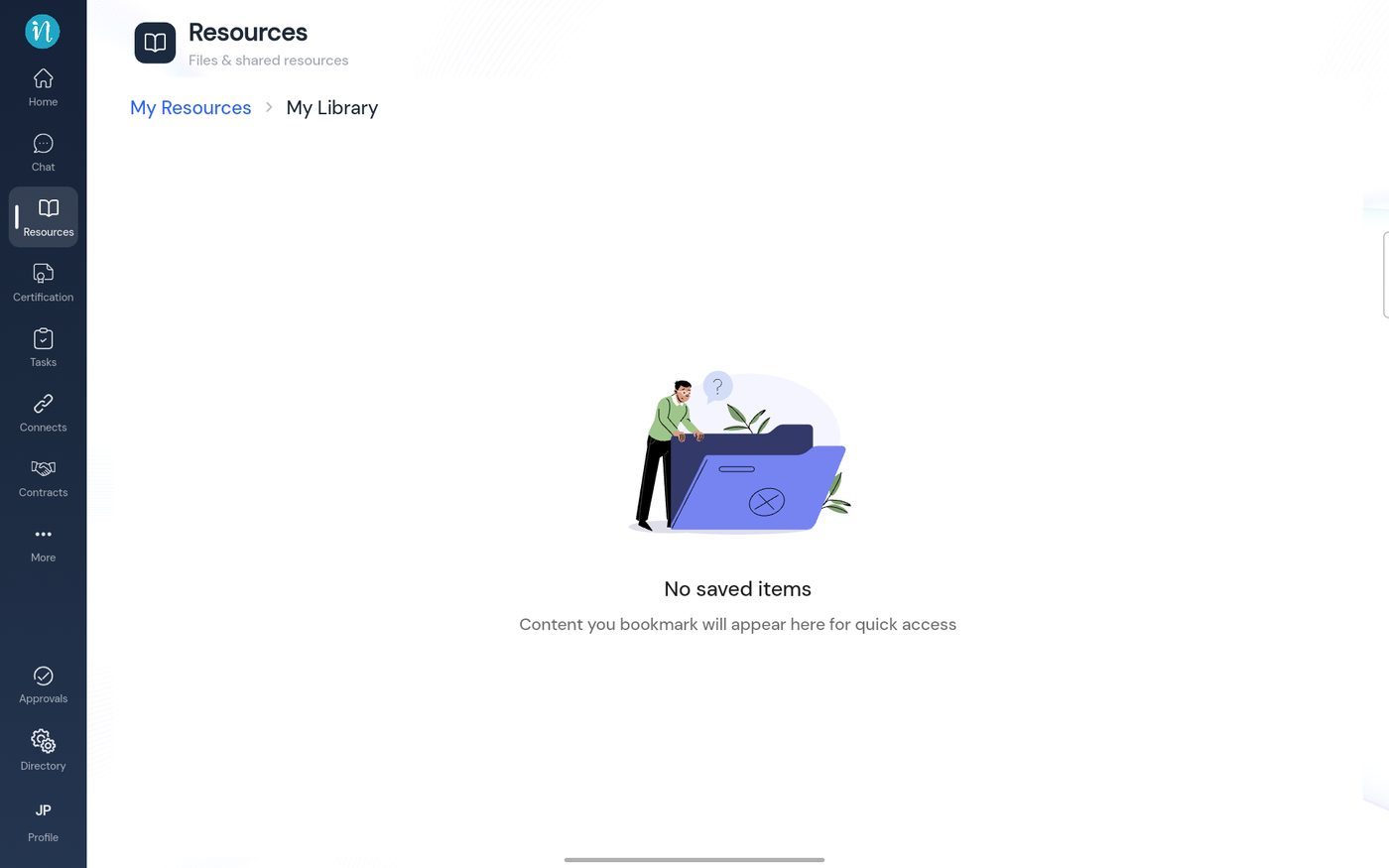
My Library with nothing saved -
To save something, tap ⋮ on a card and choose Save, or tap the bookmark in a viewer.
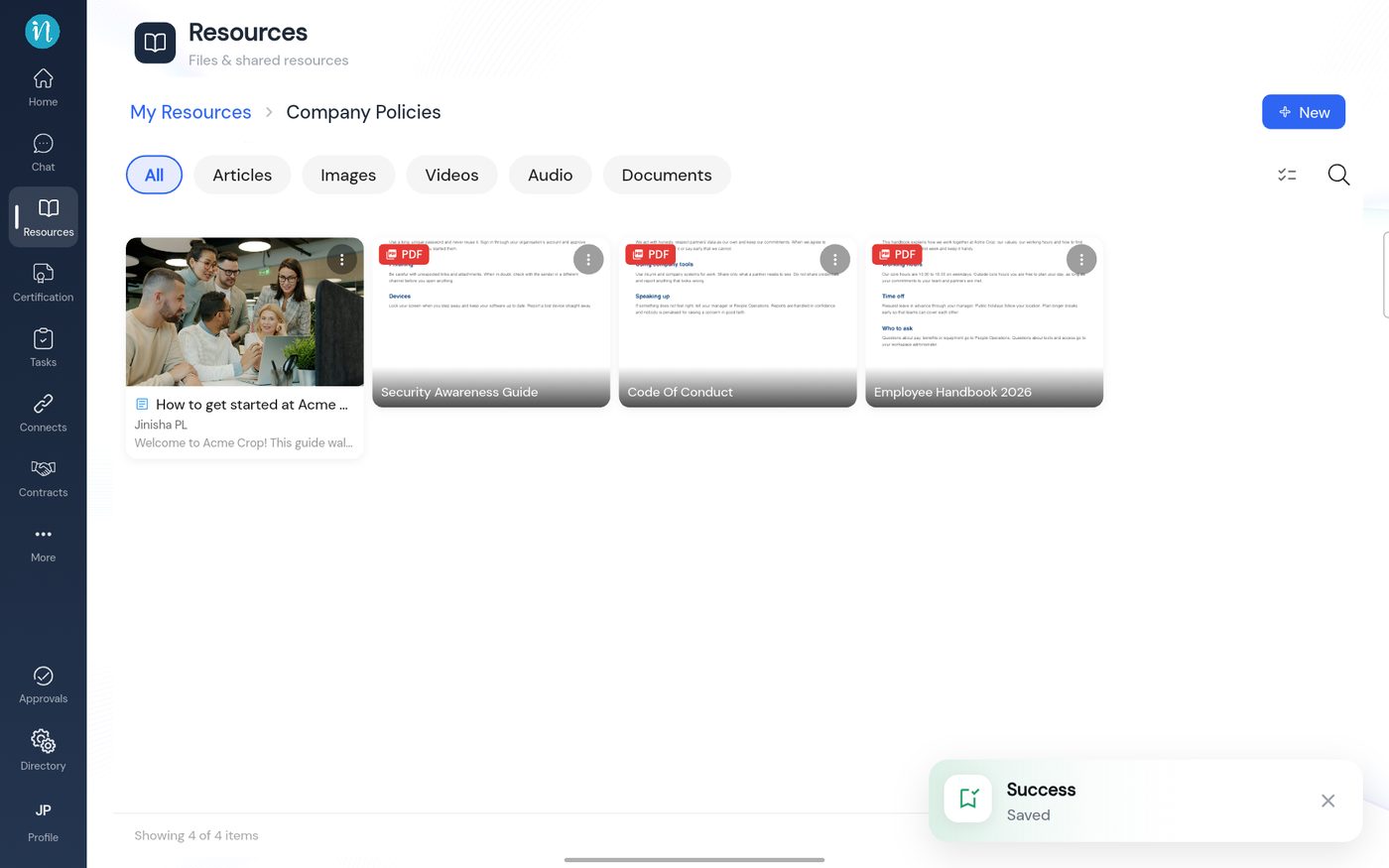
Saved
Last updated 2026-10-23