View tasksSee the whole workspace's capacity (Team)
Set by your workspace admin. If you cannot do this, ask them for access.
This article is written for Member and Super Admin. Use the role switch at the top to change what the menus show.
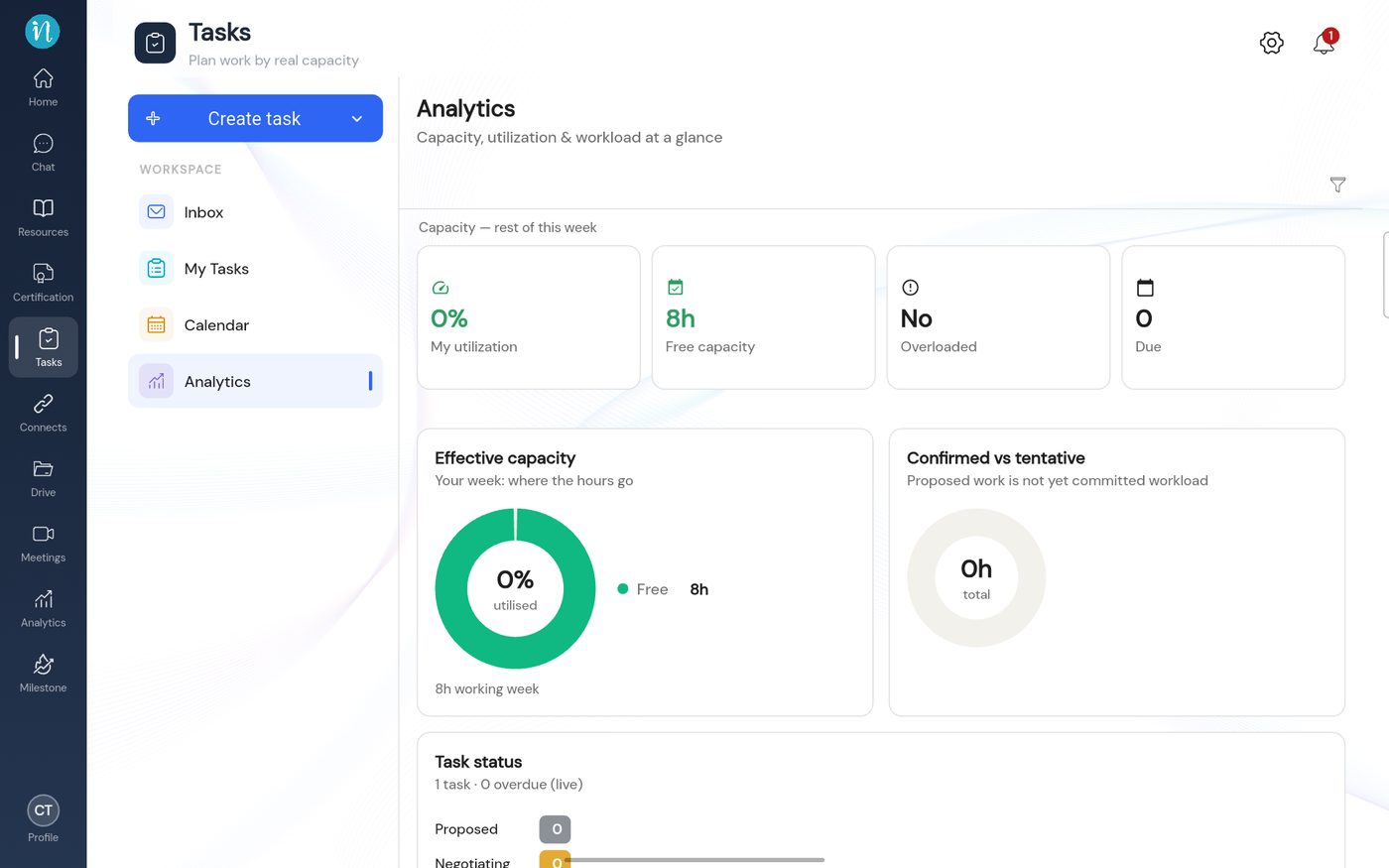
Analytics shows how loaded you are and how your tasks are going.
Open Tasks → Analytics.
Your Tasks analytics
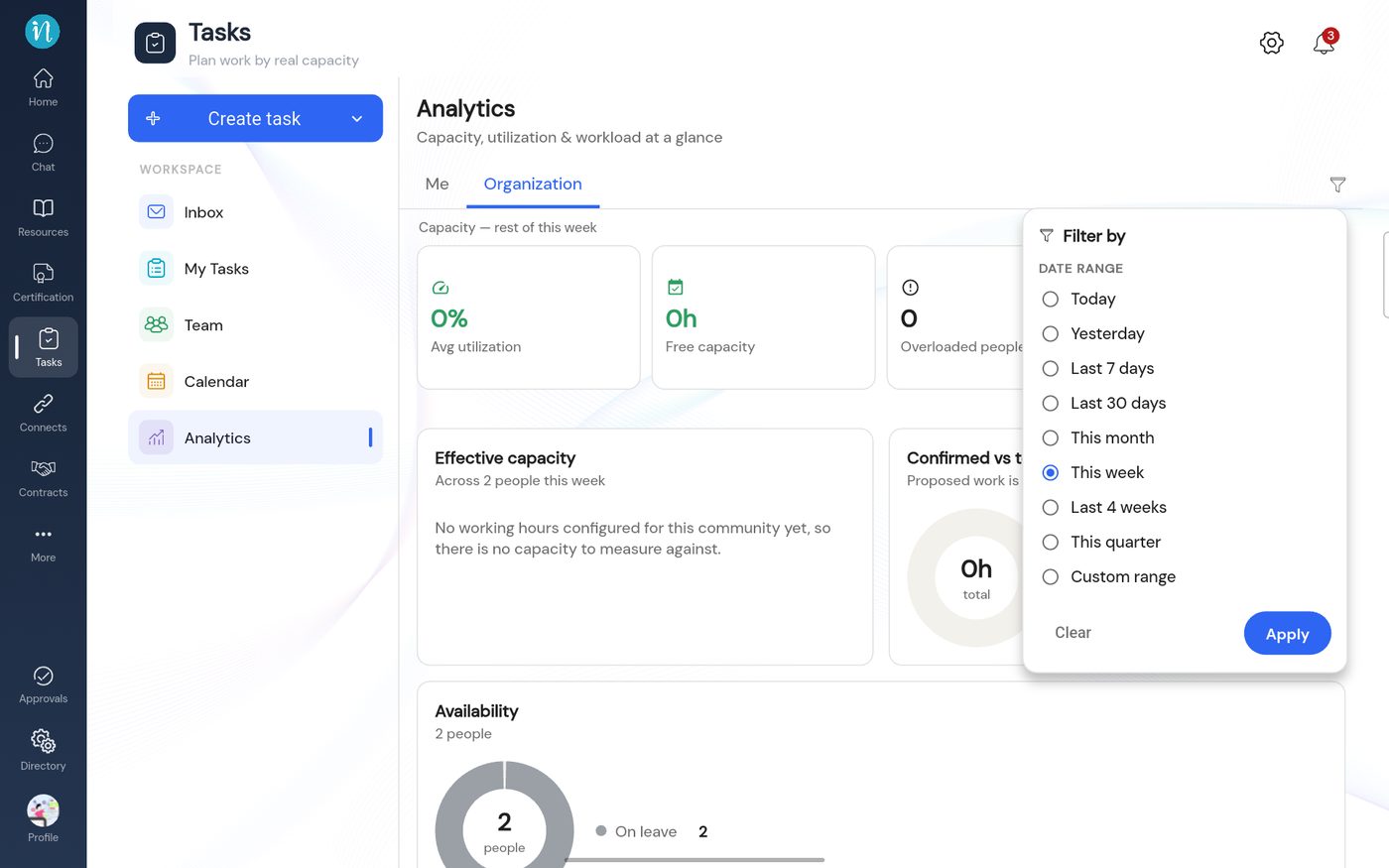
Change the date range
Tap the filter icon at the top right of Analytics.
Filter by date range
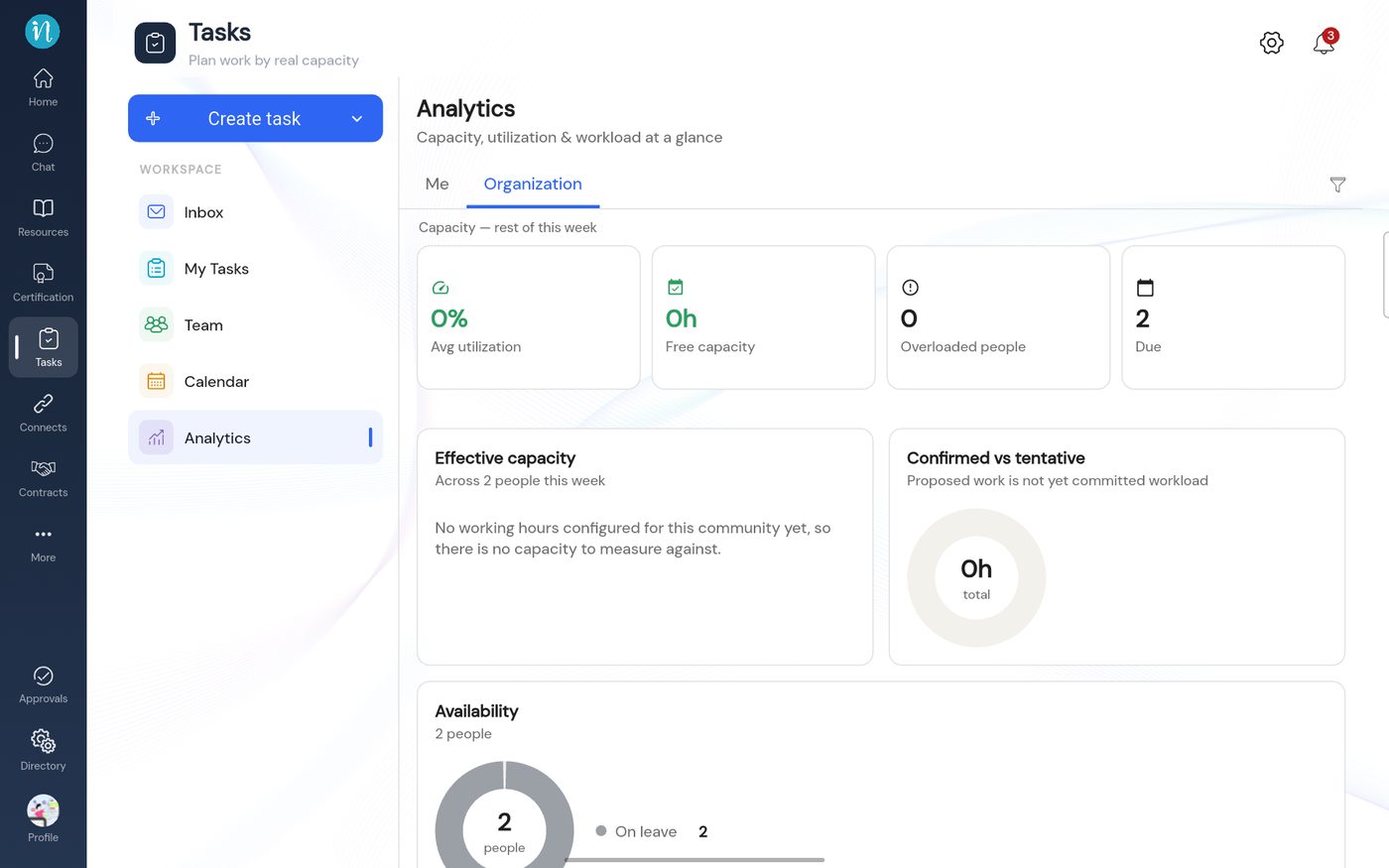
The Organization tab
People with the View org permission see two tabs: Me and Organization.
Tap Organization. It shows the same cards for the whole workspace.
Organization analytics
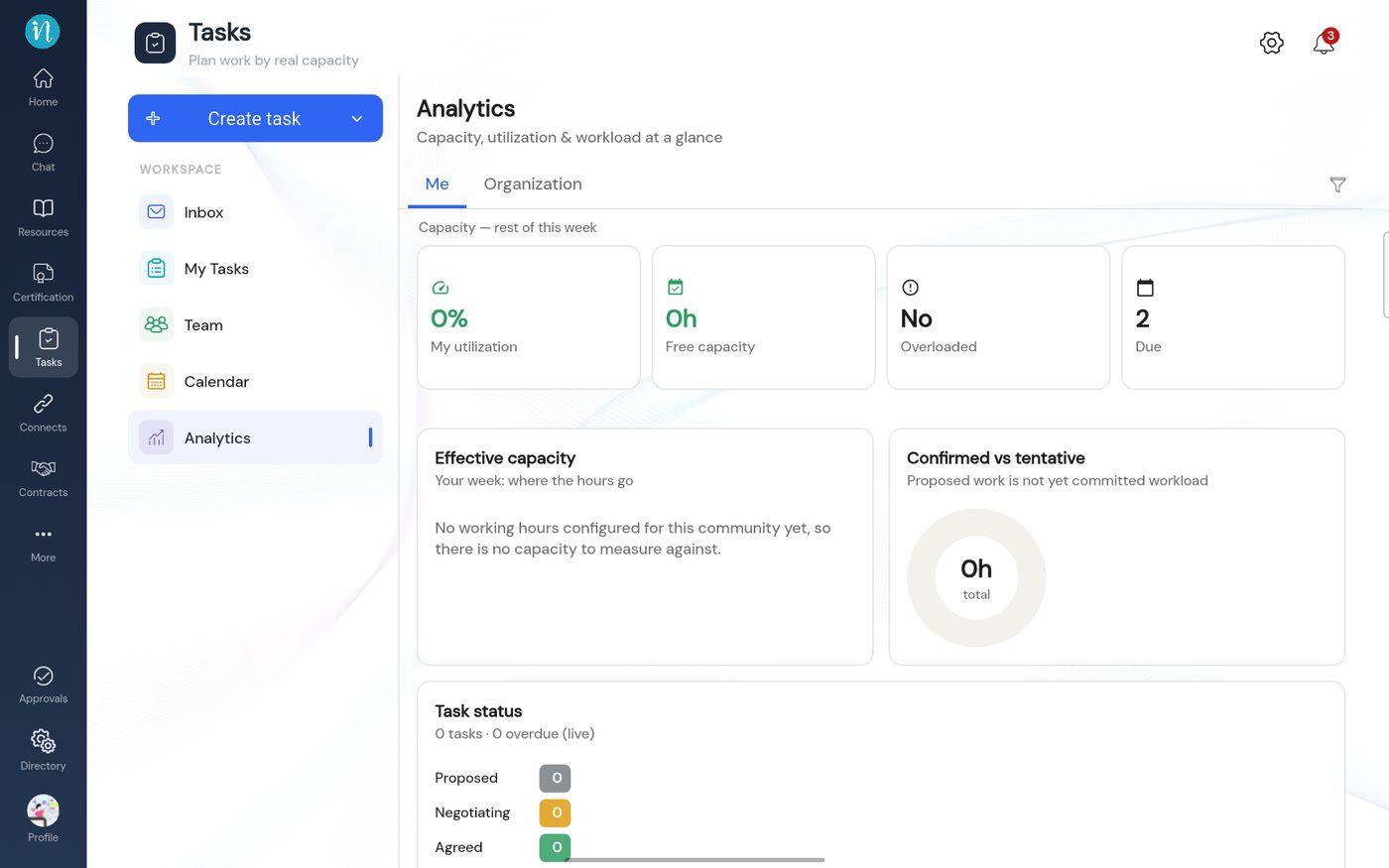
If you see "No working hours configured"
When the workspace has no working hours, the Effective capacity card says so instead of showing a chart. A Super Admin fixes this in Set working hours.
This is how the Me tab looks before working hours are set.