
How to attach files to a task
Who can use thisMembers and Super Admins
Permissions you need
View tasksCreate tasks
Set by your workspace admin. If you cannot do this, ask them for access.This article is written for Member and Super Admin. Use the role switch at the top to change what the menus show.
You can add documents and pictures to a task so the person doing it has what they need.
-
On the Details step, tap Add files under Attachments. Your device's file picker opens.
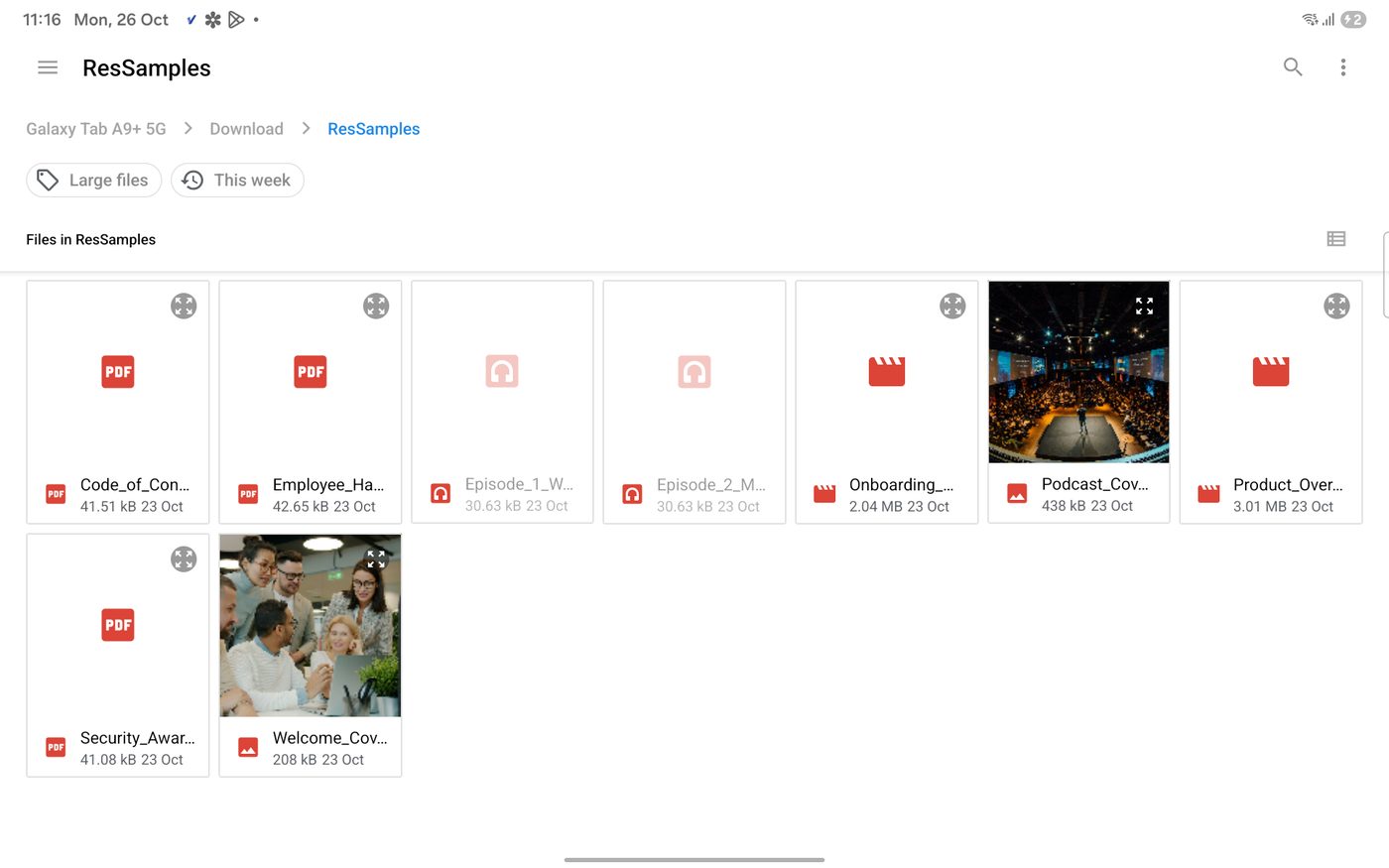
Choosing a file -
The file appears under the box. Tap the x to remove it, or Add files again for more.
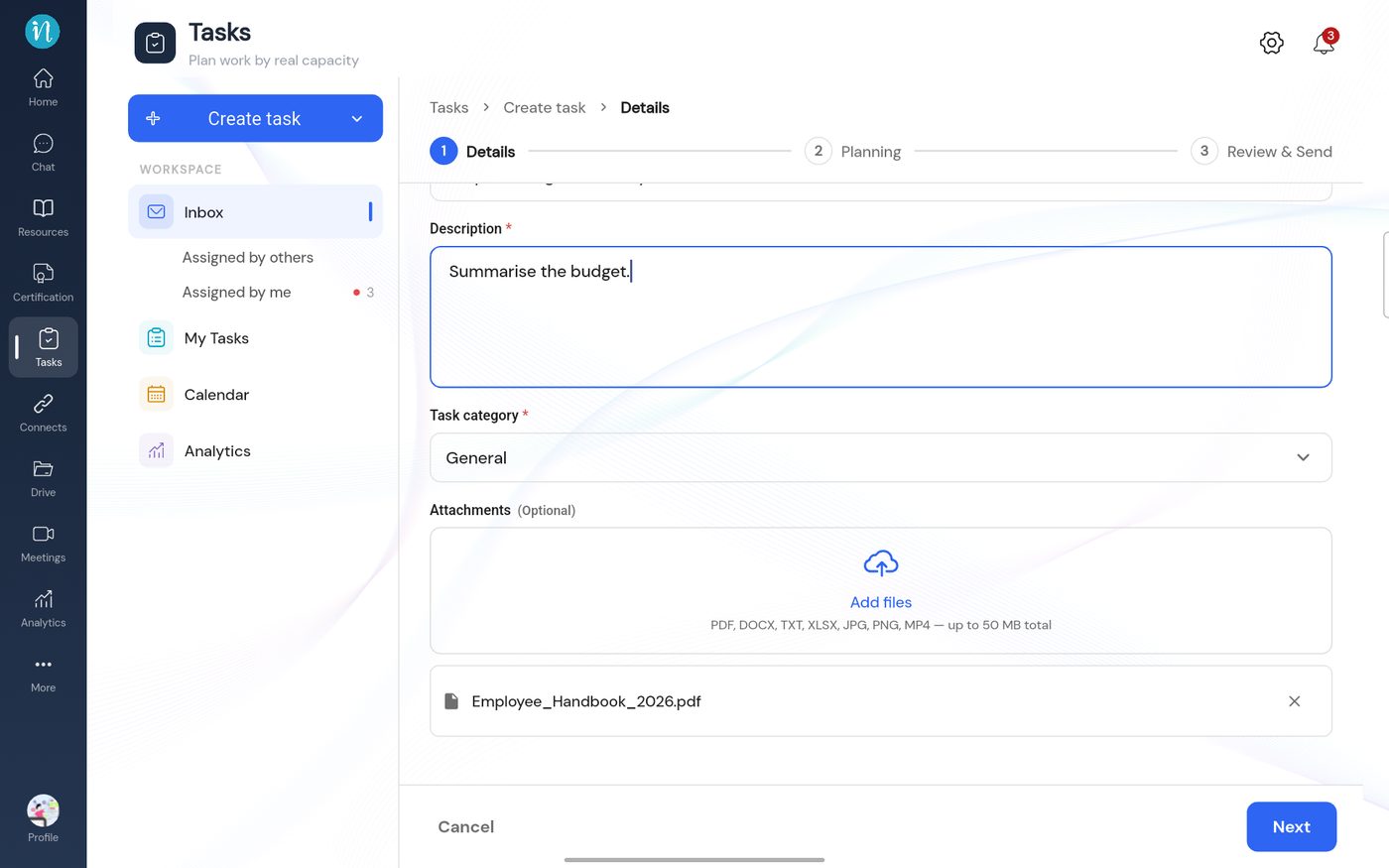
A file attached to the task
The file is uploaded when you send or create the task.
Last updated 2026-10-23