
How to set working hours
Who can use thisSuper Admins, and any role given this permission
Permission you need
Set working hours and holidays
Set by your workspace admin. If you cannot do this, ask them for access.This article is written for Super Admin. Use the role switch at the top to change what the menus show.
Working hours decide how many hours each person has free. Until they are set, everyone shows 0h free and tasks cannot be planned.
Before you start: you need the Manage permission for Tasks. Super Admins have it.
-
Open Tasks, tap the gear at the top right, then Working hours. A workspace with no hours set shows no days switched on.
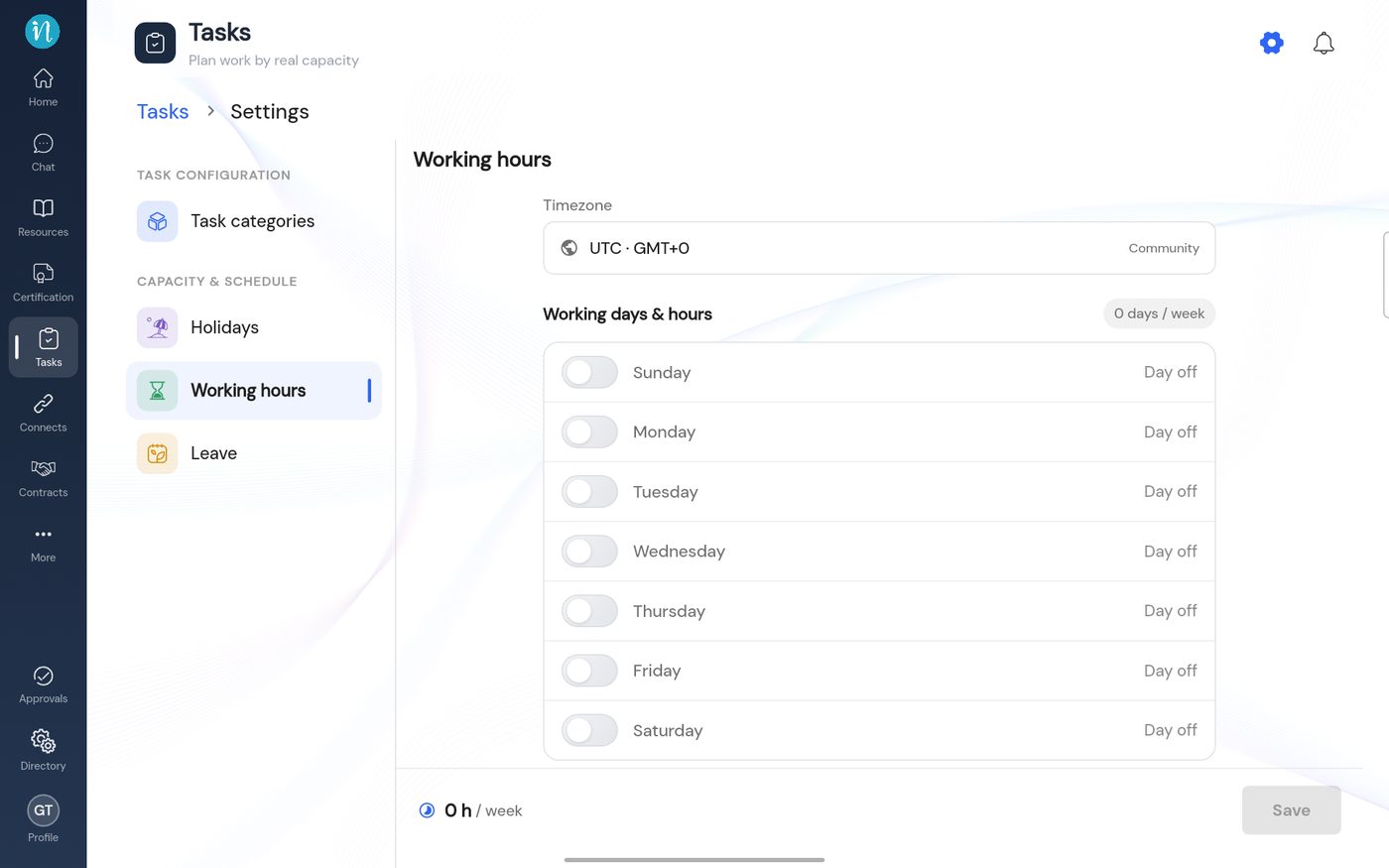
Working hours before anything is set -
Switch on each working day and set the start and end time, then tap Save.
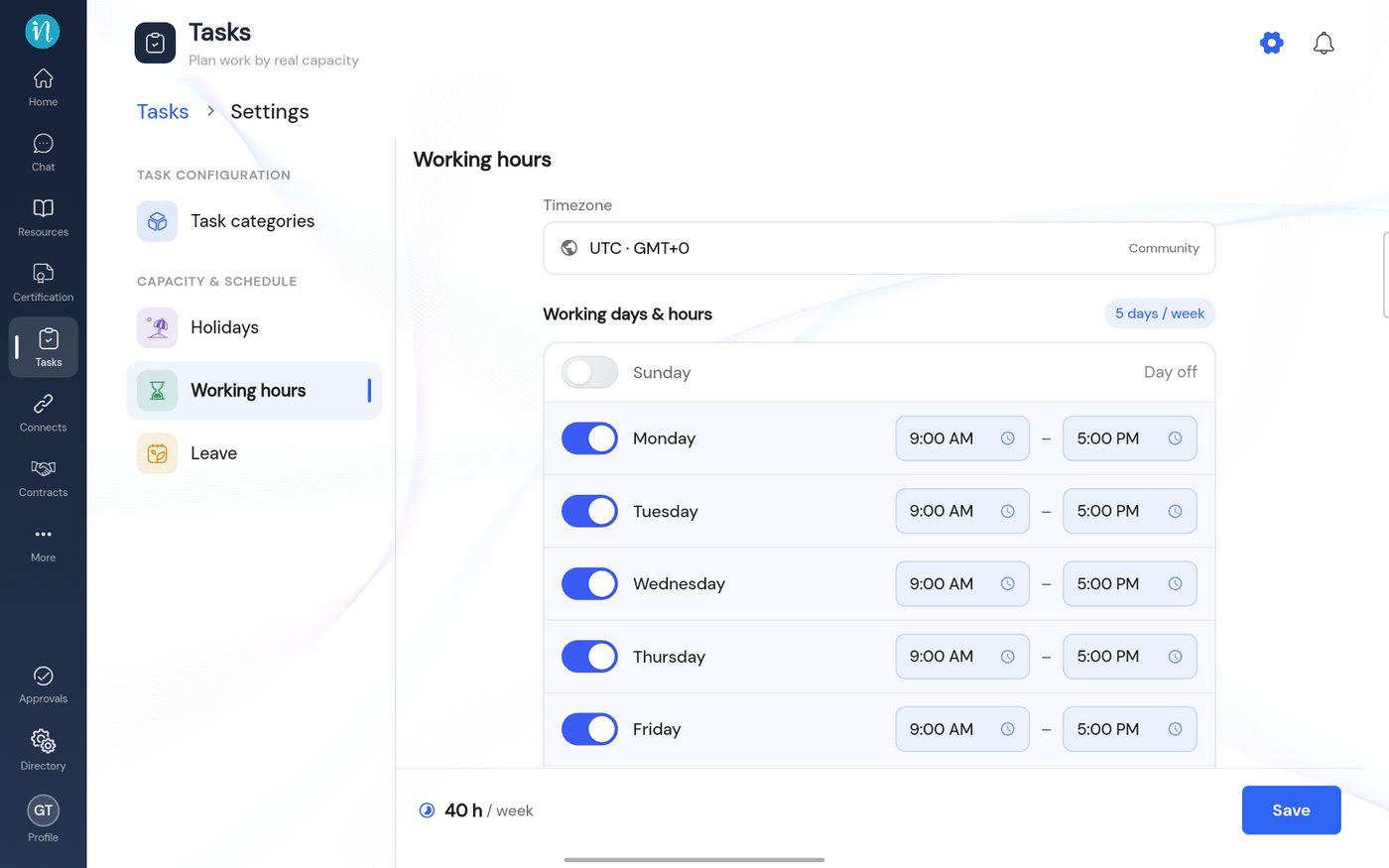
Working hours set for Monday to Friday
Good to know
Last updated 2026-10-23